1
0

Delete article

Deleted articles cannot be recovered.

Draft of this article would be also deleted.

Are you sure you want to delete this article?

(アップデート)AWS Builder ID が Apple でのサインインをサポートできるようになりました

Posted at

はじめに

先日、Googleアカウントを使用してAWS Builder IDへのサインインができるようになりましたが、
今回はAppleの認証情報を使用してAWS Builder IDへのサインインができるようになりました。

Builder IDを使用してサインインするもの

・AWS Skill Builder
・AWS Builder Center
・AWS re:Post
・CertMetrics
・Kiro
等が挙げられます。

AWS Skill Builder

Training and Certificationのサインイン画面で、AWS Builder IDの「Create or Sign in」を選択します。
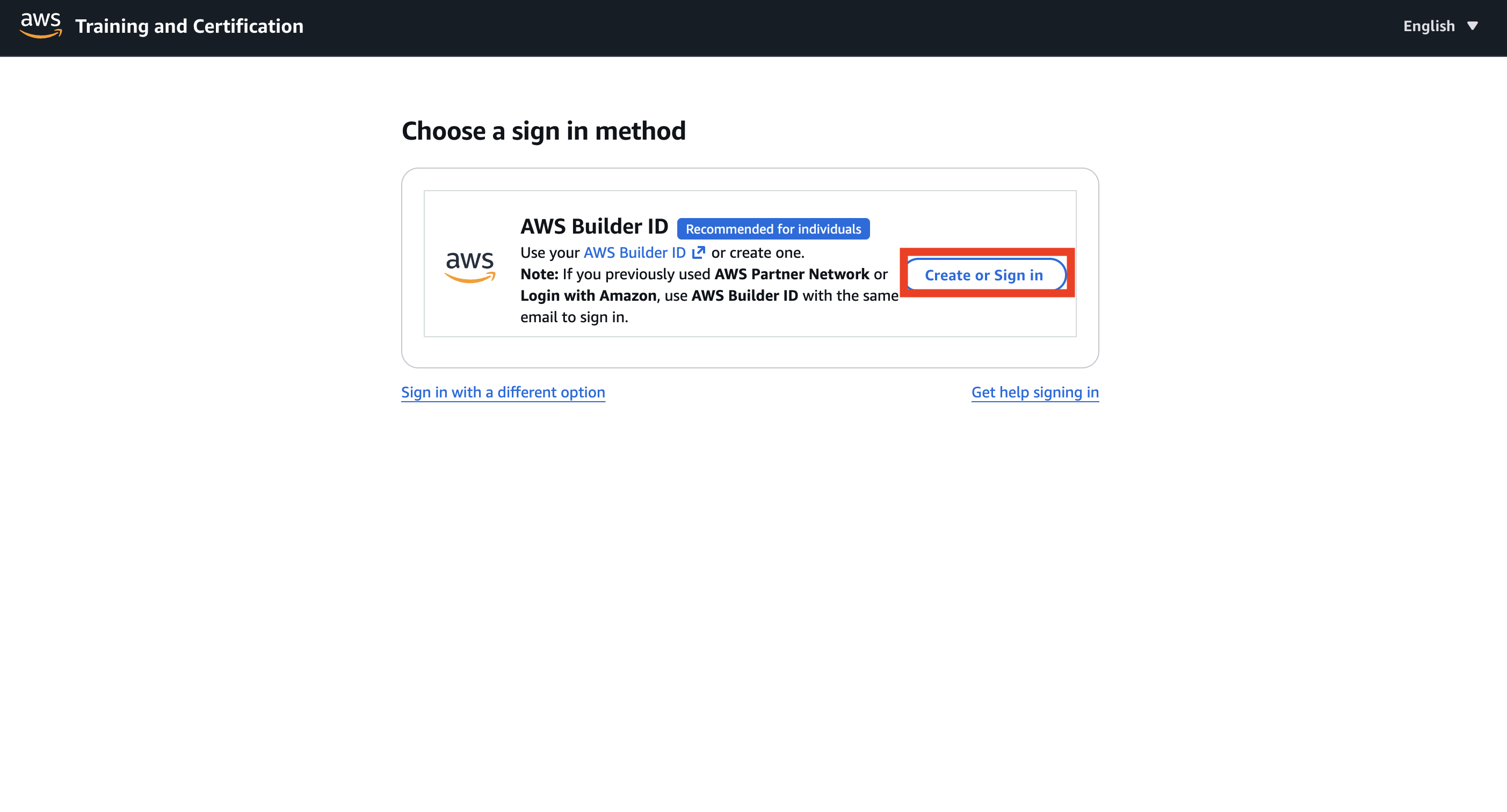
スクリーンショット 2026-02-06 9.52.29.png

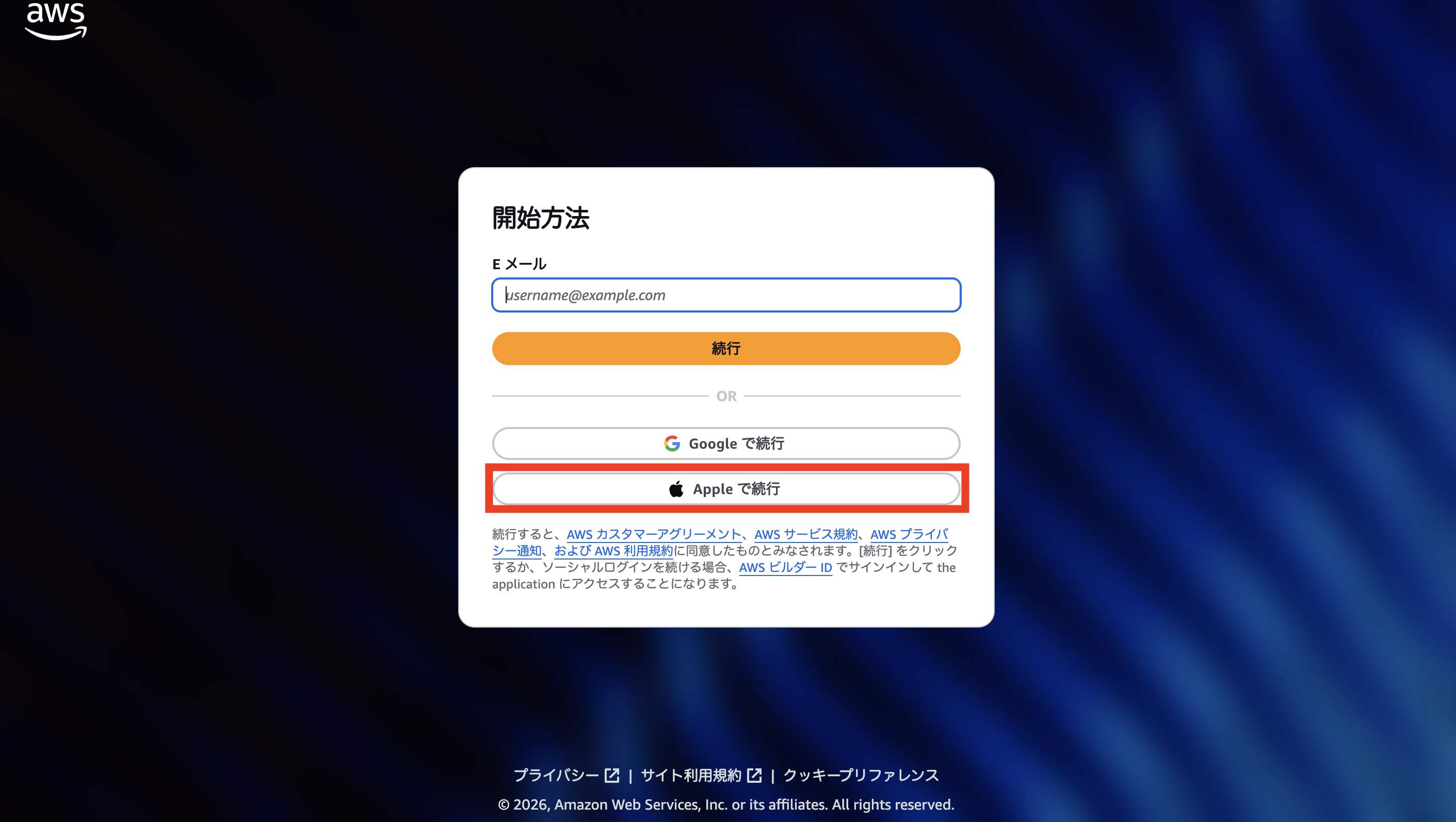
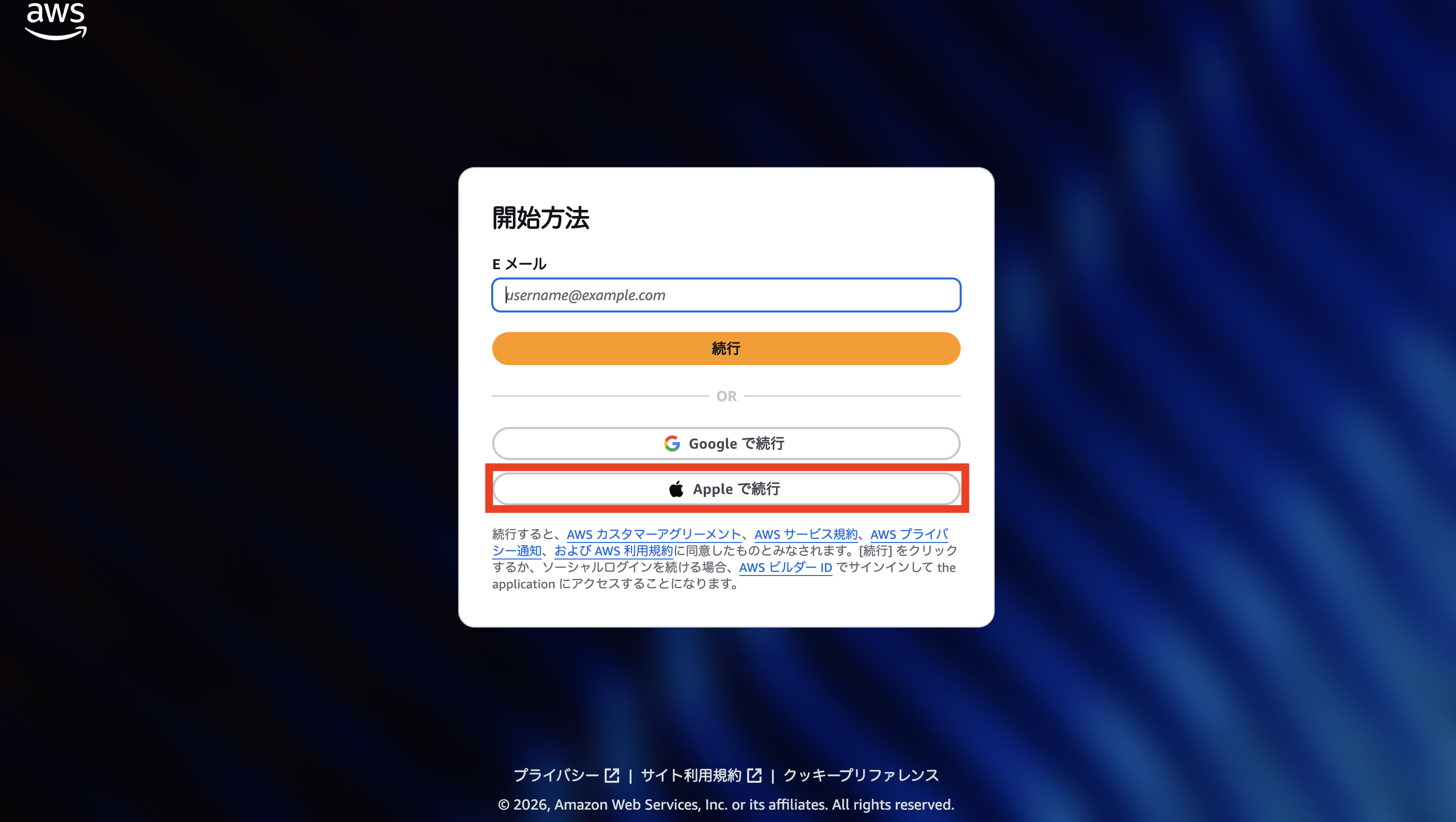
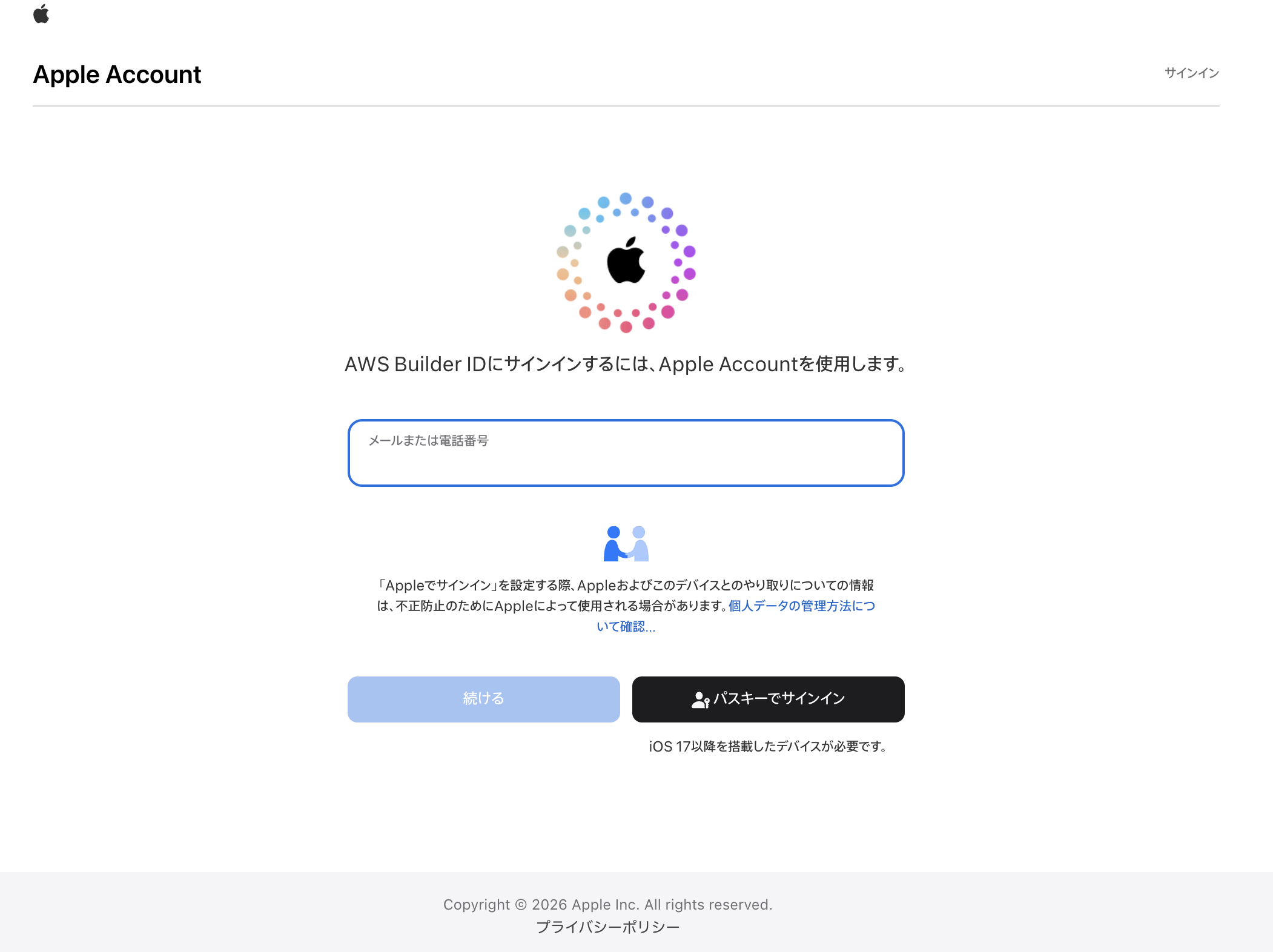
AWSの認証情報でサインインする際は、Eメールにメールアドレスを入力し、パスワード等にてサインインしますが、Appleでサインインする際は、「Apple で続行」を選択します。

スクリーンショット 2026-02-06 9.50.04.png

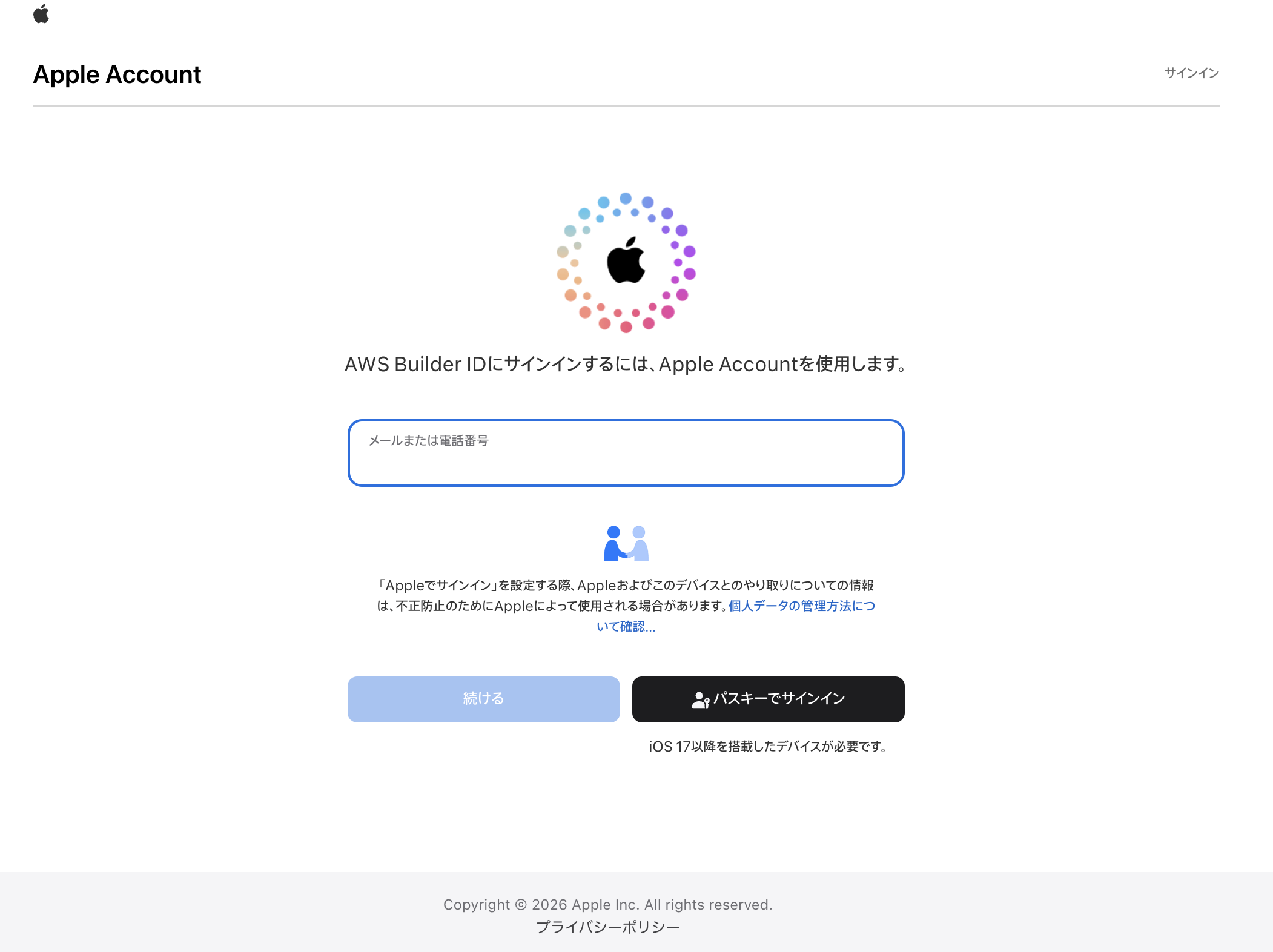
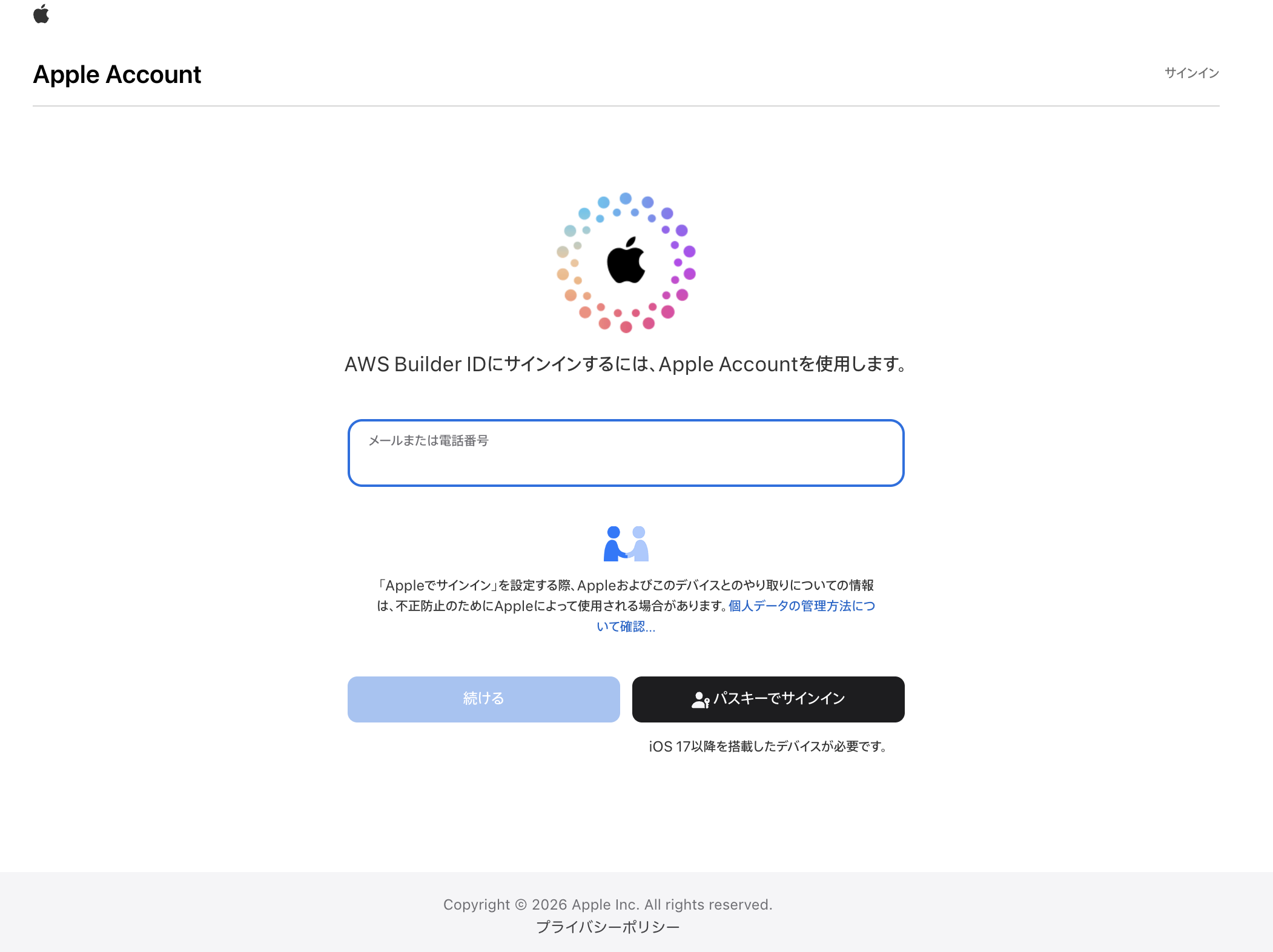
この画面で、Appleアカウントからサインインすることができます。

スクリーンショット 2026-02-06 9.50.30.png

AWS Builder Center

ここでは、Training and Certificationのサインイン画面に行かずにいきなり以下の画面に遷移します。

スクリーンショット 2026-02-06 9.50.04.png

あとはAWS Skill Builderと同じです。

スクリーンショット 2026-02-06 9.50.30.png

AWS re:Post

ここでは、以下の画面に遷移します。

スクリーンショット 2026-02-06 9.55.28.png

AWS Builder IDの「サインイン」を選択すると、以下の画面に遷移します。

スクリーンショット 2026-02-06 9.50.04.png

こちらもあとは同じです。

スクリーンショット 2026-02-06 9.50.30.png

CertMetrics

これについては、AWS Skill Builderと同じです。

スクリーンショット 2026-02-06 9.52.29.png

スクリーンショット 2026-02-06 9.50.04.png

スクリーンショット 2026-02-06 9.50.30.png

Kiro

Kiroではサインイン画面から他のものとは異なります。

Builder IDを選択します。
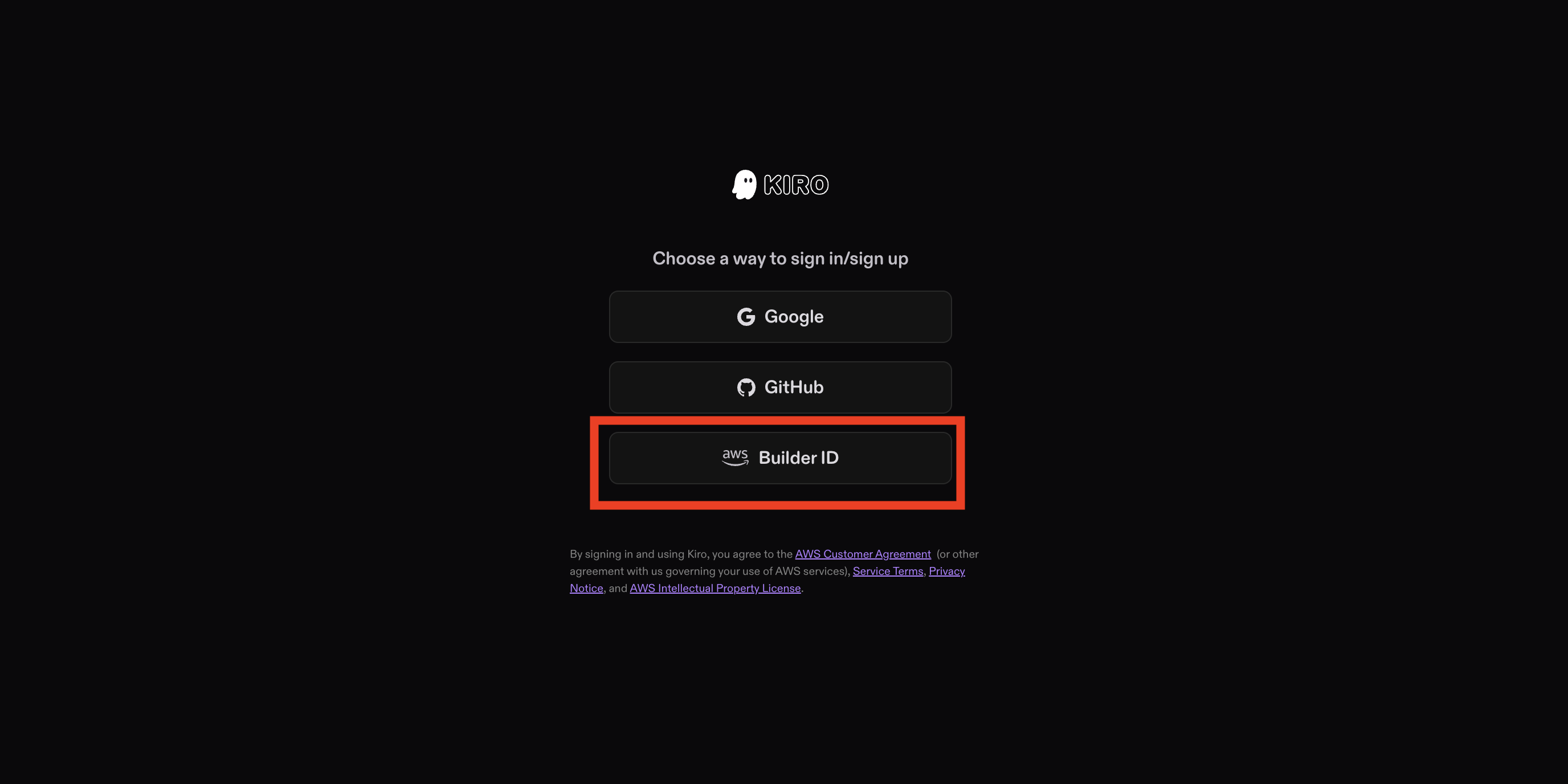
スクリーンショット 2026-02-06 9.57.38.png

スクリーンショット 2026-02-06 9.50.04.png

あとは他のものと同じです。

スクリーンショット 2026-02-06 9.50.30.png

Kiroは他のものと異なり、 Googleの認証情報でサインインすることができるだけでなく、Googleの認証情報を使ってBuilder IDにサインインすることもできます

終わりに

GoogleだけでなくAppleも対応できるようになりました。
これでますますパスワードレスの流れが加速していくことになりそうです。

最後まで読んでいただきありがとうございました。

1
0
0

Register as a new user and use Qiita more conveniently

  1. You get articles that match your needs
  2. You can efficiently read back useful information
  3. You can use dark theme
What you can do with signing up
1
0

Delete article

Deleted articles cannot be recovered.

Draft of this article would be also deleted.

Are you sure you want to delete this article?