0
0

Delete article

Deleted articles cannot be recovered.

Draft of this article would be also deleted.

Are you sure you want to delete this article?

Pleasanter編集画面に画像を表示する

0
Last updated at Posted at 2026-05-18

基本環境

Pleasanter 1.5.2.0

説明項目に画像アップ

「説明A」を設置
「画像投稿ボタン」より画像アップ

スクリーンショット 2026-05-18 130620.png
更新

画像リンクを取得

編集ボタンをクリック

スクリーンショット 2026-05-18 130847.png

画像リンクを取得

スクリーンショット 2026-05-18 131030.png

"/binaries"~"/show" をコピー
[IP Address] + [image link] Mergeする

https://192,168.**.**/binaries/******/show

1)編集画面から登録

htmlで囲う

<div><img src="https://192,168.**.**/binaries/******/show"></div>

拡張HTMLへ登録

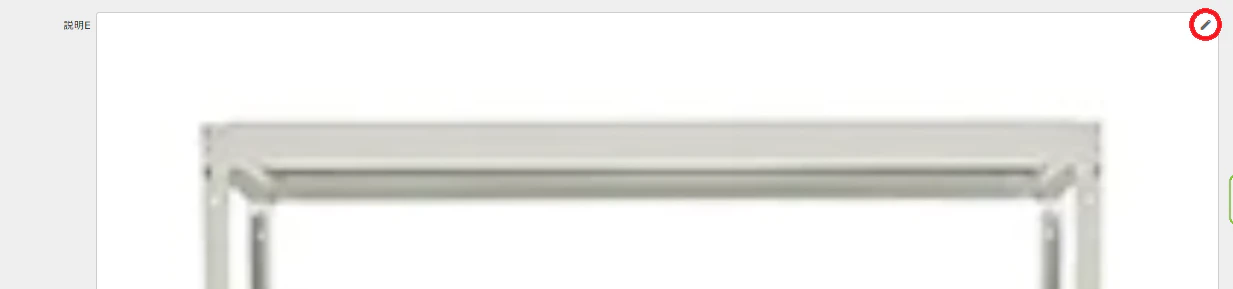
フィールドに表示される
「説明A」を非表示

変更

「説明A」非表示✓を外し、画像を変更

2)スクリプトから登録

$p.events.on_editor_load = function () {

$('#' + $p.getField('[表示させたい項目名]')[0].id).after(
        $('<img src="https://192,168.**.**/binaries/******/show" alt="画像" style="float: left;" />'));

}

複数画像の登録

上記工程のあとに、

「説明A」より画像削除
「説明A」に別画像登録
リンク取得
スクリプトを追加

何枚でも追加できる
サーバーアップした画像は残っているのでリンクも有効

0
0
0

Register as a new user and use Qiita more conveniently

  1. You get articles that match your needs
  2. You can efficiently read back useful information
  3. You can use dark theme
What you can do with signing up
0
0

Delete article

Deleted articles cannot be recovered.

Draft of this article would be also deleted.

Are you sure you want to delete this article?