
どういった条件の時に何が起きるのか
かなり短い時間内 で 複数インスタンス した場合、
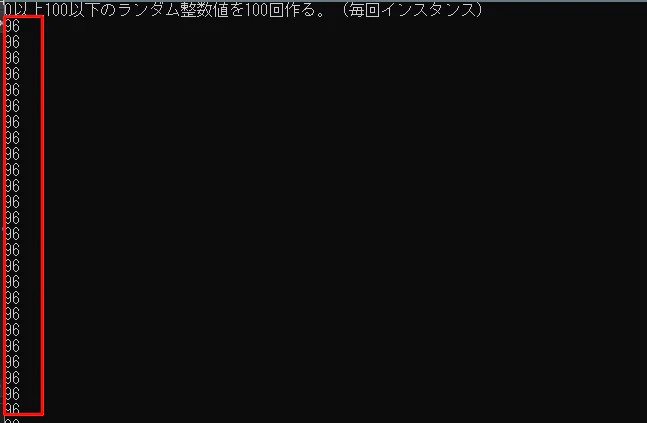
Next() の第一引数と第二引数が同じなら、 別インスタンスでも同じ値 が出てきてしまう。
サンプル
サンプルコードと実行結果を見ると分かりやすい。
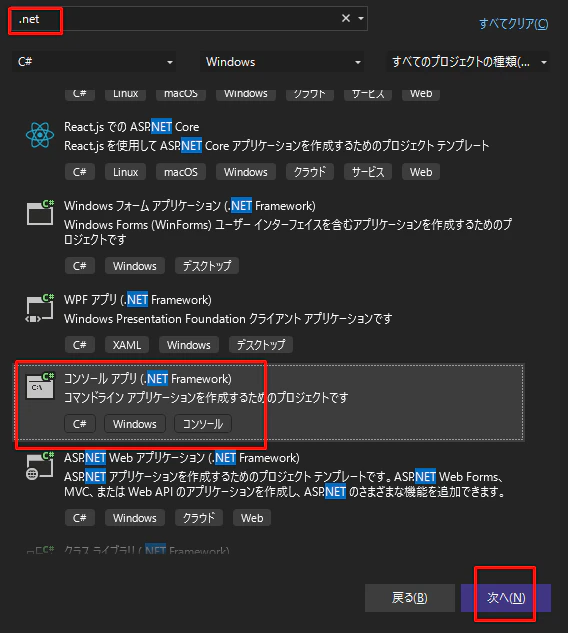
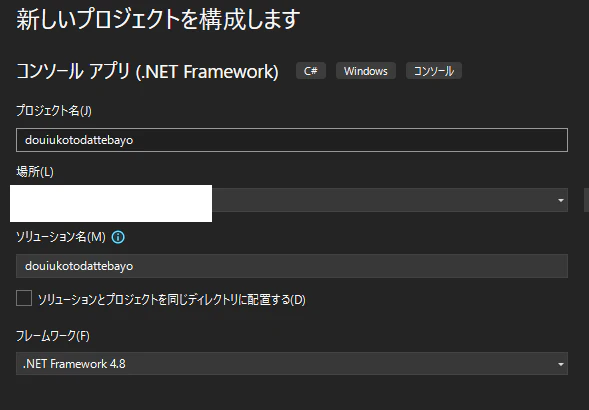
サンプルコード
using System;

namespace douiukotodattebayo
{
    internal class Program
    {
        static void Main(string[] args)
        {

            Console.WriteLine("0以上100以下のランダム整数値を100回作る。(毎回インスタンス)");
            for (int i = 0; i < 100; i++)
            {
                Console.WriteLine(new System.Random().Next(0, 101));
            }

            Console.WriteLine("0以上100以下のランダム整数値を100回作る。(インスタンスを使いまわし)");
            Random r_ = new System.Random();
            for (int i = 0; i < 100; i++)
            {
                Console.WriteLine(r_.Next(0, 101));
            }

            //実行結果確認の為に入力待ちで止める。
            Console.ReadLine();

        }
    }
}
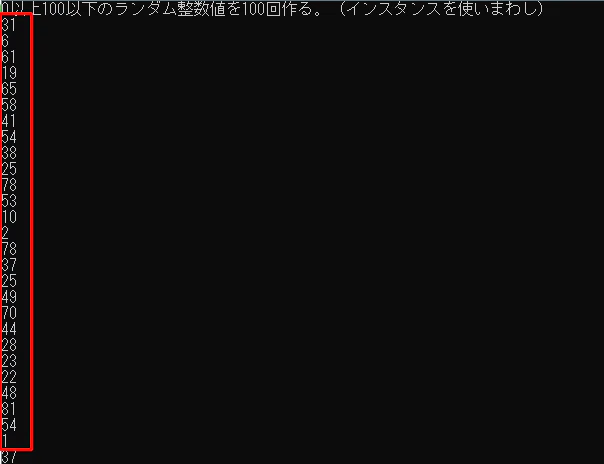
実行結果は下記。
偶然とは言えないレベルで同じ値が出てきてる。
推測
前述の『かなり短い時間』は1ミリ秒以内かと思われます。
(理由は後述の『対策したサンプルコード』を参照)
インスタンスした時刻がランダム値の生成に影響を与えているのかも。
対策
インスタンスを使いまわしすれば回避できるので、そう作ればOK。
『インスタンスが一つだけ』ということを実現する意味ではシングルトンパターンで作るのがおススメ。
どうしても別インスタンスにしたい場合は下記。
(多分そんな需要無いだろうけど…)
対策したサンプルコード
using System;
using System.Threading;

namespace douiukotodattebayo
{
    internal class Program
    {
        static void Main(string[] args)
        {

            Console.WriteLine("0以上100以下のランダム整数値を100回作る。(毎回インスタンスするがその前にSleep)");
            for (int i = 0; i < 100; i++)
            {
                Thread.Sleep(1);//インスタンス前に1ミリ秒だけ待つ。
                Console.WriteLine(new System.Random().Next(0, 101));
            }

            //実行結果確認の為に入力待ちで止める。
            Console.ReadLine();

        }
    }
}
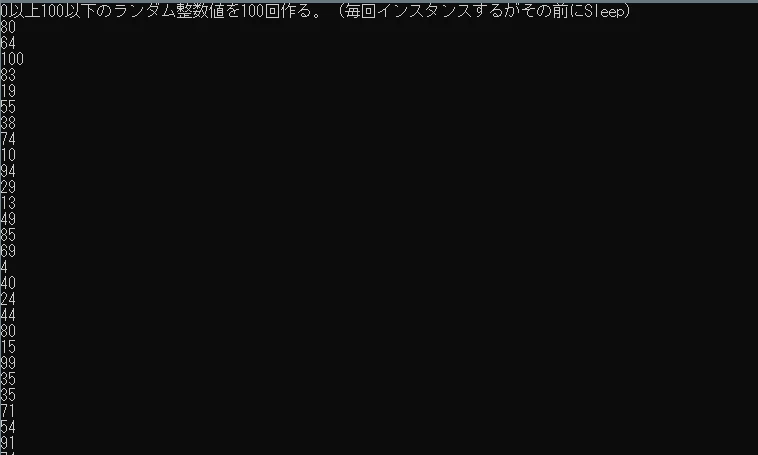
実行結果は下記。
1ミリ秒だけでもいいので待たせると結果がちゃんとばらつく。
参考サイトさん
バージョン
Windows 10 Pro 22H2 OSビルド 19045.2673
Microsoft .NET Framework Version 4.8.04084