
laravel プロジェクト作成
readubleに従い、プロジェクト作成をする
すると、以下のエラーが発生した。
Could not find package laravel/laravel with stability stable.
composerをインストールし直すと直るという記事が多かったためこちらの記事参考し、削除。
composerを再インストール後、気を取り直して再度プロジェクト作成
vagrant+cento7 を導入
プロジェクトディレクトリで以下コマンド。
今回はcentos7。
vagrant init centos/7
vagrant up
次はこんなエラー
Vagrant was unable to mount VirtualBox shared folders. This is usually
because the filesystem "vboxsf" is not available. This filesystem is
made available via the VirtualBox Guest Additions and kernel module.
Please verify that these guest additions are properly installed in the
guest. This is not a bug in Vagrant and is usually caused by a faulty
Vagrant box. For context, the command attempted was:

mount -t vboxsf -o uid=1000,gid=1000 var_www_html /var/www/html

The error output from the command was:

mount: unknown filesystem type 'vboxsf'
内容は翻訳通り。
このプラグインで解決できる模様。
vagrant-vbguest
インストール後、再度 vagrant up
またエラー
The following SSH command responded with a non-zero exit status.
Vagrant assumes that this means the command failed!

umount /mnt

Stdout from the command:


Stderr from the command:

umount: /mnt: not mounted
プラグインのバージョンが良く無いらしい(詳しい内容は追ってない)
なので0.21をインストール
これでひとまずvagrantは立ち上がる。
apacheを導入
vagrant ssh後
yum -y install httpd
その後有効にして、vagrantで設定したプライベートIPに接続でTesting123が表示されるはず。
ここからが長かった。
なんとLaravelのwelcomeページの表示方法がわからない!
つまり、/etc/httpd/conf/httpd.confの設定方法がわかりませんでした。
そして、エラーもどこで見るかすらわかっていない状態。困りました。
調べたらある程度出てきました。
エラーはここにあるようでした**/var/log/httpd/error_log**
はい、初歩です。
見たところ、いろいろ出てました。
No matching DirectoryIndex
ServerNameをセットしてください
等々
エラーを愛しましょう
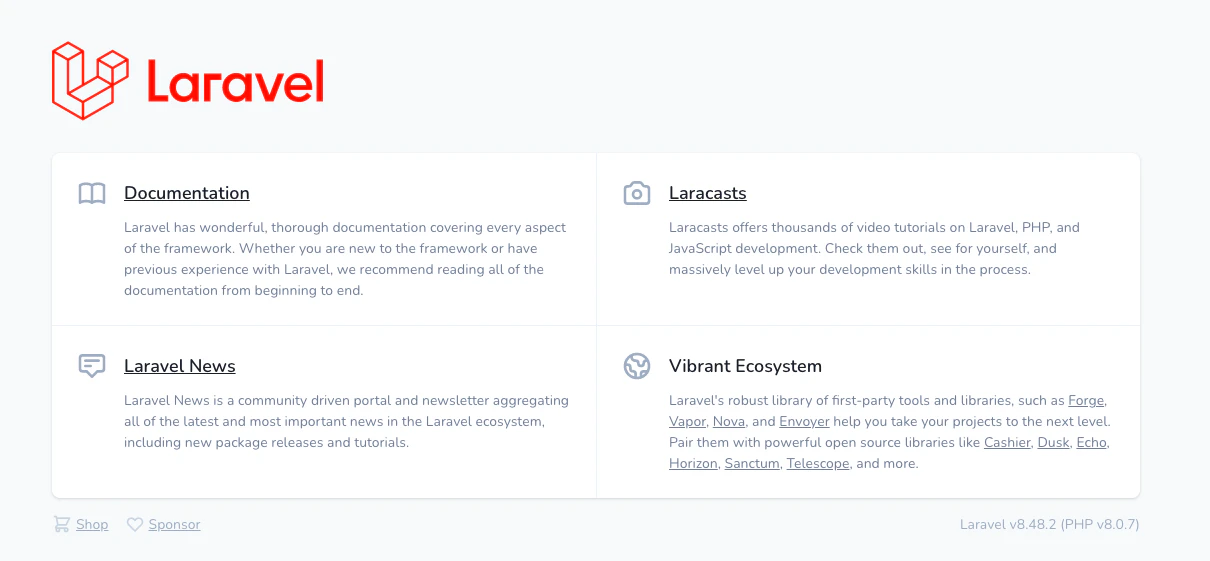
設定後はお待ちかねのLaravel8系welcomeページ!
その後、仮想環境にphp,composer等々入れてきます。。