やりたいこと
Next.jsのサーバーサイドレンダリングとクライアントサイドレンダリングを試す
環境構築
Dokerfileを配置
FROM node:20
WORKDIR /app
COPY . .
EXPOSE 8080
docker-compose.ymlを配置
version: "3"
services:
  nextjs_study:
    build:
      context: .
      dockerfile: ./Dockerfile
    container_name: nextjs_study
    tty: true
    command: /bin/bash
    user: root
コンテナ起動
docker compose up --build -d
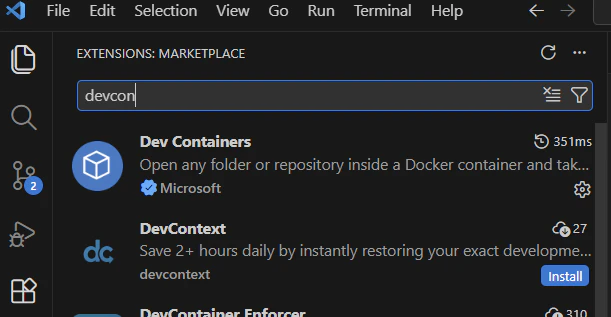
VSCode⇒DevContainersでコンテナアクセス(ない場合はインストール※)で開く
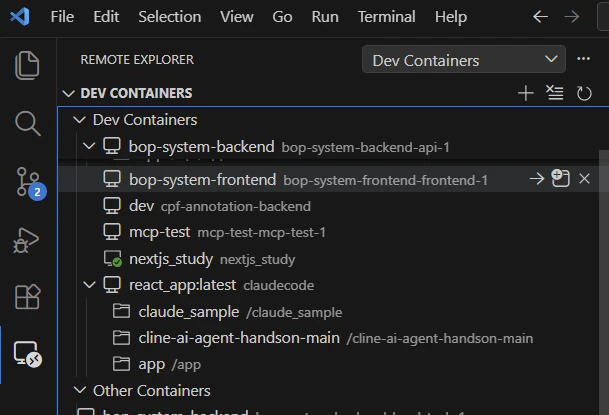
※
Next.jsインストール
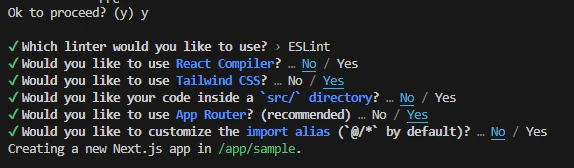
>npx create-next-app@latest sample --typescript
yes+全てエンター
サーバーサイドレンダリングソースを置く
>cd /app/sample/app
>mkdir -p server/[id]
>cd server/[id]
/app/sample/app/server/[id]に以下を配置
page.tsx
'use server'

async function requestApi() {
  const res = await fetch('https://jsonplaceholder.typicode.com/posts')
  return res.json()
}

export default async function SampleServer({ params }: { params: Promise<{ id: string }> }) {
  const res = await requestApi()
  const { id } = await params;

  return (
    <div>userId:{res[0].userId} paramId: {id}</div>
  )
}
クライアントサイドレンダリングソースを置く
>cd /app/sample/app
>mkdir -p client/[id]
>cd client/[id]
/app/sample/app/client/[id]に以下を配置
page.tsx
'use client';

import { useParams  } from 'next/navigation';
import { useEffect, useState } from 'react';

export default function SampleClient() {
  const [data, setData] = useState<string>();
  useEffect(() => {
      (
        async() => {
        const res = fetch('https://jsonplaceholder.typicode.com/posts');
        const d = await (await res).json();
        setData(d[0].userId);
        }
      )();
  }, [])
  const params = useParams(); const id = params.id;
  return <h1>userId: {data} paramId: {id}</h1>;
}
アプリ起動
>cd /app/sample
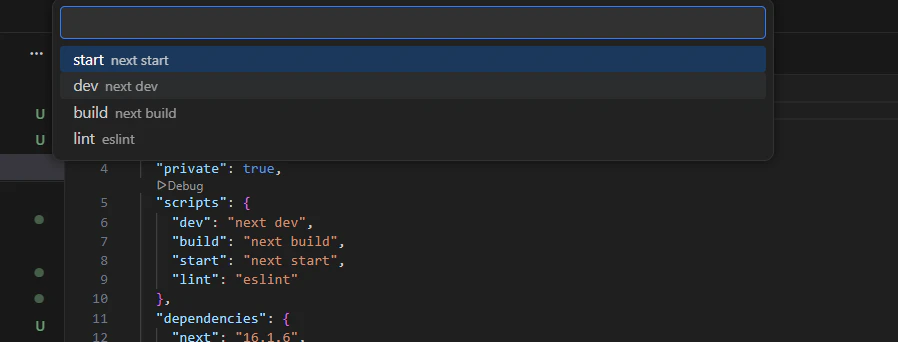
>npm run dev ※package.jsonから起動するとSSRをストップできる(どちらかで起動)
※ package.jsonから起動すると場合
動確
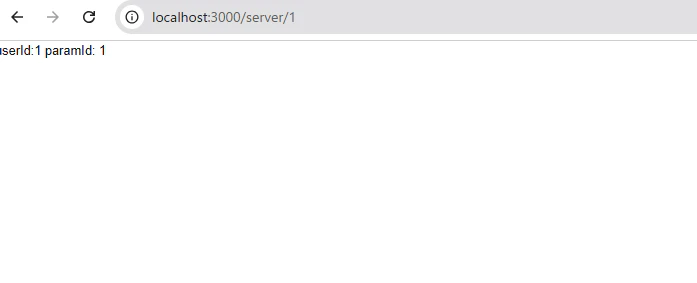
SSR
http://localhost:3000/server/1
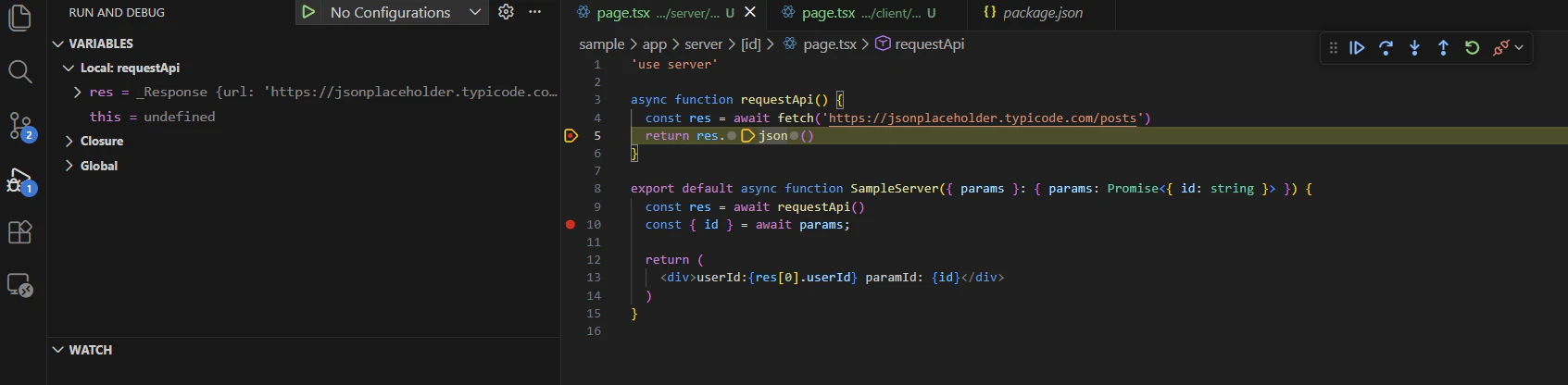
package.jsonからの起動はサーバー側でストップすることができる
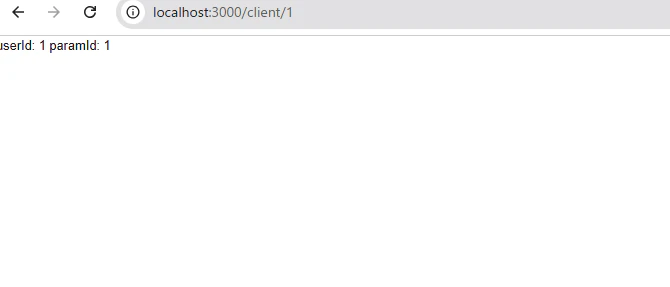
CSR
http://localhost:3000/client/1