
はじめに
先日、ネットワークカメラの設定を投稿させていただきました。
今回は設定したネットワークカメラをOpenCVを使用して取得し表示します。
環境
Ubuntu24.04
OpenCV 4.6.0
Qt Creator 13.0.0 Based on Qt6.4.2(GCC 13.2.0,x86_64)
インストール
前提条件
Update済み
OpenCVのインストール
sudo apt install -y libopencv-dev
Qtのインストール
sudo apt install -y build-essential gdb cmake ninja-build pkg-config qt6-base-dev qt6-base-dev-tools qt6-tools-dev qt6-tools-dev-tools qt6-declarative-dev qt6-svg-dev qt6-networkauth-dev libglx-dev libgl1-mesa-dev clang qtcreator
QtCreatorでプロジェクトの作成(ビルドシステムはqmake)
適当でOK(私はnetCamで作成)
追加変更するファイル
追加(後述)
getCamThread.cpp
getCamThread.h
変更(後述)
mainwindow.cpp
mainwindow.h
mainwindow.ui
netCam.pro
追加ファイル詳細
getCamThread.cpp
#include "getCamThread.h"

#define CAMERA_FPS				30
#define CAM_SIZE_WIDTH			1280
#define CAM_SIZE_HEIGHT			720
#define WAIT_TIME				(1000 / CAMERA_FPS)

getCamThread::getCamThread(QObject *parent, bool b) : QThread(parent), Stop(b)
{
}

getCamThread::~getCamThread()
{
	cap_.release();
	Stop = true;
}

bool getCamThread::initCam(QString cameraUrl)
{
	bool ret = true;

	cap_.open(cameraUrl.toStdString());
	if(cap_.isOpened()){
		cap_.set(cv::CAP_PROP_BUFFERSIZE,1);
		cap_.set(cv::CAP_PROP_FRAME_WIDTH, CAM_SIZE_WIDTH);
		cap_.set(cv::CAP_PROP_FRAME_HEIGHT, CAM_SIZE_HEIGHT);
		cap_.set(cv::CAP_PROP_FPS, CAMERA_FPS);
		cap_.set(cv::CAP_PROP_FOURCC, cv::VideoWriter::fourcc('H', '2', '6', '4'));
	} else {
		ret = false;
	}

	return ret;
}

void getCamThread::run(void)
{
	QMutex mutex;
	cv::Mat frame;

	while(cap_.read(frame)){
		// prevent other threads from changing the "Stop" value
		mutex.lock();
		if(this->Stop){
			 break;
		}
		mutex.unlock();

		cv::cvtColor(frame, dst_, cv::COLOR_BGR2RGB);

		// emit the signal for the count label
		emit valueChangedCam(&dst_);

		// slowdown the count change, msec
		this->msleep(WAIT_TIME);
    }
	cap_.release();
}

void getCamThread::threadStop(void)
{
	Stop = true;
}
getCamThread.h
#ifndef GETCAMTHREAD_H
#define GETCAMTHREAD_H

#include <QString>
#include <QThread>
#include <QMutex>
#include <QObject>
#include <opencv2/opencv.hpp>

class getCamThread : public QThread
{
	Q_OBJECT

	public:
		explicit getCamThread(QObject *parent = nullptr, bool b = false);
		~getCamThread();
		bool initCam(QString);
		void run(void);
		void threadStop(void);
	public:
		bool Stop;
	signals:
		void valueChangedCam(cv::Mat*);
	private:
		cv::VideoCapture cap_;
		cv::Mat dst_;
};
#endif // GETCAMTHREAD_H
変更ファイル詳細
mainwindow.cpp
#include "mainwindow.h"
#include "ui_mainwindow.h"

MainWindow::MainWindow(QWidget *parent) : QMainWindow(parent), ui(new Ui::MainWindow)
{
	QMessageBox msgBox(this);
	QString messText;

	ui->setupUi(this);

	getCamT_ = new getCamThread(this);
	if(!getCamT_->initCam("rtsp://admin:123456@192.168.1.168/0")){
		messText = "カメラの初期化に失敗しました。";
		msgBox.setText(messText);					// メッセージ
		msgBox.setWindowTitle(tr("Information"));	// タイトル
		msgBox.setStandardButtons(QMessageBox::Ok);	// ボタン
		msgBox.setDefaultButton(QMessageBox::Ok);	// デフォルトボタン
		msgBox.setIcon(QMessageBox::Information);	// アイコン
		msgBox.exec();								// 表示
		exit(-1);									// プログラム終了
	}
	// signal/slotの接続
	connect(getCamT_, SIGNAL(valueChangedCam(cv::Mat*)), this, SLOT(onValueChangedCam(cv::Mat*)));
	getCamT_->start();
}


MainWindow::~MainWindow()
{
	getCamT_->threadStop();
	delete getCamT_;
	delete ui;
}


void MainWindow::onValueChangedCam(cv::Mat *dst)
{
	// イメージ作成
	qtImage_ = QImage((const unsigned char*)(dst->data), dst->cols, dst->rows, QImage::Format_RGB888);

	// ラベルへ表示
	ui->label->setPixmap(QPixmap::fromImage(qtImage_));
}
mainwindow.h
#ifndef MAINWINDOW_H
#define MAINWINDOW_H

#include <QMainWindow>
#include <QMessageBox>
#include "getCamThread.h"


QT_BEGIN_NAMESPACE
namespace Ui {
class MainWindow;
}
QT_END_NAMESPACE

class MainWindow : public QMainWindow
{
	Q_OBJECT

	public:
		MainWindow(QWidget *parent = nullptr);
		~MainWindow();

	private:
		Ui::MainWindow *ui;
		getCamThread *getCamT_;
		QImage qtImage_;

	public slots:
		void onValueChangedCam(cv::Mat*);

};
#endif // MAINWINDOW_H
mainwindow.ui
<?xml version="1.0" encoding="UTF-8"?>
<ui version="4.0">
 <class>MainWindow</class>
 <widget class="QMainWindow" name="MainWindow">
  <property name="geometry">
   <rect>
    <x>0</x>
    <y>0</y>
    <width>1300</width>
    <height>760</height>
   </rect>
  </property>
  <property name="windowTitle">
   <string>MainWindow</string>
  </property>
  <widget class="QWidget" name="centralwidget">
   <widget class="QLabel" name="label">
    <property name="geometry">
     <rect>
      <x>10</x>
      <y>20</y>
      <width>1280</width>
      <height>720</height>
     </rect>
    </property>
    <property name="styleSheet">
     <string notr="true">background-color: rgb(255, 255, 255);</string>
    </property>
    <property name="text">
     <string/>
    </property>
   </widget>
  </widget>
 </widget>
 <resources/>
 <connections/>
</ui>
netcam.pro
QT       += core gui

greaterThan(QT_MAJOR_VERSION, 4): QT += widgets

CONFIG += c++17

# You can make your code fail to compile if it uses deprecated APIs.
# In order to do so, uncomment the following line.
#DEFINES += QT_DISABLE_DEPRECATED_BEFORE=0x060000    # disables all the APIs deprecated before Qt 6.0.0

SOURCES += \
	getCamThread.cpp \
	main.cpp \
	mainwindow.cpp

HEADERS += \
	getCamThread.h \
	mainwindow.h

FORMS += \
	mainwindow.ui

TRANSLATIONS += \
	netCam_ja_JP.ts
#CONFIG += lrelease
#CONFIG += embed_translations

# Default rules for deployment.
qnx: target.path = /tmp/$${TARGET}/bin
else: unix:!android: target.path = /opt/$${TARGET}/bin
!isEmpty(target.path): INSTALLS += target


INCLUDEPATH += /usr/include/opencv4
DEPENDPATH += /usr/include/opencv4

unix:!macx: LIBS += \
-lopencv_alphamat \
-lopencv_aruco \
-lopencv_barcode \
-lopencv_bgsegm \
-lopencv_bioinspired \
-lopencv_calib3d \
-lopencv_ccalib \
-lopencv_core \
-lopencv_cvv \
-lopencv_datasets \
-lopencv_dnn \
-lopencv_dnn_objdetect \
-lopencv_dnn_superres \
-lopencv_dpm \
-lopencv_face \
-lopencv_features2d \
-lopencv_flann \
-lopencv_freetype \
-lopencv_fuzzy \
-lopencv_hdf \
-lopencv_hfs \
-lopencv_highgui \
-lopencv_img_hash \
-lopencv_imgcodecs \
-lopencv_imgproc \
-lopencv_intensity_transform \
-lopencv_line_descriptor \
-lopencv_mcc \
-lopencv_ml \
-lopencv_objdetect \
-lopencv_optflow \
-lopencv_phase_unwrapping \
-lopencv_photo \
-lopencv_plot \
-lopencv_quality \
-lopencv_rapid \
-lopencv_reg \
-lopencv_rgbd \
-lopencv_saliency \
-lopencv_shape \
-lopencv_stereo \
-lopencv_stitching \
-lopencv_structured_light \
-lopencv_superres \
-lopencv_surface_matching \
-lopencv_text \
-lopencv_tracking \
-lopencv_video \
-lopencv_videoio \
-lopencv_videostab \
-lopencv_viz \
-lopencv_wechat_qrcode \
-lopencv_ximgproc \
-lopencv_xobjdetect \
-lopencv_xphoto
実行
Qt Creatorの▶をクリックすると実行できます。
mainwindo.cppの19行目の
if(!getCamT_->initCam("rtsp://admin:123456@192.168.1.168/0")){
は各自のIPアドレスにしてください
サブストリームを表示させたいときは、
if(!getCamT_->initCam("rtsp://admin:123456@192.168.1.168/1")){
にしてください。
実行画面
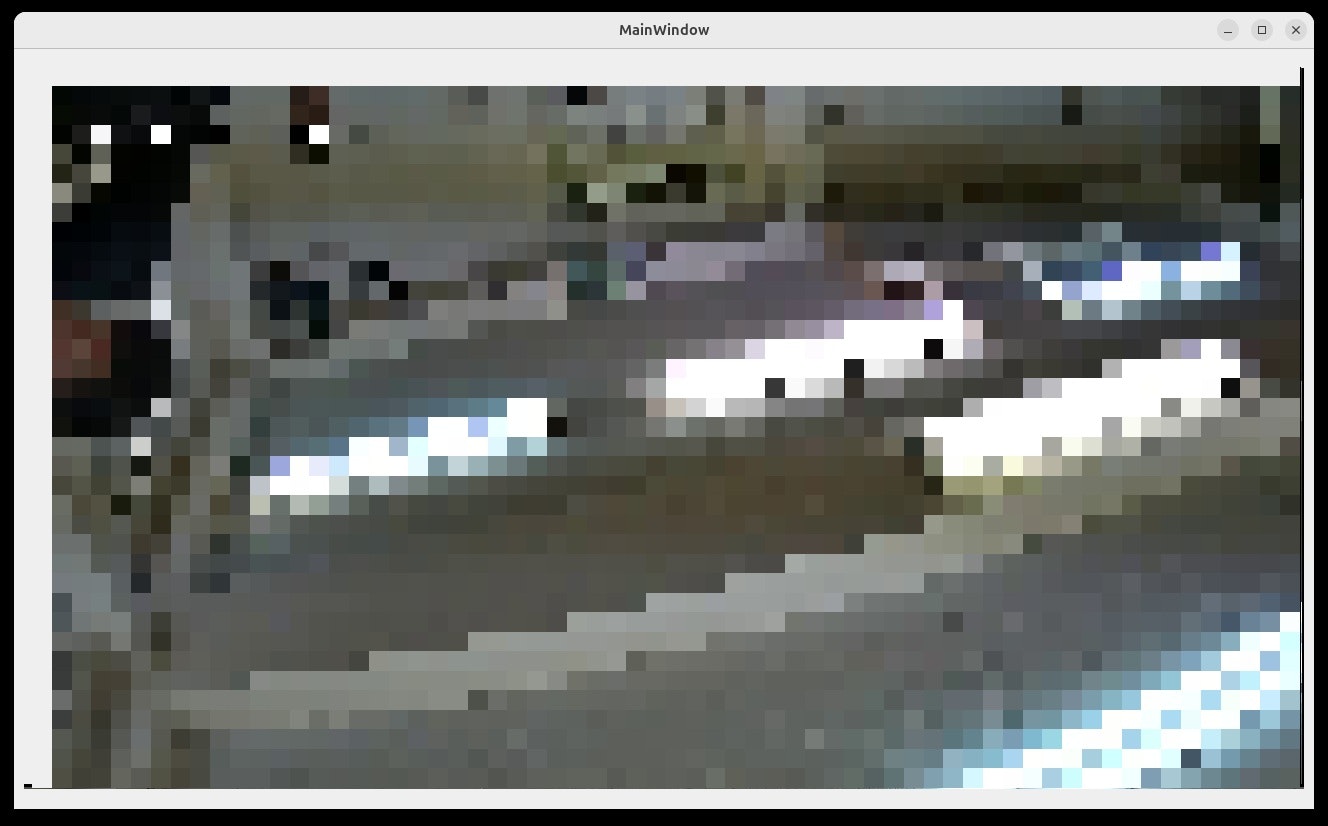
映像はモザイク処理をしています。
前に投降した
に近いです。