
クリぼっち寂しすぎる
皆さんクリぼっち楽しんでますか?
私は聖夜に1人研究室で研究をしています。
めっちゃ寂しくないですか???
そこで今回クリスマスを少しでも楽しめるようなアプリを作りました。
よければ皆さんも使ってみてください。
雪を降らせるアプリ
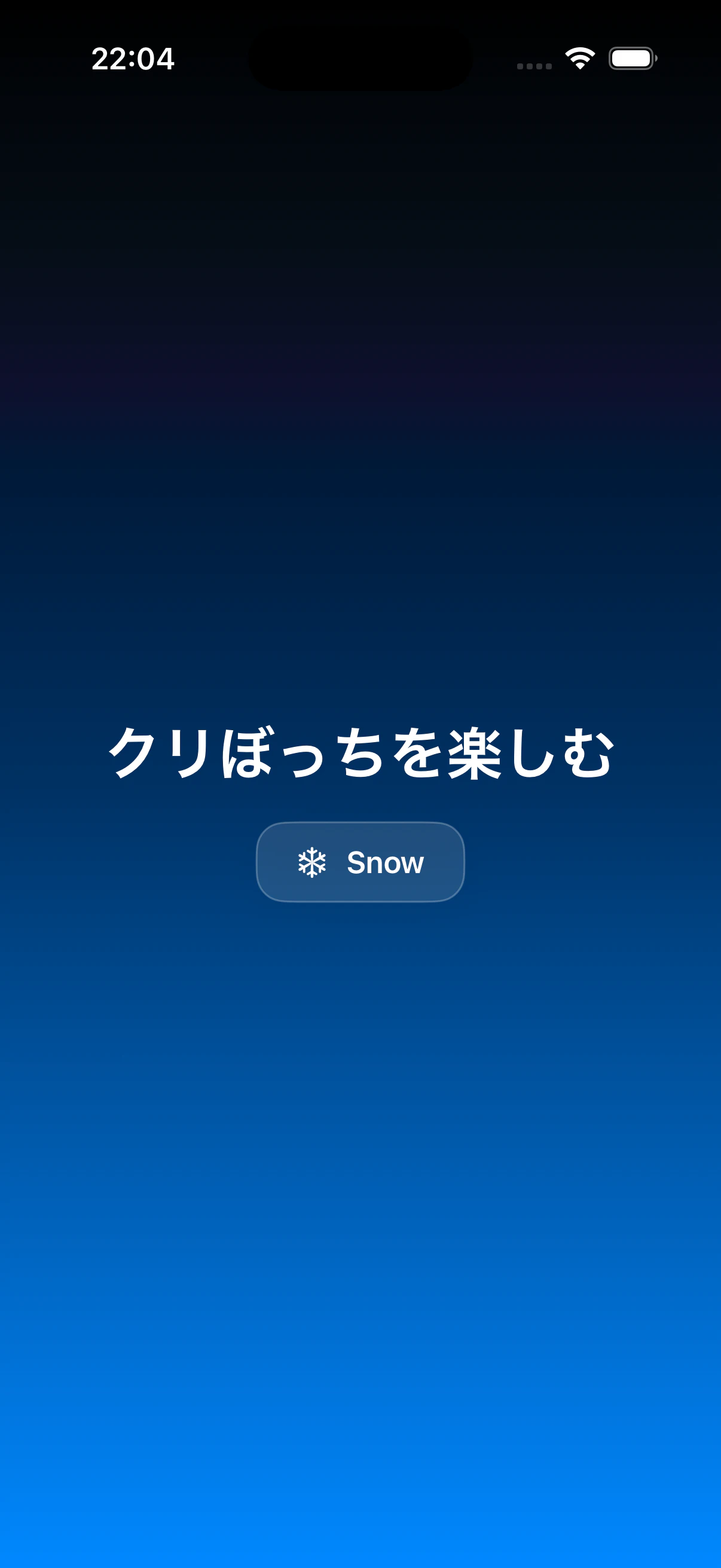
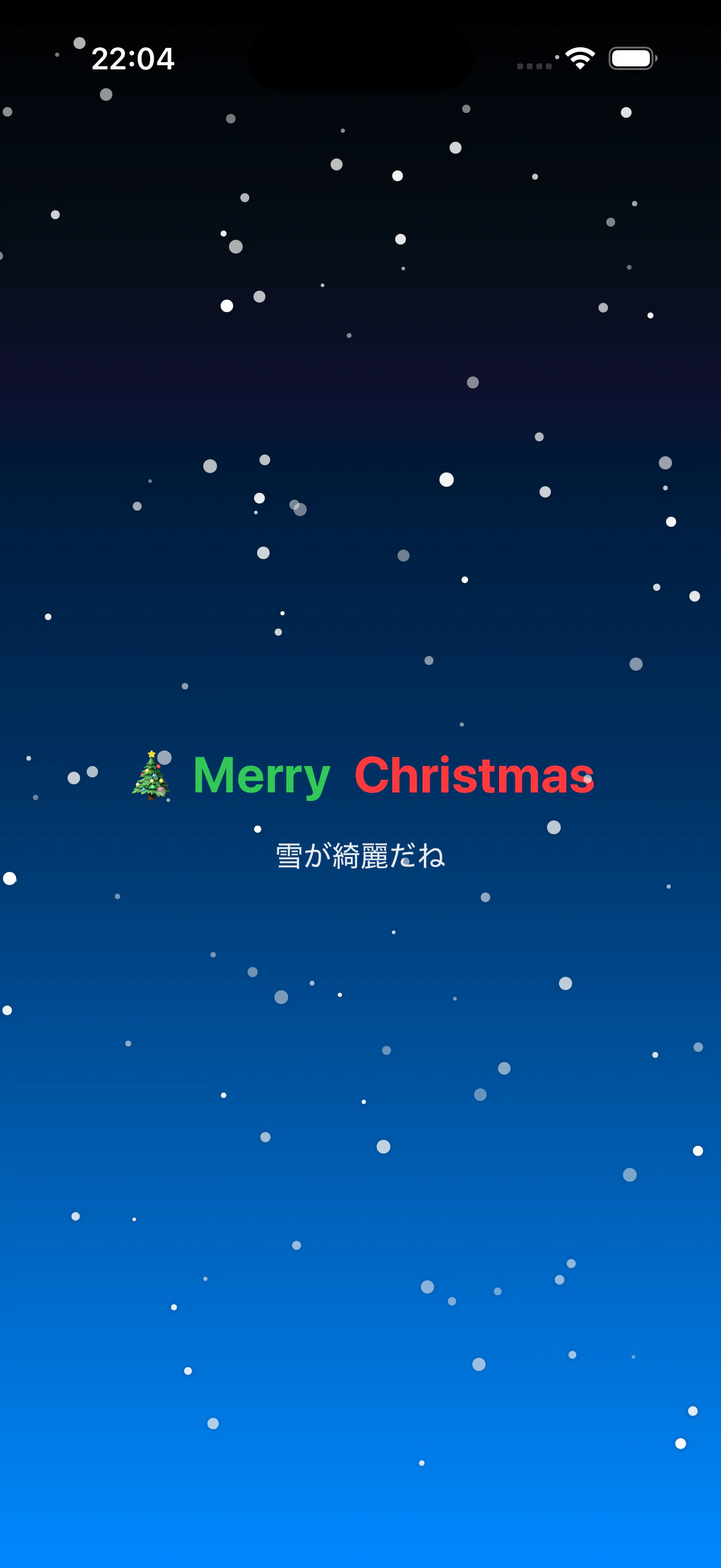
作成したアプリはこのような単純な作りにしています。
ボタンを押すとテキストが代わり画面に雪が降り始めます。
誰得かはわかりませんが一応コードも載せておきます
コード1(ContentView)
ContentView
import SwiftUI

struct ContentView: View {
    @State private var isSnowing: Bool = false
    @State private var isPressed = false

    var body: some View {
        ZStack {
            LinearGradient(colors: [.black, .blue], startPoint: .top, endPoint: .bottom)
                .ignoresSafeArea()

            VStack(spacing: 18) {

                if !isSnowing {
                    Text("クリぼっちを楽しむ")
                        .foregroundStyle(.white)
                        .font(.largeTitle.bold())
                } else {
                    HStack(spacing: 12) {
                        Text("🎄 Merry")
                            .font(.title.bold())
                            .foregroundStyle(.green)
                        Text("Christmas")
                            .font(.title.bold())
                            .foregroundStyle(.red)
                    }
                }

                if isSnowing {
                    Text("雪が綺麗だね")
                        .foregroundStyle(.white.opacity(0.9))
                } else {
                    Button {
                        withAnimation(.spring(response: 0.35, dampingFraction: 0.75)) {
                            isSnowing = true
                        }
                    } label: {
                        HStack(spacing: 10) {
                            Image(systemName: "snowflake")
                                .font(.headline)
                            Text("Snow")
                                .font(.headline.bold())
                        }
                        .foregroundStyle(.white)
                        .padding(.vertical, 12)
                        .padding(.horizontal, 22)
                        .background {
                            RoundedRectangle(cornerRadius: 16, style: .continuous)
                                .fill(.white.opacity(0.12))
                                .overlay(
                                    RoundedRectangle(cornerRadius: 16, style: .continuous)
                                        .stroke(.white.opacity(0.25), lineWidth: 1)
                                )
                                .shadow(color: .black.opacity(0.35), radius: 10, x: 0, y: 6)
                        }
                        .scaleEffect(isPressed ? 0.97 : 1.0)
                    }
                    .buttonStyle(.plain)
                    .pressEffect($isPressed)
                }
            }
            .padding(.horizontal, 24)

            if isSnowing {
                SnowOverlay()
            }
        }
    }
}

private struct PressEffect: ViewModifier {
    @Binding var isPressed: Bool

    func body(content: Content) -> some View {
        content
            .simultaneousGesture(
                DragGesture(minimumDistance: 0)
                    .onChanged { _ in
                        withAnimation(.easeOut(duration: 0.08)) { isPressed = true }
                    }
                    .onEnded { _ in
                        withAnimation(.easeOut(duration: 0.12)) { isPressed = false }
                    }
            )
    }
}

private extension View {
    func pressEffect(_ isPressed: Binding<Bool>) -> some View {
        self.modifier(PressEffect(isPressed: isPressed))
    }
}
コード2(雪のアニメーション)
SnowOverlay
import SwiftUI

struct SnowOverlay: View {
    struct Flake: Identifiable {
        let id = UUID()
        let x: CGFloat
        let speed: CGFloat
        let size: CGFloat
        let opacity: CGFloat
        let drift: CGFloat
        let phase: Double
    }

    private let flakes: [Flake] = (0..<120).map { _ in
        Flake(
            x: .random(in: 0...1),
            speed: .random(in: 40...140),
            size: .random(in: 2...8),
            opacity: .random(in: 0.4...1.0),
            drift: .random(in: 0...24),
            phase: .random(in: 0...10)
        )
    }

    var body: some View {
        GeometryReader { geo in
            TimelineView(.animation) { timeline in
                let t = timeline.date.timeIntervalSinceReferenceDate

                ZStack {
                    ForEach(Array(flakes.enumerated()), id: \.element.id) { i, f in
                        let y = CGFloat((t + f.phase) * Double(f.speed))
                            .truncatingRemainder(dividingBy: geo.size.height + 80) - 40
                        let sway = CGFloat(sin((t + f.phase) * 1.2 + Double(i))) * f.drift
                        let x = f.x * geo.size.width + sway

                        Circle()
                            .fill(Color.white.opacity(f.opacity))
                            .frame(width: f.size, height: f.size)
                            .shadow(color: .black.opacity(0.35), radius: 1.5)
                            .position(x: x, y: y)
                    }
                }
                .ignoresSafeArea()
                .allowsHitTesting(false)
            }
        }
    }
}
さいごに
ここまで読んでくださった皆様ありがとうございます。
私のようにクリぼっち寂しい!って方はこれで少しでも楽しい気持ちになってくれると嬉しいです。
Merry Christmas!