
はじめに
個人アプリを開発していて、ふとバージョンの正しい付け方ってなんだっけ?となったのでメモとして残します。
ちなみに、
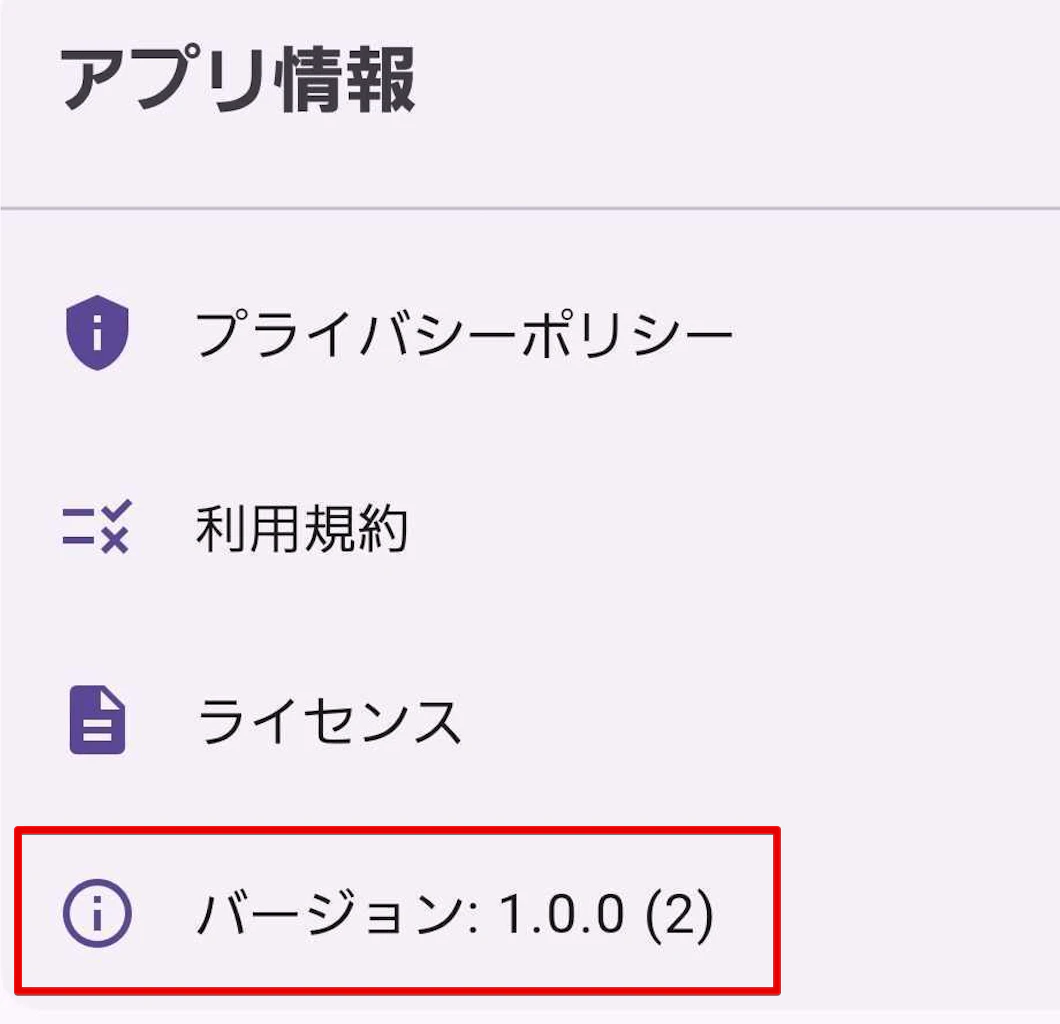
アプリは Flutter で開発しており、pubspec.yaml に該当のバージョンを書いてPackageInfo.fromPlatform()を使用してアプリのバージョン情報を取得してます。
showLicensePage(
  context: context,
  applicationName: packageInfo.appName,
  applicationVersion: '${packageInfo.version} (${packageInfo.buildNumber})',
);
それを、マイページのバージョンという項目に動的に表示されるようにしています。
本題
Flutterのバージョン番号は version: X.Y.Z+N の形式で、以下のような意味を持つ。
セマンティックバージョニング (X.Y.Z)
- X (MAJOR): 大きな変更をした時
- Y (MINOR): 機能追加をした時
- Z (PATCH): バグ修正をした時
ビルド番号 (+N)
- 毎回のリリース時に1ずつ増やす
- ストアへの再アップロード時は必ずビルド番号を増やす必要がある(同じ番号では再アップロードできない)
- アプリの内部バージョンとして使用
例
# 初回リリース
version: 1.0.0+1

# バグ修正リリース
version: 1.0.1+2

# 新機能追加
version: 1.1.0+3

# 大きな変更
version: 2.0.0+4
以上。