
As a developer, I never paid much attention to the browser address bar. It was just chrome around the real product — the page I built.
Working in SEO for the last year and a half changed that. I started looking at analytics for sites I help build and optimise, and a pattern showed up that code alone could not explain: pages that were technically correct were still hard to discover, while simpler pages with cleaner structure kept getting found, quoted, and recommended — sometimes by tools that never "visited" them like a human would.
The problem was not the page. It was everything that happens before a human ever sees the page.
1. The Omnibox Is a Classifier, Not Just a Text Box
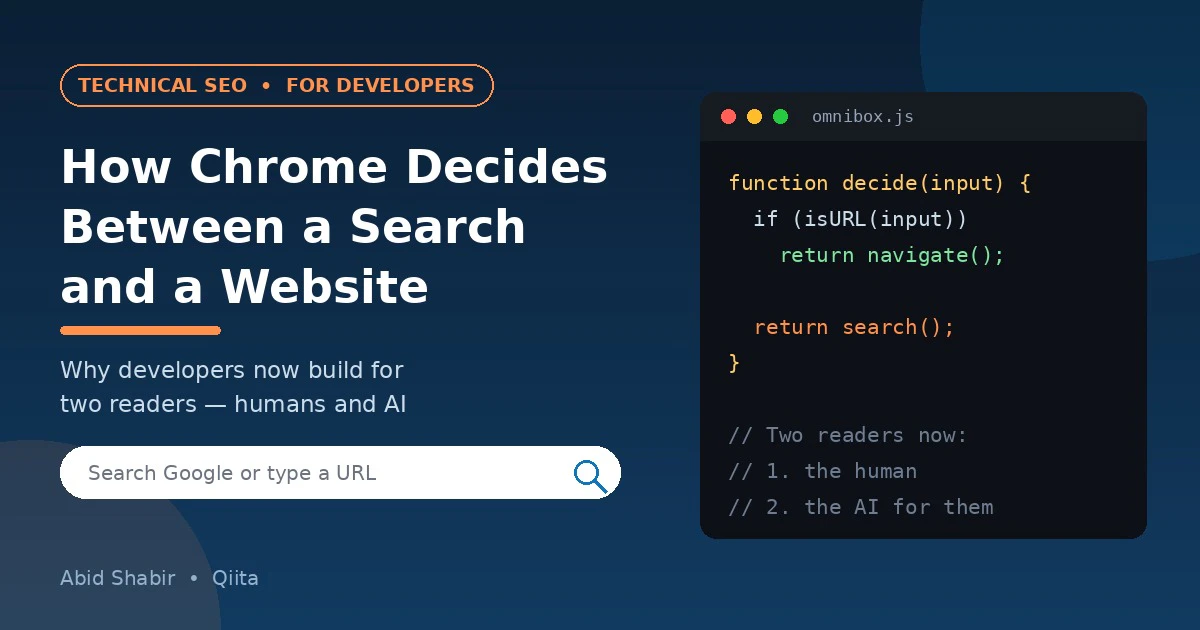
That empty bar at the top of Chrome looks passive. It is not. The placeholder text gives the design away: Search Google or Type a URL.
In other words, every time someone types into that bar, the browser has to classify the input and make a decision.
Two Types of Input
- Is this a navigation request — the user knows a destination?
- Or is this a search request — the user has a problem, but no destination yet?
Simplified Decision Logic
Code Example
function decideOmniboxInput(input) {
  const value = input.trim();

  if (/^https?:\/\//.test(value)) return navigate(value);
  if (!value.includes(" ") && looksLikeHost(value)) return navigate("https://" + value);
  if (value === "localhost" || isIPAddress(value)) return navigate(value);

  return search(value); // fallback: treat it as a query
}

function looksLikeHost(value) {
  return /^[^\s]+\.[a-z]{2,}(\/\S*)?$/i.test(value);
}
This is a simplification of what Chromium actually does — the real implementation also checks browsing history, bookmarks, search suggestions, and intranet rules — but the core idea is right: one input, two completely different intents.
Why should a developer care? Because your site sits on one side of that decision.
If users remember your domain, you get navigational traffic that no competitor can bid away. If they do not, you are thrown into search, where your page competes with every other answer — and increasingly, with an AI-generated answer that may satisfy the user before any click happens.
Your code influences which side you land on more than most developers realise: a memorable URL structure, stable slugs that do not change on every deploy, and redirects that do not break old links are not "SEO chores." They are what makes direct navigation possible at all.
2. Three Technical Mistakes That Quietly Kill Discovery
Mistake 1: Rendering Everything on the Client
A search crawler — and now an AI crawler — is not a patient user. If your meaningful content only appears after JavaScript executes, hydration finishes, and an API call returns, you are asking every non-human reader to do extra work to understand you. Some will. Many will take a shallower snapshot and move on.
Server-side rendering or static generation for your important public pages is not a performance preference anymore. It is a discoverability requirement.
Mistake 2: Titles and Headings That Exist Only Visually
I still review pages where the biggest text on the screen is a styled div, the actual h1 is missing or duplicated, and the title is the framework default.
Humans see visual hierarchy. Machines read semantic hierarchy. If those two do not match, you have built a page that looks structured and reads as noise.
Bad vs Good Heading
<!-- What the user sees is the same. What a crawler sees is not. -->
<div class="hero-title">Best Day Trips From London</div>
<h1>Best Day Trips From London</h1>
- The
divversion is invisible as a heading to a crawler - The
h1version is understood instantly
Mistake 3: No Structured Data, So Machines Have to Guess
Schema markup is the difference between a machine guessing what your page is and knowing. A small JSON-LD block removes that guesswork.
Schema Example
<script type="application/ld+json">
{
  "@context": "https://schema.org",
  "@type": "Article",
  "headline": "Best Day Trips From London",
  "author": { "@type": "Person", "name": "Your Name" },
  "datePublished": "2026-10-15"
}
</script>
It takes ten minutes to add. It helps search engines, AI answer engines, and social previews all at once — because all of them prefer explicit information over inference.
3. Your Site Now Has Two Readers, and the First One Is a Machine
The traditional chain was simple.
The Old Flow
User → Search Results → Click → Your Page → Conversion
The new chain often looks like this.
The New Flow
User → AI Answer / Summary → (maybe) Your Page → Conversion
An AI system reads your page first, compresses it, and presents a version of it to the user. If your content is vague, unstructured, or locked behind scripts, the summary will be vague too — or it will be built from a competitor's clearer page instead.
This does not make development less important. It makes clean engineering the marketing advantage. Semantic HTML, fast first paint, descriptive meta tags, and a logical internal linking structure are now the inputs that decide how accurately a machine can represent you.
4. Where Engineering Meets Marketing
Marketers talk about this shift from their side of the fence. A good breakdown of AI Powered Marketing makes the same point from the business angle: AI tools are useful for research, clustering intent, and finding content gaps, but they fail when the underlying website gives them poor material to work with.
That is the meeting point. Marketing cannot fix a site that machines cannot parse, and engineering cannot optimise for discovery if it never thinks about intent.
Habits of Teams That Get This Right
- Developers own the template, marketers own the intent. Headings, metadata fields, and schema are built into the template once, correctly, instead of being patched page by page.
- Every template change is tested like a release — because changing a title tag pattern or a canonical rule is a release, one that affects traffic.
- Analytics are read together. A drop in clicks with stable rankings used to look like a bug. Today it can mean an AI summary answered the query above your result. You only see that if both sides look at the same data.
5. A Developer's Pre-Launch Discovery Checklist
Before shipping a public page, I now run through this list:
- Page returns meaningful HTML on first response (view source, not just DevTools)
- One
h1, logical H2 and H3 order, no heading levels skipped for styling - Unique
title(50–60 characters) and a meta description written by a human - Canonical URL set, and old URLs redirect with
301— never302for permanent moves - Relevant JSON-LD schema present and validated
- Open Graph tags set, so shares show the right title and image
- Page is usable and readable with JavaScript disabled
- Internal links from at least 2–3 related pages, with descriptive anchor text
- Core Web Vitals in the green on mobile, not just on a fast office connection
None of this is glamorous work. All of it compounds.
Conclusion
The address bar taught users there were two ways to reach you: remember you, or search for the problem you solve.
Developers cannot control whether a user remembers a brand. We can control almost everything else — whether the site can be navigated to directly without breaking, whether a crawler can render it without effort, and whether an AI reading it on a user's behalf finds something clear enough to quote.