3
3

Delete article

Deleted articles cannot be recovered.

Draft of this article would be also deleted.

Are you sure you want to delete this article?

🔥【保存版】ChatGPT / Claude / Grok / Gemini / Copilot で使える“爆速コーディング”プロンプト10選(全部コピペOK)

Last updated at Posted at 2025-12-03

AI を使うと、コーディングのスピードは2〜10倍速くなります。
しかし──
良いプロンプトを知らないと、本来の性能が引き出せません。

本記事では、
ChatGPT(GPT-4/5 系)
Claude(3.5 Sonnet / Haiku)
Grok(xAI)
Gemini(Google)
GitHub Copilot
など、主要AIすべてで使える “爆速コーディング用プロンプト15選” を紹介します。

全部コピペでそのまま使えるので、今日から作業スピードが劇的に上がります。

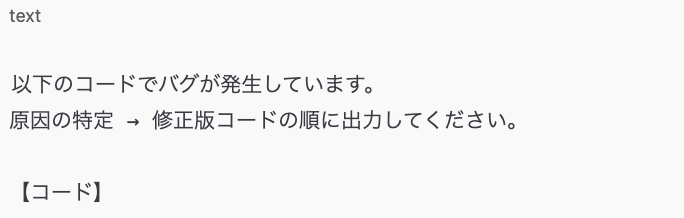
🧩 1. バグ修正プロンプト(絶対使う)
Screenshot 2025-11-22 at 14.20.01.png

📌 ポイント

1. 初心者〜中級者まで万能
2. 修正版コードが一発で出る

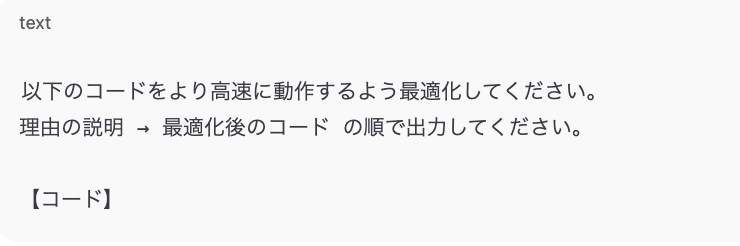
🧩 2. コード最適化(高速化)プロンプト
Screenshot 2025-11-22 at 14.20.35.png

📌 効く場面:pandas / numpy / for文の高速化など。

🧩 3. 可読性UPリファクタリング
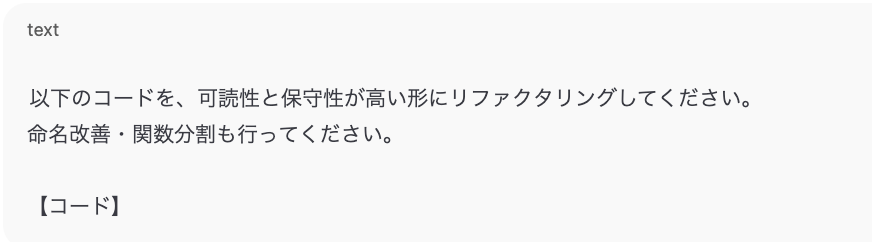
Screenshot 2025-11-22 at 14.21.11.png

🧩 4. コードレビュー

Screenshot 2025-11-22 at 14.21.30.png

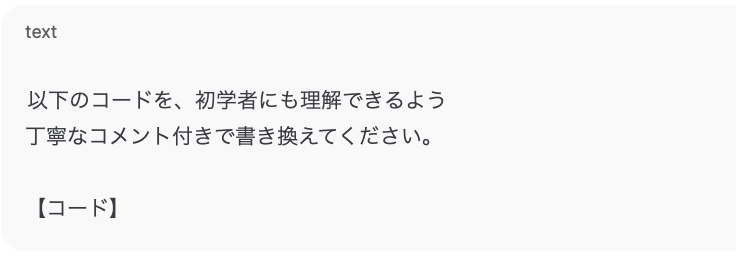
🧩 5. コメント付きの“わかりやすいコード”に書き換え

Screenshot 2025-11-22 at 14.21.47.png

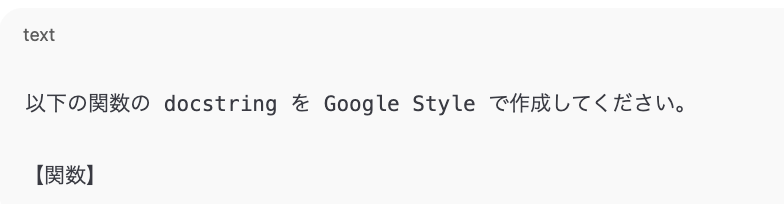
🧩 6. docstring 自動生成(Google Style)

Screenshot 2025-11-22 at 14.22.02.png

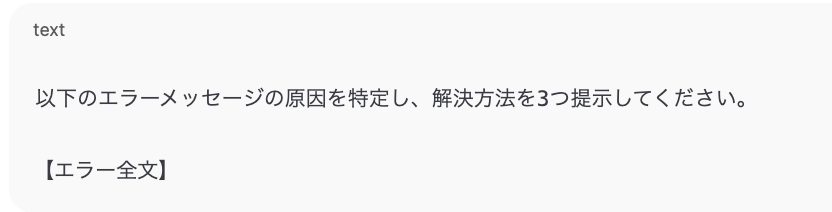
🧩 7. エラー診断(病名+治療法)

Screenshot 2025-11-22 at 14.22.20.png

📌 エラーを貼るだけで治る最強プロンプト

🧩 8. pandas 前処理 “全部自動化”
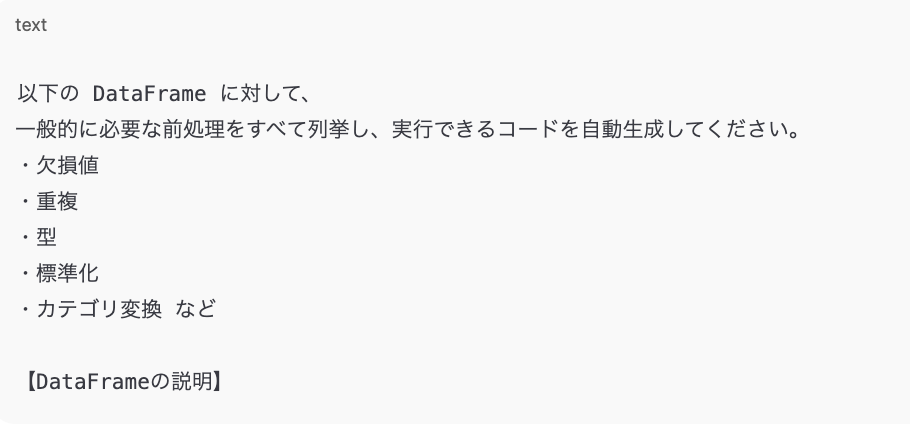
Screenshot 2025-11-22 at 14.22.42.png

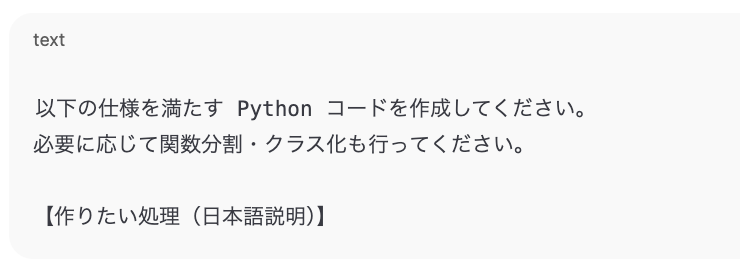
🧩 9. 文章 → Pythonコード 自動変換(最強クラス)

Screenshot 2025-11-22 at 14.22.59.png

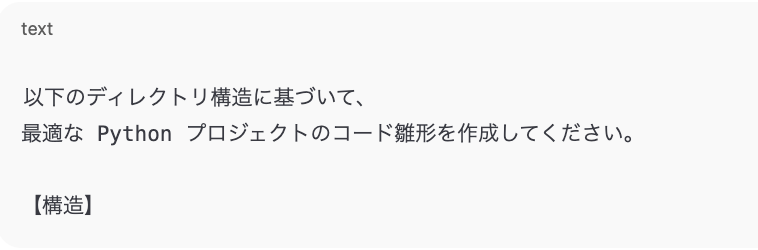
🧩 10. ファイル構造から自動コード生成

Screenshot 2025-11-22 at 14.23.16.png

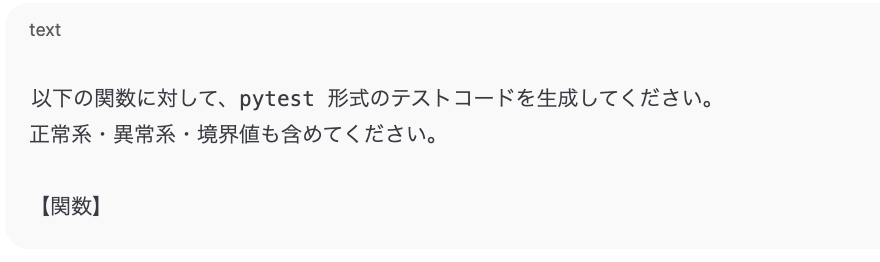
🧩 11. テストコード(pytest)自動生成

Screenshot 2025-11-22 at 14.23.39.png

🧩 12. ChatGPT / Claude 用「内部思考ON」最適化指示

AIの推論力を引き出す隠れたワザです。

Screenshot 2025-11-22 at 14.23.57.png

📌 GPT-4/5・Claude で特に効果あり。

🧩 13. API・ライブラリの要点を一瞬で理解する

Screenshot 2025-11-22 at 14.24.19.png

🧩 14. 既存コードから設計書を自動生成

Screenshot 2025-11-22 at 14.24.34.png

🧩 15. “動くサンプルコード” を作ってもらう

Screenshot 2025-11-22 at 14.24.50.png

番外編:⚡ 各AI専用ショートプロンプト(超便利)

🔵 ChatGPT(GPT-4/5)

Screenshot 2025-11-22 at 14.25.17.png

🟣 Claude

Screenshot 2025-11-22 at 14.26.00.png

🟡 Grok

Screenshot 2025-11-22 at 14.26.15.png

🟢 Gemini

Screenshot 2025-11-22 at 14.26.26.png

⚪ GitHub Copilot

Screenshot 2025-11-22 at 14.26.38.png

🙌 まとめ

AI を適切に使えば、
1. コーディング速度が2〜10倍
2. バグ修正が一瞬
3. 学習効率が爆上がり
4. 実務レベルのコードが自動で書ける

という圧倒的な生産性が手に入ります。

今後もAI × Python × 効率化テクをまとめていくので、
この記事が役に立った方は いいね・フォロー をしていただけると嬉しいです!

3
3
0

Register as a new user and use Qiita more conveniently

  1. You get articles that match your needs
  2. You can efficiently read back useful information
  3. You can use dark theme
What you can do with signing up
3
3

Delete article

Deleted articles cannot be recovered.

Draft of this article would be also deleted.

Are you sure you want to delete this article?