
AWSの無料枠で出来る範囲のチュートリアルを ChatGPT に示して頂いたので、試してみた経過を簡単にまとめてみました。
AWS等の実際の画面や操作はどんな感じか知りたい方を読者対象としているつもりです。
著者はAWS クラウドプラクティショナー、ソリューションアーキテクト アソシエイト という資格を取得済みで「AWSってなんぞや?」という概要を知識としてある程度理解しているが、実際にAWSの画面を触ったことが無いという状態でAWSのチュートリアルをこなしていくという状況です。
今回の内容としては、Terraform を GitHub でコード管理すること を目標にしたいと思います。
GitHub の設定
Step ① GitHubでリポジトリ作成
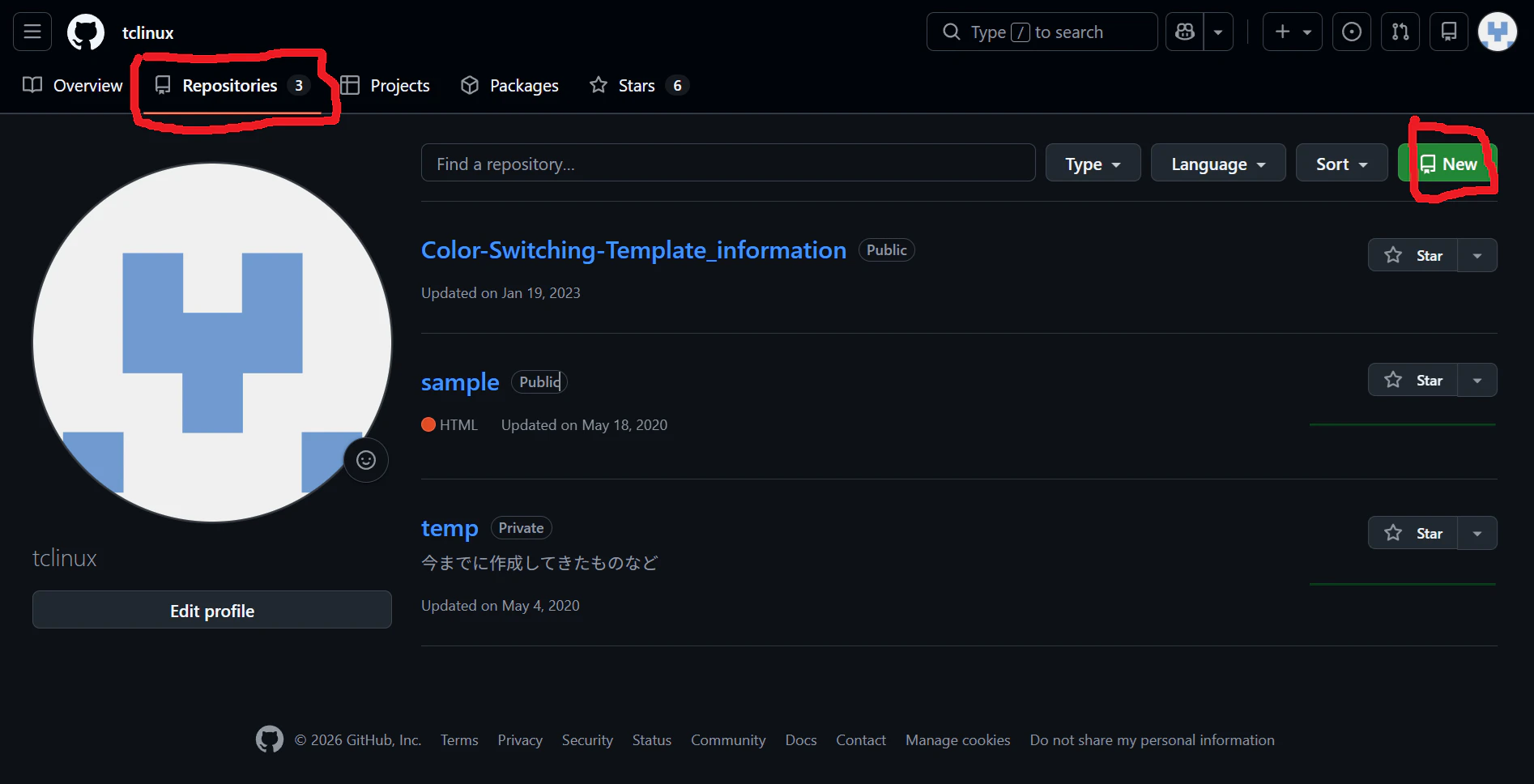
GitHub開く → Repositories → New
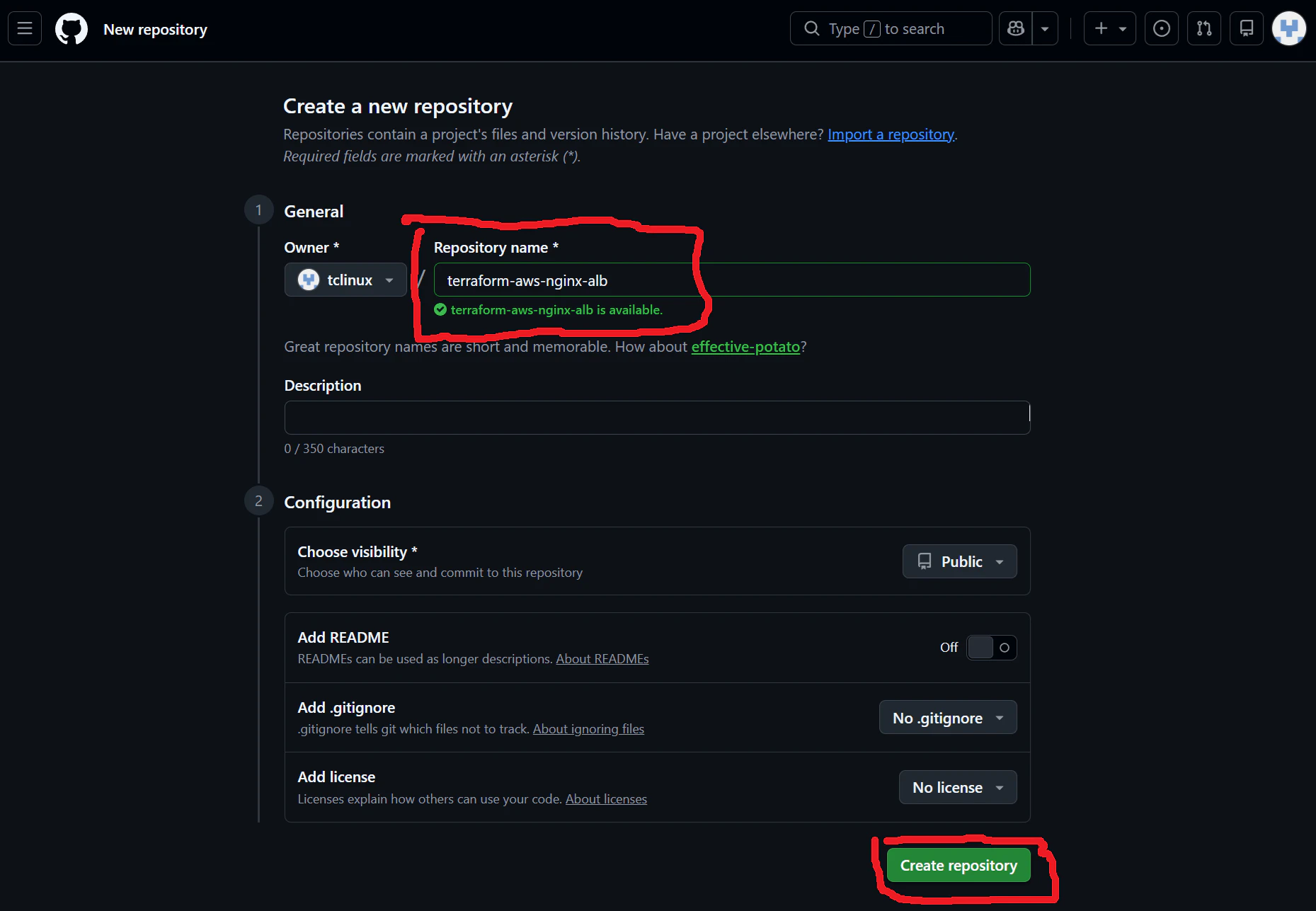
適切な Repository name を入力し Create Repository
② .gitignoreを作成
touch .gitignore
中身👇
.terraform/
*.tfstate
*.tfstate.*
*.pem
*.csv
*.zip
terraform.exe
❌ 含まれてはいけないもの
.terraform/
terraform.tfstate
terraform.tfstate.backup
👉 これらは
・サイズが大きい
・機密情報を含む(危険)
🚨 このままだと
GitHubに秘密情報を公開してしまう可能性あり
(AWSリソース情報など)
Step ③ ローカルで Git 初期化
Git Bashで👇
# terraform の main.tf があるフォルダに適宜移動(私の場合は以下の位置)
cd /D/Userdata/documents/terraform-test

git init
git add .
git commit -m "first commit"
Step ③ Token 作成
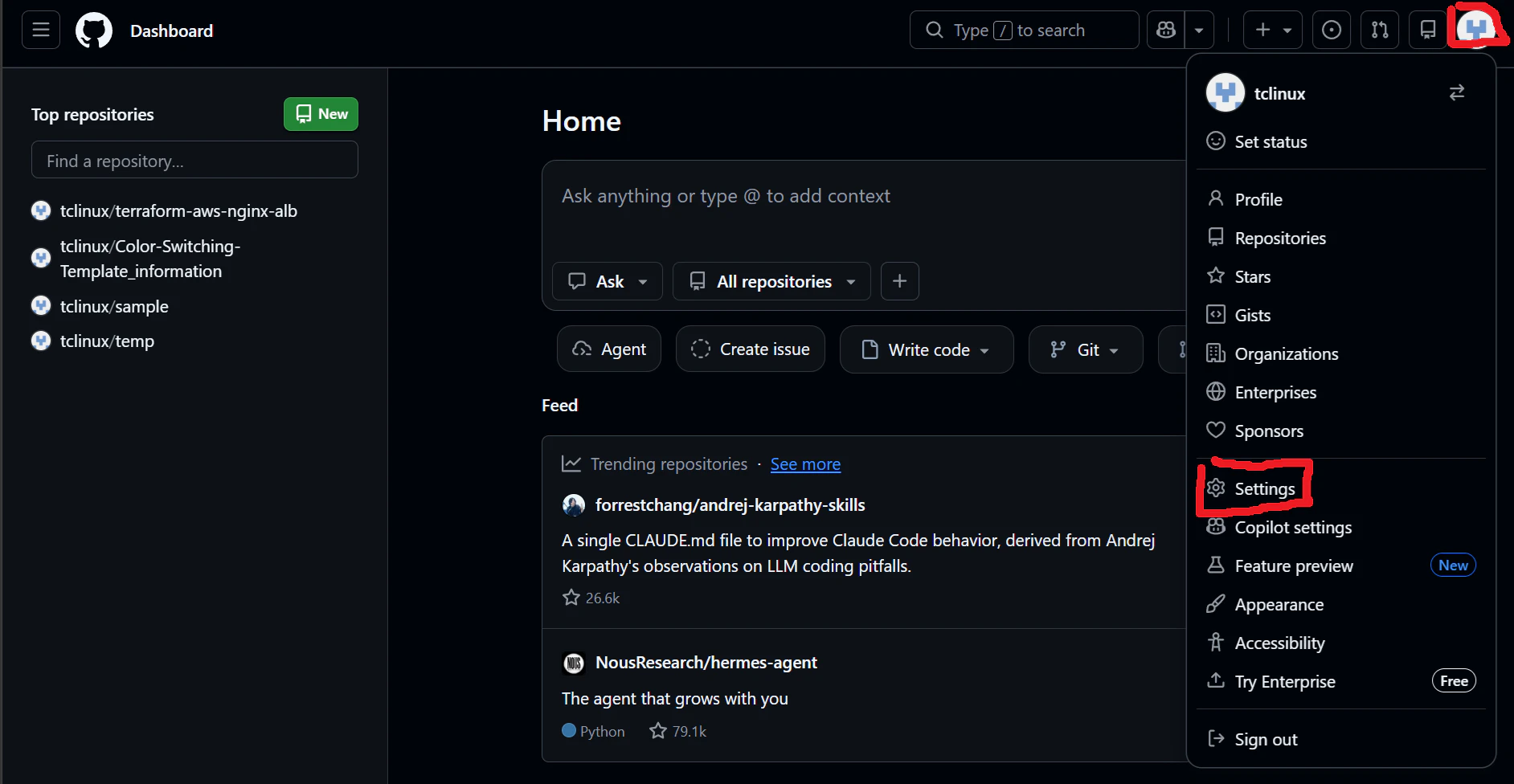
GitHub 右上アイコン → Settings
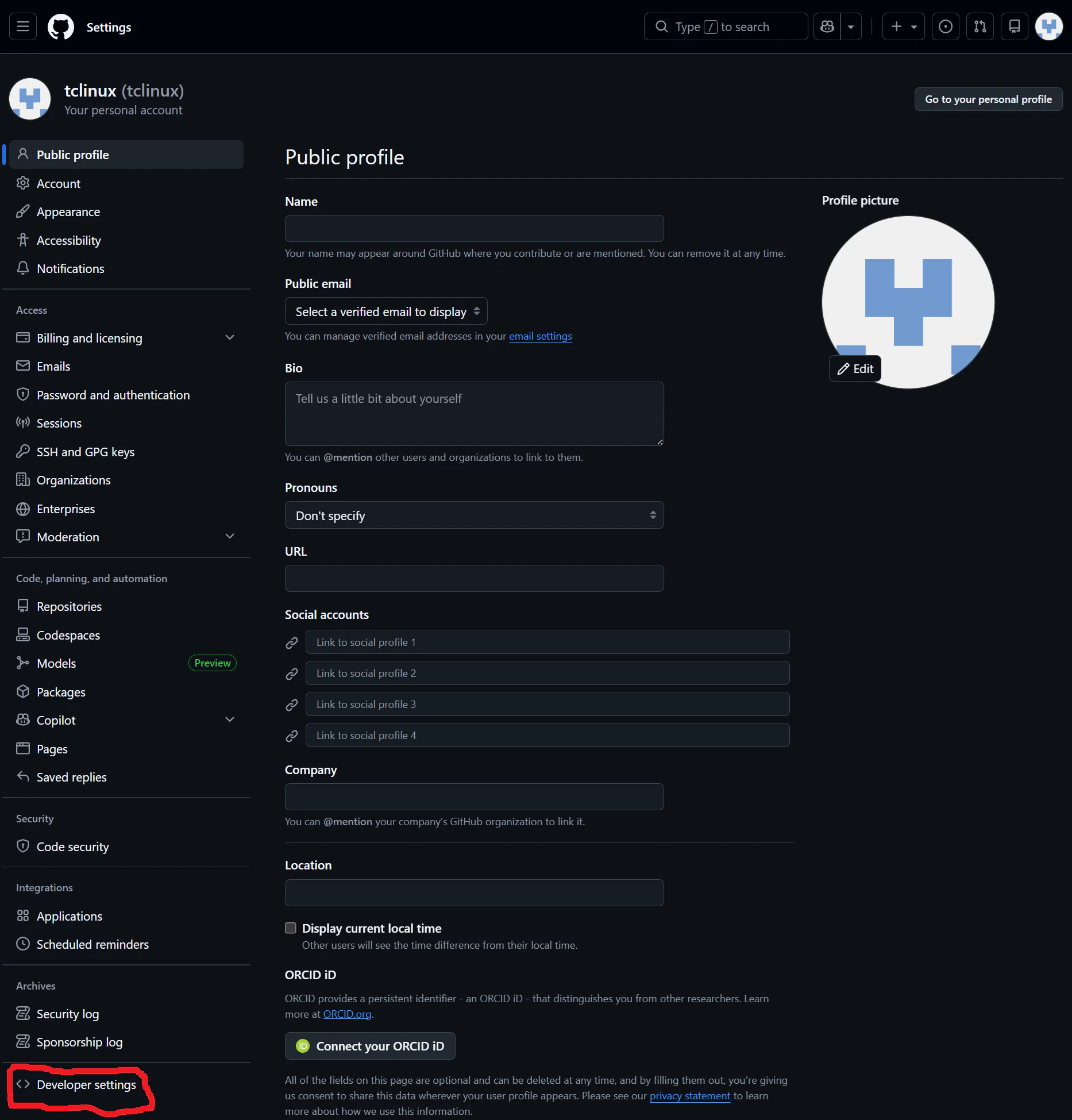
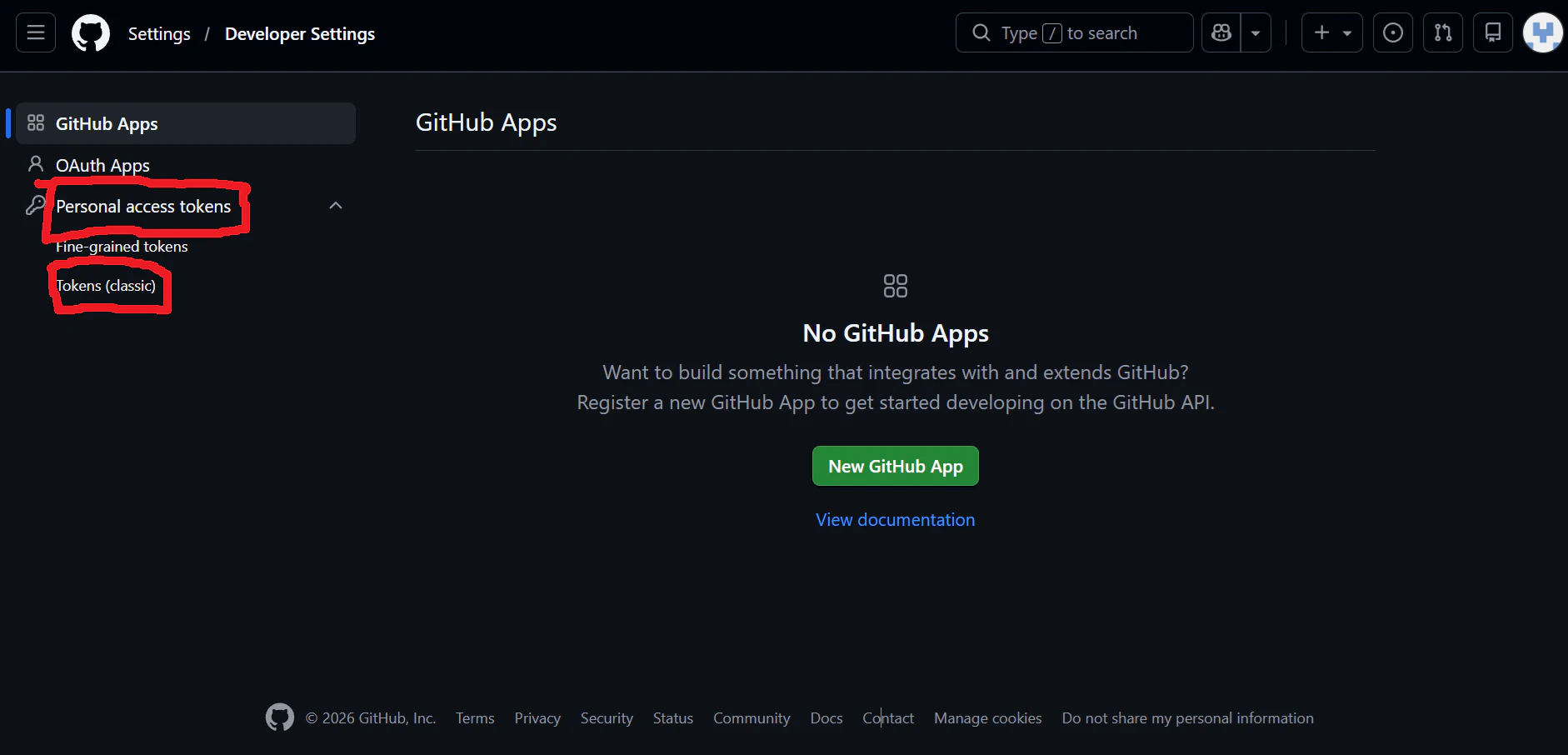
Developer settings
Personal access tokens → Tokens (classic)
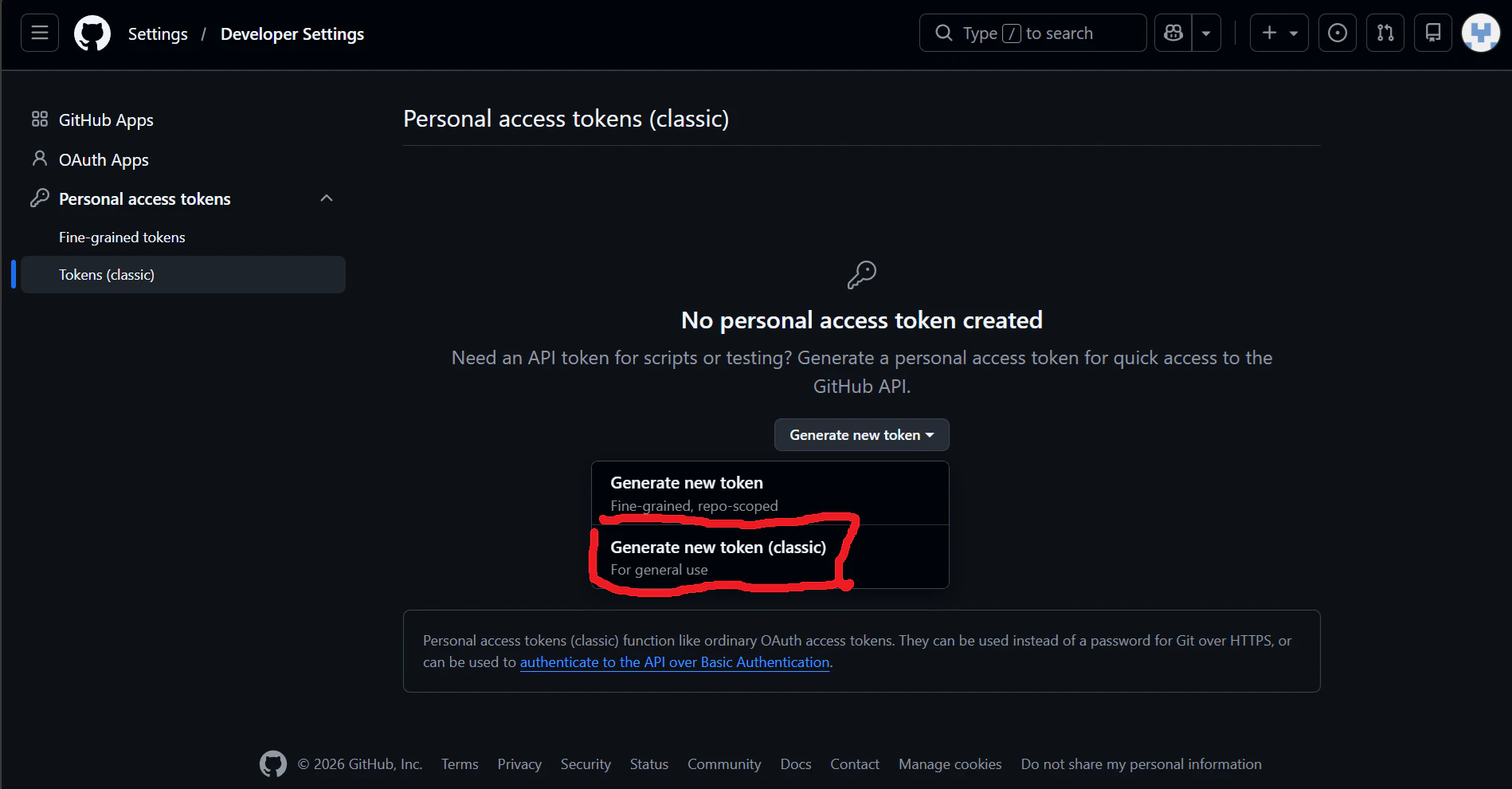
Generate new token (classic)
チェックする権限: repo(これだけでOK)
適切な Note を記入
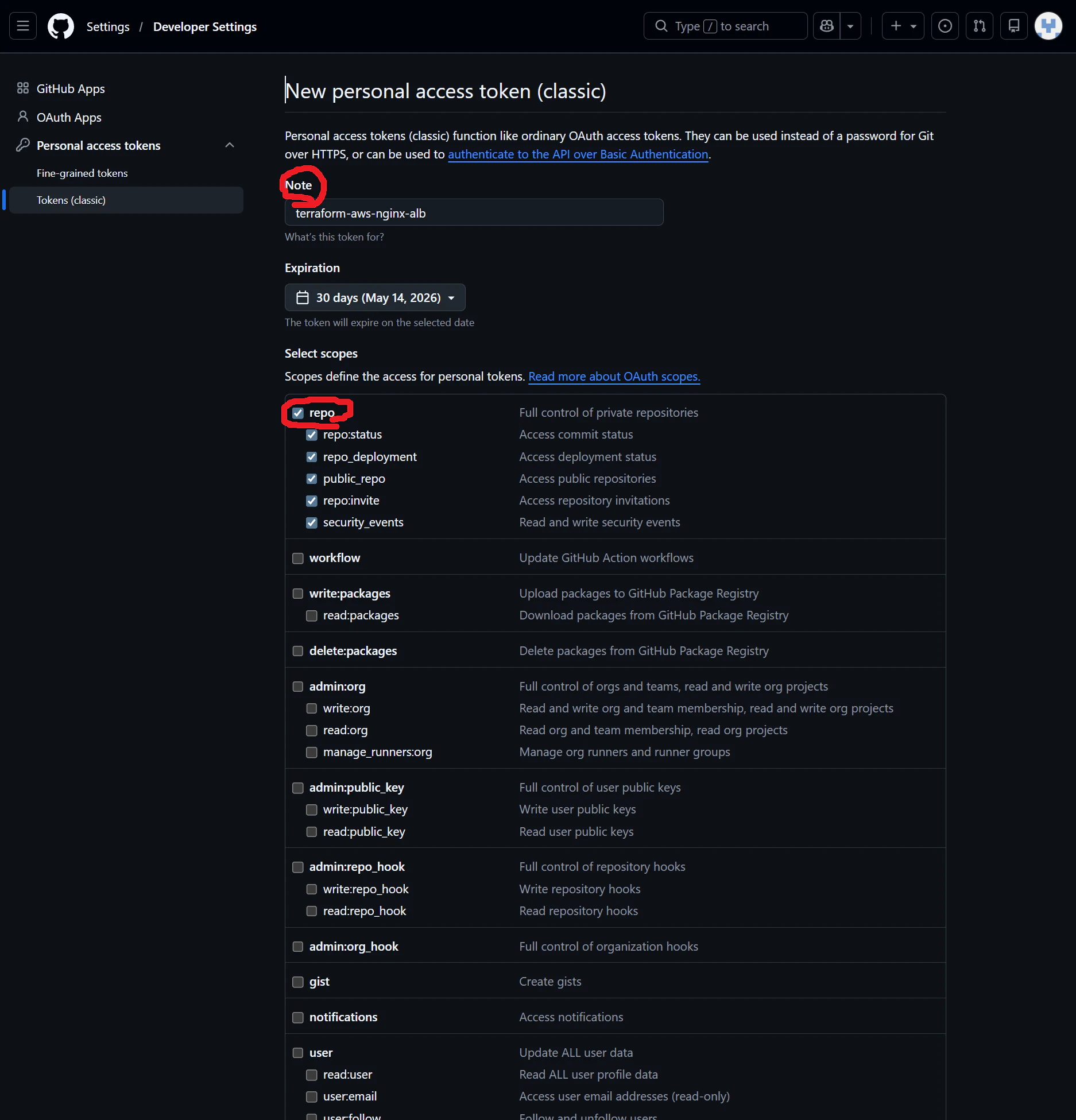
→ 「Generate token」
⚠️ 超重要
トークンは1回しか表示されない
→ 必ずコピーして保存
Step ④ push
リモート設定
git remote add origin https://github.com/あなたのID/terraform-aws-nginx-alb.git
push
git branch -M main
git push -u origin main
👇 認証が出る
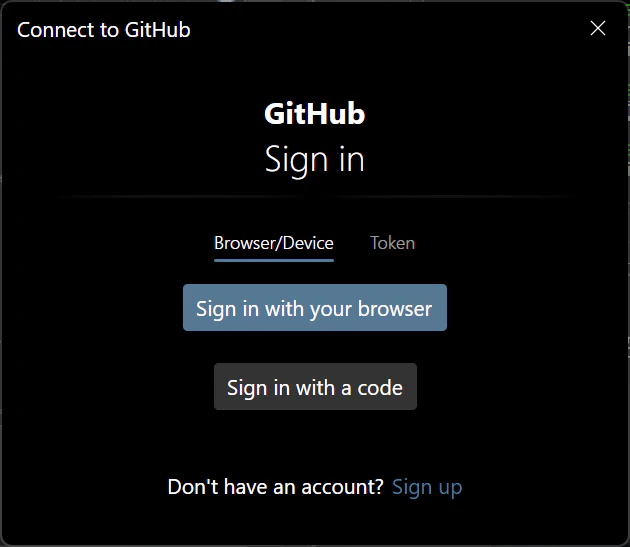
Username → GitHubのID
Password → さっきのToken(←パスワードじゃない)
✅ 成功すると
GitHubにコードが表示される
$ git push -u origin main
Enumerating objects: 30, done.
Counting objects: 100% (30/30), done.
Delta compression using up to 8 threads
Compressing objects: 100% (22/22), done.
Writing objects:  36% (11/30), 161.36 MiB | 1.16 MiB/s
このように Git bash が変化するのだが、手順を誤った際に大きなファイルをアップロードしているようで、これは Terraform の .terraform や state が入っている可能性があるようだ。
🛠 今すぐやるべき対応
① すでにaddしたファイルを除外
rm -rf .git
git rm -r --cached .terraform
git rm --cached terraform.tfstate
git rm --cached terraform.tfstate.backup
③ 再コミット
git init
git remote add origin https://github.com/アカウント名/terraform-aws-nginx-alb.git
git add .
git commit -m "remove unnecessary files"
🏁 再push
git commit -m "clean project"
git branch -M main
git remote add origin https://github.com/アカウント名/terraform-aws-nginx-alb.git
git push --set-upstream origin main --force
##💡 なぜこれが重要か
Terraformのstateには👇が含まれる
・インフラ構成
・ID
・場合によっては認証情報
👉 実務では
絶対にGitに上げない
push で以下のようになればOK
Writing objects: 100% (16/16), 7.47 KiB | 3.74 MiB/s, done.
Total 16 (delta 2), reused 0 (delta 0), pack-reused 0 (from 0)
remote: Resolving deltas: 100% (2/2), done.
To https://github.com/アカウント名/terraform-aws-nginx-alb.git
 * [new branch]      main -> main
branch 'main' set up to track 'origin/main'.