
概要
Claude Code を使って、Drupal 開発を行っています。
今回は Github の Issue を起点に機能開発を行います。
流れ
流れとしては以下の感じです。
1. Issue に改修内容を起票する
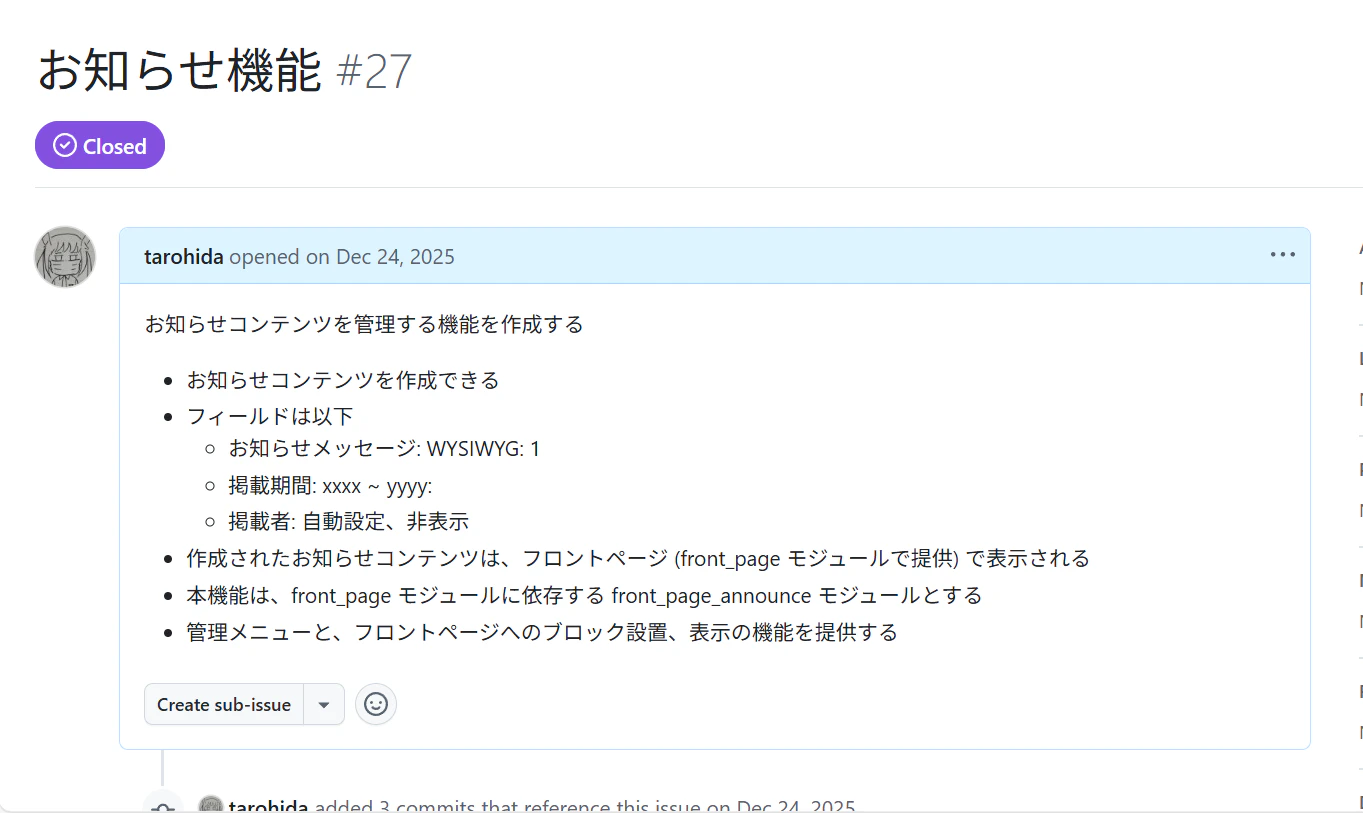
2. Claude Code に Issue を読み込ませ、実装させる
Claude Code に Issue の内容を読み込ませ、実装させます。
/work-on-issue Claude Code のカスタムコマンドを作成しておくことで、これを自動化できます。
例えば、 #27 の Issue に取り組ませる場合は、次のように命令します。
/work-on-issue 27
コマンド定義はプロジェクト以下、 ./.claude/commands/ 以下に、 work-on-issue.md というファイルを作成し、定義します。
$ cat ./.claude/commands/work-on-issue.md
---
description: Work on a GitHub issue by number or URL
---

You are starting work on a GitHub issue. Follow these steps carefully:

## Step 1: Fetch Issue Information

Use the `./gh issue view {ARG1}` command to fetch the issue details. The argument can be:
- An issue number (e.g., `123`)
- A full GitHub issue URL (e.g., `https://github.com/owner/repo/issues/123`)

...(以下略)
※このコマンド自体も、事前に別途 Claude Code で作成しておきます。
コマンドの中身としては、Issue の読み込み、プルリクエストの作成などを gh コマンド経由で実行するよう指示しています。
gh コマンドを事前に Claude Code を動作させている環境 (Drupal の VM 環境) にインストールしておき、 Claude Code に gh コマンド経由で Github を操作させます。
3. Drupal 環境上で実装と動作確認
Claude Code に、 Drupal 環境上で実装を行わせます。
Claude Code の作業が終わったら動作確認を行い、適宜追加指示を与えます。
4. プルリクエストの作成
動作確認が終わったら、 Claude Code にプルリクエストを作成させます。
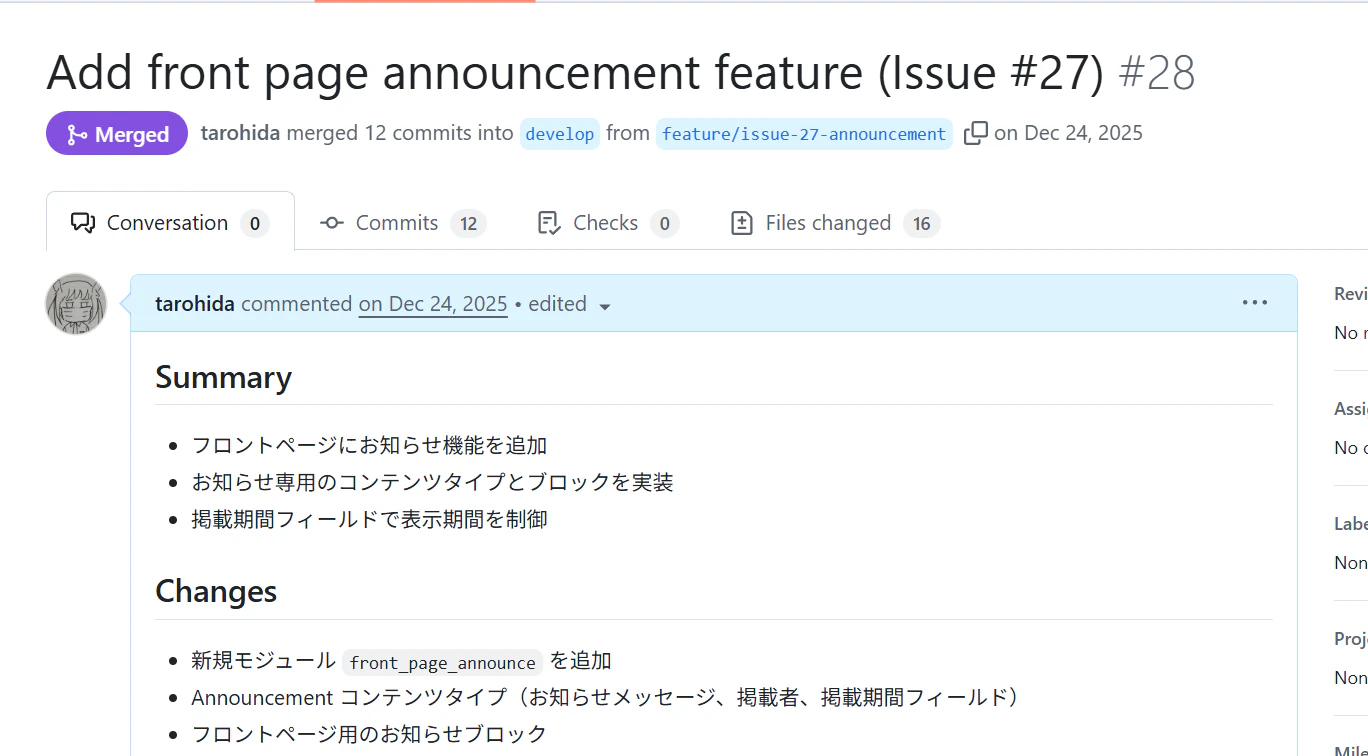
※ユーザが自身となっていますが、このプルリクエストやコメントは Claude Code によって作成されています。
別の作業したときの出力ですが、こんな感じ

5. マージして完了
プルリクエストをマージしたら、 Claude Code を使った開発の 1サイクルは完了です。
このようにして、 Issue ベース、 Issue 単位で開発を行っていきます。