0
1

Delete article

Deleted articles cannot be recovered.

Draft of this article would be also deleted.

Are you sure you want to delete this article?

Visual Studio Code の Power Shell をアップグレードする方法

0
Last updated at Posted at 2021-02-14

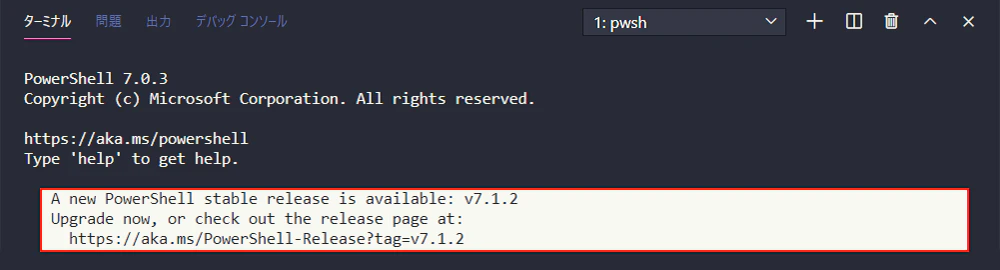
Visual Studio Code のターミナルを表示すると Power Shell のアップグレードを促すメッセージが表示されるようになりました。
そのままでも利用できますが毎回表示されるメッセージがうっとおしいのでアップグレードしちゃいましょう!
vscode-upgrade-powershell_01.png

最新版の Power Shell をダウンロードする

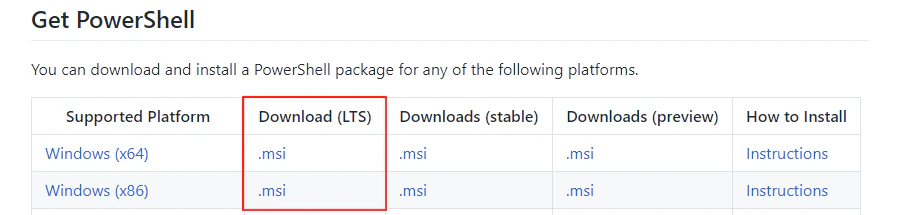
PowerShell/PowerShell からインストーラーをダウンロードします。

  • 64bit 版 Windows:Windows (x64)
  • 32bit 版 Windows:Windows (x86)

LST (Long Term Support) 版をインストールしました。
vscode-upgrade-powershell_02.png

Power Shell をインストールする

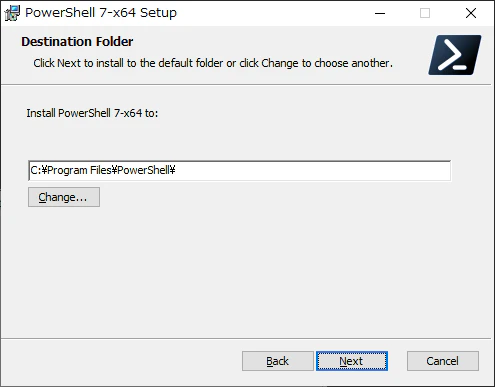
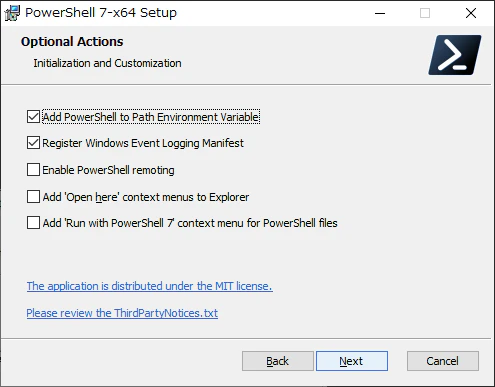
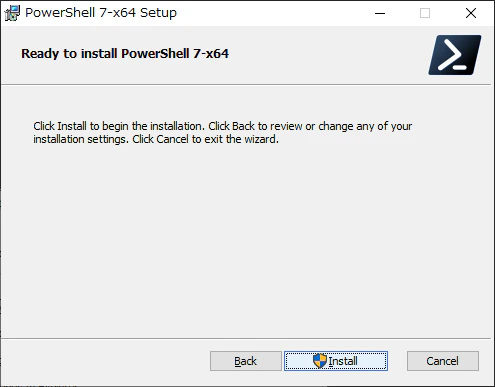
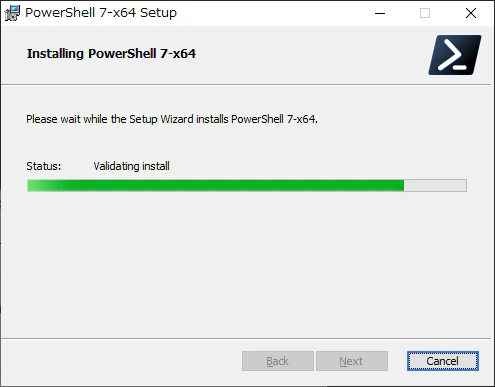
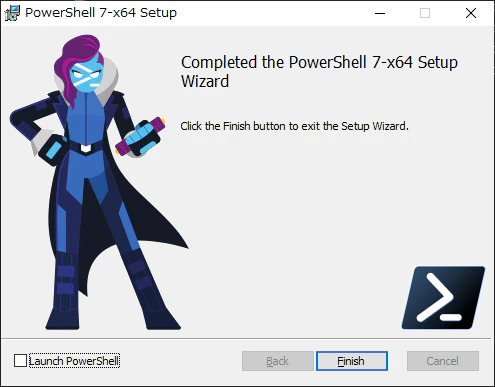
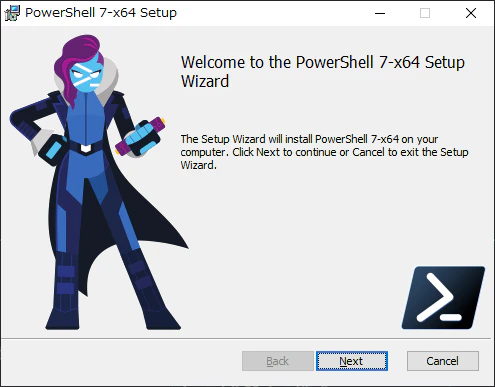
ダウンロードしたインストーラーを起動してインストールします。
全部 Next を押しました。
vscode-upgrade-powershell_03.png

vscode-upgrade-powershell_04.png

vscode-upgrade-powershell_05.png

vscode-upgrade-powershell_06.png

vscode-upgrade-powershell_07.png

vscode-upgrade-powershell_08.png

Visual Studio Code を再起動する

Visual Studio Code を再起動しターミナルを表示すると…
Power Shell のバージョン番号が変更されています。
アップグレードを促すメッセージも消えました!

vscode-upgrade-powershell_09.png

0
1
0

Register as a new user and use Qiita more conveniently

  1. You get articles that match your needs
  2. You can efficiently read back useful information
  3. You can use dark theme
What you can do with signing up
0
1

Delete article

Deleted articles cannot be recovered.

Draft of this article would be also deleted.

Are you sure you want to delete this article?