
AIペットや小さな相棒キャラクターの流行を見ると、オリジナルの小さなマスコットを3D化してみたくなります。ただし、キャラクター画像をそのままImage-to-3Dに入れると、細部が多すぎて結果が不安定になることがあります。
この記事では、3D化しやすい入力画像にするために、どこまで単純化するかをチェックする小さなPythonメモをまとめます。
チェックしたい観点
| 観点 | 避けたい状態 | 望ましい状態 |
|---|---|---|
| 背景 | 模様や文字が多い | 白または単色 |
| 輪郭 | 髪や細線が多い | 外形がはっきりしている |
| 手足 | 体に重なっている | 少し離れている |
| 装飾 | 紐、毛、透明パーツが多い | 大きな形状中心 |
| 余白 | 頭や足が切れている | 全身が入っている |
こうした前処理をしてから Hi3D のようなツールに渡すと、確認しやすい初期モデルになりやすいです。
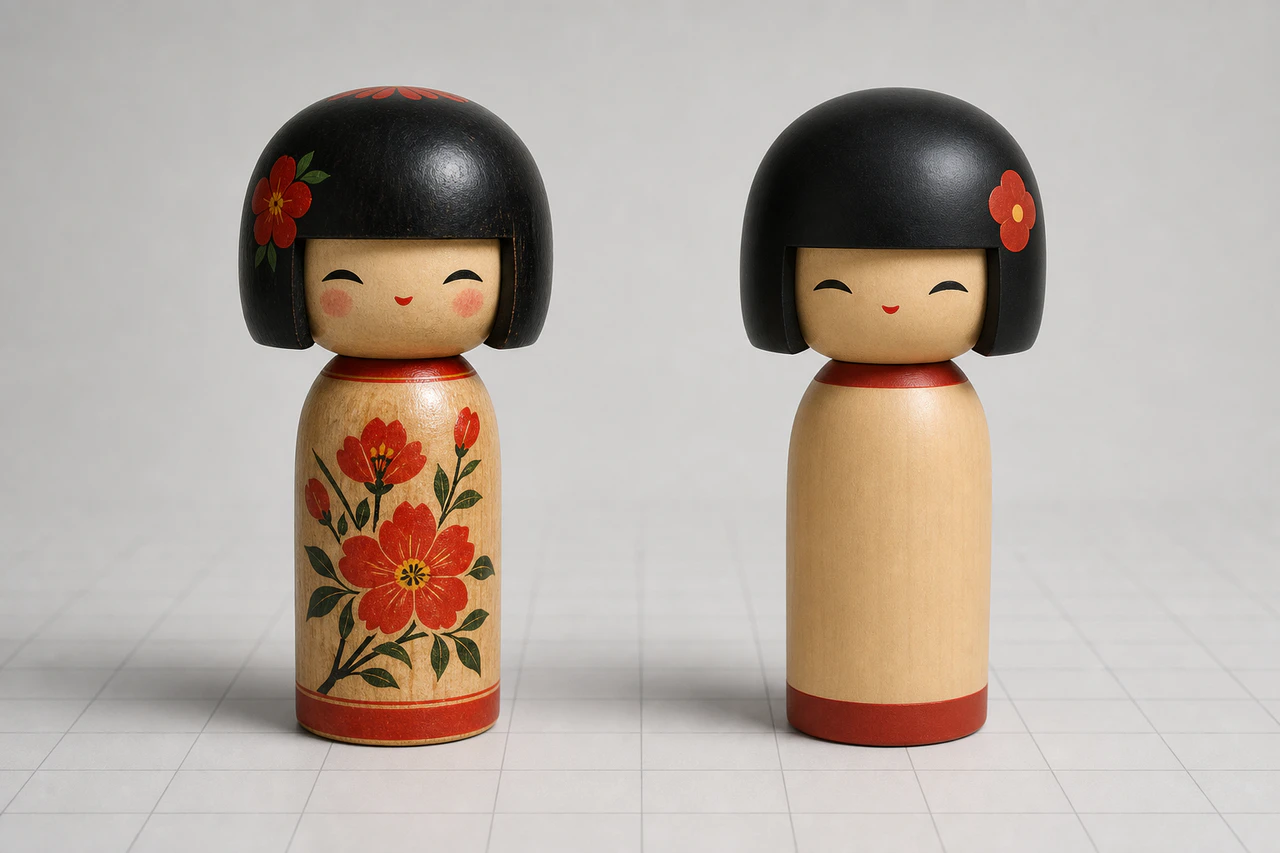
こけし風マスコットの3D化前の単純化例
Pillowで画像サイズと余白を見る
from pathlib import Path
from PIL import Image

def inspect_image(path: str) -> dict:
    img = Image.open(path).convert("RGBA")
    alpha = img.getchannel("A")
    bbox = alpha.getbbox()

    if bbox is None:
        return {"file": path, "error": "empty alpha"}

    left, top, right, bottom = bbox
    w, h = img.size

    return {
        "file": Path(path).name,
        "width": w,
        "height": h,
        "object_width": right - left,
        "object_height": bottom - top,
        "margin_left": left,
        "margin_top": top,
        "margin_right": w - right,
        "margin_bottom": h - bottom,
    }

print(inspect_image("mascot_input.png"))
余白が少ない画像を警告する
def needs_padding(report: dict, min_margin_ratio=0.08) -> bool:
    w = report["width"]
    h = report["height"]
    min_margin = min(w, h) * min_margin_ratio

    margins = [
        report["margin_left"],
        report["margin_top"],
        report["margin_right"],
        report["margin_bottom"],
    ]
    return any(m < min_margin for m in margins)

report = inspect_image("mascot_input.png")
if needs_padding(report):
    print("add more padding before image-to-3D")
else:
    print("padding looks ok")
チェックリスト
-
全身が入っている
-
背景が単純
-
手足が胴体に埋もれていない
-
髪や紐などの細い要素が少ない
-
左右上下に余白がある
-
ロゴや読ませたい文字がない
3Dモデル生成AI に渡す前の準備は地味ですが、生成後の修正量を減らすにはかなり効きます。

キャラクターをかわいく描くことと、3D化しやすく描くことは少し違います。最初の入力画像を単純にするだけで、検証はかなり進めやすくなります。