
普段なんとなくそうだろうなと思っていることを検証したので備忘録
検証
以下のような、ランダムな色のImageオブジェクトを配置するスクリプトを作成する
ContentInitializer.cs
using UnityEngine;
using UnityEngine.UI;

public class ContentInitializer : MonoBehaviour
{
    [SerializeField] Image _objPrefab;
    [SerializeField] Transform _content;
    [SerializeField] GridLayoutGroup _gridLayout;

    [SerializeField] Vector2 _contentSize;

    void Start()
    {
        int columns = (int)_contentSize.x;
        int rows = (int)_contentSize.y;
        int totalCount = columns * rows;

        var rect = _gridLayout.GetComponent<RectTransform>().rect;
        var cellWidth = rect.width / columns;
        var cellHeight = rect.height / rows;
        _gridLayout.cellSize = new Vector2(cellWidth, cellHeight);
        _gridLayout.spacing = Vector2.zero;
        _gridLayout.constraintCount = columns;

        for (int i = 0; i < totalCount; i++)
        {
            var obj = Instantiate(_objPrefab, _content);
            obj.gameObject.SetActive(true);
            obj.color = new Color(Random.value, Random.value, Random.value);
        }
    }
}
これをシーン上に配置して、生成するオブジェクトは以下のようにする


Imageが配置される先は、GridLayoutGroupなどで整頓されるようにする
これを再生すると、以下のように画像が表示される

ここでFrameDebuggerを確認すると、ドローコールが1つにまとめられる

一度再生を終了し、オブジェクトにSpriteを設定する
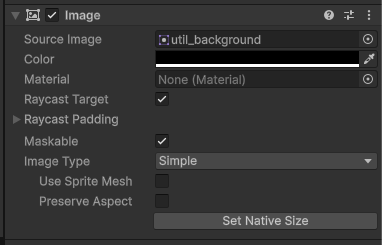
再度再生すると、ドローコールが分けられていることが確認できる
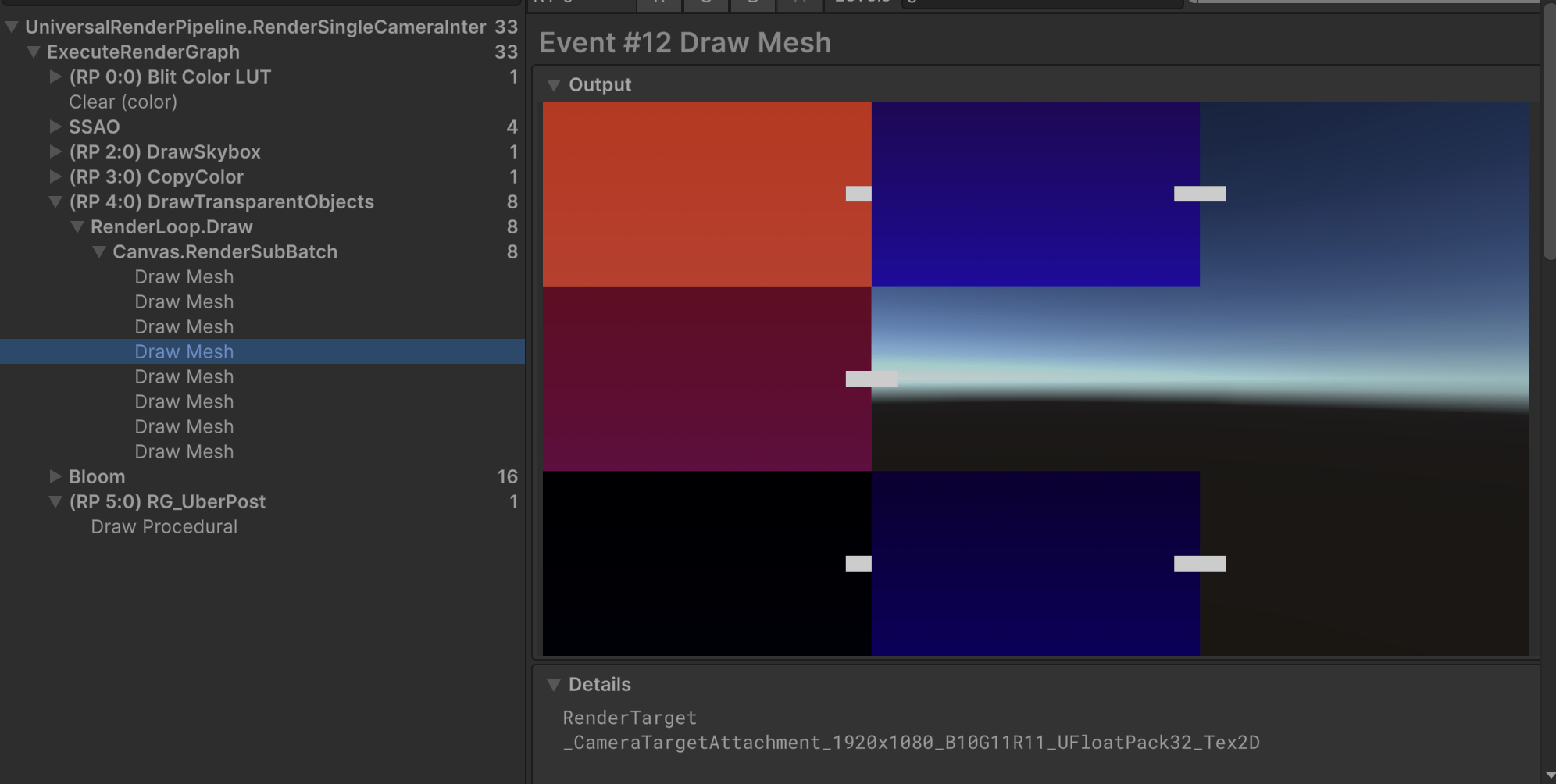
再生されたまま、中のImageを親Imageの中へ移動するとドローコールがまとめられている

この現状は、uGUIで用意されているTextコンポーネントやTextMeshProなどでも発生する
なぜ?
おそらく重なり順によるバッチングの分割が原因
ドローコールの分割の仕方を見ると、オブジェクト同士が接触or重ならないオブジェクト同士がバッチングされている
親コンポーネントのRectからはみ出した子コンポーネントの描画が他のオブジェクトと重なるとき、その重なり順の整合性を取るためにバッチが一旦中断されるのだと思う
終わりに
近年UIは非常にリッチになっており、枠からはみでる表現は珍しくない
Canvas内でオブジェクト同士が重なる際にはドローコールに気をつけていきたい