
Ansibleの公式オンライン・ドキュメントを使用していると、一定の頻度でwebクローラでない確認が入るので使用性が良くない。
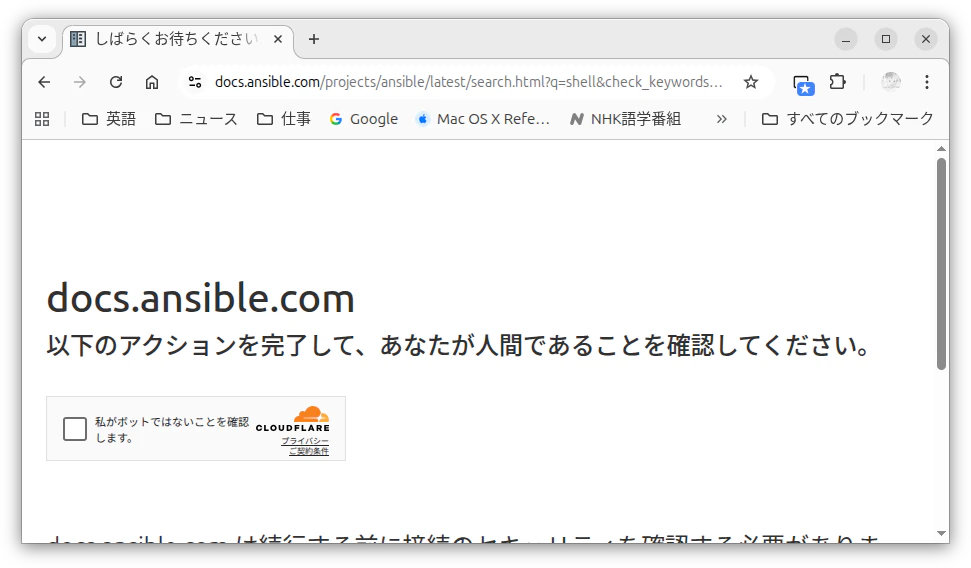
そこで、Ansibleの公式ドキュメントの使用性の向上のため、をローカル環境に構築する。
環境
Ubuntu 24.04 LTS
必須ソフトウェア
ディストリビューション・パッケージ
| 項目 | |
|---|---|
| 1 | python3 |
| 2 | python3-pipx |
| 3 | python3-venv |
Pythonパッケージ
| 項目 | 補足 | |
|---|---|---|
| 1 | nox |
pipx install nox でインストール。 |
手順
-
clone source
$ git clone https://github.com/ansible/ansible-documentation -
build
先ずはじめに、Ansibleの公式ドキュメントのビルドは、Intel Core i7-9700で20分弱の時間を要した。そして、その待ち時間の大部分で端末に出力がないため、動作しているのか不安に駆られるが気長に待つことが肝要である。
-
作業ディレクトリの移動
$ cd ansible-documentation -
おまじない
build時の以下のパーミッション・エラーを回避するため、先んじて対象ディレクトリのパーミッションを変更しておく。
-
エラー
Running ['antsibull-docs', 'stable', '–deps-file', '*tmp/tmpzyreeqm2/ansible.deps', '–ansible-core-source', '/home/taku/study/ansible/ansible-documentation', '–dest-dir', 'rst']: /home/taku/study/ansible/ansible-documentation/docs/docsite/rst must only be writable by the owner make: **\*** [Makefile:189: core<sub>plugins</sub>] エラー 2 make: ディレクトリ '/home/taku/study/ansible/ansible-documentation/docs/docsite' から出ます nox > Command make -C docs/docsite PYTHON=/home/taku/study/ansible/ansible-documentation*.nox/make/bin/python clean coredocs failed with exit code 2 nox > Session make failed. -
対処方法
chmod 755 docs/docsite/rst
-
-
ビルド
ansible-documentationの手順では、
nox -s clone-coreが必須のように読めるが、実際は、nox -s make内で実行しているので不要である。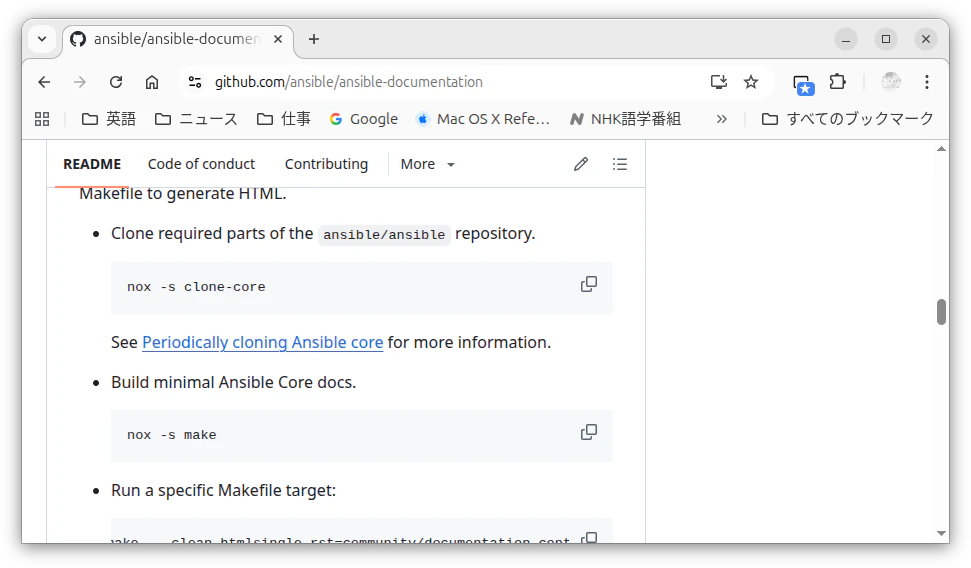
以下に実行ログを示す。
$ nox -s make
nox > Running session make
nox > Creating virtual environment (virtualenv) using python in .nox/make
nox > export PIP_CONSTRAINT=tests/requirements.txt
nox > export UV_CONSTRAINT=tests/requirements.txt
nox > export UV_BUILD_CONSTRAINT=tests/requirements.txt
nox > python -m pip install -r tests/requirements.in
nox > python docs/bin/clone-core.py --check
The necessary core files already exist.
Run 'nox -e clone-core' without --check to update the core files.

...

出力中...[100%] vault_guide/index .. vault_guide/vault_using_encrypted_content
索引を生成中... genindex py-modindex 完了
追加のページを出力中... search 完了
画像をコピー中... [100%] images/ansible_inv_start.svg
English (code: en) の検索インデックスを出力... 完了
オブジェクト インベントリを出力... 完了
ビルド 成功, 26 警告.

HTMLページは_build/htmlにあります。
make[1]: ディレクトリ '/home/taku/study/ansible-documentation/docs/docsite' から出ます
make: ディレクトリ '/home/taku/study/ansible-documentation/docs/docsite' から出ます
nox > Session make was successful in 17 minutes.
$
ビルドの成功後、
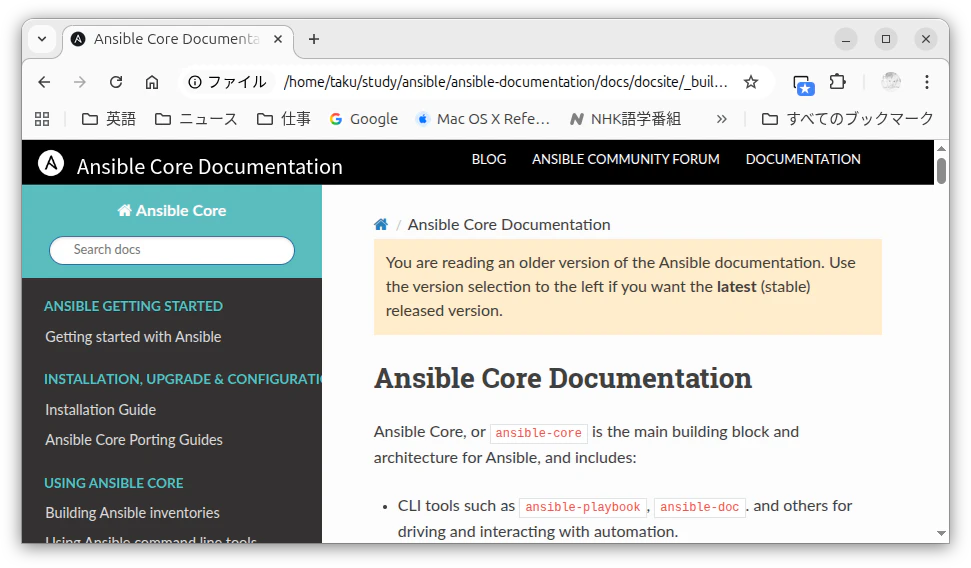
ansible-documentation/docs/docsite/_build/html/index.htmlにアクセスするとローカル環境のAnsibleの公式ドキュメントが参照可能となる。検索もローカルに閉じるので使用性が格段に向上する。
-