
リレーモジュールを通して、LEDを点灯、消灯させる導通を行った
環境
| HW/SW | バージョン他 |
|---|---|
| 筐体 | Rasberry zero |
| OS | RasberryPi OS (32-bit) |
| python | 3.13.5 |
| 部品① | 1チャンネルリレーモジュール(1 channel relay module)部品詳細 |
| 部品② | LED部品詳細 |
| その他部品 | ジャンパーワイアー、ブレッドボード、抵抗(1kΩ) |
回路
テキスト回路図(ラズパイ→リレーモジュール → LED)
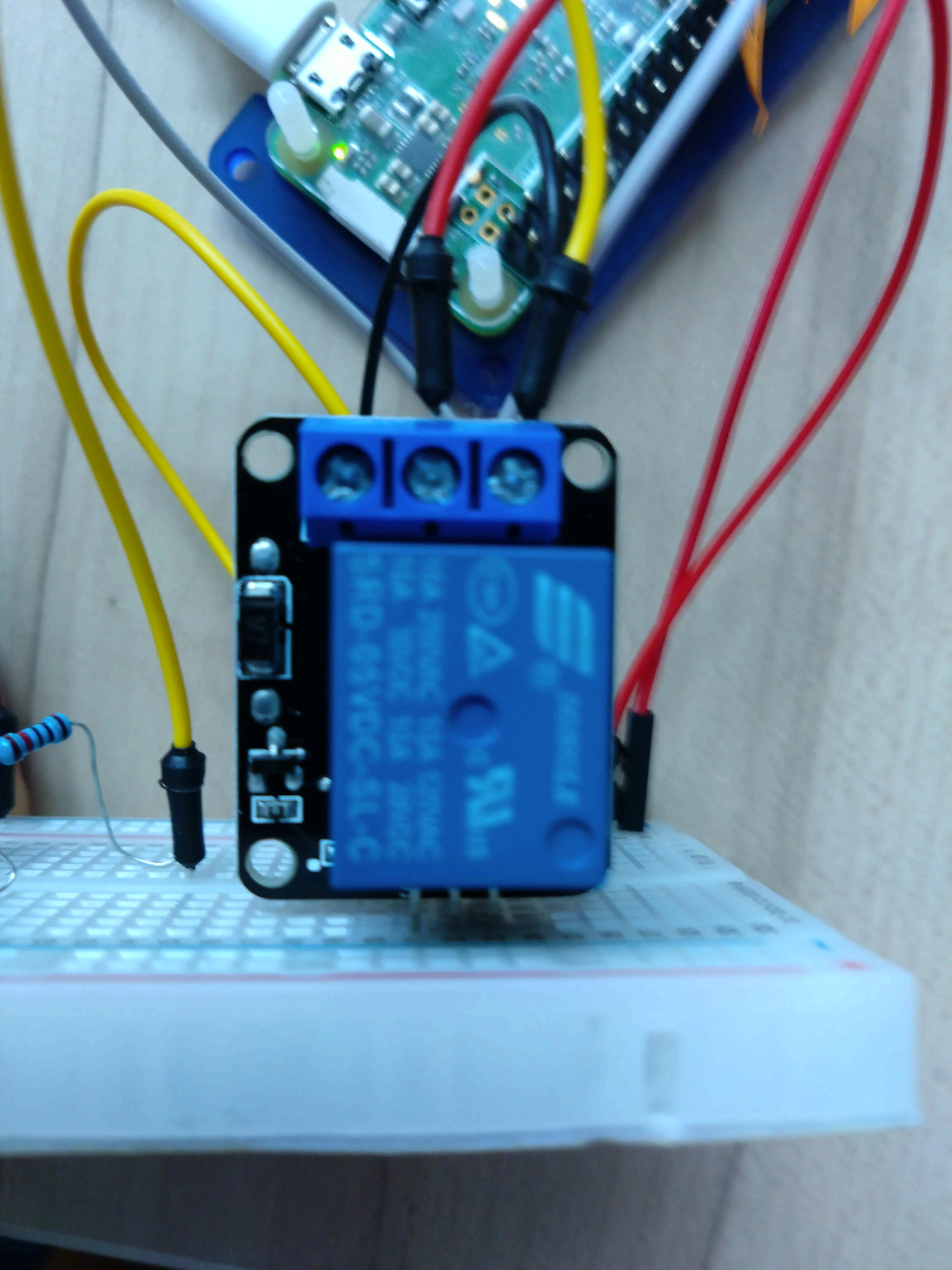
上下左右がわかりにくいが、リレーモージュールの突起側を向かい合わせた状態での向きとする(左← ↑上 ↓下 →右)
Raspberry Pi             1ch Relay Module
--------------------     -----------------
5V (物理ピン2)----------> NC(上中央 )
                      NO(上右) ---------> 抵抗(1kΩ) --> (+)LED(-) ---> Raspi[GND(物理ピン9)]へ

GPIO23 (物理ピン16)-----> S(下左)
5V(物理ピン2)-----------> +(下中)
GND(物理ピン9)----------> -(下右)
インフォメーション
上記で、物理ピン[2]、[9]を併用しているのは、ブレッドボード上で並列に回路を組んでいます
プログラム仕様
・実行すると、1秒ごとにリレーモジュールを開閉
・リレーモジュールが開いたらLEDが点灯し、閉じたらLEDが消灯
・やめるときは、[Ctl] + [c]
プログラムソース
relay_with_led.py
#!/usr/bin/python

import RPi.GPIO as GPIO
import time

RelayPin = 23

#print message at the begining ---custom function
def print_message():
    print ('|**********************************************|')
    print ('|             Relay Modeule + LED              |')
    print ('|**********************************************|\n')
    print ('Program is running...')
    print ('Please press Ctrl+C to end the program...')
    print ('\n')

def setup():
    GPIO.setwarnings(False)
    #set the gpio modes to BCM numbering
    GPIO.setmode(GPIO.BCM)
    #set RelayPin's mode to output,and initial level to LOW(0V)
    GPIO.setup(RelayPin,GPIO.OUT,initial=GPIO.LOW)

#main function
def main():
    #print info
    print_message()
    while True:
        print ('|******************|')
        print ('|  ...Relay close  |')
        print ('|******************|\n')

        #disconnect
        GPIO.output(RelayPin,GPIO.LOW)
        time.sleep(1)

        print ('|*****************|')
        print ('|  Relay open...  |')
        print ('|*****************|\n')
        print ('')
        #connect
        GPIO.output(RelayPin,GPIO.HIGH)
        time.sleep(1)

#define a destroy function for clean up everything after the script finished
def destroy():
    #turn off relay
    GPIO.output(RelayPin,GPIO.LOW)
    #release resource
    GPIO.cleanup()
#
# if run this script directly ,do:
if __name__ == '__main__':
    setup()
    try:
            main()
    #when 'Ctrl+C' is pressed,child program destroy() will be executed.
    except KeyboardInterrupt:
        destroy()
実行結果
pi@pi32lite:~/gpio $ python relay_with_led.py
|**********************************************|
|             Relay Modeule + LED              |
|**********************************************|

Program is running...
Please press Ctrl+C to end the program...


|******************|
|  ...Relay close  |
|******************|

|*****************|
|  Relay open...  |
|*****************|


|******************|
|  ...Relay close  |
|******************|

|*****************|
|  Relay open...  |
|*****************|


^Cpi@pi32lite:~/gpio $
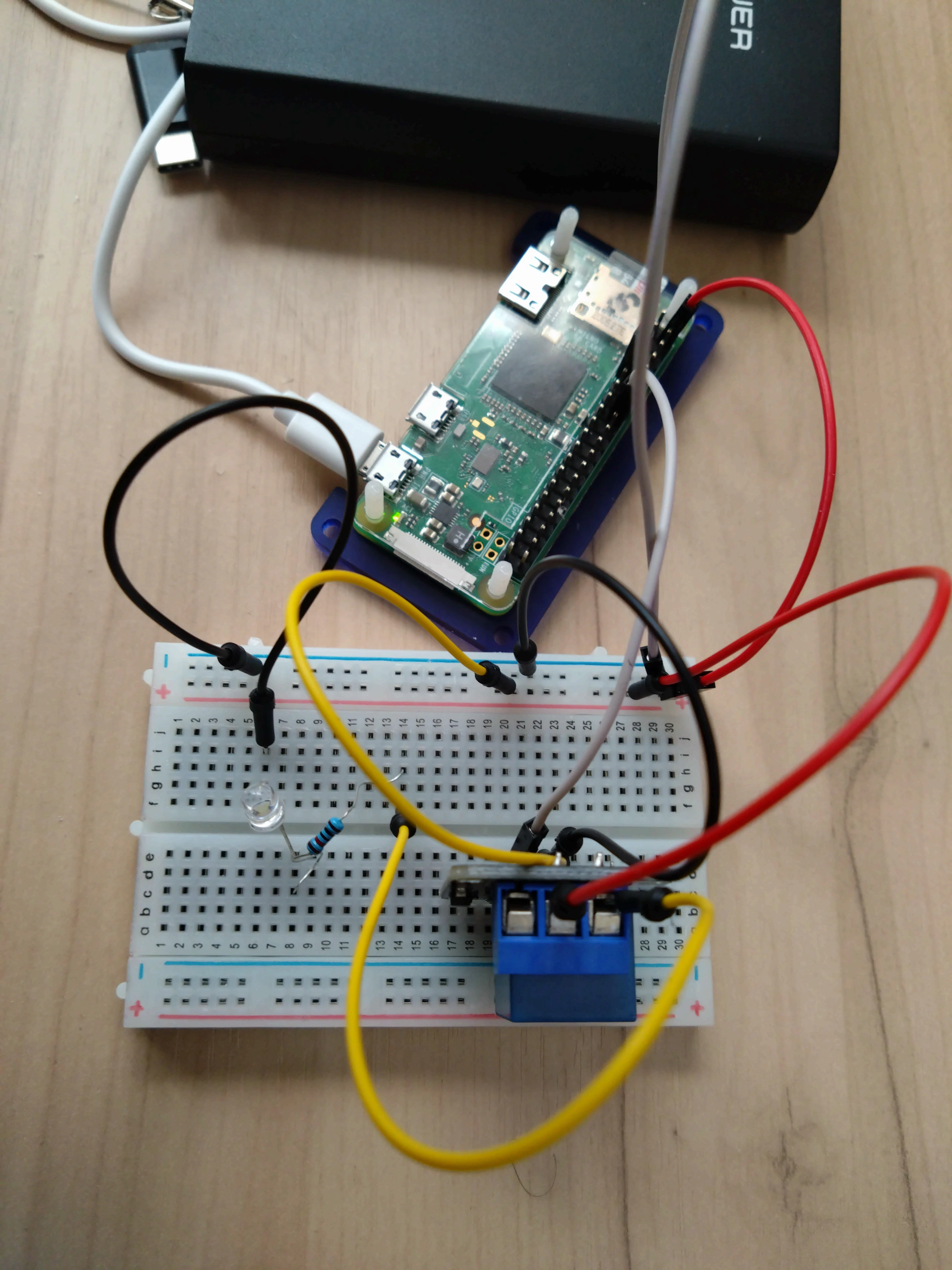
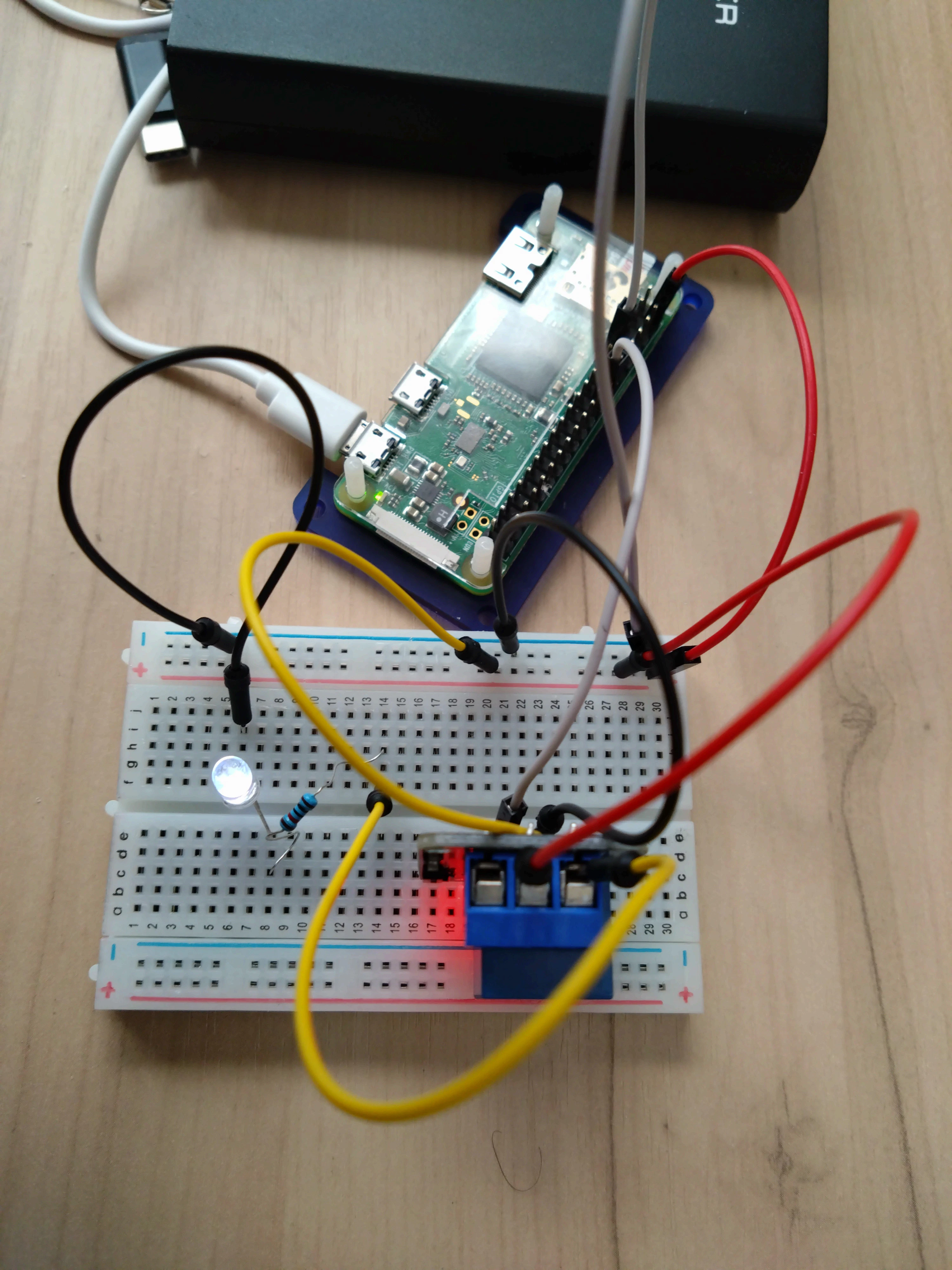
実際の写真
リレーモジュール開閉のときに、カチッと音がします
| リレーモジュール、LED OFF | リレーモジュール、LED ON |
|---|---|
 |
 |