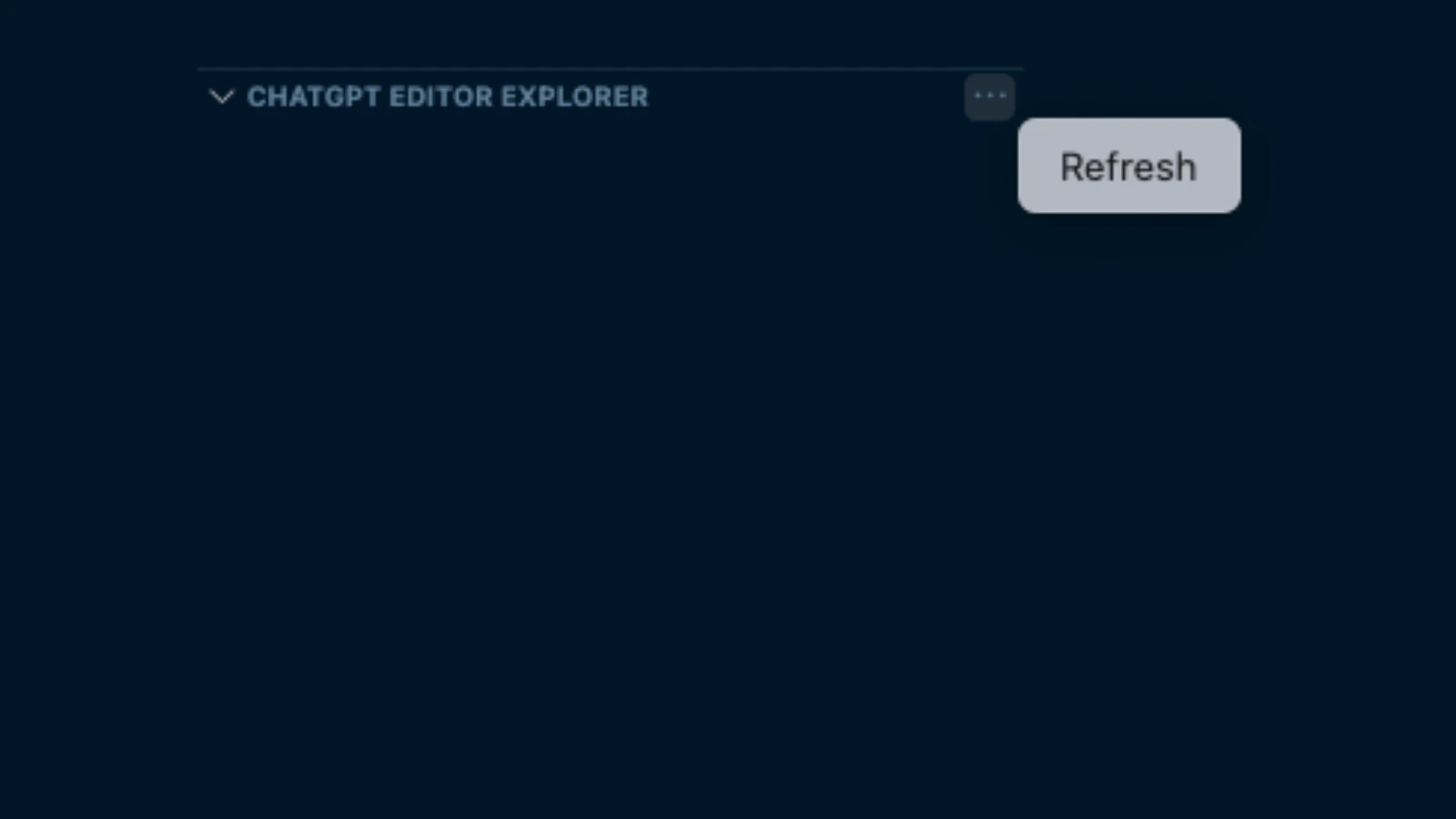
VSCode拡張機能を開発する時、ツリービューを実装するケースがあると思います。
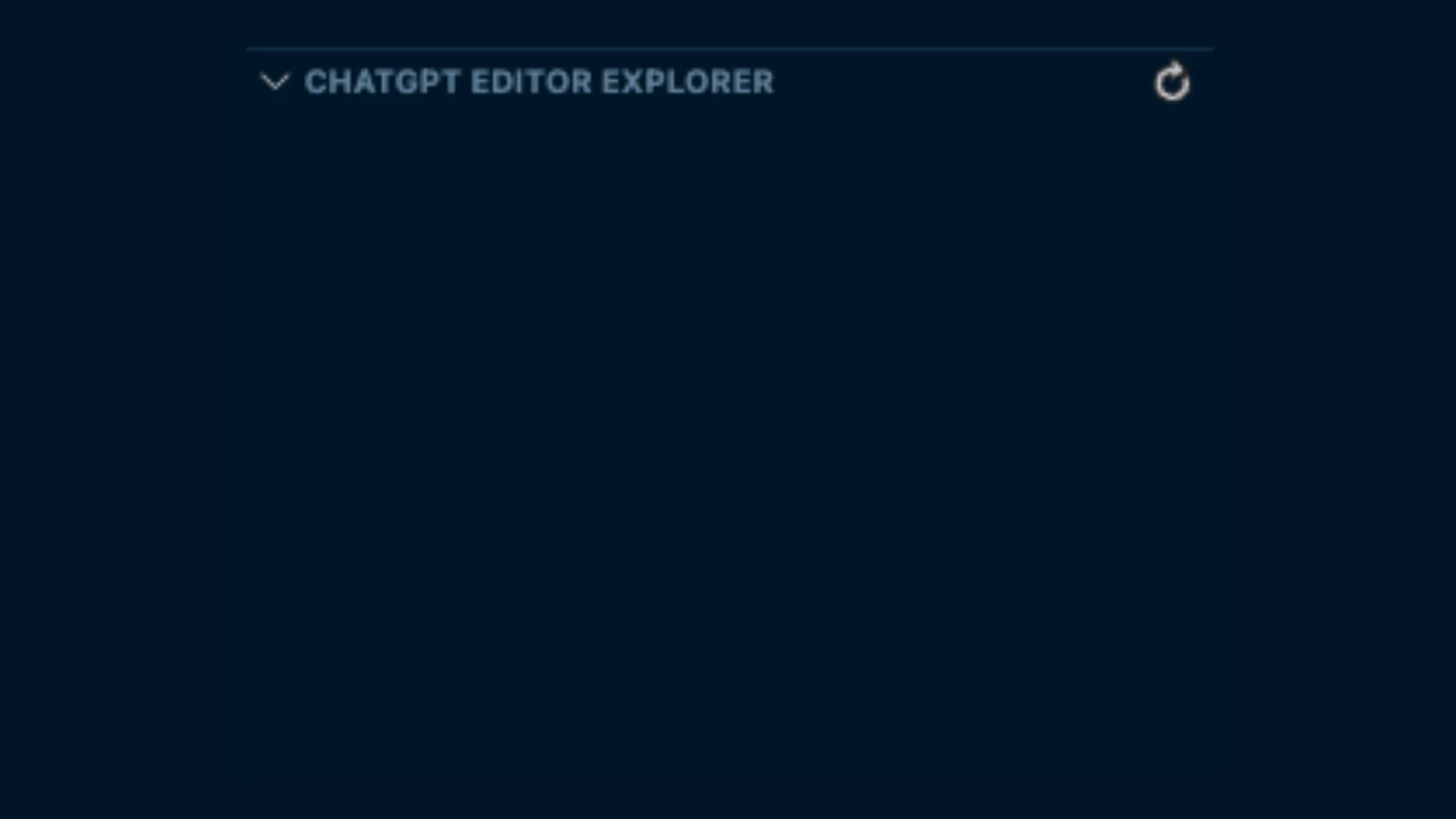
その際に、ツリービューのタイトルの右端に、更新ボタンのようなアイコンを配置して、それがクリックされたタイミングで特定のコマンドが実行されるようにしたい場合、次のようにcontributesフィールドを設定します。
package.json
"contributes": {
  "views": {
    "explorer": [
      {
        "id": "sampleTreeView",
        "name": "Sample Tree View"
      }
    ]
  },
  "commands": [
    {
      "command": "sampleTreeView.refresh",
      "title": "Refresh",
      "icon": {
        "light": "resources/light/refresh.svg",
        "dark": "resources/dark/refresh.svg"
      }
    },
  ],
  "menus": {
    "view/title": [
      {
        "command": "sampleTreeView.refresh",
        "when": "view == sampleTreeView",
        "group": "navigation"
      }
    ]
  }
}
タイトルの右端にアイコンを表示したいので、view/titleキーを使って設定します。もし、ツリービューに並んでいる各要素を右クリックした際に、特定のコマンドのタイトルをコンテキストメニューのフォーマットに沿って表示したい場合は、view/item/contextキーを使います。
もし、...の中にコマンドの存在感を隠したい場合は、groupにnavigationを指定するのではなく、inlineを設定します。