
- 普段CIとしてGithub Actionを利用しているが、環境変数の取扱いには色々な手法がある。
- その中で最近利用可能になった機能がEnvironmentsであり、各用途毎に分けて定義が可能。
- 今回はそのEnvironmentsの利用を覚えるため、データ更新及び自動pushを例としたサンプル利用を記録する。
環境
- Mac OS X 10.15.6
手順
要件整理
- 今回利用するサンプルのディレクトリ構成は以下。
- ※.githubディレクト以下はこれから作成
- ※data(あるAPIから取得して整理したCSVデータ)・script(APIからの取得及び整理処理)
.
├── .github
│   ├── worlflows
│   │   ├── main.yml
├── data
│   ├── ***.csv
├── script
│   ├── update.sh
- 今回CIで毎日12時に自動で実現したい要件は以下。
- あるAPIから取得したdataディレクトリ内のファイルを更新するscriptディレクトリ内の
update.shを起動 - Environmentsで定義したgit環境情報で自動push
- あるAPIから取得したdataディレクトリ内のファイルを更新するscriptディレクトリ内の
Environments定義
-
Github上のサンプルディレクトリ内のsettings内のEnvironments欄に遷移して、
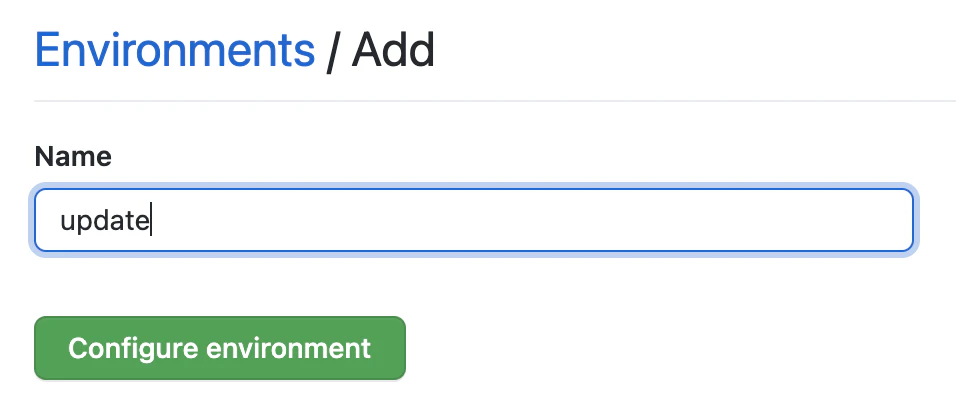
New environmentをクリック。 - 任意のNameを入力して追加。
- 作成したenvironmentを押下して「Configure update」欄の
Add Secretを押下。- ※本来は「Environment protection rules」でレビュアーの設定等を行うが、今回は割愛。
-
GIT_EMAILとしてgit情報の任意のemailを定義。 - 完了


ファイル用意
- サンプルディレクトリにワークフローを定義するための必要なディレクトリ及びファイルを以下のように作成する
# 任意
cd work/sample
# workflowsディレクトリ作成
mkdir -p .github/workflows
# workflowsファイル作成
touch .github/workflows/main.yml
- 作成後、中身を以下のように記述する。
.github/workflows/main.yml
name: "dataUpdate"

on:
  schedule:
    - cron: '00 3 * * *'

jobs:
  build:
    runs-on: ubuntu-latest
    environment: update
    steps:
    - uses: actions/checkout@v2
    - name: Update Data
      run: sh ./script/update.sh
    - name: setting git
      run: |
        git config --local user.email ${{ secrets.GIT_EMAIL }}
        git config --local user.name "アカウント名"
        git add .
        git commit -m "update current_data $(date '+%Y%m%d')"
        git push origin master
- 記述後、githubにpushすれば完了。
結果
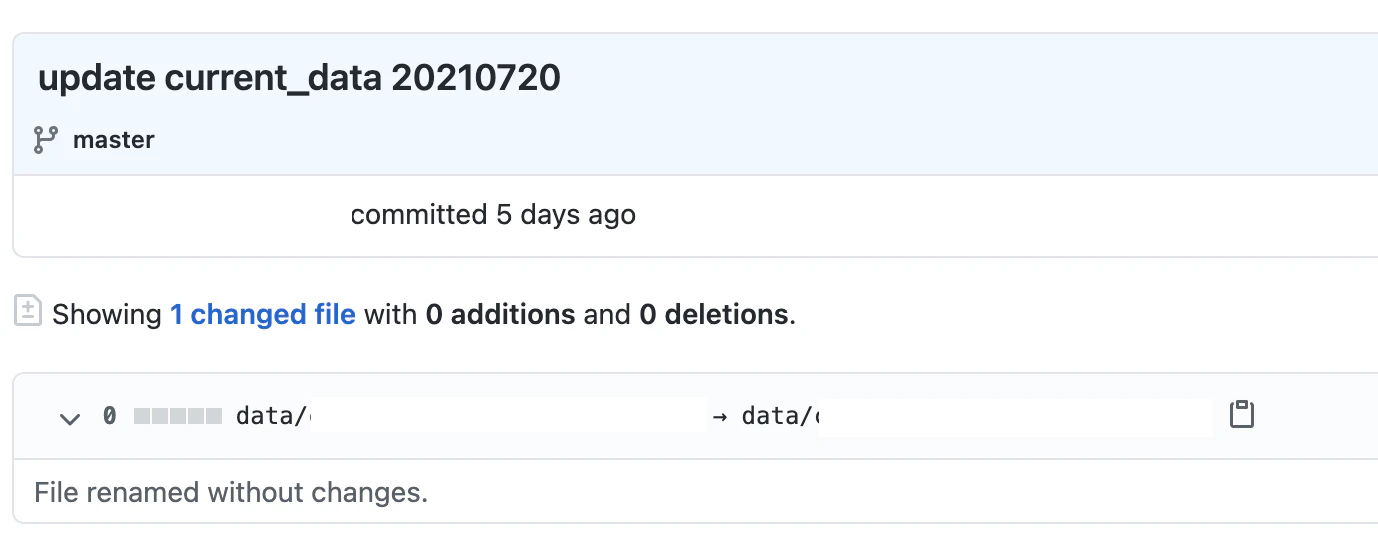
- 指定した時間にワークフローのコミットメッセージ通りに以下のようにpushされていることを確認。
まとめ
- GitHub Actionsのスケジュールと環境変数を利用すれば、サーバー不要で自動pushやデータ整理が可能であることが分かった。
- ただ環境変数の取扱いには注意が必要。