0
0

Delete article

Deleted articles cannot be recovered.

Draft of this article would be also deleted.

Are you sure you want to delete this article?

More than 1 year has passed since last update.

PowerShellを使ってgithub上に置いてあるscriptを実行する

0
Last updated at Posted at 2023-05-12
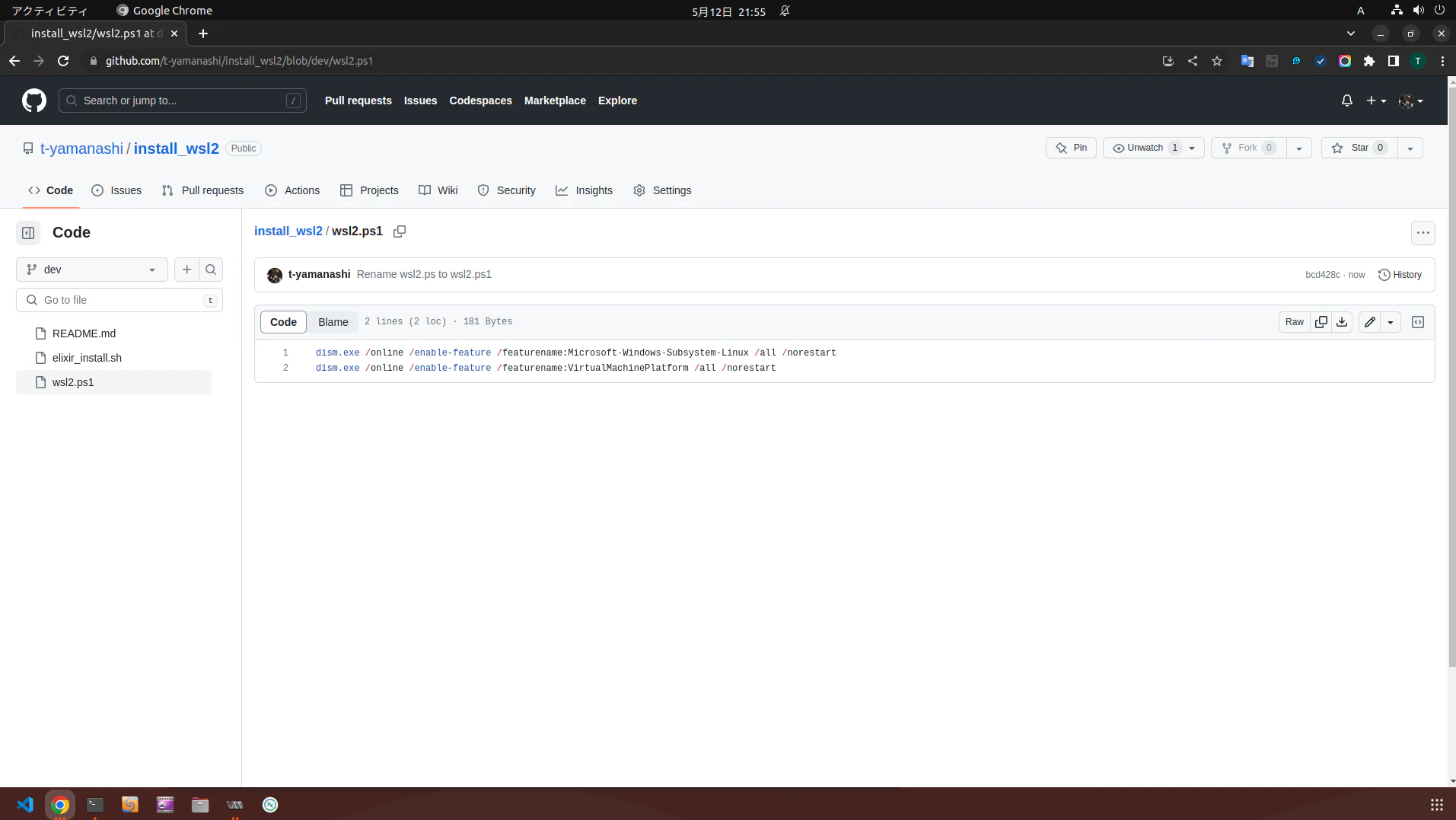
githubにscriptを準備

① githubにscriptを置いておく 
② 対象のファイルを開く
③ 右側にあるRawをクリック
image.png

④ 開いたらURLをコピーしておく
image.png

Windows11でPowerShellを開く

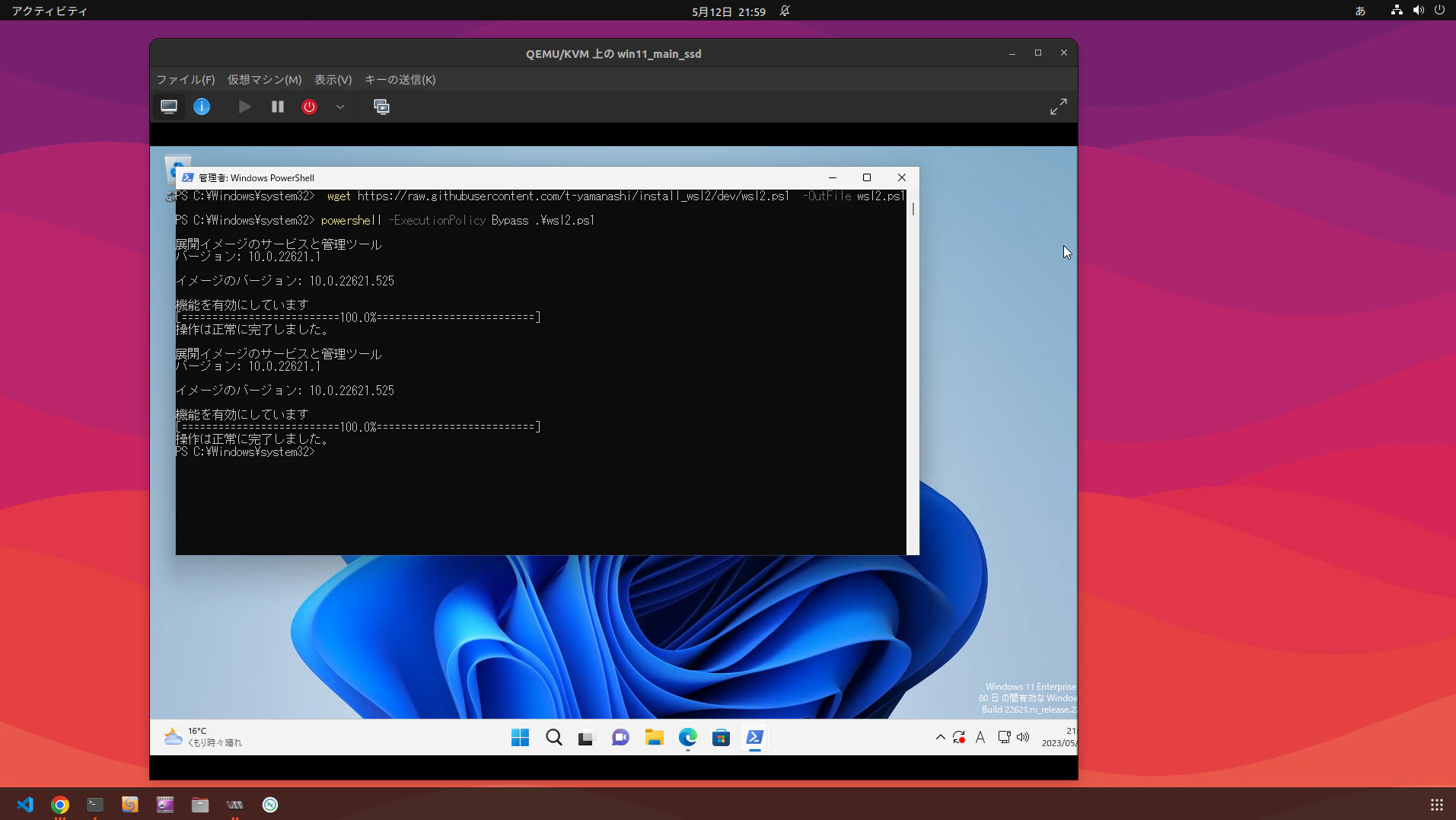
powershellから下記のコマンドを実行
 (「githubのRawのURL」と「ファイル名」は適宜置き換えてください)

wget https://githubのRawのURL -OutFile ファイル名.ps1
powershell -ExecutionPolicy Bypass .¥ファイル名.ps1

image.png

実行出来ました

0
0
0

Register as a new user and use Qiita more conveniently

  1. You get articles that match your needs
  2. You can efficiently read back useful information
  3. You can use dark theme
What you can do with signing up
0
0

Delete article

Deleted articles cannot be recovered.

Draft of this article would be also deleted.

Are you sure you want to delete this article?