

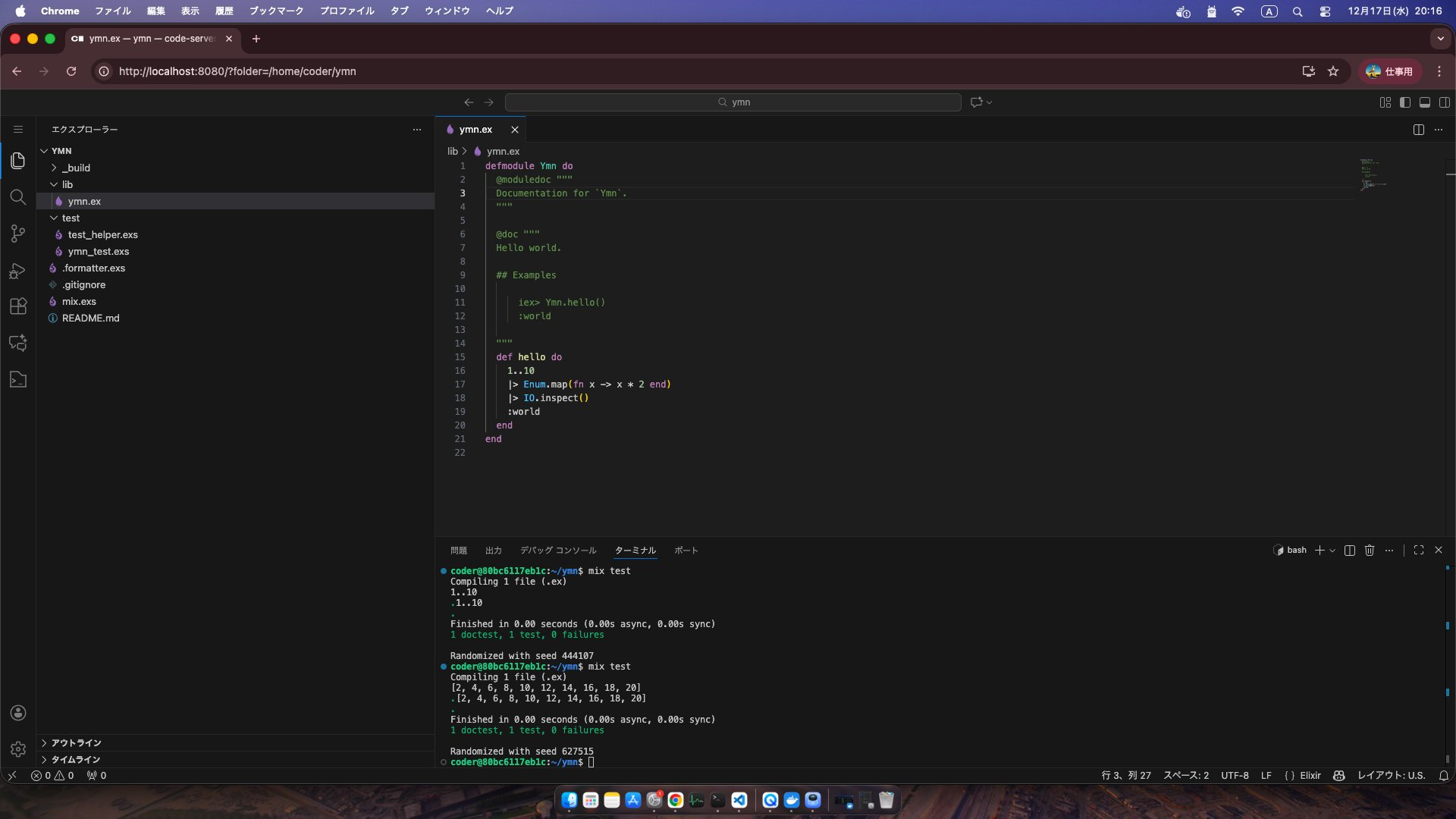
出先でブラウザのみでElixirの開発できないかなーと思って実験してみました
実行イメージ
前提
Dockerがインストール済み
M4 Mac mini 16GBで検証してます
Dockerが動けばOS依存はしないと思っています
どうやって作るか
code-serverのイメージをベースに
- ElixirとErlangをインストール
- phx_newをインストール
- 関係するアプリもインストール
バージョンは古いです
最新Elixirとphx_newを入れるにはもうひと手間必要です
今回は動かすことを目標にしてます
最新化は扱いません
環境作成
Dockerfile
FROM codercom/code-server:latest
USER root
RUN apt update -y
RUN apt install -y elixir erlang-dev erlang-xmerl nodejs npm inotify-tools
RUN npm install n -g
RUN n stable
RUN apt purge -y nodejs npm

USER coder

RUN mix local.hex --force
RUN mix local.rebar --force
RUN mix archive.install hex phx_new 1.6.9 --force
docker-compose.yml
services:
  code-server:
    build:
      context: .
      dockerfile: Dockerfile
    container_name: code-server
    ports:
      - "8080:8080"
      - "4000:4000"
    volumes:
      - "./config:/home/coder/.config"   # 設定や拡張機能の保存先
      - "./project:/home/coder/project" # ソースコードの保存先
    environment:
      - PASSWORD=1111           # ログイン時のパスワード(自由に変更)
      - TZ=Asia/Tokyo
    restart: unless-stopped
実行
docker-compose up -d
-
http://localhost:8080/にアクセス - docker-compose.ymlで設定したPASSWORDを入力
これで使えます
ハマりポイント
Phoenixを使う場合はポート4000でアクセスできますが
dev.exsの
http: [ip: {127, 0, 0, 1}, port: 4000]
↓
http: [ip: {0, 0, 0, 0}, port: 4000]
に変更が必要です
これはコンテナ経由の為外部からのアクセス扱いになります