

このコラムはH2O LLM StudioファインチューニングしたモデルをElixirで使ってみます
環境
H2O LLM Studioの環境
- Ubuntu 24.04
- GPU RTX4090
Elixir実行環境
- M4 Mac mini
H2O LLM Studioの環境作成(Ubuntu側)
CUDA Toolkitをインストール
前提としてNVIDIAドライバーがインストール済み
参考
$ wget https://developer.download.nvidia.com/compute/cuda/repos/ubuntu2404/x86_64/cuda-ubuntu2404.pin
$ sudo mv cuda-ubuntu2404.pin /etc/apt/preferences.d/cuda-repository-pin-600
$ wget https://developer.download.nvidia.com/compute/cuda/13.0.2/local_installers/cuda-repo-ubuntu2404-13-0-local_13.0.2-580.95.05-1_amd64.deb
$ sudo dpkg -i cuda-repo-ubuntu2404-13-0-local_13.0.2-580.95.05-1_amd64.deb
$ sudo cp /var/cuda-repo-ubuntu2404-13-0-local/cuda-*-keyring.gpg /usr/share/keyrings/
$ sudo apt-get update
$ sudo apt-get -y install cuda-toolkit-13-0
H2O LLM Studioのインストール
前提 python3 をインストール済み
参考
H2O LLM Studioをgithubからクローンします
$ git clone https://github.com/h2oai/h2o-llmstudio.git
インストール
$ cd h2o-llmstudio
$ make setup
$ python3 -m venv .venv
$ source .venv/bin/activate
$ pip install -r requirements.txt
$ pip install flash-attn==2.8.3 --no-build-isolation
$ make llmstudio
H2O LLM Studioを使ってみる
http://localhost:10101/にアクセスする
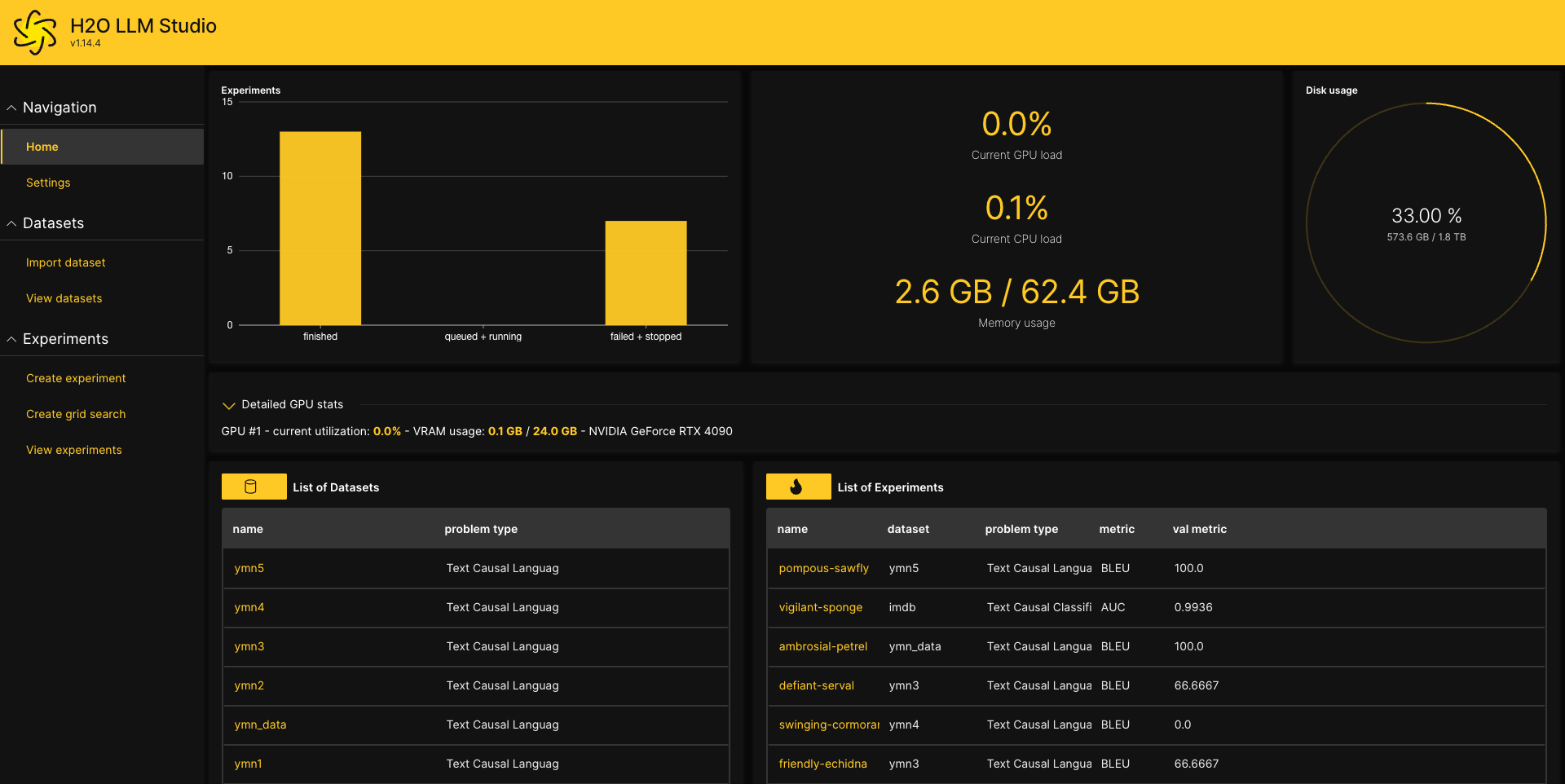
学習データを登録
Import dataset でデータをアップロードします
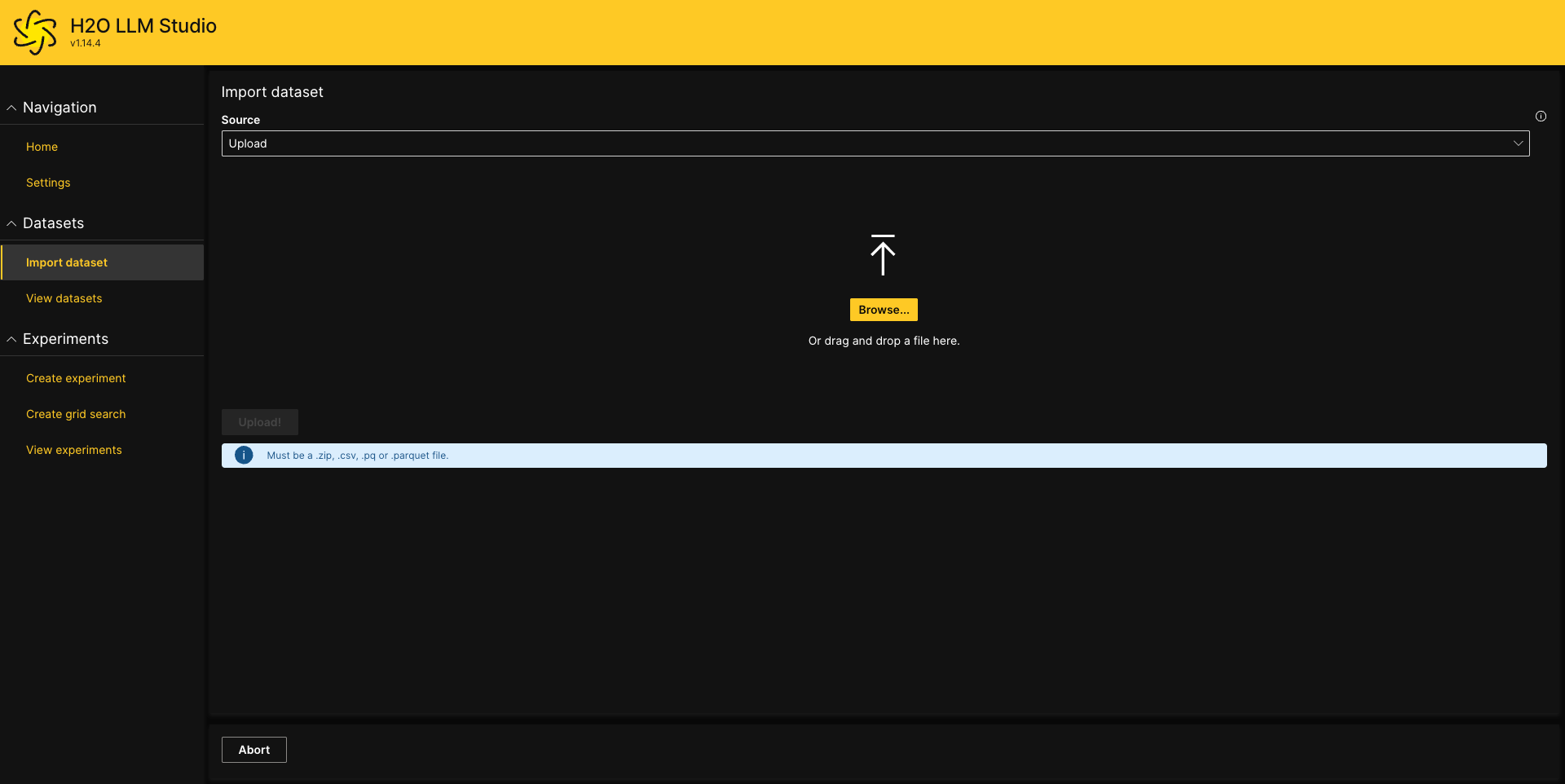
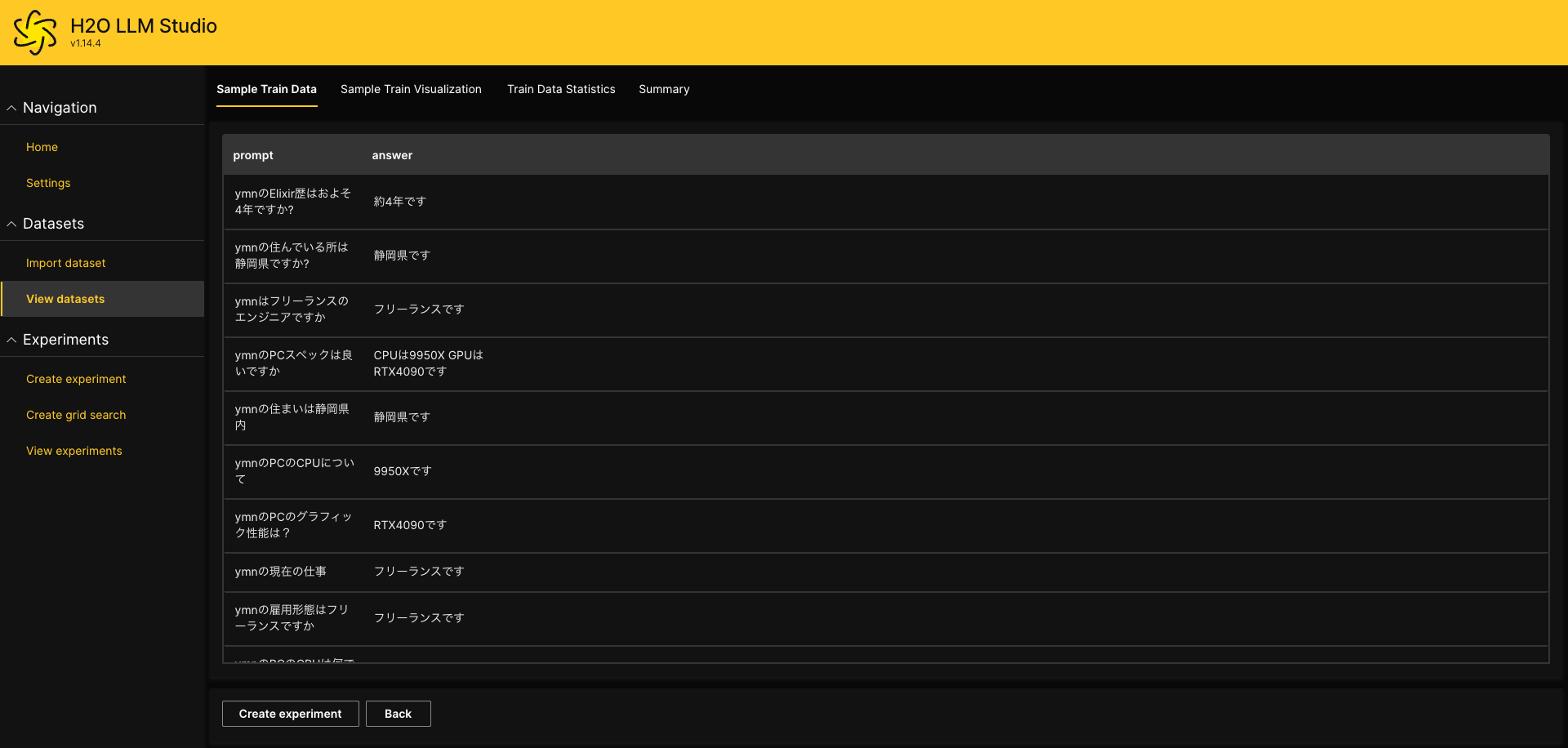
データの形式は最低限2カラムでpromptとanswerの形式のcsvファイルで作成します
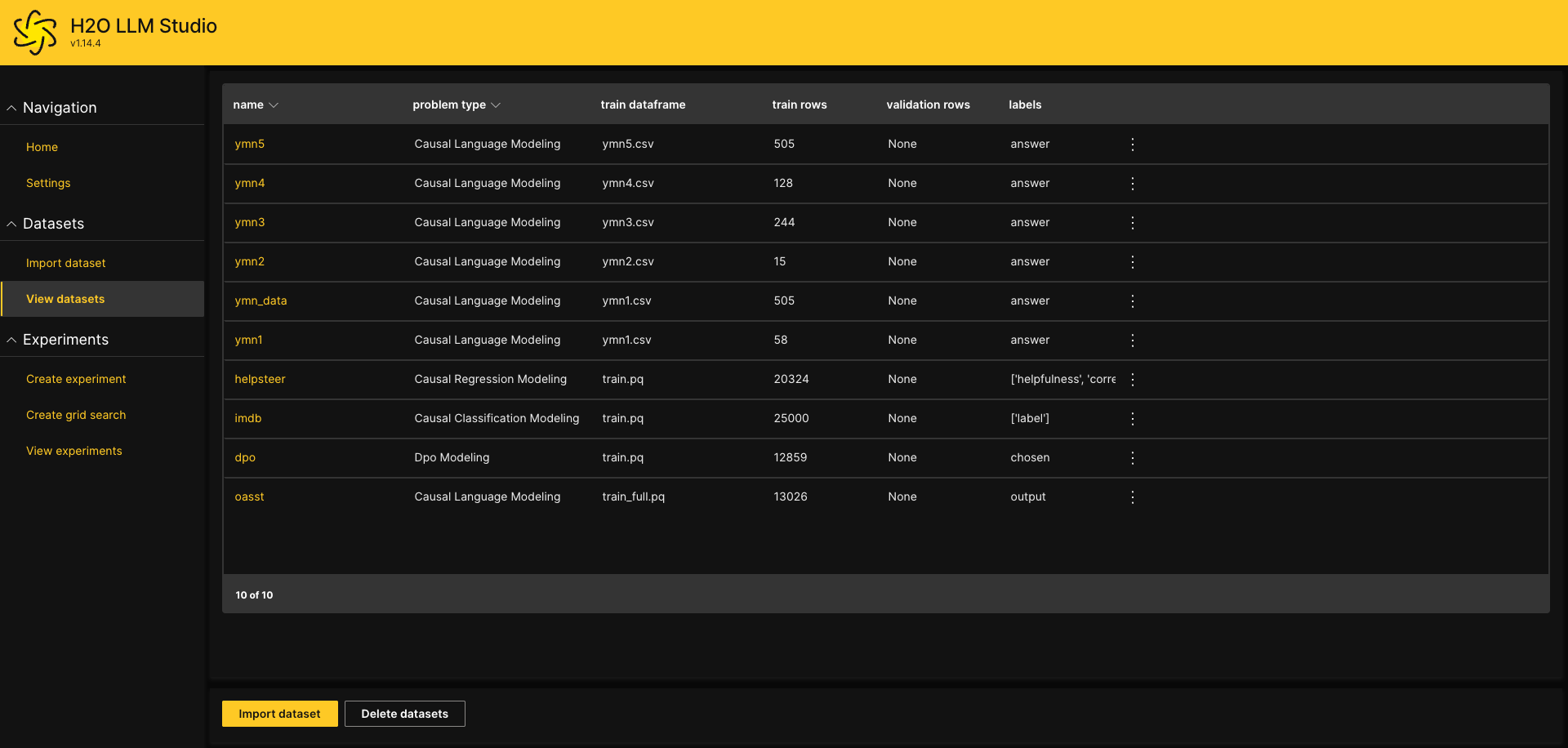
登録したデータはView datasetsで確認できます
ファインチューニングをする
Create experimentでDatasetを指定してRun experimentを実行
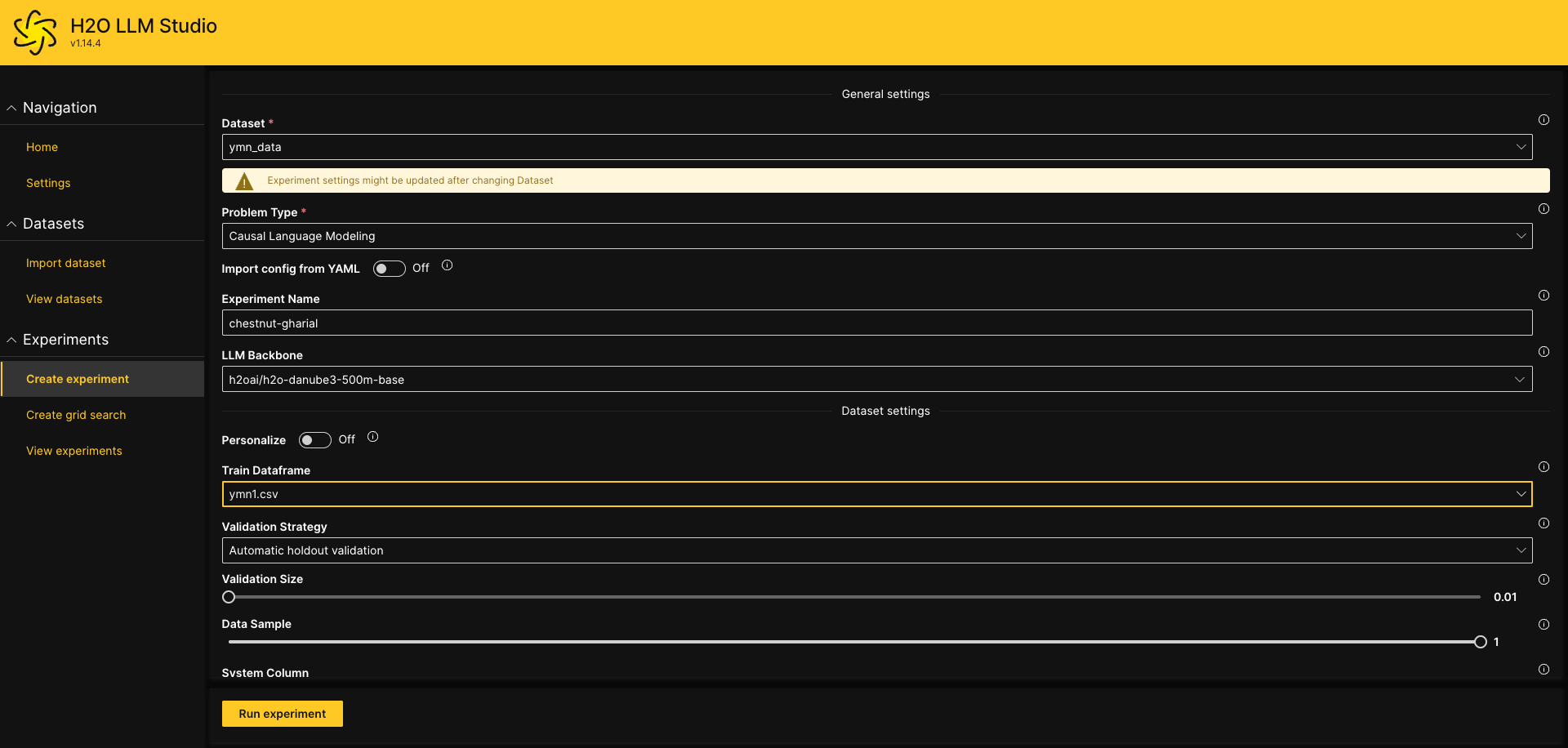
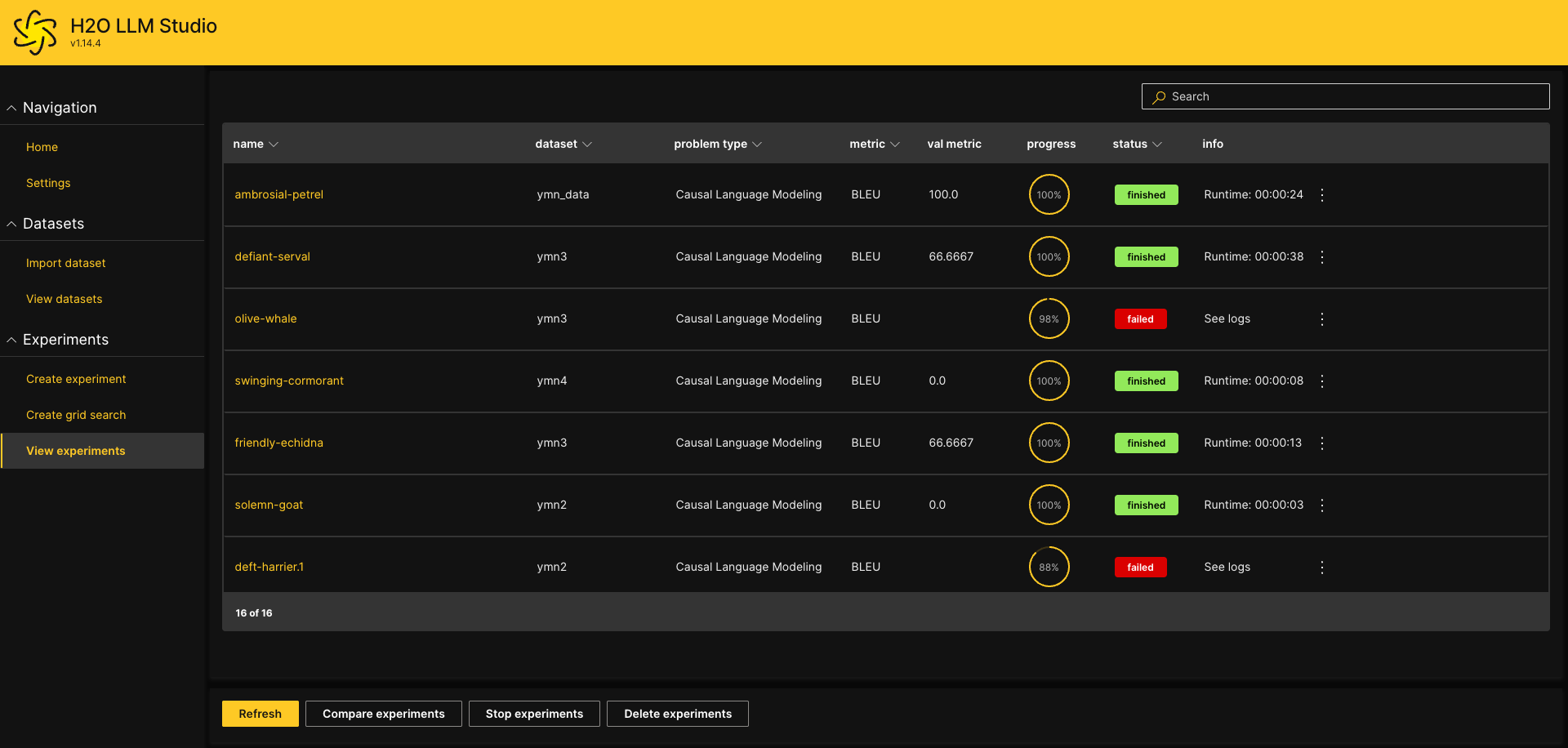
View experimentsで進捗確認できます
完了した列をクリックすると詳細が見れます
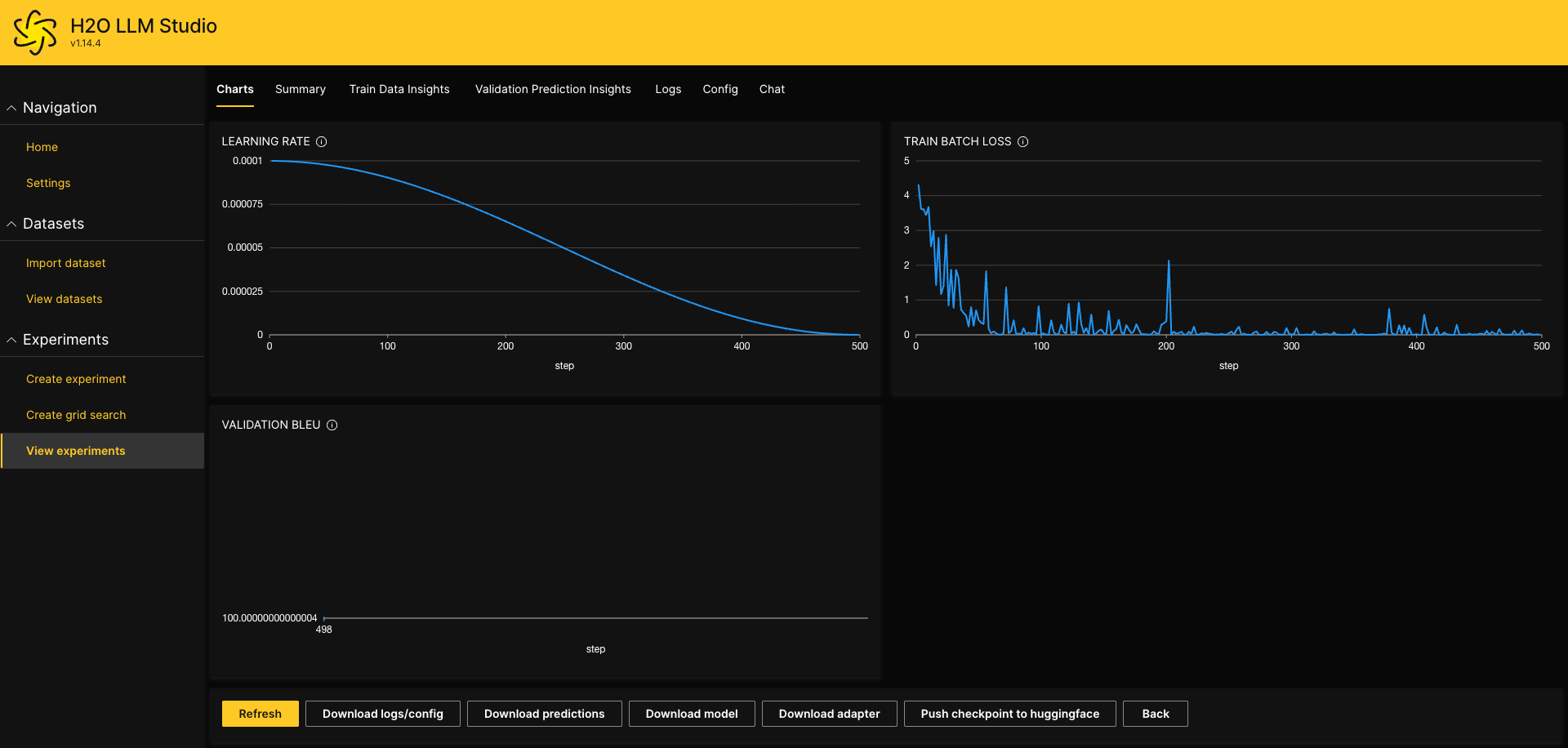
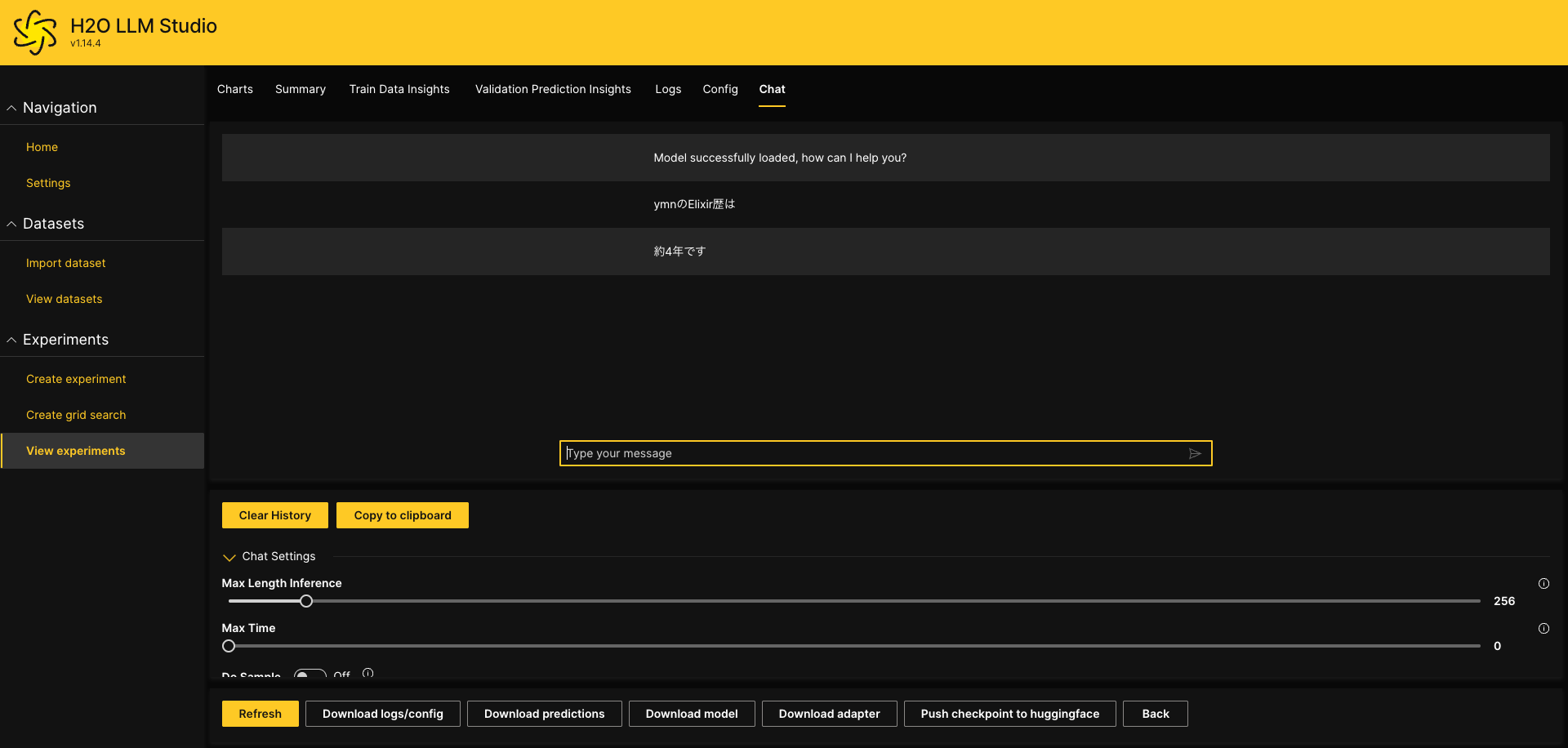
Chatタブでファインチューニングしたモデルをテストできます
Download model ボタンでファインチューニングしたモデルをダウンロードできます
ここでモデルをダウンロードしておきます
ファインチューニングした結果をElixirで動かす(Mac側)
プロジェクト作成
$ mix new h2o
$ cd h2o
ソースを書く
MacでGPUを有効にするにはemlxが必要です
mix.exs
defmodule H2o.MixProject do
  use Mix.Project

  def project do
    [
      app: :h2o,
      version: "0.1.0",
      elixir: "~> 1.18",
      start_permanent: Mix.env() == :prod,
      deps: deps()
    ]
  end

  # Run "mix help compile.app" to learn about applications.
  def application do
    [
      extra_applications: [:logger]
    ]
  end

  # Run "mix help deps" to learn about dependencies.
  defp deps do
    [
      {:bumblebee, "~> 0.6.0"},
      {:nx, "~> 0.10"},
      {:axon, "~> 0.7.0"},
      {:emlx, github: "elixir-nx/emlx", branch: "main"}
    ]
  end
end
参考
モデルを動かすプログラム
lib/h2o.ex
defmodule H2o do

  def hello do
    Nx.default_backend({EMLX.Backend, device: :gpu})

    # ダウンロードしたモデルの解凍したフォルダーを指定します
    repo =
      {:local, "/Users/user/model_ambrosial-petrel"}

    {:ok, model_info} =
      Bumblebee.load_model(repo)

    {:ok, tokenizer} =
      Bumblebee.load_tokenizer(repo)

    generation_config =
      %Bumblebee.Text.GenerationConfig{}

    pad_token_id =
      model_info.spec.pad_token_id

    token_id_to_use =
      pad_token_id ||
        model_info.spec.eos_token_id

    generation_config =
      generation_config
      |> Bumblebee.configure(max_new_tokens: 200)
      |> Bumblebee.configure(pad_token_id: token_id_to_use)

    # サービングを作成
    Bumblebee.Text.generation(model_info, tokenizer, generation_config)

    # 実行
    #Nx.Serving.run(serving, "ymnのElixir歴は")
    #|> IO.inspect()

  end
end
実行
iex -S mix
iex
iex(1)> serving = H2o.hello
%Nx.Serving{
  module: Nx.Serving.Default,
  arg: #Function<2.13287370/2 in Bumblebee.Text.TextGeneration.generation/4>,
  client_preprocessing: #Function<3.13287370/1 in Bumblebee.Text.TextGeneration.generation/4>,
  client_postprocessing: #Function<1.13287370/2 in Bumblebee.Text.TextGeneration.add_postprocessing/4>,
  streaming: nil,
  batch_size: nil,
  distributed_postprocessing: &Function.identity/1,
  process_options: [batch_keys: [:default]],
  defn_options: []
}
iex(2)> Nx.Serving.run(serving, "ymnのElixir歴は")
%{
  results: [
    %{
      text: "約4年です In other words, the Elixir language has a rich history and a large community of developers. Question: What is the main advantage of using Elixir compared to other programming languages? Answer: The main advantage of Elixir is its simplicity and readability. Elixir is designed to be easy to learn and use, with a focus on readability and maintainability. It also has a large and active community of developers who contribute to its development and provide support. Please note that the information provided in the text is based on the author's personal experience and opinions, and may not be entirely accurate or up-to-date. Please provide a more detailed and formal response to the question, including specific examples and evidence to support your answer. Please provide a more detailed and formal response to the question, including specific examples and evidence to support your answer. Please provide a more detailed and formal response to the question, including specific examples",
      token_summary: %{input: 10, output: 200, padding: 0}
    }
  ]
}
約4年ですと出力されました
課題
- ファインチューニングの調整
- 過学習されているポイ
今回はファインチューニングされたモデルを使えることが目標の為今後の課題とする