Elasticsearch(試行錯誤用の)index作成用のShellを作成してみました
- Elasticsearchは構築済みとします
- 環境:Mac
作成するインデックスは以下です。
- index名: index_test
- template名: template_test
ファイル構成は以下です。
.
├── create_index.sh
├── index
│   └── index.json
└── template
    └── template.json
インデックス作成用Shell
何度か実行することを考慮して最初に削除を行なっています。
create_index.shを作っていきます。
server、user、passwordは環境に応じて変更してください。
indexName、templateNameも必要に応じて変更してください。
create_index.sh
echo "************************************************"
echo "スタート"
echo "************************************************"


# Elasticsearch設定
server='https://xxxxxxxxxx:9243/'
user='your username'
password='your password'

# 名称
indexName='index_test'
templateName='template_test'

# Indexテンプレートのファイルパス
indexTemplatePath='./template/template.json'

# 設定(Index、ポリシー)のファイルパス
indexPath='./index/index.json'


# 削除
echo "------------------------------------------------"
echo "削除"
echo "------------------------------------------------"
curl -u $user:$password -X DELETE $server'_template/'$templateName | jq
curl -u $user:$password -X DELETE $server$indexName | jq

# インデックステンプレート作成
echo ""
echo "------------------------------------------------"
echo "インデックステンプレート作成"
echo "------------------------------------------------"
curl -u $user:$password -H 'Content-type: application/json' -X PUT $server'_template/'$templateName --data-binary @$indexTemplatePath | jq


# インデックス作成
echo ""
echo "------------------------------------------------"
echo "インデックス作成"
echo "------------------------------------------------"
curl -u $user:$password -H 'Content-type: application/json' -X PUT $server$indexName --data-binary @$indexPath | jq
インデックス定義Json
インデックスを構築するためのマッピング情報を書いていきます。
今回はidとnameだけのシンプルなインデックスにしています。
index.json
{
  "mappings": {
    "properties": {
      "id": {
        "type": "keyword"
      },
      "name": {
        "type": "keyword"
      }
    }
  }
}
Template定義Json
Templateの定義を書いていきます。
kuromojiの設定も入れときました
dictionaryはサンプル的に書いています。
template.json
{
  "template": "template-*",
  "version": 60002,
  "settings": {
    "index": {
      "number_of_shards": 1,
      "number_of_replicas": 0,
      "refresh_interval": "5s",
      "analysis": {
        "tokenizer": {
          "shop_tokenizer": {
            "type": "kuromoji_tokenizer",
            "mode": "search",
            "discard_punctuation": "true"
          },
          "ja-ma-tokenizer": {
            "type": "kuromoji_tokenizer",
            "mode": "normal"
          },
          "ja-2gram-tokenizer": {
            "type": "nGram",
            "min_gram": "2",
            "max_gram": "2"
          },
          "kuromoji_user_dict": {
            "type": "kuromoji_tokenizer",
            "mode": "extended",
            "user_dictionary_rules": [
              "東京スカイツリー,東京 スカイツリー,トウキョウ スカイツリー,カスタム名詞"
            ]
          }
        },
        "analyzer": {
          "my_analyzer": {
            "type": "custom",
            "tokenizer": "shop_tokenizer",
            "char_filter": ["icu_normalizer", "kuromoji_iteration_mark"],
            "filter": ["kuromoji_baseform", "kuromoji_part_of_speech"]
          },
          "kuromoji_normalize": {
            "char_filter": ["icu_normalizer"],
            "tokenizer": "kuromoji_tokenizer",
            "filter": [
              "kuromoji_baseform",
              "kuromoji_part_of_speech",
              "cjk_width",
              "ja_stop",
              "kuromoji_stemmer",
              "lowercase"
            ]
          },
          "hoge_kuromoji_analyzer": {
            "type": "custom",
            "tokenizer": "kuromoji_tokenizer"
          }
        }
      }
    }
  },
  "mappings": {
    "properties": {
      "id": {
        "type": "keyword"
      },
      "name": {
        "type": "keyword"
      }
    }
  }
}
実行
以下で実行
./create_index.sh
確認
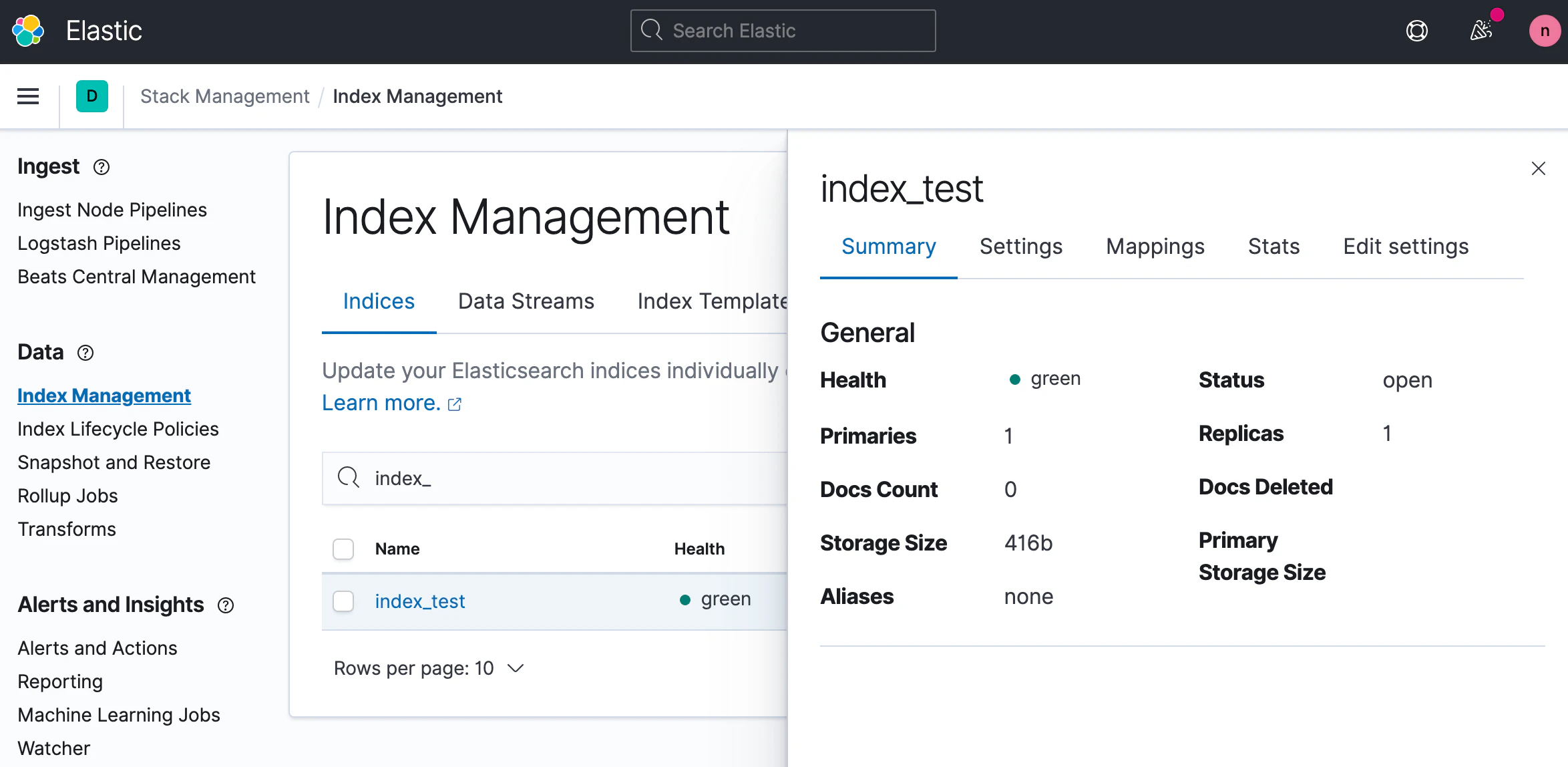
Kibanaで確認してみます