
こんにちは!私は開発初心者で、コアプロジェクトのためにJavaとPythonを学んでいます。機械学習プロジェクトに取り組んでいる時に、PythonライブラリのStreamlitに出会いました!Streamlitのデプロイメントサービスを使ってWebに簡単にデプロイできるので、とても気に入っています!この記事では、Streamlitの重要な側面をいくつか解説します。皆さんもStreamlitを使って今すぐプロジェクトをデプロイしてみてください!
streamlit とは何ですか?
これはオープンソースの Python ライブラリで、Python 環境内でインタラクティブな Web アプリを作成するために使用されます(ただし、欠点もいくつかあります。これについては後ほど説明します)。
主な用途:
データ可視化
ダッシュボード
ML デモ
プロトタイピング
軽量 Web アプリ
Code snippets to get started 始めるためのコードスニペット
Installation
``` pip install streamlit ```
run the app
``` streamlit run projectcodename.py ```
how to deploy? デプロイ方法は?
Streamlitアプリをデプロイするには有料版と無料版がありますが、私は無料版しか使っていません(学生なのでお金がない👈(゚ヮ゚👈))。
this is how I usually deploy:
1. プロジェクトをGitHub(公開)にプッシュする
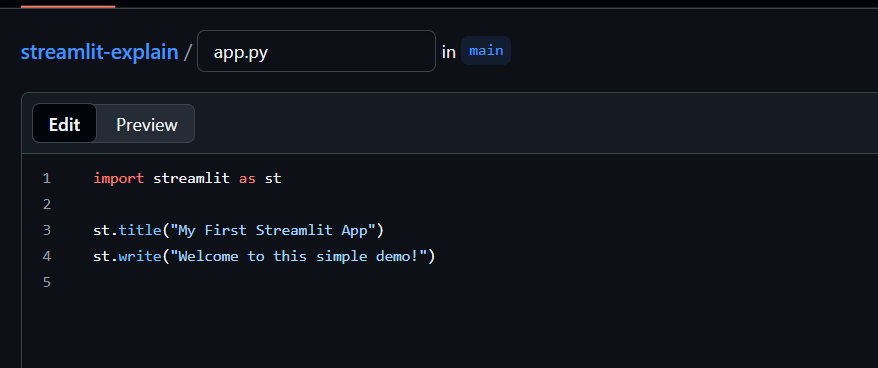
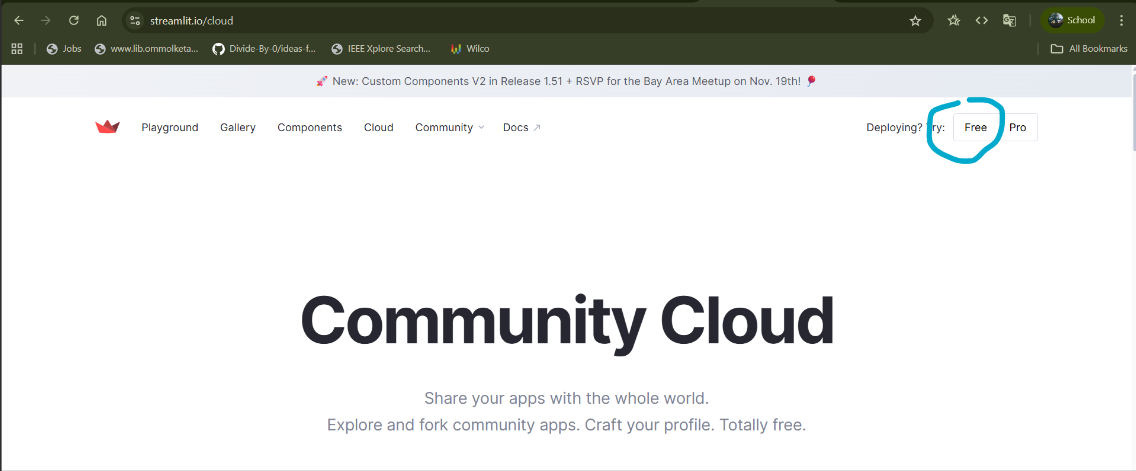
2. ストリームリットのウェブサイトへ ---> https://streamlit.io/cloud
3. アカウントを接続する
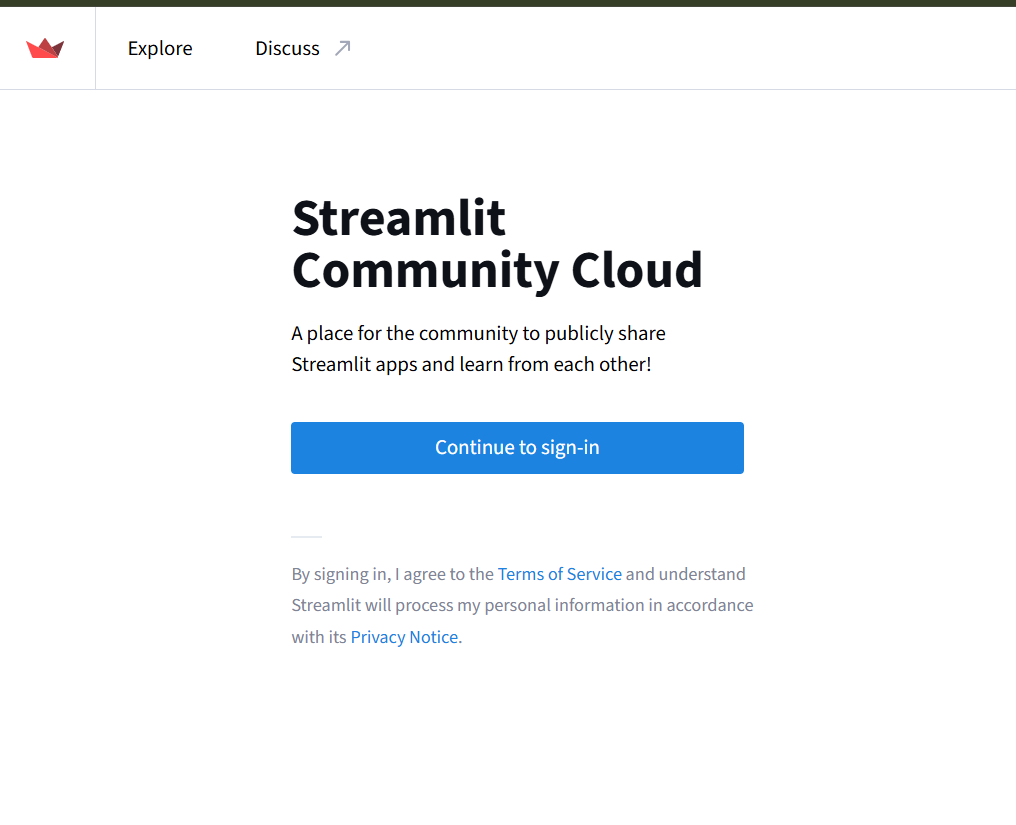
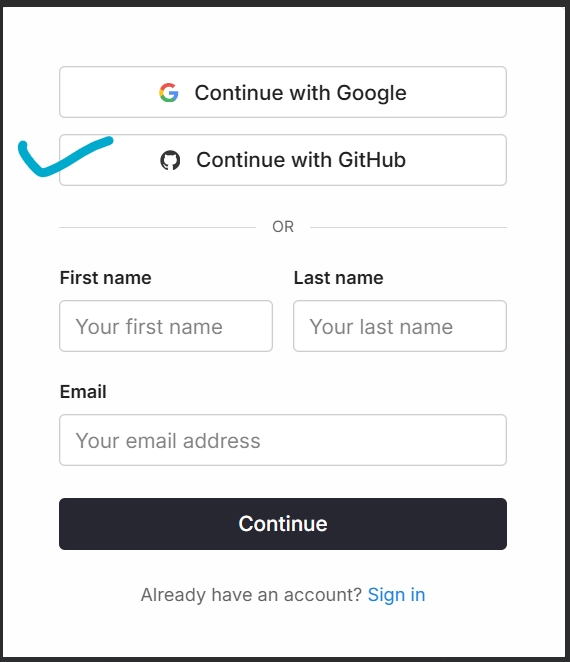
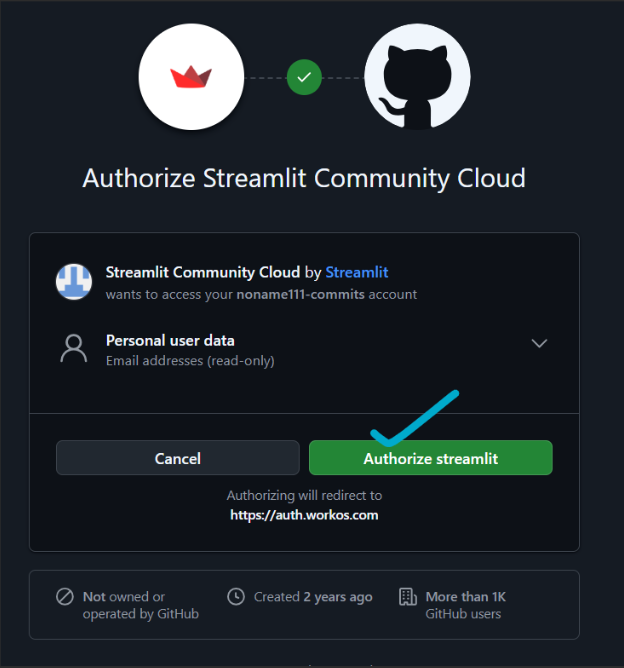
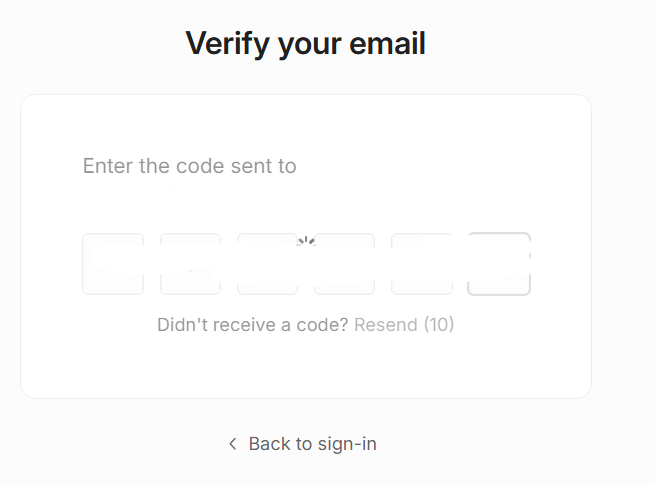


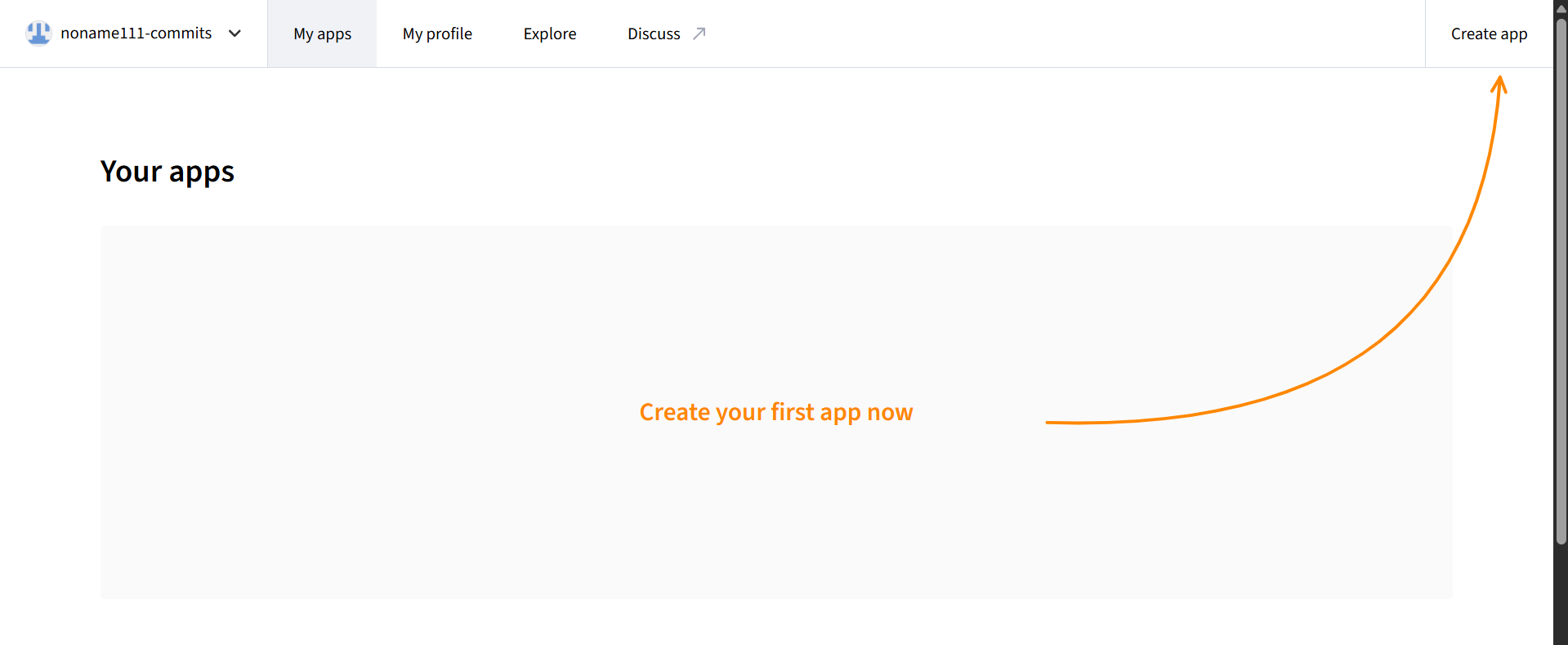

4. コードがあるリポジトリを選択する
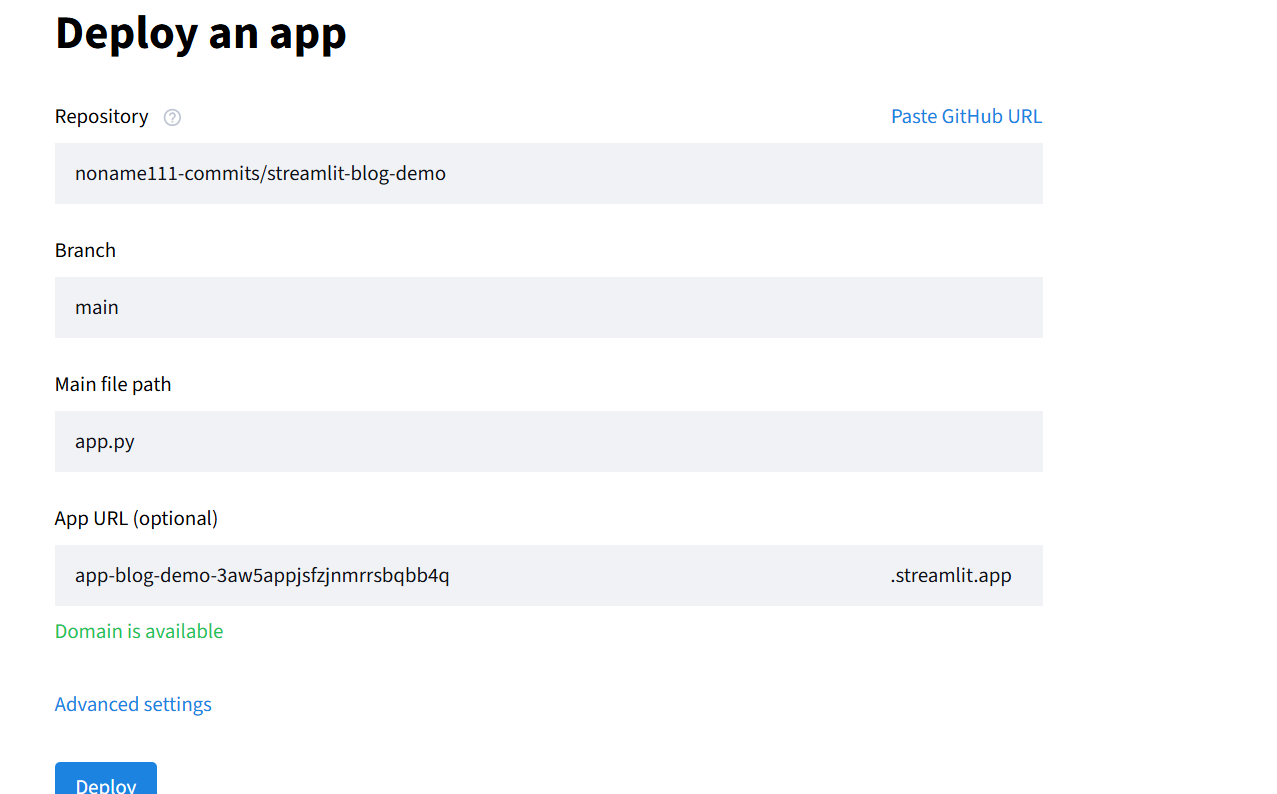
5. UIの主要部分を含むファイル(app.py)を選択します。
6. 秘密があれば追加する
7. 共有可能なリンクでプロジェクトの名前を選択することもできます。


8. Done! 終わり!
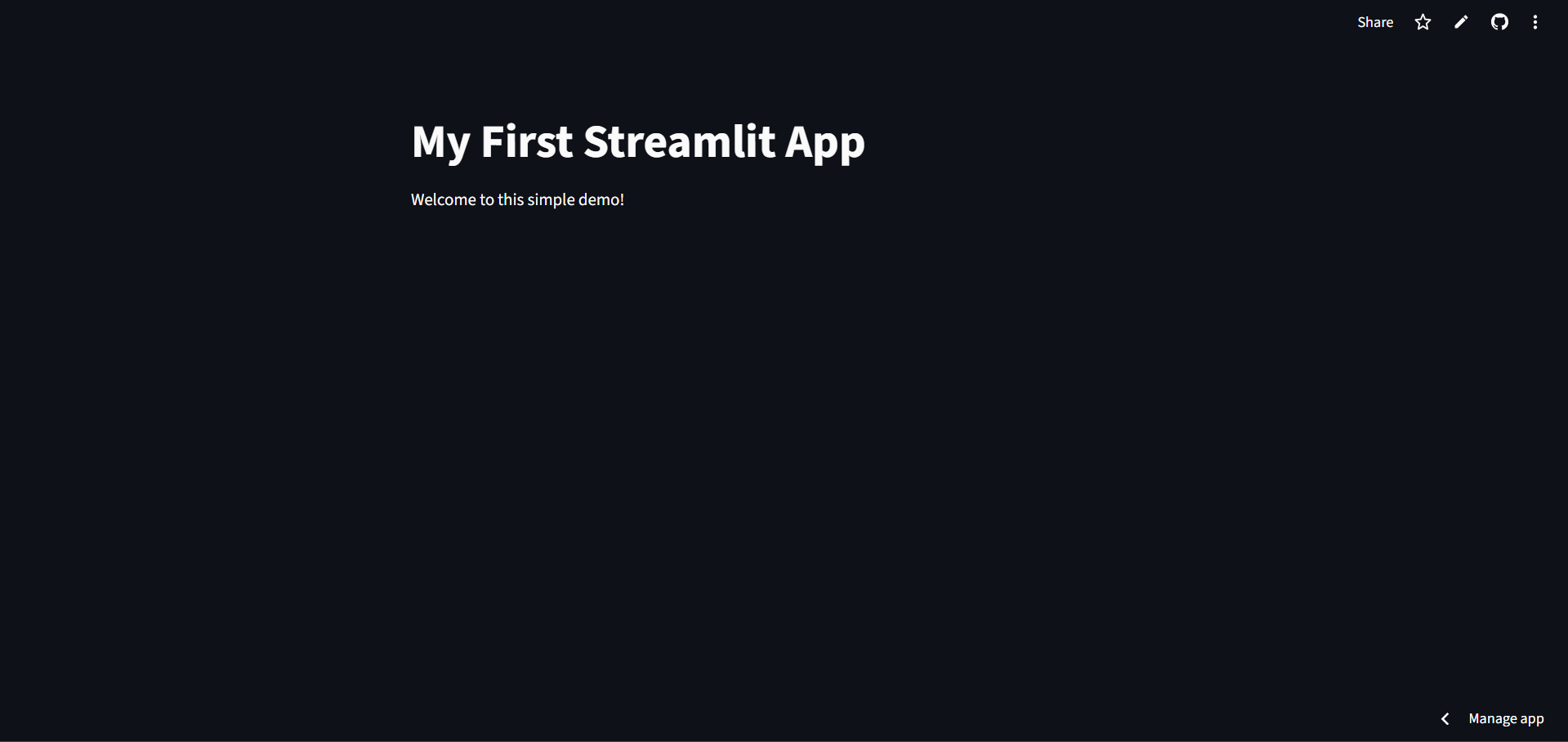
重要な注意: 無料バージョンでは、サーバーがこれらのサイトに常時割り当てられていないため、アプリが読み込まれたときに「起動」するまでに時間がかかる場合があります。
基本的なStreamlitアプリのスケルトン
まず、Streamlitアプリの基本的な構造を見てみましょう
import streamlit as st
st.title("Fun streamlit app")
st.write("Hi! I am a student here to share my journey")
このコードを実行すると、タイトル (st.title) とテキスト (st.write) を含む Web ページが表示されます。これで、初めての Web アプリケーションが完成しました。
今後の記事では、プロジェクトで設定できる Web アプリの要素について説明します。
私の streamlit プロジェクトをここで確認できます:
このウェブ アプリを使用すると、ウェブサイトから画像を取得できます。
このウェブアプリではインドの史跡について学ぶことができます
Thank you for reading! ✍️(◔◡◔)
I used google translate to write in japanese.
If I made any mistake I apologize for that
読んでいただきありがとうございます!✍️(◔◡◔)
Google翻訳を使って日本語で書いています。
もし間違いがありましたらお詫び申し上げます。