
M5Stack NanoC6
M5Stack のマイコンのひとつでありとても小さくてかわいい NanoC6 は Zigbee に対応しています。
Zigbee対応の調光式の電球のリモコンにしてみました。
https://www.switch-science.com/products/9570
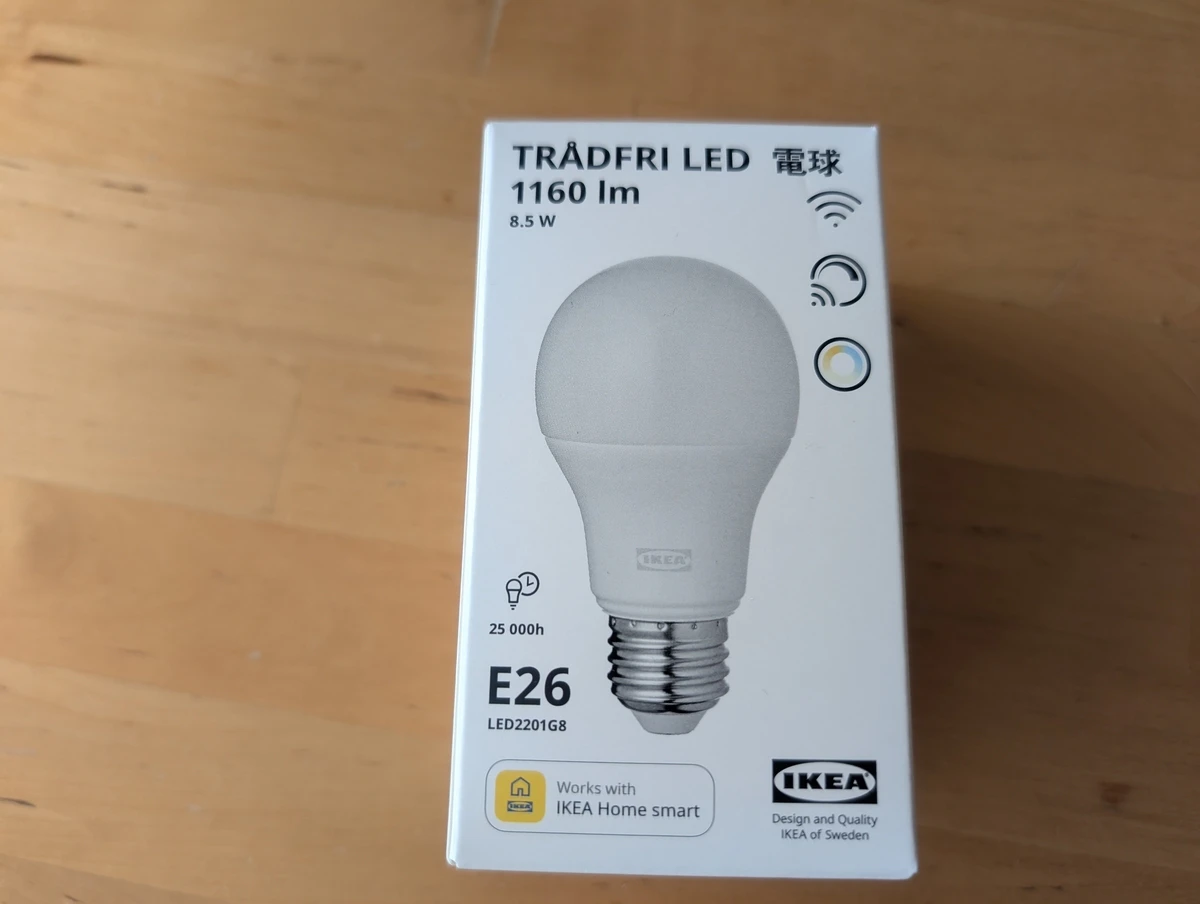
使用した電球
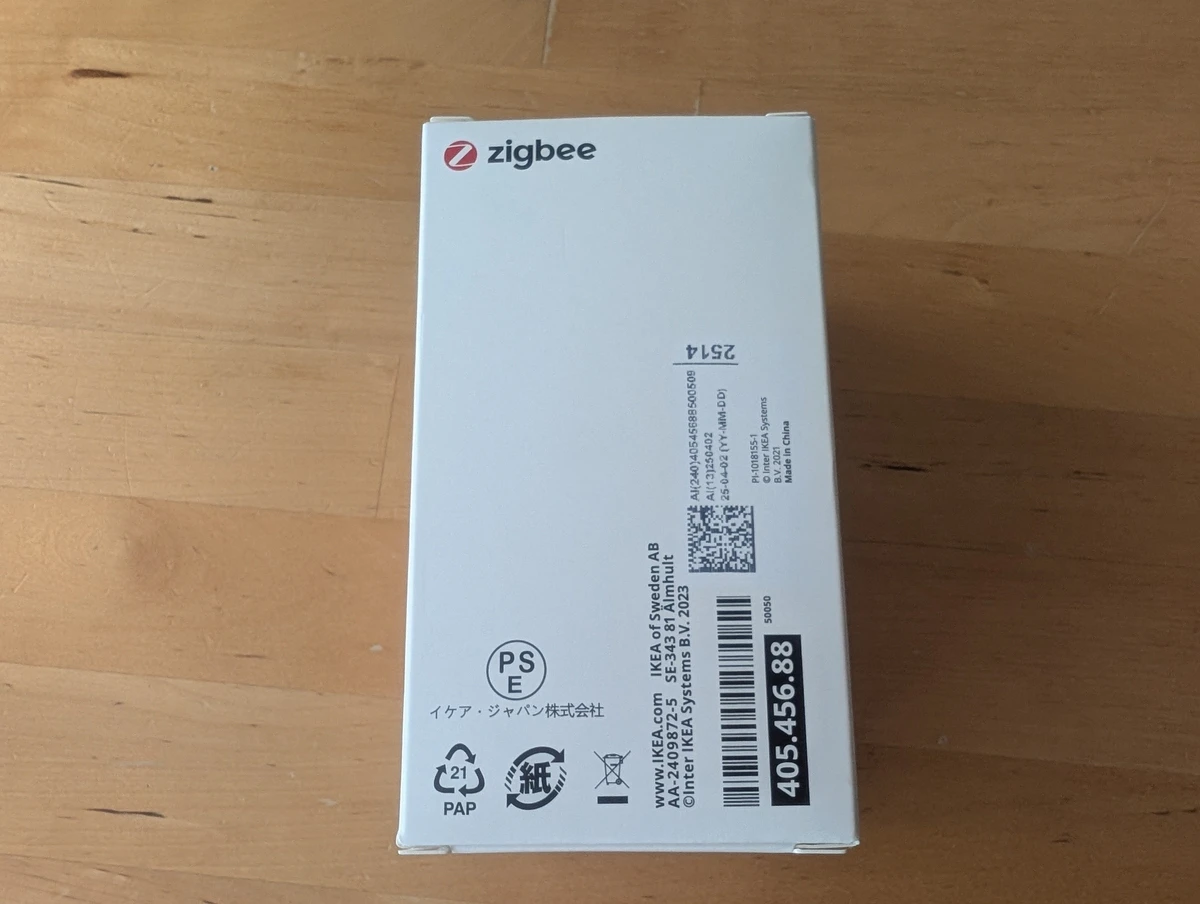
IKEA で販売されている、TRÅDFRI(トロードフリ)シリーズのLED電球です。
https://www.ikea.com/jp/ja/cat/tradfri-series-700598/?filters=f-home-smart%3Atrue
プログラム
調光照明用の ZigbeeColorDimmerSwitch というライブラリを使用すると良いようでした。
https://docs.espressif.com/projects/arduino-esp32/en/latest/zigbee/ep_color_dimmable_light.html
このプログラムは電球をつけたり消したりを繰り返すだけのプログラムです。
#ifndef ZIGBEE_MODE_ZCZR
#error "Zigbee end device mode is not selected in Tools->Zigbee mode"
#endif

#include "Zigbee.h"

ZigbeeColorDimmerSwitch zb_switch = ZigbeeColorDimmerSwitch(1);

void setup() {
  Serial.begin(115200);

  Zigbee.addEndpoint(&zb_switch);
  Zigbee.setRebootOpenNetwork(180);

  Serial.println("Zigbee.begin()");
  if (!Zigbee.begin(ZIGBEE_COORDINATOR)) {
    Serial.println("Zigbee.begin() failed");
    abort();
  }

  Serial.println("Waiting for binding");
  while (!zb_switch.bound()) {
    Serial.print(".");
    delay(500);
  }
  Serial.print("\n");
}

void loop() {
  if (!zb_switch.bound()) {
    return;
  }

  zb_switch.lightToggle();
  delay(3000);
}
ペアリング
トロードフリの電球は自宅ですでに専用リモコンとペアリングしていたのでいったんその接続を解除しないといけませんでした。
付属マニュアルに「リセットする場合 主電源のオン/オフを6回切り替え」と書かれていますが、こちらで動作させたところ6回ではなく5回で、しかもタイミングよくやらないといけないようでした。
うまく解除できればあとはプログラムを動かすと勝手にNanoC6と電球がZigbeeでつながって動作してくれました。
ちなみに専用リモコンと今回のNanoC6のZigbeeリモコンの重複接続ができないか試してみましたが、できないようでした。
参考
ほかにもZigbee用のライブラリが沢山用意されているので機会があれば試してみたいです。
https://docs.espressif.com/projects/arduino-esp32/en/latest/zigbee/zigbee_ep.html
この記事の開発の経緯とかブログ書いてます
https://blog.memetan.dev/entry/2026/03/12/201209