

WindowsでLaravelをインストールする
- 環境:Windows 10
準備
XAMPPをインストールする
Windowsでphpを使うためにXAMPPをインストールする
※XAMPPとはWEB開発に必要なソフトをまとめて扱うパッケージソフト。
- X:Windows、Linux、macOS、Solarisのクロスプラットフォーム
- A:Apache
- M:MariaDB
- P:PHP
- P:Perl
composerをインストールする
このページからインストール
途中phpを指定する手順があるので、そこでは1手順前でインストールしたXAMPPのphpを指定
Laravelをインストール
ここを参考にインストールしてみる。
コマンドプロンプトを起動して
composer create-project --prefer-dist laravel/laravel hoge
を実行する。
Installing laravel/laravel (v5.8.17)
  - Installing laravel/laravel (v5.8.17): Downloading (100%)
Created project in hoge
・
・なんかいろいろインストールされる
・
Application key set successfully.
確認するとhogeというディレクトリができていた!
>dir hoge /b

.editorconfig
.env
.env.example
.gitattributes
.gitignore
.styleci.yml
app
artisan
bootstrap
composer.json
composer.lock
config
database
package.json
phpunit.xml
public
readme.md
resources
routes
server.php
storage
tests
vendor
webpack.mix.js
早速ブラウザでチェックするために、ビルトインウェブサーバーを起動する
cd hoge
php artisan serve
を実行後、http://localhost:8000 にアクセス。
※artisanコマンド:Laravel専用のコマンドで、LaravelのControllerやModelのひな形の作成、マイグレーションの実行、サーバーの起動などいろいろやってくれる
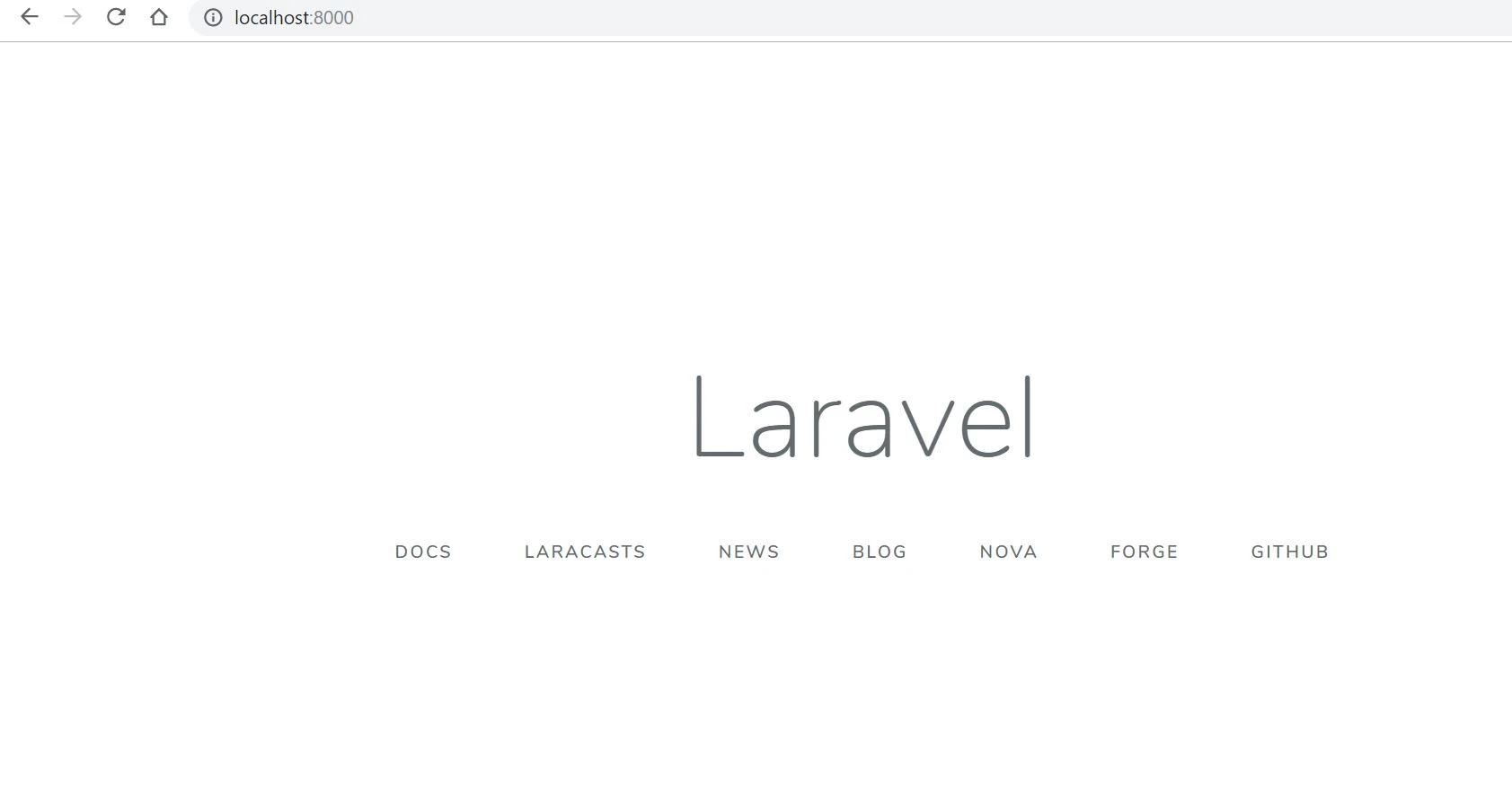
\(わーいかんたん)/
上記ディレクトリ内の役割やらの確認やめちゃくちゃ簡単なアプリケーションを作成して次記事にまとめる。