
作ったもの
EXIF Viewer — https://sen.ltd/portfolio/exif-viewer/
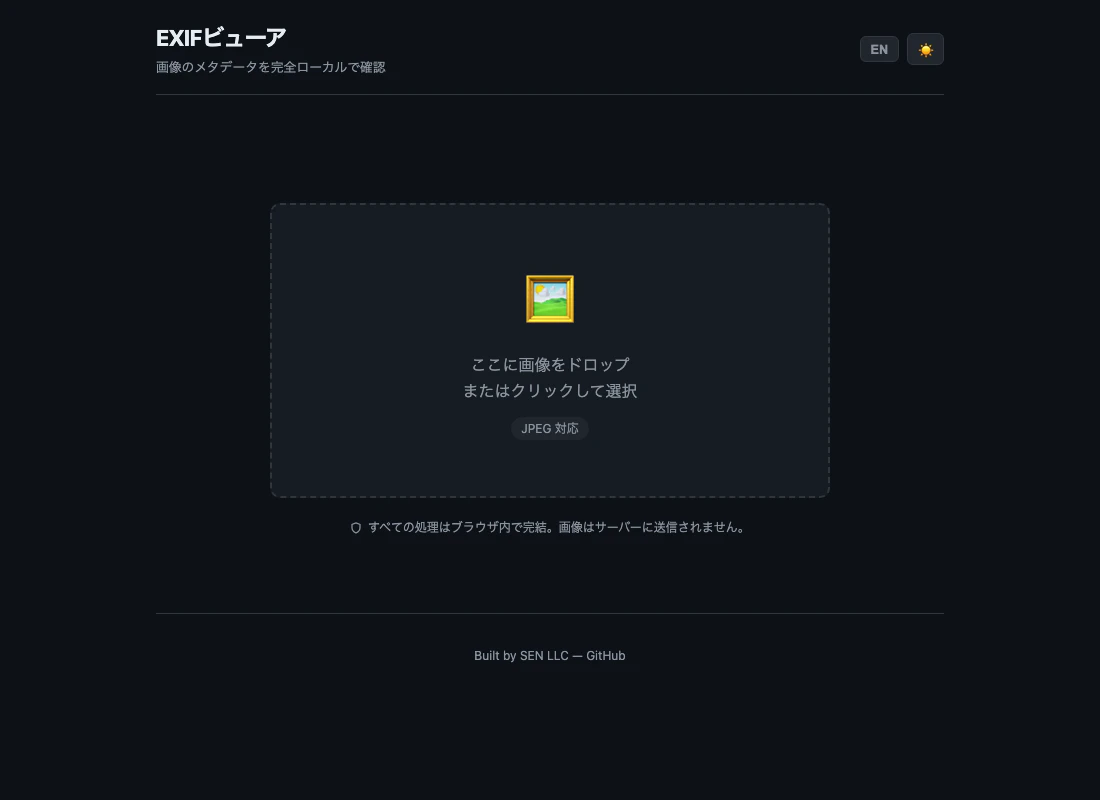
- JPEG のバイト列から EXIF をゼロから解析
- カメラ / 撮影情報 / 日時 / GPS / 画像情報を分類表示
- GPS 情報があると赤い警告バナーを表示(OpenStreetMap リンク付き)
- Canvas 再エンコードで EXIF 削除版ダウンロード
- 完全ローカル処理(アップロードなし)
vanilla JS、ゼロ依存、ビルド不要。node --test で 49 ケース。
JPEG → APP1 → TIFF → IFD → タグ
JPEG はマーカーの列で、0xFFE1(APP1)に「Exif\0\0」識別子が続けば EXIF 本体。APP1 のペイロードは TIFF 形式で、バイトオーダーマーク(II / MM)+ マジックナンバー + IFD オフセット、と続く。
バイトオーダーの違い
Canon はビッグエンディアン、Nikon / Apple はリトルエンディアン。パーサは両対応必須。
GPS はサブ IFD
メイン IFD の 0x8825(GPSInfo)タグが指すポインタ先に GPS 専用の IFD がある。緯度経度は 3 つの有理数(度・分・秒)で格納されていて、参照方向(N/S, E/W)と組み合わせて小数度に変換。
let decimal = degrees + minutes / 60 + seconds / 3600;
if (ref === 'S' || ref === 'W') decimal = -decimal;
EXIF 削除は Canvas 再エンコード
Canvas はピクセルしか読まない。drawImage → toBlob で再エンコードすれば EXIF は消える。品質 0.95 なら目視での劣化はほぼ無し。
シリーズ
100+ 公開ポートフォリオ シリーズの #45 です。
- 📦 リポジトリ: https://github.com/sen-ltd/exif-viewer
- 🌐 デモ: https://sen.ltd/portfolio/exif-viewer/
- 🏢 会社: https://sen.ltd/