
はじめに
関連する用語の概要
- IaC(アイエーシー、Infrastructure as Code)… クラウドのインフラ(サーバー・ネットワーク・ストレージなど)をコードで管理するための仕組み
- Azure Resource Manager (ARM) … Azure 内のリソースをデプロイおよび管理するために使用されるサービス
- ARM テンプレート … Azure リソースの構成をJSON形式で定義したもの
- Bicep … Microsoft が開発した Azure 専用 の ARM テンプレートより書きやすくした言語
-
Terraform … HashiCorp 社が開発したマルチクラウド対応の独自言語 (HCL: HashiCorp Configuration Language)
- azurerm … Azure の代表的なリソースを Terraform 用に分かりやすく定義した公式 Provider
- azapi … Azure の REST API を Terraform から直接叩くための Provider で新機能・Preview にも対応
- ARM テンプレート vs Bicep vs Terraform
| ARM テンプレート | Bicep | Terraform | |
|---|---|---|---|
| 対応クラウド | Azure | Azure | マルチ クラウド |
| 言語と構文 | JSON を使用。テンプレートが複雑になり、読みにくい。 | ARM テンプレートと比較して分かりやすい構文。ARMテンプレートにトランスパイルされるため、互換性と一貫性が確保。 | インフラストラクチャのプロビジョニングに特化して設計された読みやすい言語。 |
| 状態管理 | 状態管理の仕組み無し。 | Azure によって自動管理。 | state ファイルで管理。 |
| 再利用性(モジュール性) | モジュール性無し。 | モジュール性高い。 | モジュール性非常に高い。 |
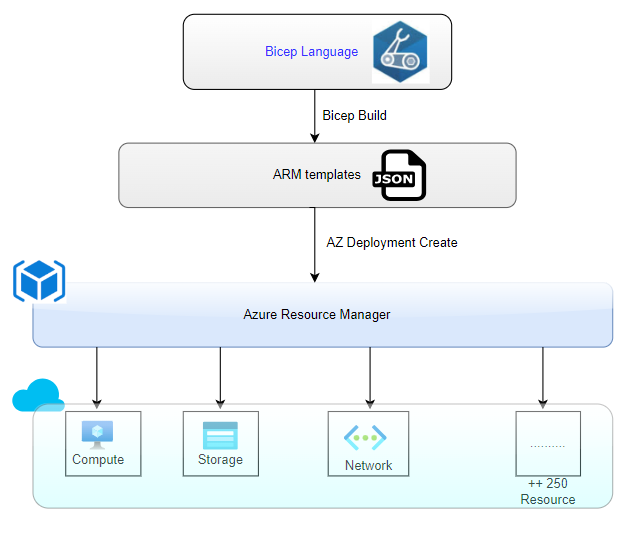
(引用元: https://www.coforge.com/what-we-know/blog/infrastructure-as-code-with-azure-bicep )
Terraform を使ってみる
本記事では既存のリソースグループに新規のストレージアカウントを作成してみました。
事前準備
まずは、PowerShell にて Azure CLI をインストールします。
winget install --exact --id Microsoft.AzureCLI
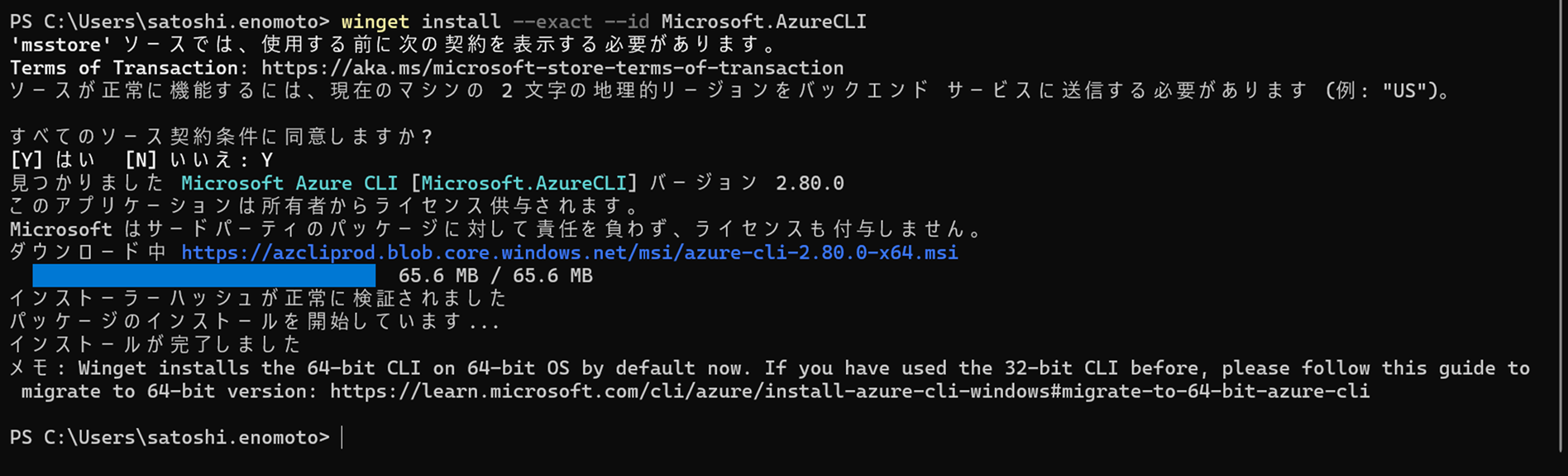
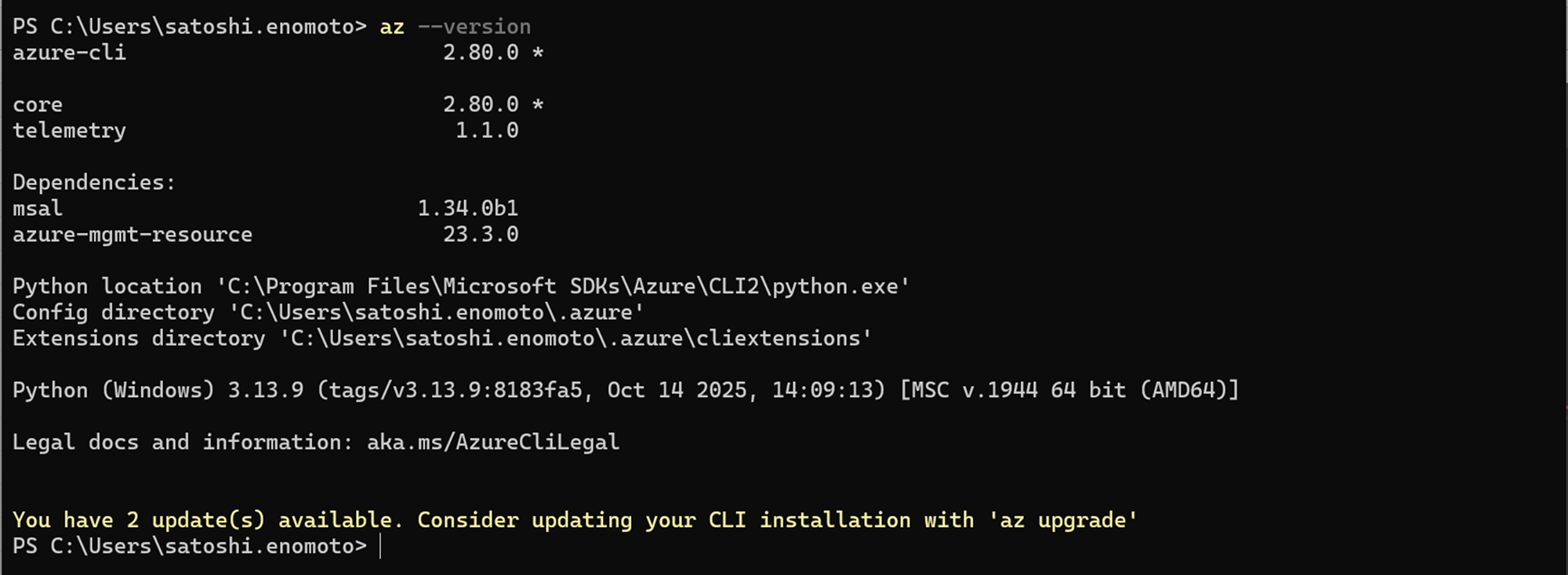
インストールできたか確認します。
az --version
次に、Terraform を公式サイトからダウンロードします。
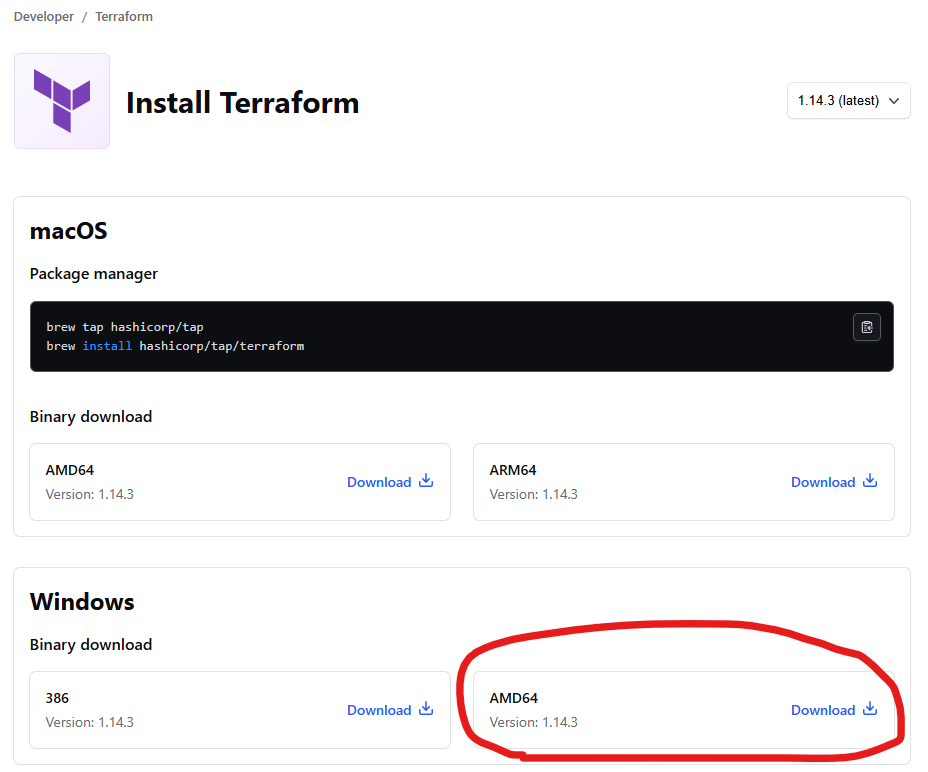
zip ファイルを解凍後、任意の場所に格納して、環境変数の PATH に設定します。
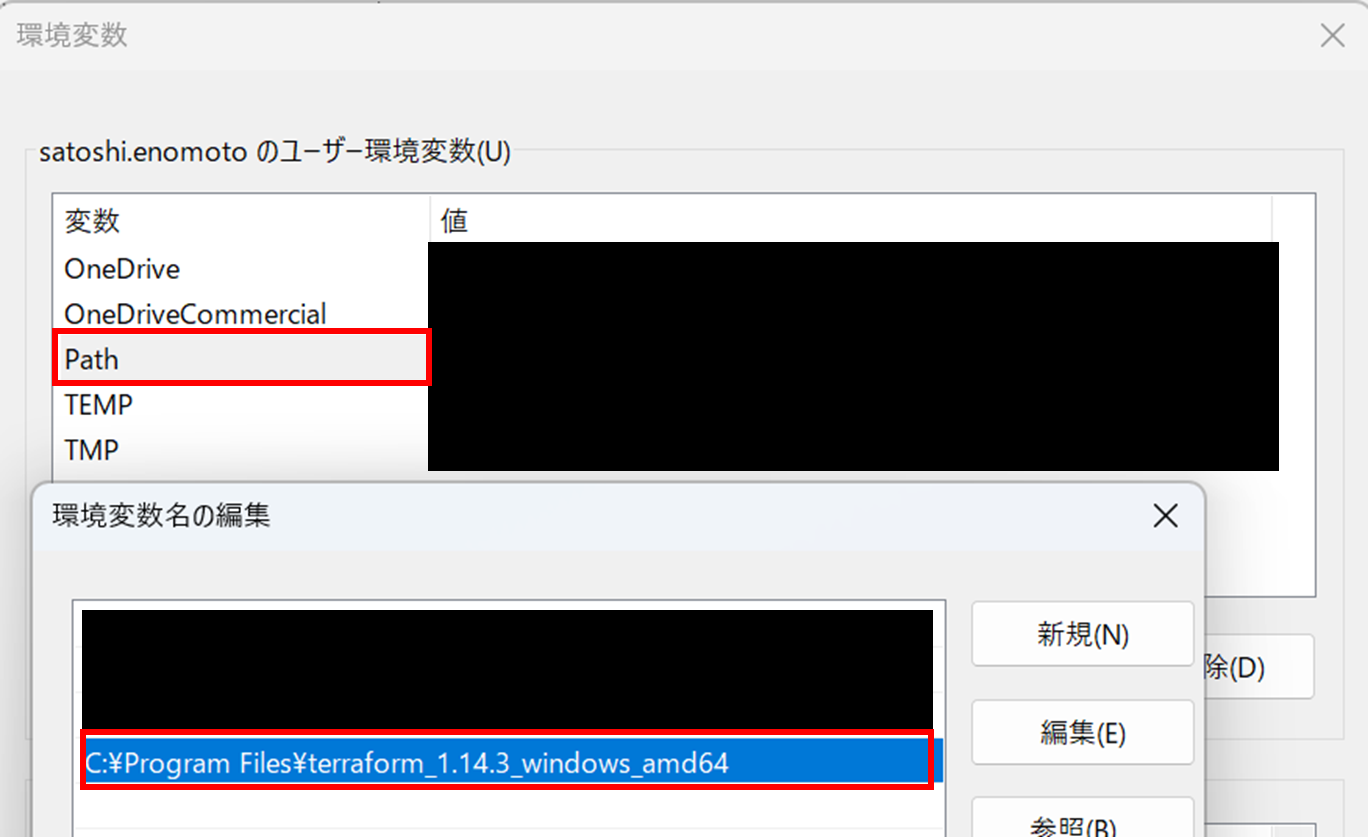
インストールできたか確認します。
terraform --version

Azure にログイン
リソースの作成先となる Azure テナントにログインします。
az login --tenant <tenant-id or tenant-domain>
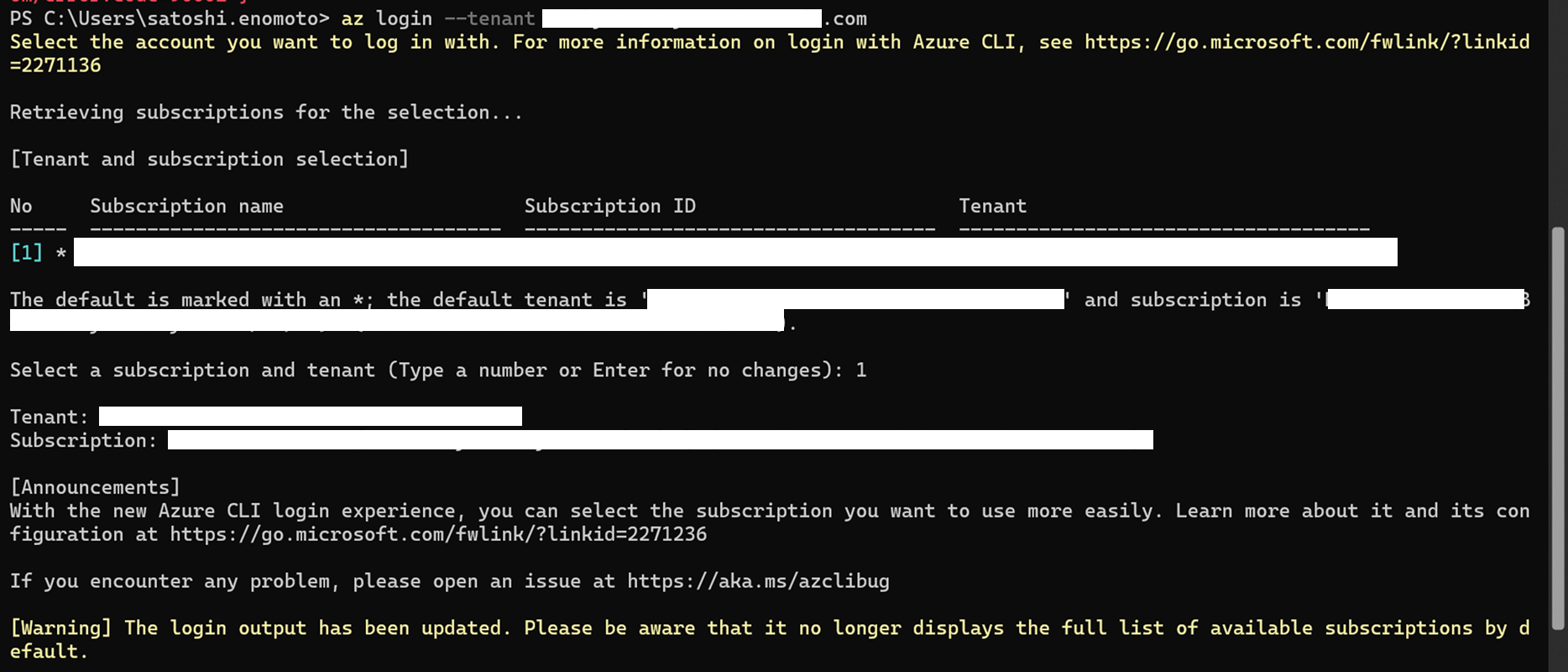
以下を実行するとログインしているアカウントの一覧を確認することができます。
az account show
また、リソースグループが存在しているか確認します。
az group show --name <rg-name>

Terraform プロジェクトを作成
まずは、作業フォルダを作成します。
mkdir terraform-storage-sample
cd terraform-storage-sample

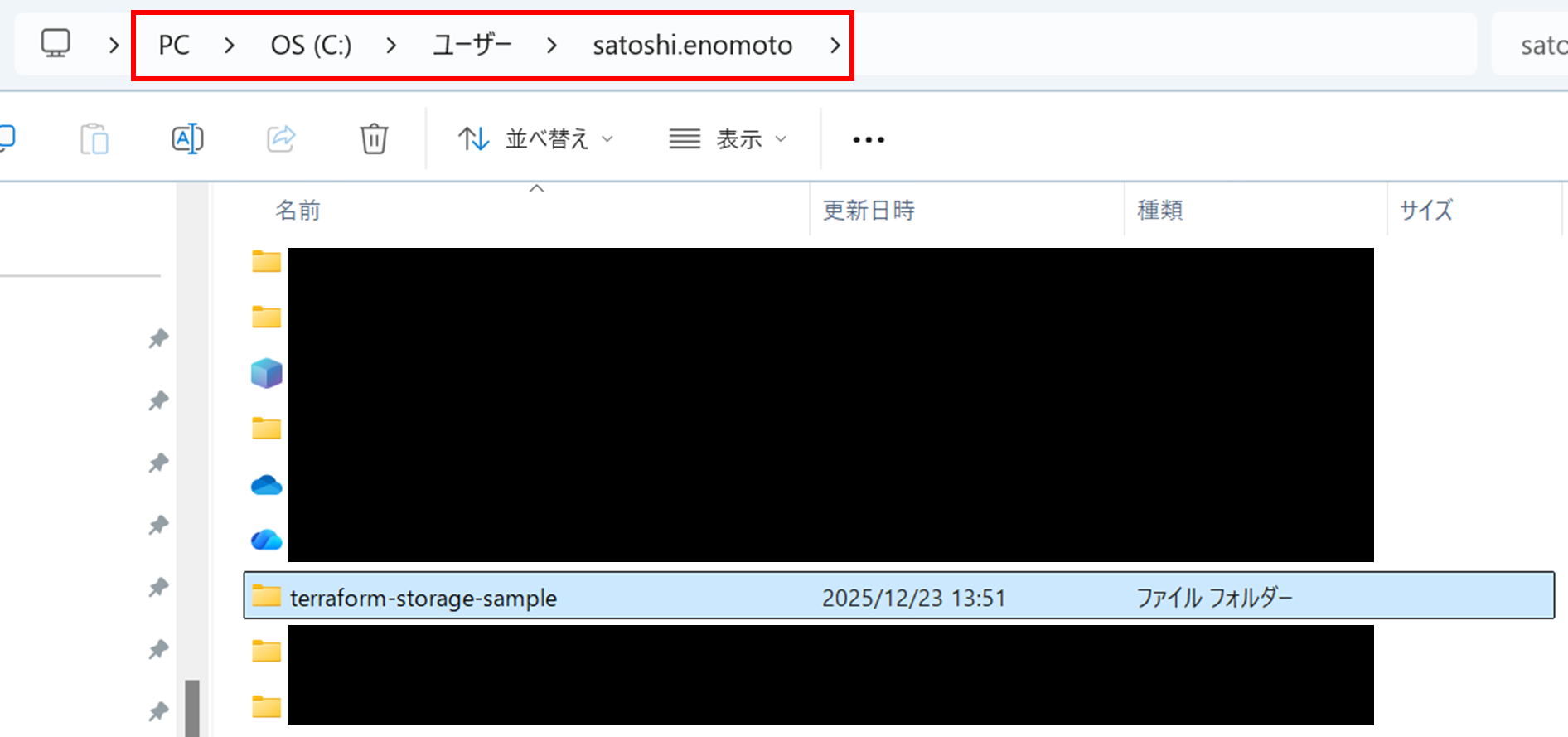
main.tf を作成していきます。
# 空の main.tf を作成
New-Item main.tf
# メモ帳で開く
notepad main.tf

main.tf に以下を貼り付けて保存します。
terraform {
  required_providers {
    azurerm = {
      source  = "hashicorp/azurerm"
      version = "~> 3.0"
    }
  }
}

provider "azurerm" {
  features {}
  skip_provider_registration = true
}

#############################
# 既存 Resource Group を参照
#############################
data "azurerm_resource_group" "existing" {
  name = "<rg-name>"
}

#############################
# Storage Account を作成
#############################
resource "azurerm_storage_account" "sample" {
  name                     = "<st-name>"   # 全世界で一意にする
  resource_group_name      = data.azurerm_resource_group.existing.name
  location                 = data.azurerm_resource_group.existing.location

  account_tier             = "Standard"
  account_replication_type = "LRS"

  # allow_blob_public_access = false
}
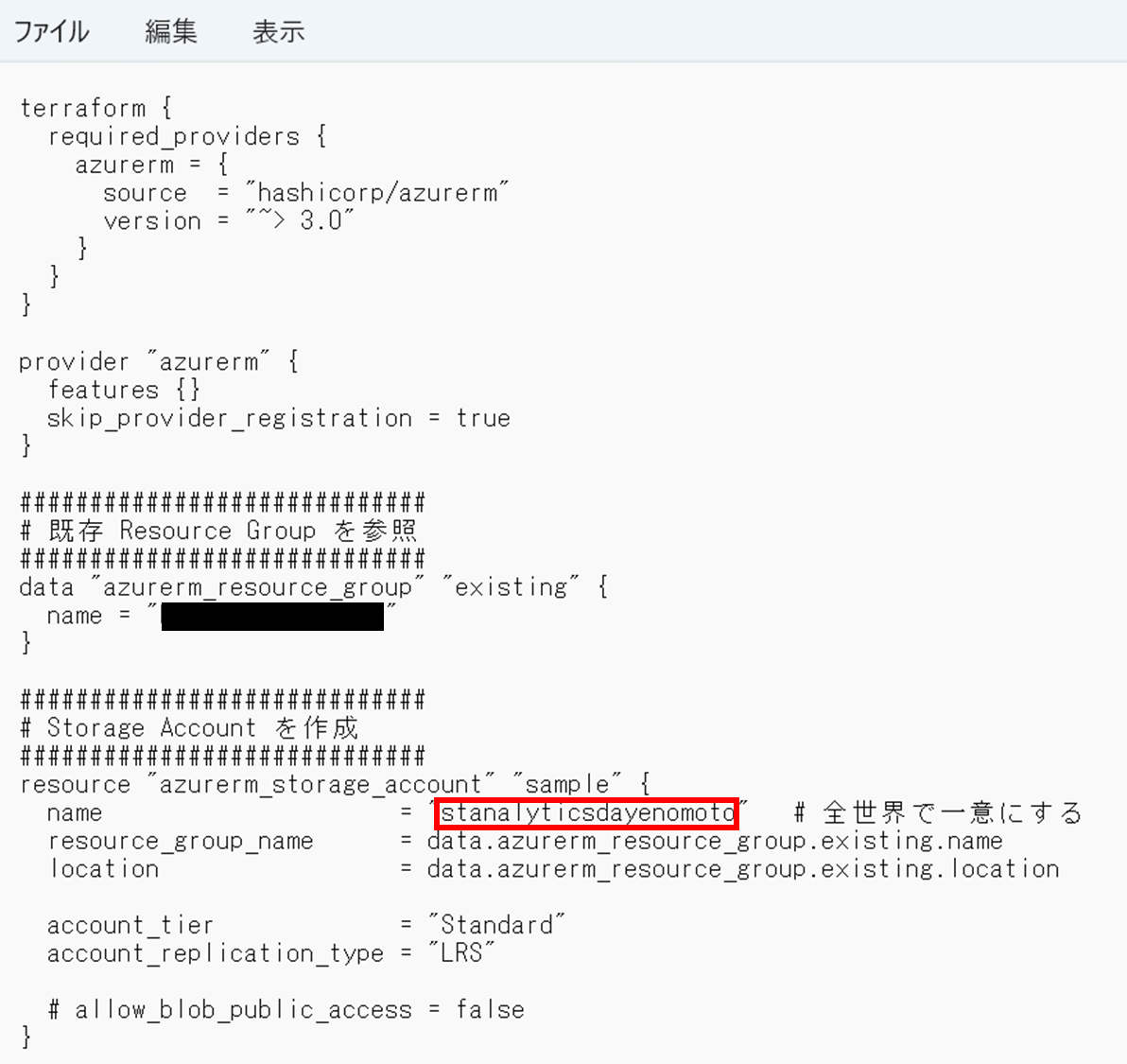
PowerShell に戻り、 terraform init(初期化)を実施します。
azurerm プロバイダーのダウンロードと .terraform/ フォルダ作成が実行されます。
terraform init

terraform plan(変更内容を確認)を実施します。
この時点ではまだ変更内容は適用されないです。
terraform plan
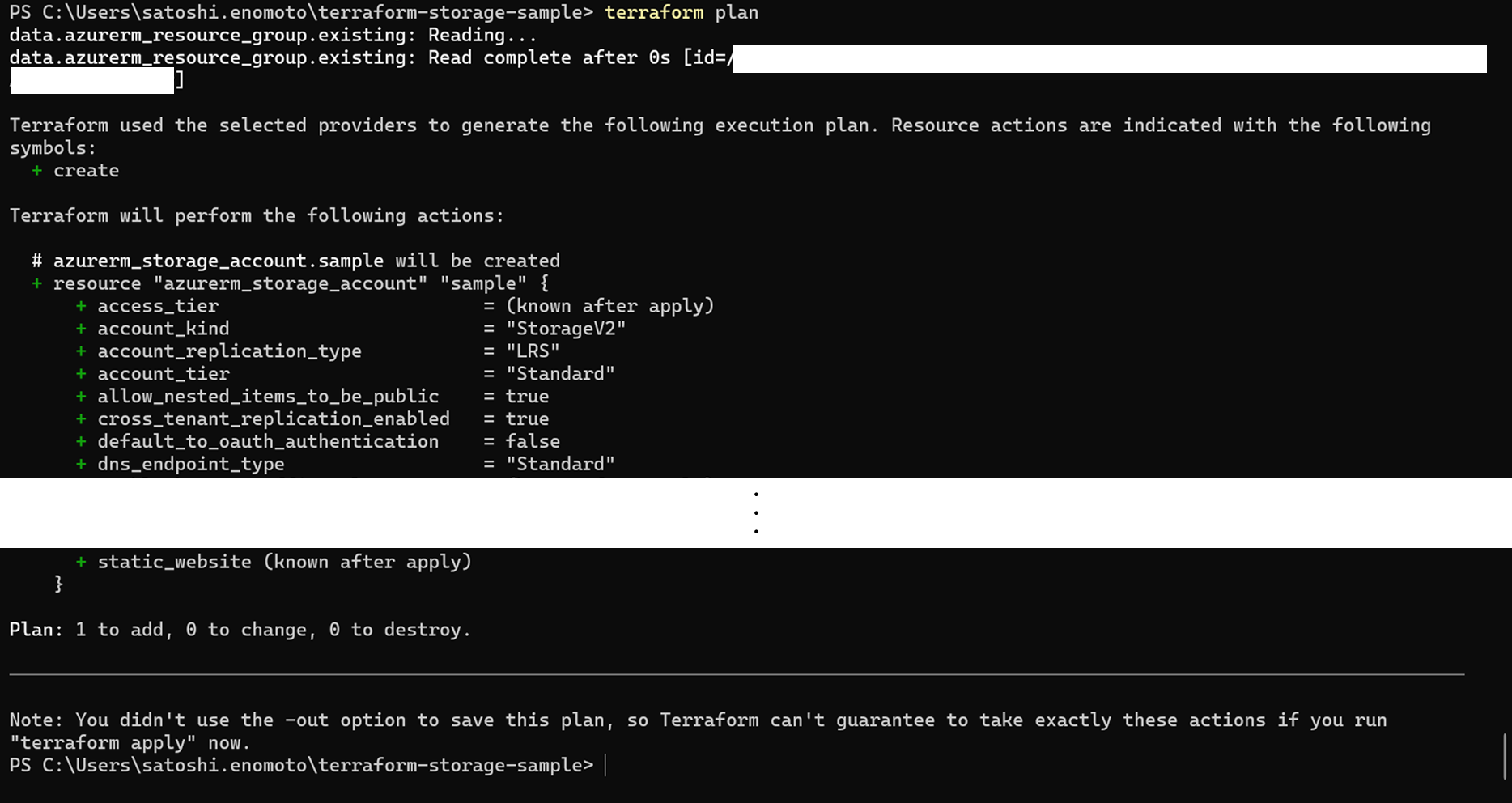
terraform apply(実行)を実施します。
terraform apply
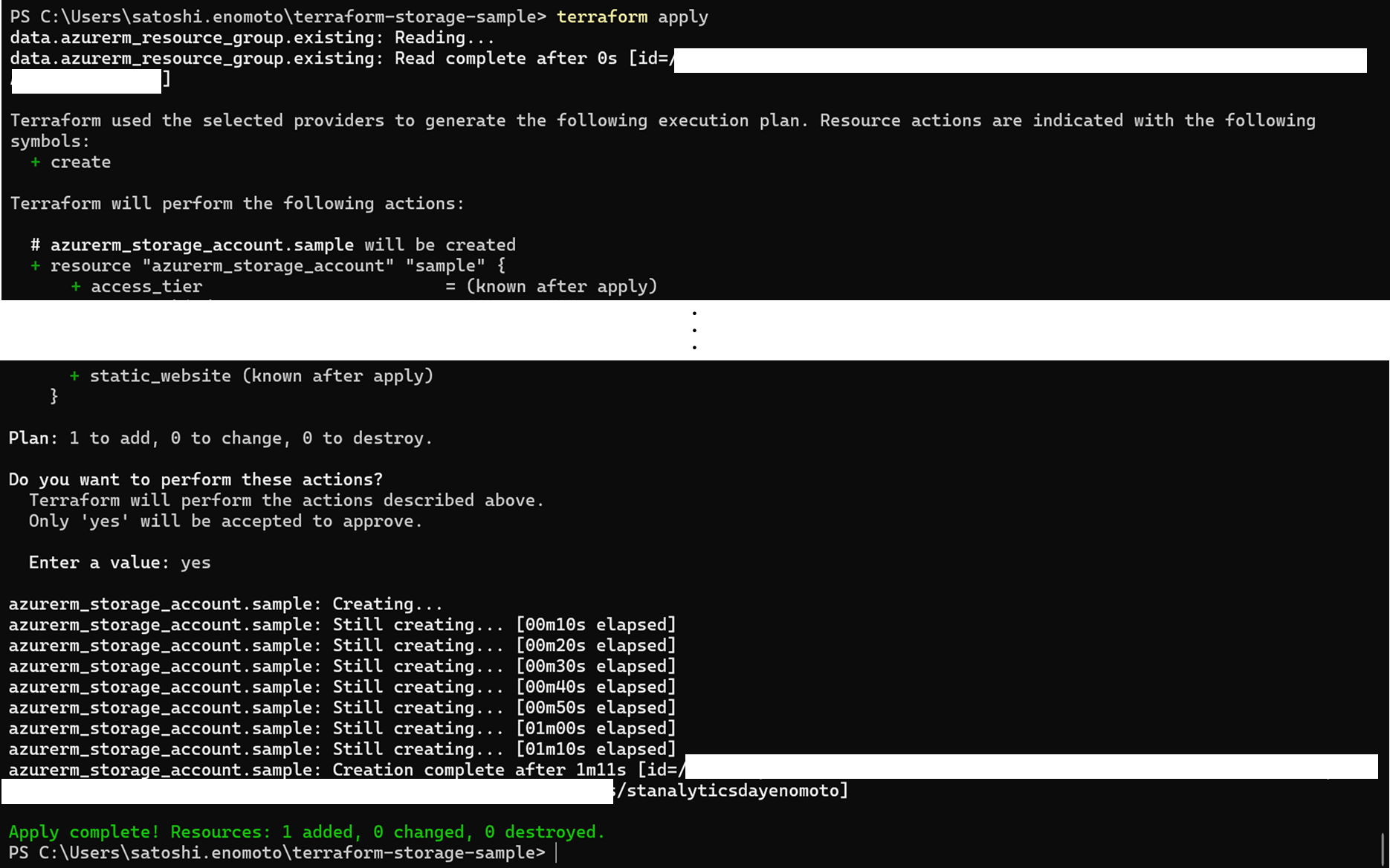
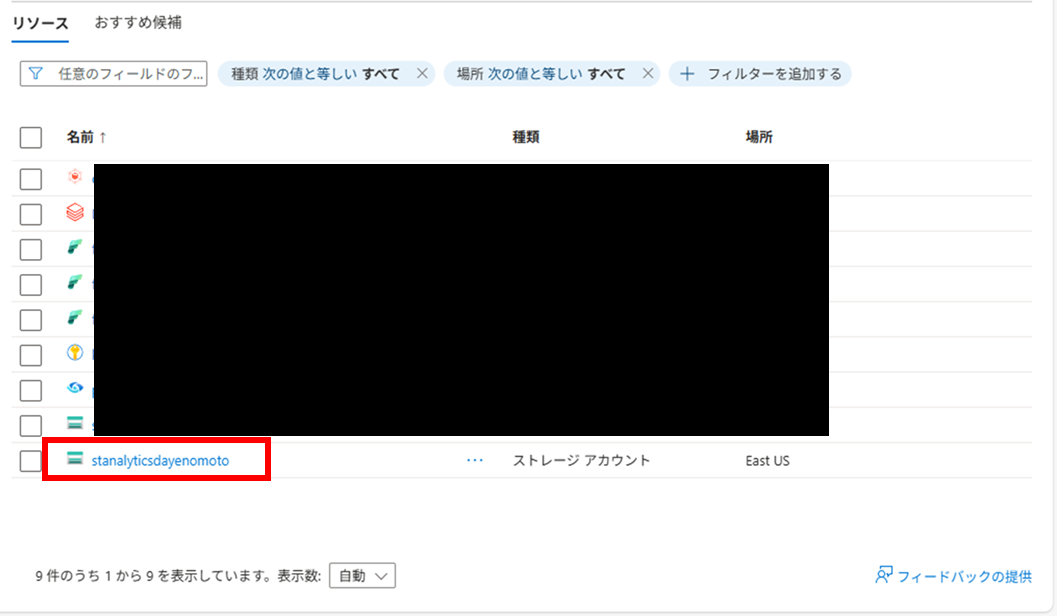
成功すると、Azure Portal にて作成されたストレージアカウントを確認することができます。
最後に、terraform destroy(削除)を実施します。
terraform destroy

成功すると、ストレージアカウントが削除されます。
遭遇したエラーについて
Unsupported argument
│ Error: Unsupported argument
│
│ on main.tf line 32, in resource "azurerm_storage_account" "sample":
│ 32: allow_blob_public_access = false
│
│ An argument named "allow_blob_public_access" is not expected here.
azurerm プロバイダーのバージョンによって指定の仕方が異なるようです。
本記事では該当行をコメントアウトして対処しています。
リソース プロバイダー の登録権限の不足
│ Error: Terraform does not have the necessary permissions to register Resource Providers.
│
│ Terraform automatically attempts to register the Azure Resource Providers it supports, to
│ ensure it is able to provision resources.
│ …
Terraform(azurerm プロバイダー)は自動で リソース プロバイダーの登録をしようとするため、Terraform 実行者に権限がないとエラーになるようです。
本記事では、必要なリソース プロバイダー (Microsoft.Storage) が既に登録されているため、 skip_provider_registration = true として実行しました。
リソース プロバイダーについて
https://qiita.com/tajirit/items/ccfa6ff40e706c2ca5ea
各ファイルの役割
本記事で作成されたファイルは以下の通りです。

terraform-storage-sample/
├─ main.tf                     ← どのようなインフラを作成するかの設計図(Git 管理対象)
├─ .terraform/                 ← Terraform が使う内部フォルダ
├─ .terraform.lock.hcl         ← Provider のバージョン固定(Git 管理対象)
├─ terraform.tfstate           ← 現在のインフラの状態
└─ terraform.tfstate.backup    ← state の自動バックアップ
参考記事