0
0

Delete article

Deleted articles cannot be recovered.

Draft of this article would be also deleted.

Are you sure you want to delete this article?

VMware Workstation Proをインストールする

0
Last updated at Posted at 2026-04-13

自己学習用にミニPCを購入したので早速VMWare Workstation Proをインストールする。

以前はPlayer版のみ無償であったようだが、今だとProも無料で使えるらしい。

1.Brodecomの公式サイトでアカウント登録

以下リンクからアカウントを作成します。
https://support.broadcom.com/

[Register]から登録する。

スクリーンショット 2026-04-07 234116.png

2.VMware Workstation Pro インストーラをダウンロードします。

[VMware Cloud Foundation]を選択します。
image.png

[My Downloads]から[Free Software Downloads available HERE]を選択します。
image.png

検索ボックスから[VMware Workstation Pro]を入力し、選択します。
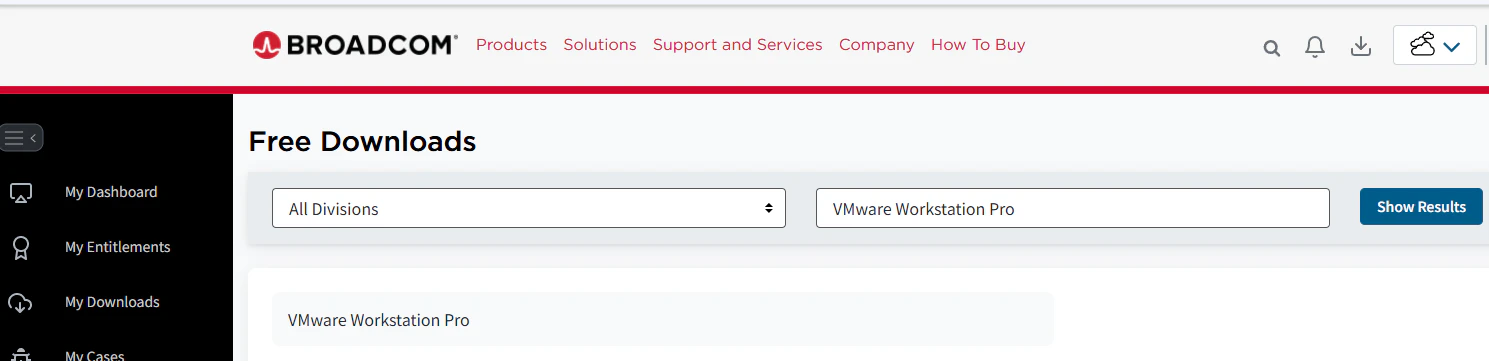
image.png

[VMware Workstation Pro 25H2 for Windows]を選択します。(ChatGPTに聞くと25H2が最新と言っていた)

image.png
image.png
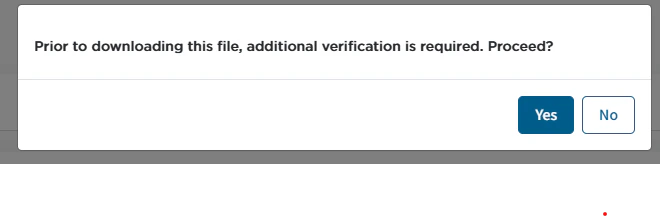
利用規約に同意しダウンロードします。
image.png

個人情報入力し再びダウンロード画面から、ダウンロードします。

3.インストール

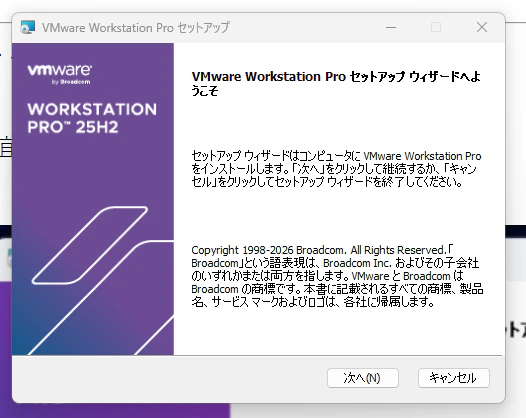
ダウンロードしたインストーラを起動します。

image.png

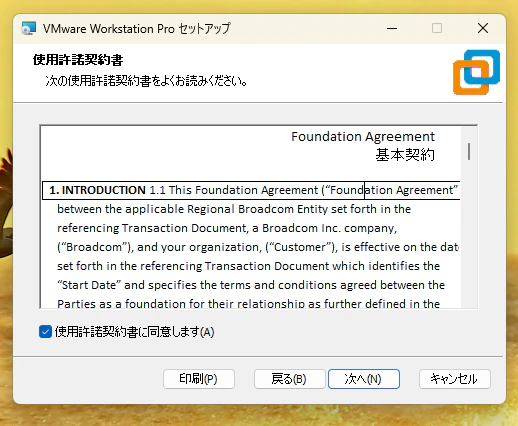
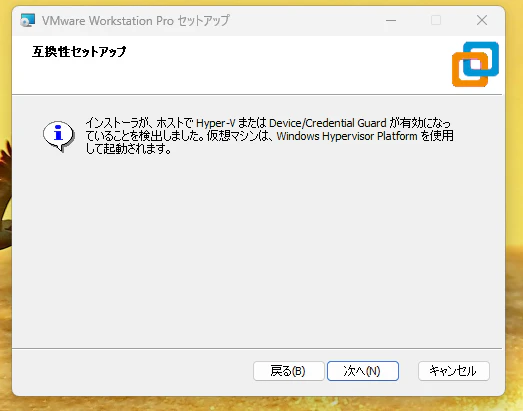
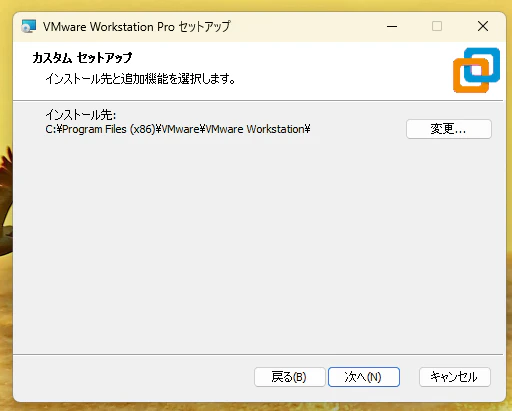
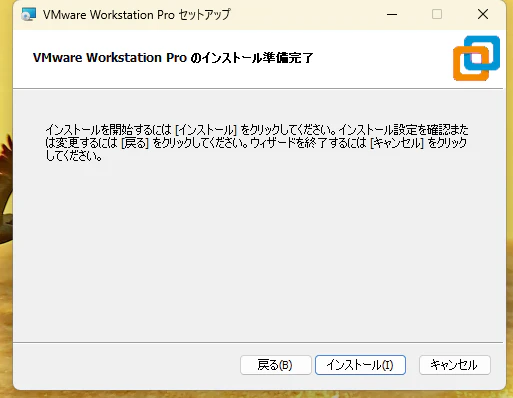
各種設定を進めます。
image.png
image.png
image.png
image.png
image.png
image.png
image.png
インストールが進みます。
image.png
image.png

デスクトップ上にVMware Workstation Proがインストールされました。
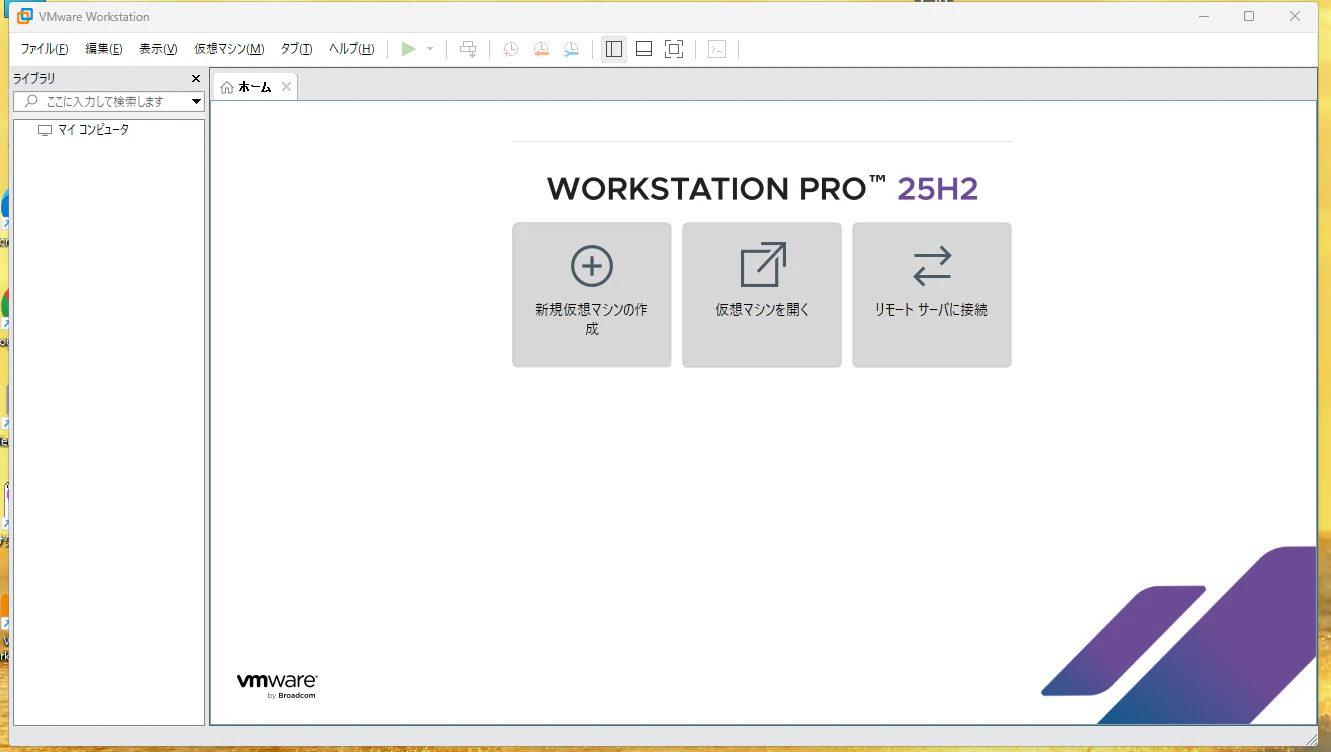
image.png

次回は実際に仮想マシンを作成してみようと思います。
以上!

0
0
0

Register as a new user and use Qiita more conveniently

  1. You get articles that match your needs
  2. You can efficiently read back useful information
  3. You can use dark theme
What you can do with signing up
0
0

Delete article

Deleted articles cannot be recovered.

Draft of this article would be also deleted.

Are you sure you want to delete this article?