(C#)
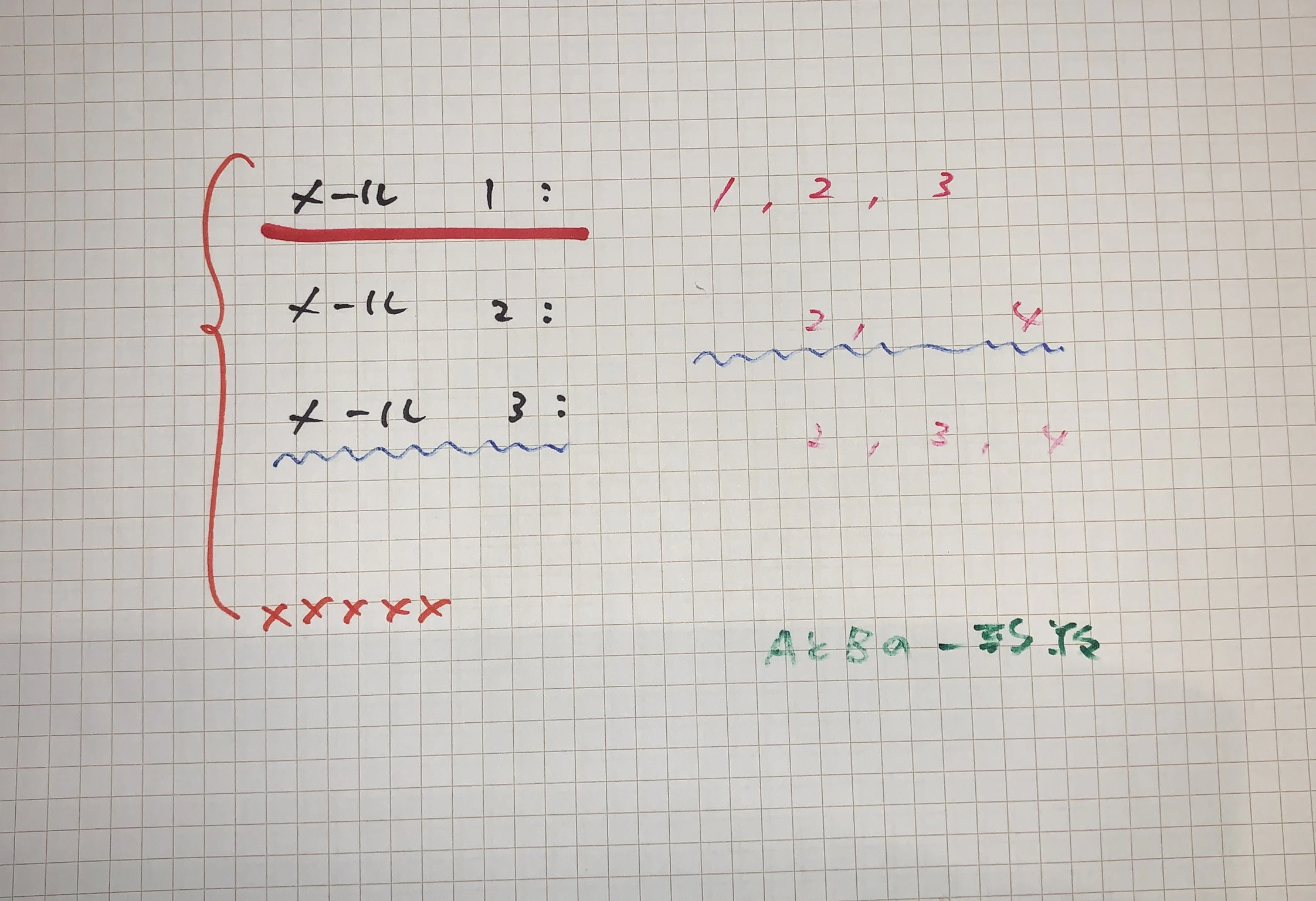
赤色のみ、除外する画像処理
(特定色だけ操作する処理)
ーーー画像加工ソフトに同等の機能はあるが、色を操作するソースコードを自作すれば、自身の意図に合わせて、自由度の高い処理が可能になる。
iro2iro.cs
//c:\Windows\Microsoft.NET\Framework\v4.0.30319\csc.exe /target:winexe iro2iro.cs

using System.Drawing;

public class iro2iro
{
 public static void Main(string[] args)
 {
	if(args.Length==2){
	string path1;//in file name
	string path2;//out file name

	path1 = @".\" + args[0];
	path2 = @".\" + args[1];

	Bitmap image1;
	image1 = new Bitmap(path1, true);

	Bitmap canvas = new Bitmap((int)image1.Width, (int)image1.Height);
	Graphics g = Graphics.FromImage(canvas);
	Color pClr;
	SolidBrush b;
	int x;
	int y;

	int r1;
	int g1;
	int b1;

	for(x=1;x<(int)image1.Width;x+=1){
		for(y=1;y<(int)image1.Height;y+=1){
		r1=0;g1=0;b1=0;
		pClr = image1.GetPixel(x , y);

		r1 = (int)pClr.R;
		g1 = (int)pClr.G;
		b1 = (int)pClr.B;

		//ここで抽出する色の条件を決める
		//一例。赤要素が160以上でかつ、
		//青緑の平均より、2割上回る部分(これがないと単に白色が抽出される)
		//if (r1 > 160 )
		if (r1 > 160 && r1 > ((g1+b1)/2*1.2))
		{
			//pClr = Color.FromArgb(255,255,255);
			pClr = Color.FromArgb(200,200,200);
			//単に白色に置き換えると返って浮く場合は色を調整
		}

		b = new SolidBrush(pClr);
		g.FillRectangle(b, x, y, 1, 1);

		}
	}

	canvas.Save(path2, System.Drawing.Imaging.ImageFormat.Jpeg);
	}
 }

}
・変換後
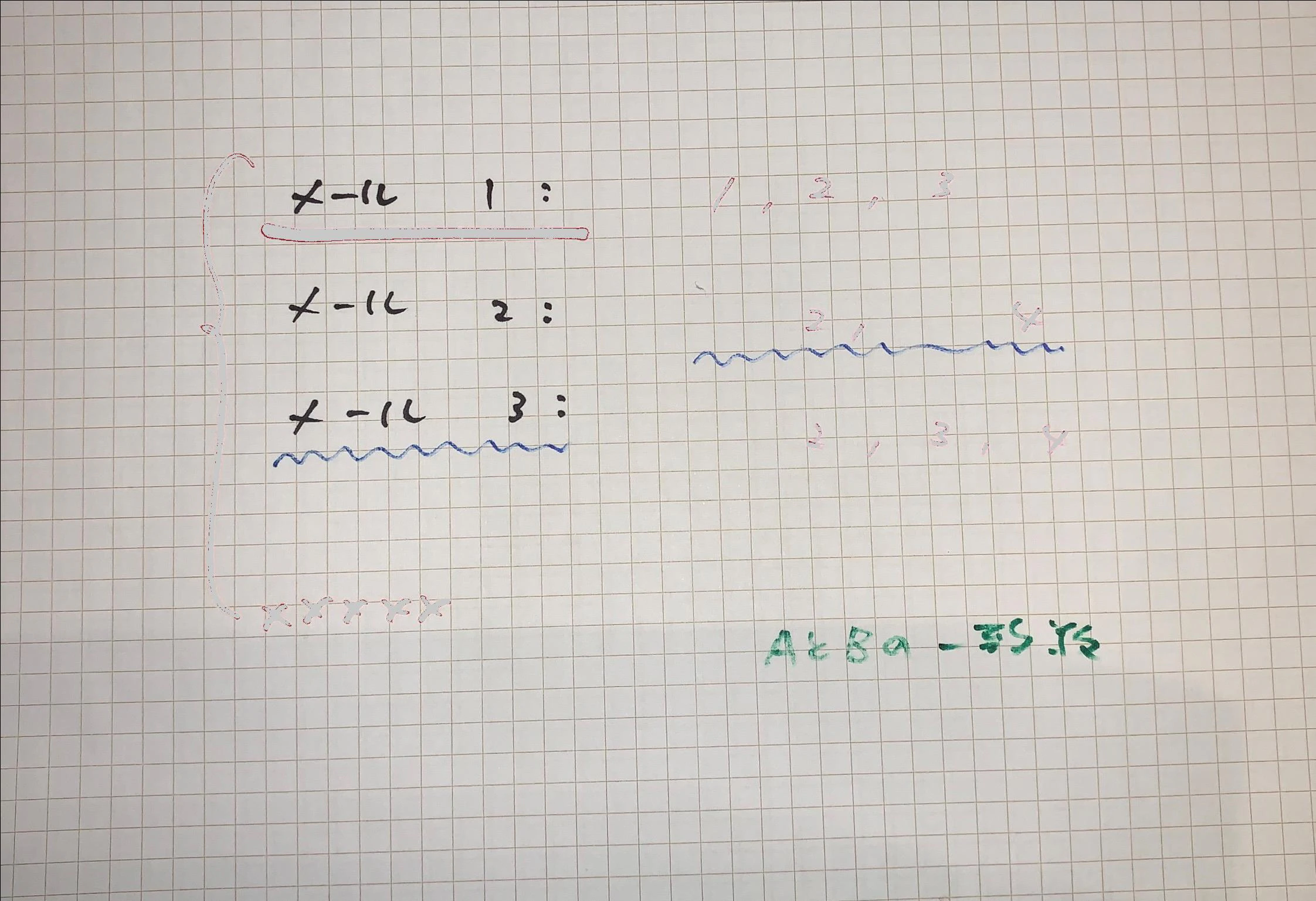
・変換前