Math.random()をちゃんと理解して、正位置か逆位置かを決めるロジックを考える!
Math.random()とは
「0以上1未満のランダムな数」を作る関数
- ぜったいに「1」は出ない(1未満だから)
- どの数字が出るかはランダム
function getRandom() {
  return Math.random();
}

const result = getRandom();
console.log(result);
//  0.4114835574458098
//  0.5620131063990919 などなど
じゃあ50%の確率で何かを決めるには?
GPTの表がわかりやすかった。
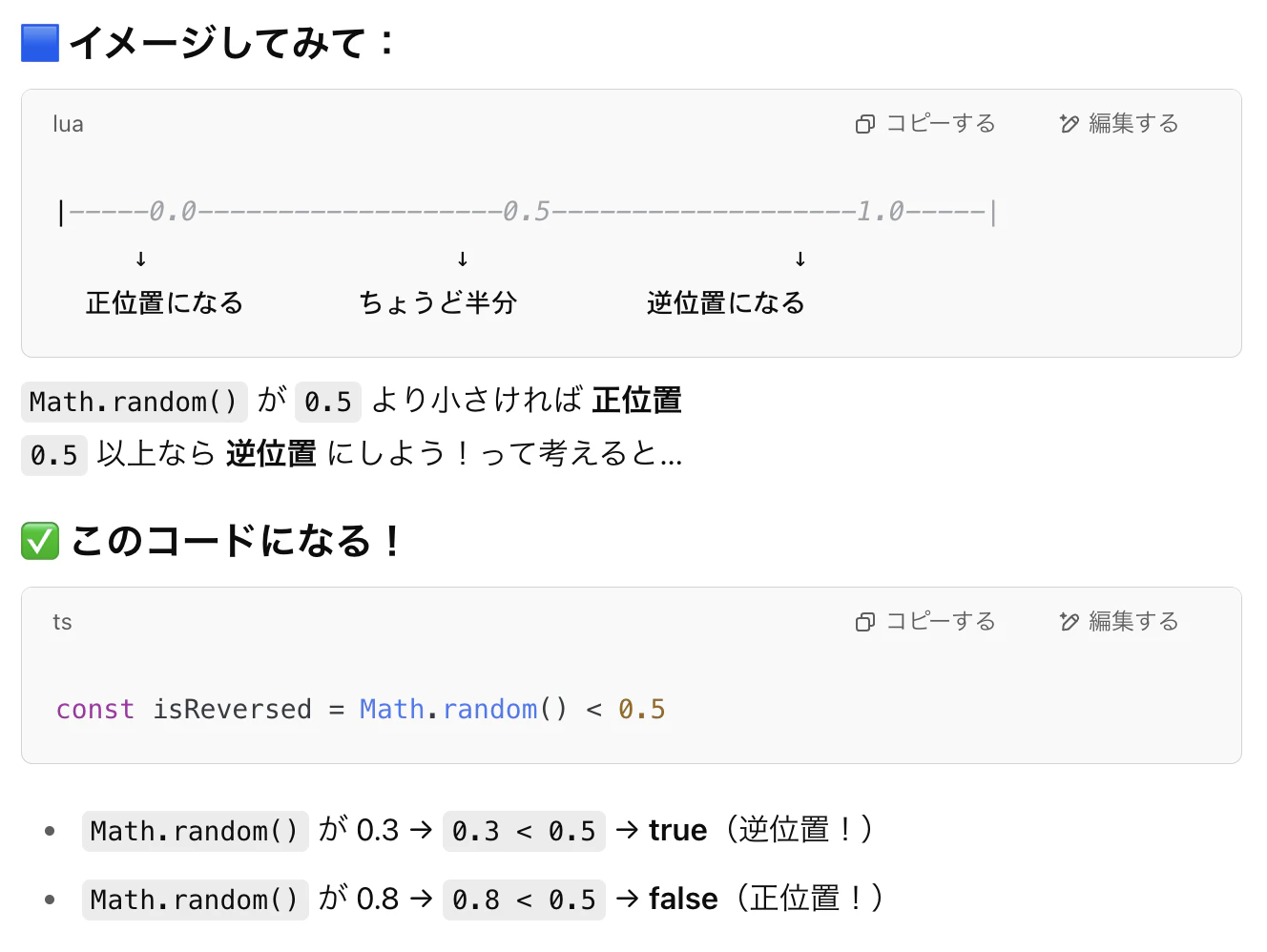
const isReversed = Math.random() < 0.5
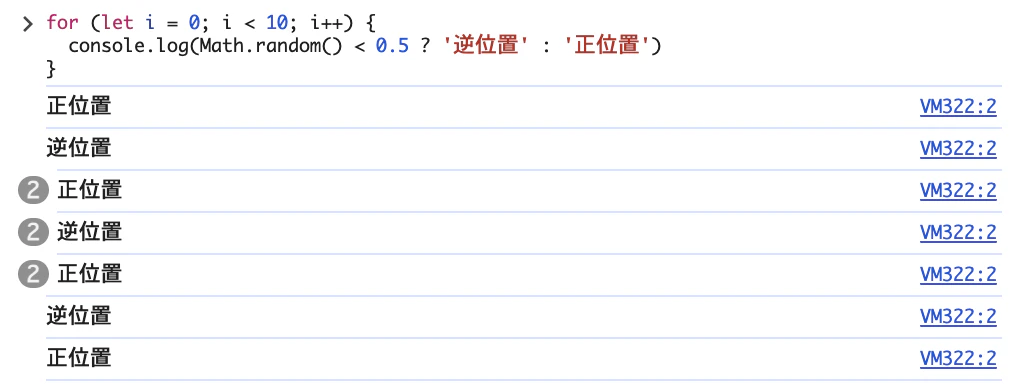
確認するために何度か実行してみる。
for (let i = 0; i < 10; i++) {
  console.log(Math.random() < 0.5 ? '正位置' : '逆位置')
}
// 0.5未満ならば「正位置」、0.5以上なら「逆位置」と表示される
↓結果
正位置か逆位置かをランダムで決められるようにする
<やりたいこと>
①カードを引いたときに「正位置(normal)」か「逆位置(reverse)」かをランダムで決める
→ Math.random() < 0.5を使う
②表示するカードの意味(normalMeaning or reverseMeaning)を切り替える
正位置か逆位置かの状態をで持つ
  // 正位置か逆位置か
  const isReversed = ref(true)
function drawCard() の中で正位置か逆位置かを決める関数を追加する
  // カードを一枚選ぶ関数 drawCard
  function drawCard() {
    const index = Math.floor(Math.random() * tarotCards.length)
    const card = tarotCards[index]
    selectedCard.value = card

    // 向き(正か逆か)もランダムに決める
    isReversed.value = Math.random() < 0.5
  }
テンプレートで表示させる
状態・意味のところを追加。
      <div class="p-results-card">
        <p>ID: {{ selectedCard.id }}</p>
        <p>名前: {{ selectedCard.name }}</p>
        <p>状態: {{ isReversed ? '正位置' : '逆位置' }}</p>
        <p>意味: {{ isReversed ? selectedCard.normalMeaning : selectedCard.reverseMeaning }}</p>
      </div>
ここでTSエラーを修正する。
'__VLS_ctx.selectedCard' は 'null' の可能性があります。
selectedCard が null じゃないときだけ中身を表示するように v-if を使うとエラーが消えた!
      <div class="p-results-card" v-if="selectedCard">
        <p>ID: {{ selectedCard.id }}</p>
        <p>名前: {{ selectedCard.name }}</p>
        <p>状態: {{ isReversed ? '正位置' : '逆位置' }}</p>
        <p>意味: {{ isReversed ? selectedCard.normalMeaning : selectedCard.reverseMeaning }}</p>
      </div>
※もう一つのやり方として、 オプショナルチェーンの使用がある。
<p>{{ selectedCard?.name }}</p>
正位置or逆位置で、状態・意味を表示することができた!