
やること
Amazon BedrockAgentCoreを学習するため、ClaudeCodeに学習計画を立ててもらいました。
agentcore createでAgentCore ランタイムを作る内容を実施します。
以前はAgentCore ハーネスを作りました。
AgentCoreランタイムをシンプルにagentcore createするだけだとつまらないので、AgentCoreの実行環境を取得するためのツールを定義して、エージェントに使ってもらう形にします。
ドキュメントによると、AgentCoreランタイムは ARM64 で動いているそうですが本当でしょうか!?
Amazon Bedrock AgentCore ランタイムは ARM64 (AWS Graviton) で実行されます。
https://docs.aws.amazon.com/ja_jp/bedrock-agentcore/latest/devguide/runtime-get-started-cli.html#advanced-options
AgentCore作成自体は、以下AWSドキュメントを参考にして実施します
エージェントプロジェクトを作成
ドキュメントどおり引数を指定して作成します。
agentcore create --name a2project --framework Strands --model-provider Bedrock --memory none
--name XXX を除外して実行したらエラーが出ました。--name は必須ですね。
% agentcore create --framework Strands --protocol HTTP --model-provider Bedrock --memory none
--name is required
プロジェクトが作成できました。
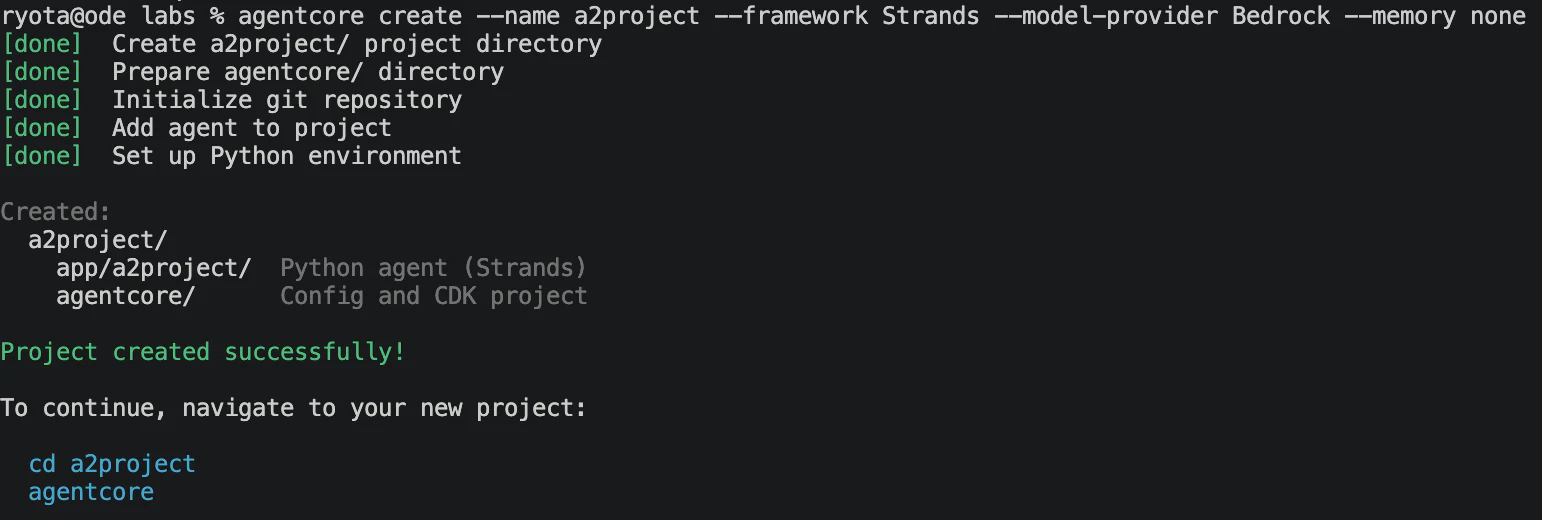
以下の構成でフォルダ・ファイルが作成されてました。
% tree -L 3
.
├── AGENTS.md
├── README.md
├── agentcore
│   ├── agentcore.json
│   ├── aws-targets.json
│   └── cdk
│       ├── README.md
│       ├── bin
│       ├── cdk.json
│       ├── jest.config.js
│       ├── lib
│       ├── node_modules
│       ├── package-lock.json
│       ├── package.json
│       ├── test
│       └── tsconfig.json
└── app
    └── a2project
        ├── README.md
        ├── main.py
        ├── mcp_client
        ├── model
        ├── pyproject.toml
        ├── skills
        └── uv.lock

12 directories, 14 files
自動生成されたapp.pyに自作のToolを追加する
agentcore createを実行してできたフォルダ配下 app/main.py にツールを追加していきます。
% tree -L 3
.
├── AGENTS.md
├── README.md
├── agentcore
└── app
    └── a2project
        ├── README.md
        ├── main.py ☆これに追加
        ├── mcp_client
        ├── model
        ├── pyproject.toml
        ├── skills
        └── uv.lock
自動生成されたapp.py
# Define a collection of tools used by the model
tools = []

_INLINE_FUNCTION_NAMES = set()

# Define a simple function tool
@tool
def add_numbers(a: int, b: int) -> int:
    """Return the sum of two numbers"""
    return a+b
tools.append(add_numbers)
app.pyにTool追加
Pythonが実行されている環境のOSやバージョン情報などを取得できる platform モジュールでToolを作ってみます。
Tool経由でAgentCoreの実行環境を取得してみます。
import platform # 追加

# Define a collection of tools used by the model
tools = []

_INLINE_FUNCTION_NAMES = set()

# Define a simple function tool
@tool
def add_numbers(a: int, b: int) -> int:
    """Return the sum of two numbers"""
    return a+b
tools.append(add_numbers)

# これ以降を追加
@tool
def get_runtime_platform():
  return platform.platform()
tools.append(get_runtime_platform)
以下を参考にしました。
エージェントをローカル呼び出し
agentcore devで開発サーバーを起動してエージェントをテストします。
「君の実行環境を教えてください」と質問します。
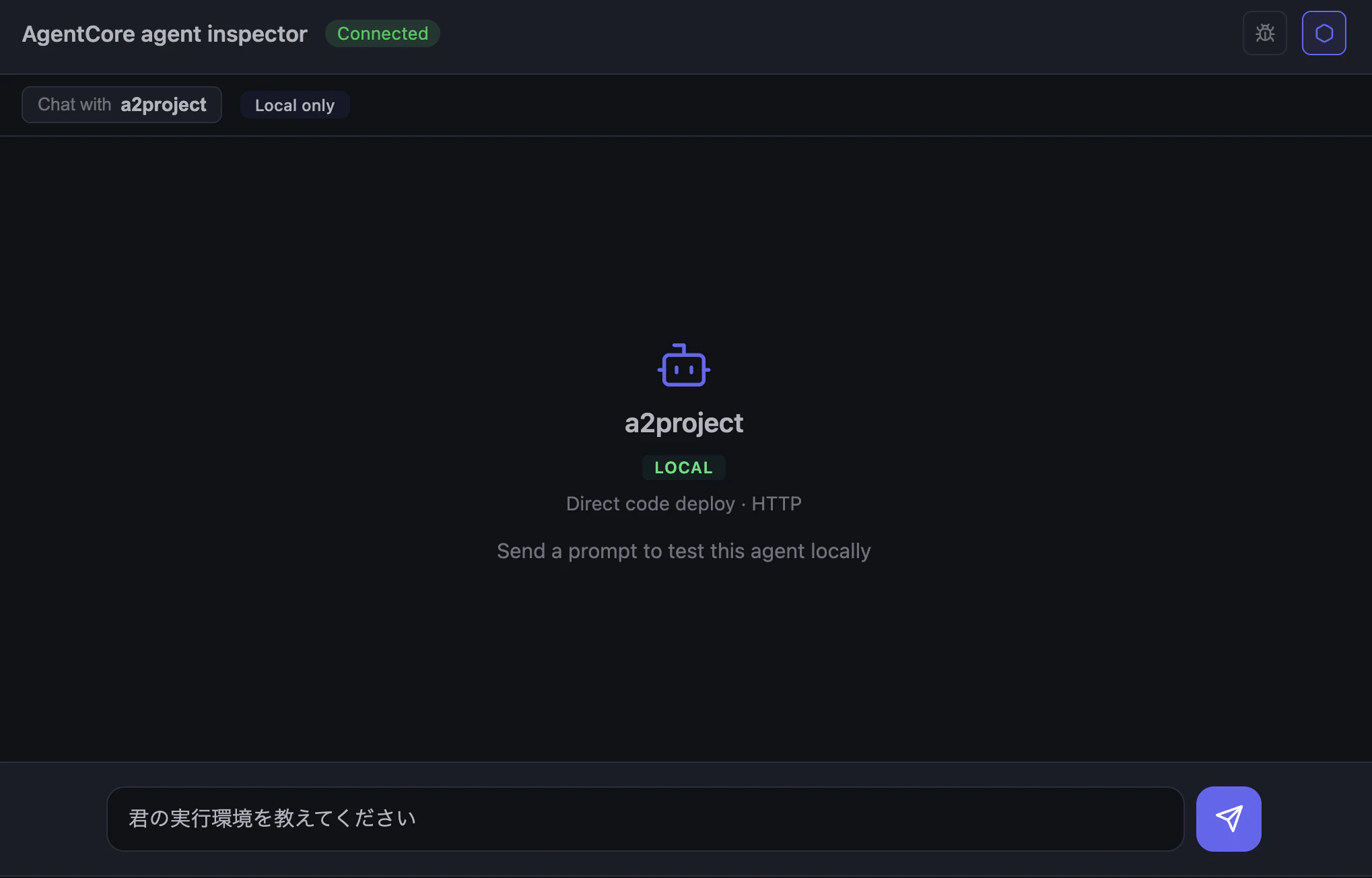
回答してくれました!!!
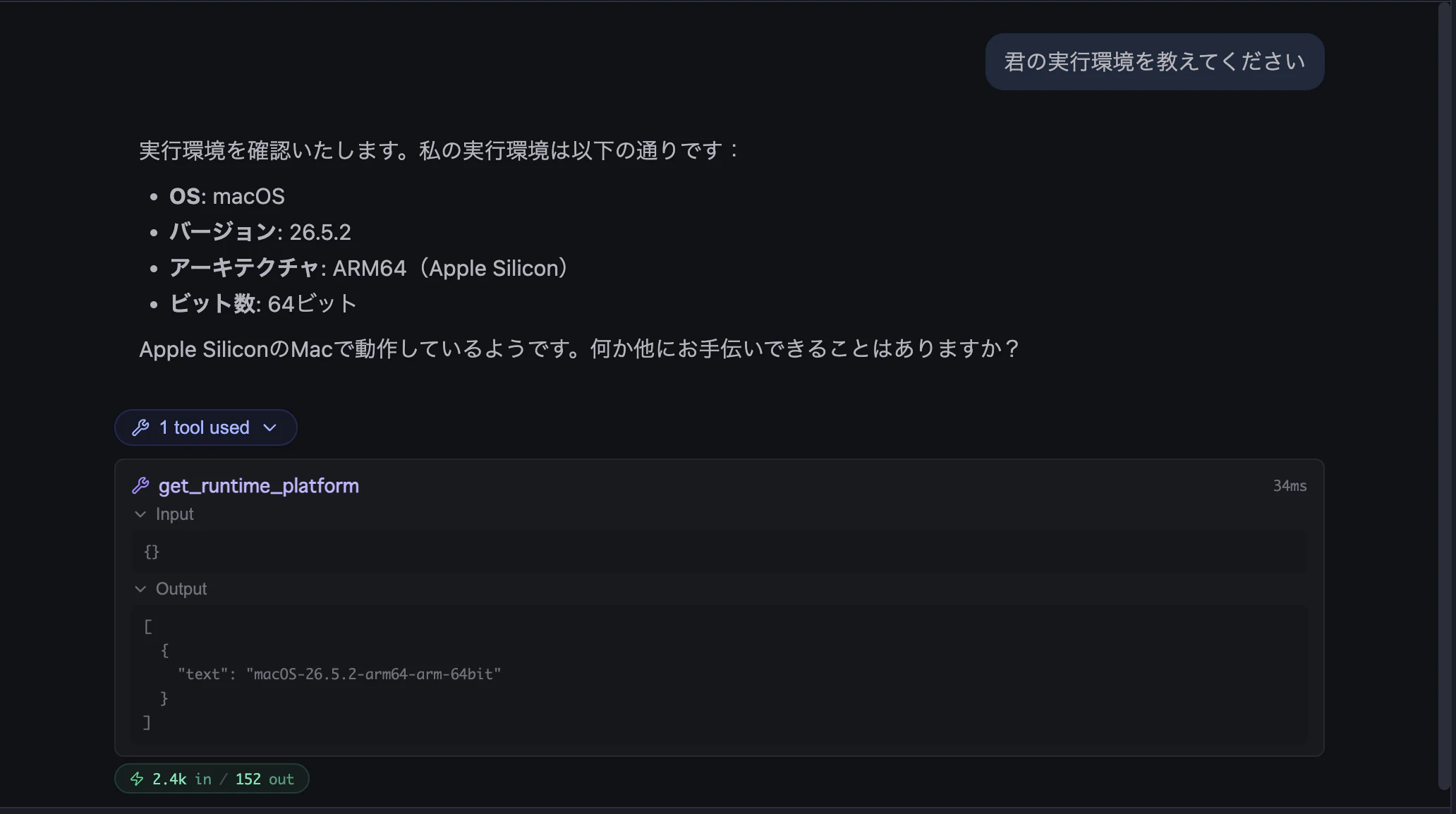
Macで動いていると回答してくれました!Toolも使えてる!
get_runtime_platformというツールで次の情報がひろえていました。期待どおりです!
[
  {
    "text": "macOS-26.5.2-arm64-arm-64bit"
  }
]
AgentCoreランタイムにデプロイ + エージェントをテスト
agentcore deployでエージェントをデプロイします。
デプロイが完了したらagentcore invoke "君の実行環境を教えてください" でinvokeします。
私の実行環境は以下の通りです:

- OS: Linux
- カーネルバージョン: 6.1.161
- ディストリビューション: Amazon Linux 2023 (amzn2023)
- アーキテクチャ: aarch64 (ARM64)
- Cライブラリ: glibc 2.34

Amazon Web Services (AWS) 上のARM64アーキテクチャで動作しているLinuxシステムで実行されています。
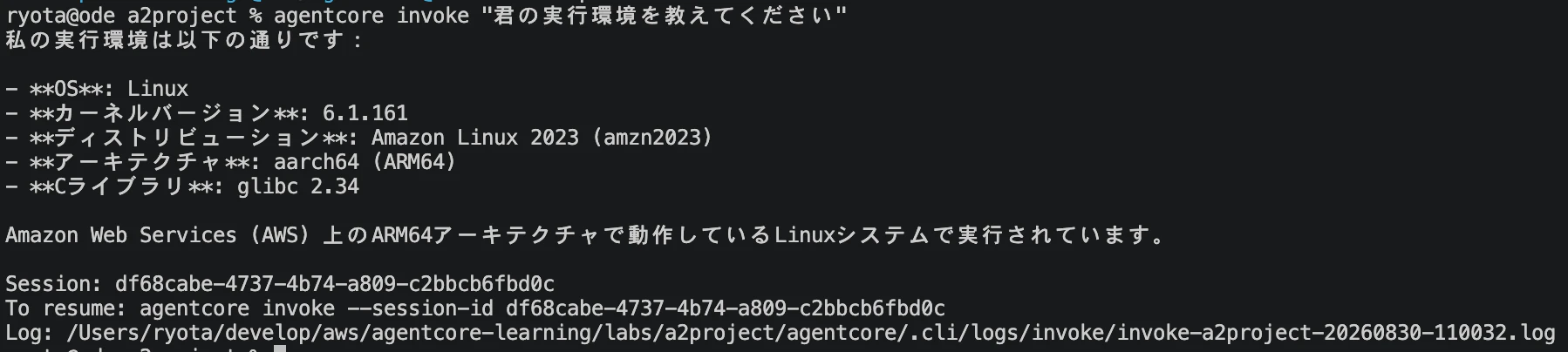
AgentCoreランタイム上でもツールが動いた!
ログからも一応確認
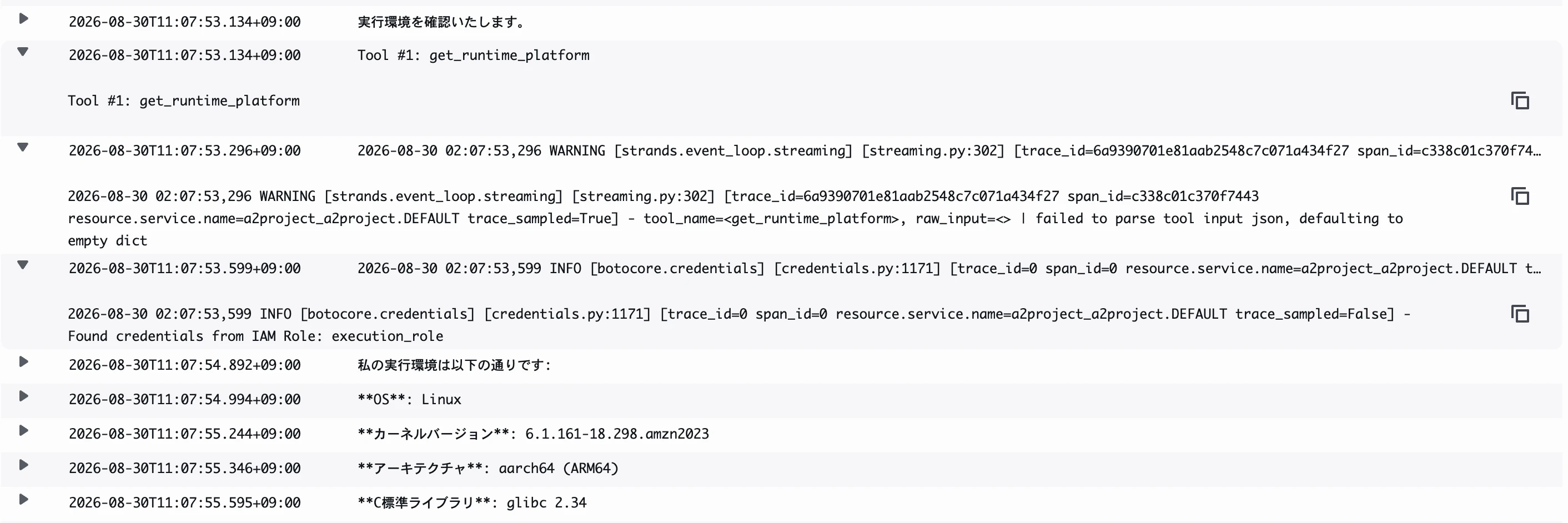
ツール呼び出しができていたのかCloudWatchLogsからも一応確認してみると、
Tool #1: get_runtime_platform という呼び出し記録が見られました!
まとめ
Amazon Bedrock AgentCoreランタイムをagentcore createで作成し自作ツールを使うよう変更できました。agentcore devでローカルテスト後にagentcore deployしてデプロイ後も動作確認できました。
実装したツールでAgentCoreランタイムのアーキテクチャが ARM64 とドキュメントどおりなことも確認できました!!!