

今回の記事では特定の画像から黒線を認識して検知できるようにします。
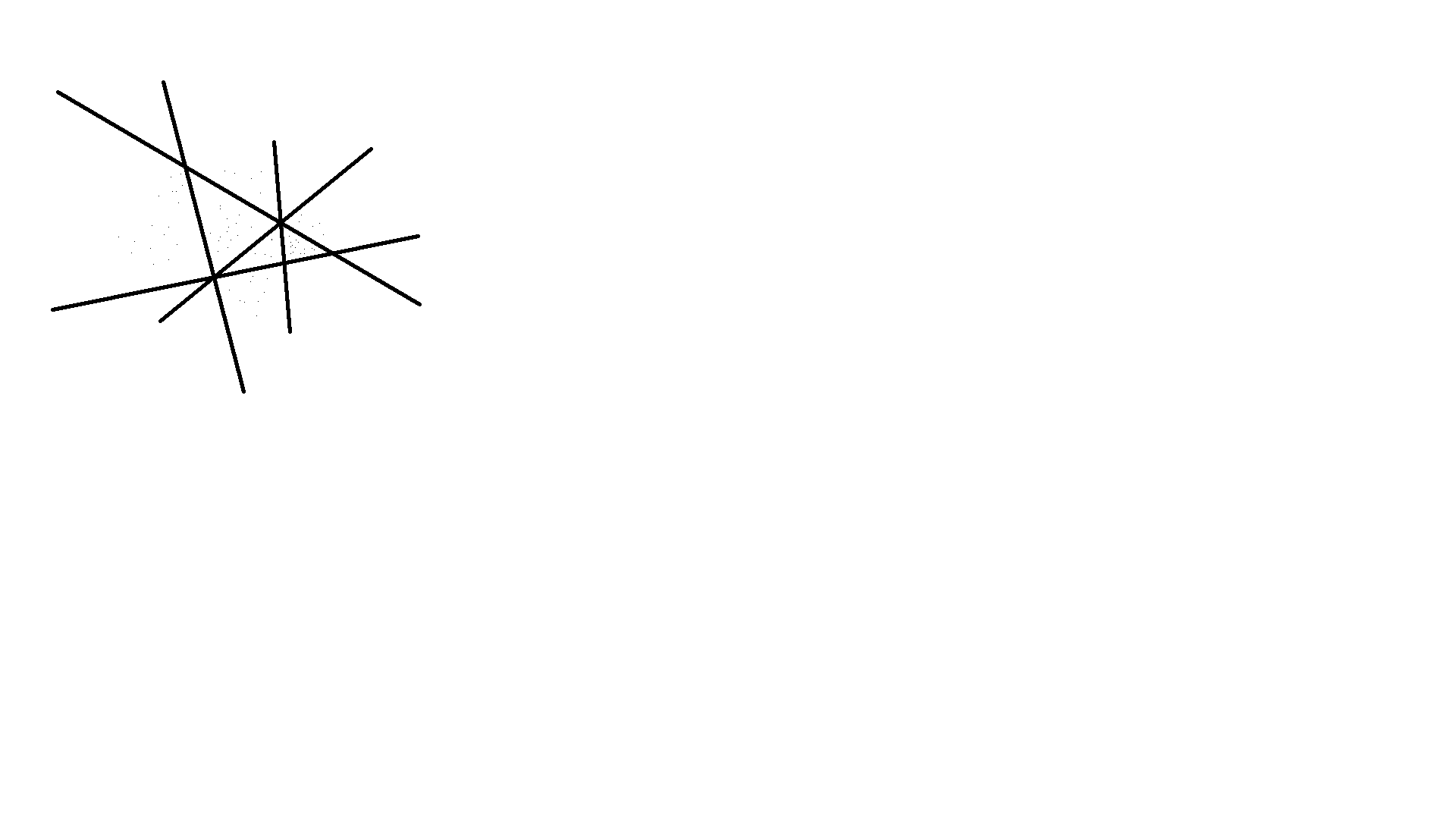
こんな感じの画像から黒線だけを輪郭線で囲むようなプログラムを作成します。
プログラムを書く
今回はPythonを使って書いていきます。
まず仮想環境を立ち上げて準備をします。
python3 -m venv .venv
source .venv/bin/activate
必要なパッケージを入れます。
pip install opencv-python
コードを書きます。
import cv2

image = cv2.imread("image.png")

if image is None:
    raise ValueError("Could not load image from image.png")

gray = cv2.cvtColor(image, cv2.COLOR_BGR2GRAY)
white_threshold = 80

_, binary_image = cv2.threshold(gray, white_threshold, 255, cv2.THRESH_BINARY_INV)

cv2.imwrite("processed.png", binary_image)
これで白黒の画像が出てくるかと思います(processed.pngとして)。
最後に輪郭を緑色に色付けします。
import cv2

image = cv2.imread("image.png")

if image is None:
    raise ValueError("Could not load image from image.png")

gray = cv2.cvtColor(image, cv2.COLOR_BGR2GRAY)
white_threshold = 80

_, binary_image = cv2.threshold(gray, white_threshold, 255, cv2.THRESH_BINARY_INV)

+contours, _ = cv2.findContours(binary_image, cv2.RETR_EXTERNAL, cv2.CHAIN_APPROX_SIMPLE)

+output_image = image.copy()
+cv2.drawContours(output_image, contours, -1, (0, 255, 0), 2)

cv2.imwrite("processed.png", binary_image)
+cv2.imwrite("contours.png", output_image)
これで、contours.pngに輪郭線を緑色で色付けした状態の画像が出てきます。

終わりに
今回の記事はシンプルでしたが、参考になれば幸いです。