
CrystalReportsの記事が読まれてるのでなんか他にネタは無いかなと起動すると…
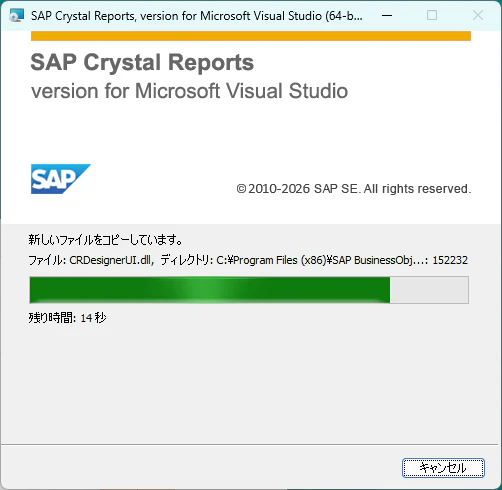
CrystalReportsがぶっ壊れている。
どうやらVisualStudioが更新される度に壊れるようだ。
なのでCrystalReportsの記事を書く度にCrystalReports For VisualStudioを入れ直す羽目になっている。
個人じゃもう使えんな。コイツは。
で、今回はASP.NETの方。
やっぱり.NET Frameworkしか使えない。
やり方としてはWindows Forms同様に単純で
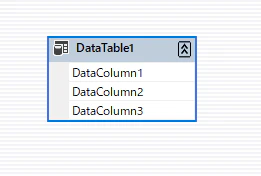
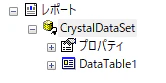
Dataset作って繋げーの
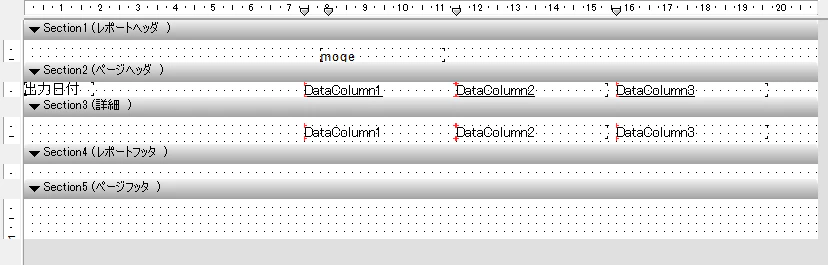
レポートの定義しーの
ビューア置きーの
Default.aspx
<%@ Page Language="C#" AutoEventWireup="true"  CodeFile="Default.aspx.cs" Inherits="_Default" %>
<%@ Register TagPrefix="CR" Namespace="CrystalDecisions.Web"
    Assembly="CrystalDecisions.Web, Version=13.0.4000.0, Culture=neutral, PublicKeyToken=692fbea5521e1304" %>

<html xmlns="http://www.w3.org/1999/xhtml" >
<head runat="server">
    <title>Untitled Page</title>
</head>
<body>
    <form id="form1" runat="server">
    <div>
        <CR:CrystalReportViewer ID="viewer1" runat="server"
            Height="1039px" Width="901px" />
    </div>
    </form>
</body>
</html>
DataSource設定しーの
Default.aspx.cs
protected void Page_Load(object sender, EventArgs e)
{
    var ds = new CrystalDataSet();
    var dr = ds.DataTable1.NewDataTable1Row();
    dr.DataColumn1 = "hoge";
    dr.DataColumn2 = "fuga";
    dr.DataColumn3 = "piyo";
    ds.DataTable1.AddDataTable1Row(dr);

    var report = new ReportDocument();
    report.Load(Server.MapPath("CrystalReportFile.rpt"));
    report.SetDataSource(ds);

    viewer1.ReportSource = report;

    report.ExportToHttpResponse(ExportFormatType.PortableDocFormat, Response, false, "document title");
}
で
実行するとプレビュー画面が開きますよと。
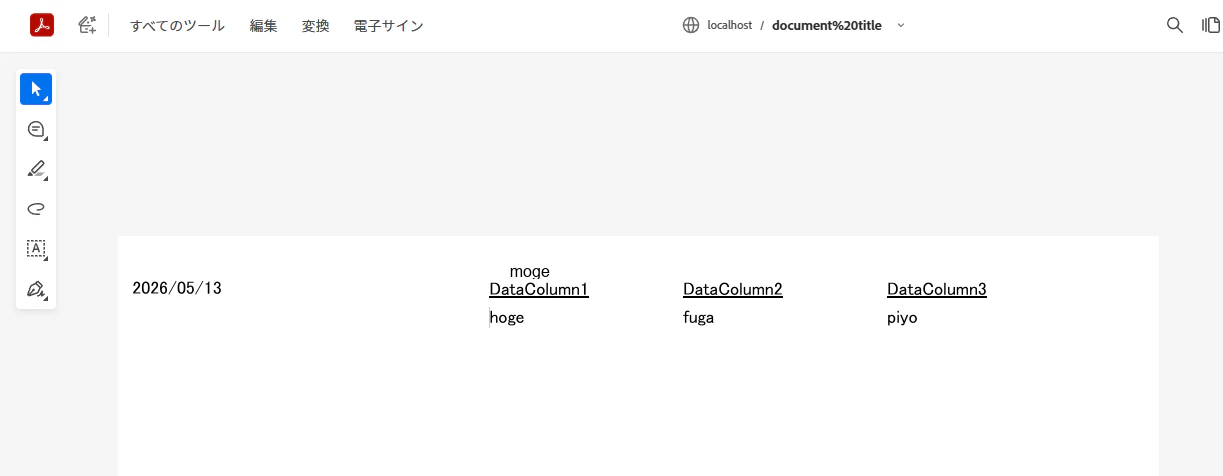
エクスポートの場合
パスはどっかから持ってくること。
report.ExportToDisk(ExportFormatType.PortableDocFormat, path);
廃れたツール(失礼)だし需要もなさそうだから、もうアンインストールするかー。