0
0

Delete article

Deleted articles cannot be recovered.

Draft of this article would be also deleted.

Are you sure you want to delete this article?

LiteRT-LM で Gemma4 を動作させるための Pixel Tabletと画面サイズを揃えた Android Automotive OS エミュレータ を作成する

0
Posted at

はじめに

Android Automotive OS で Gemma4 を動作確認するためのエミュレータ設定の個人的なメモ

1.エミュレータの作成ダイアログへ

デバイスマネージャで "reate Virtual Device を選択する
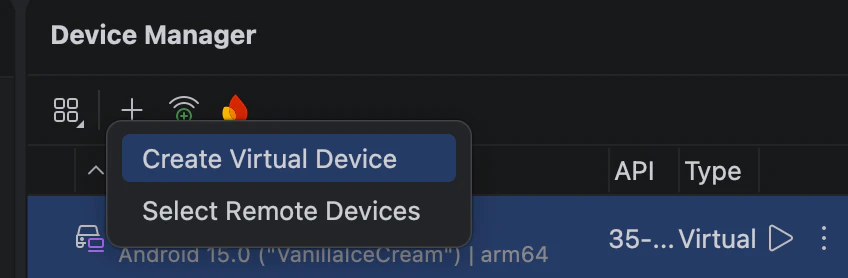
スクリーンショット 2026-08-16 9.25.01.png

2.Clone作成

"Automotive" を選択し、 Automotive (1408p landscapre) を Clone する
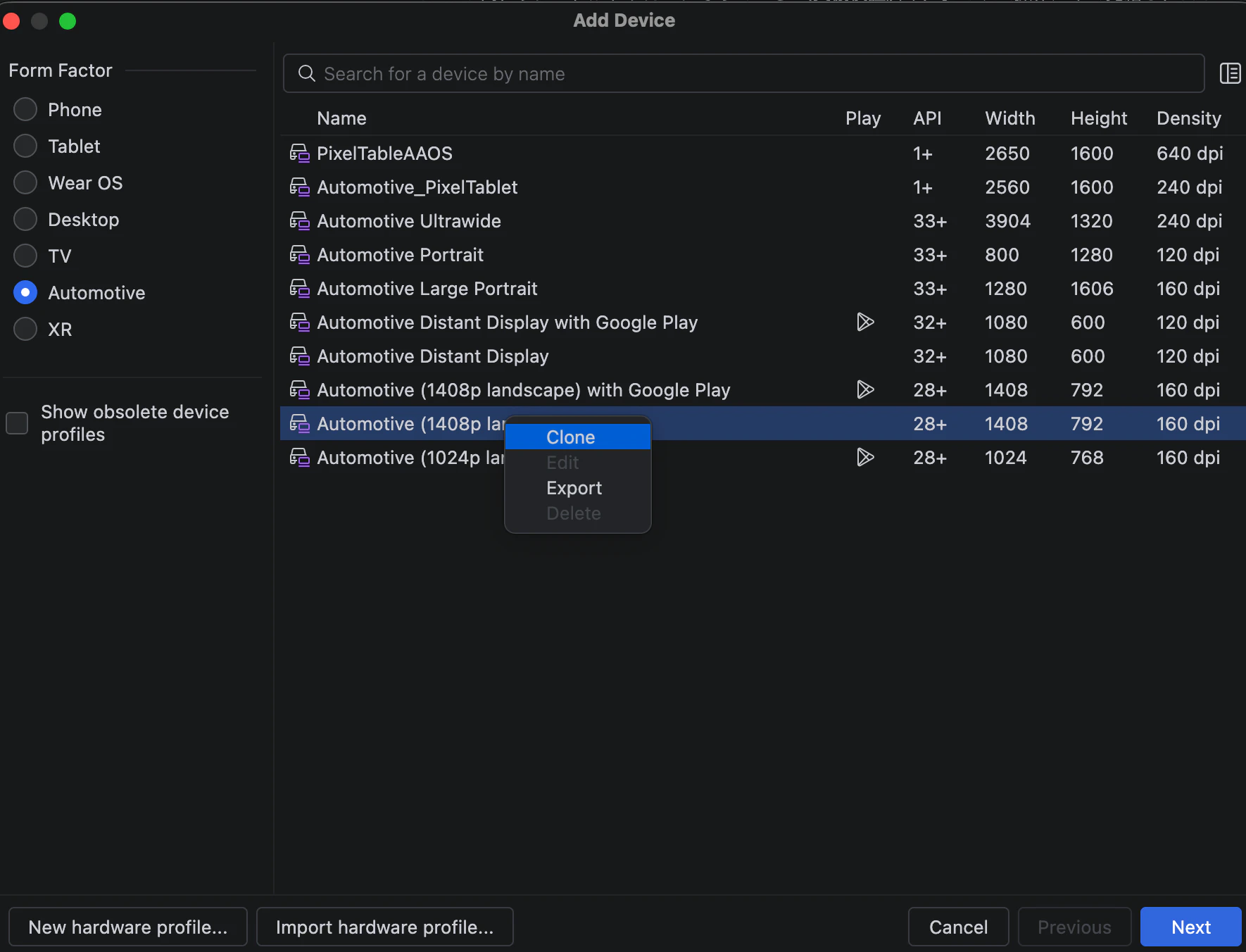
スクリーンショット 2026-08-16 9.23.25.png

3.プロファイル編集

下記の設定を行う

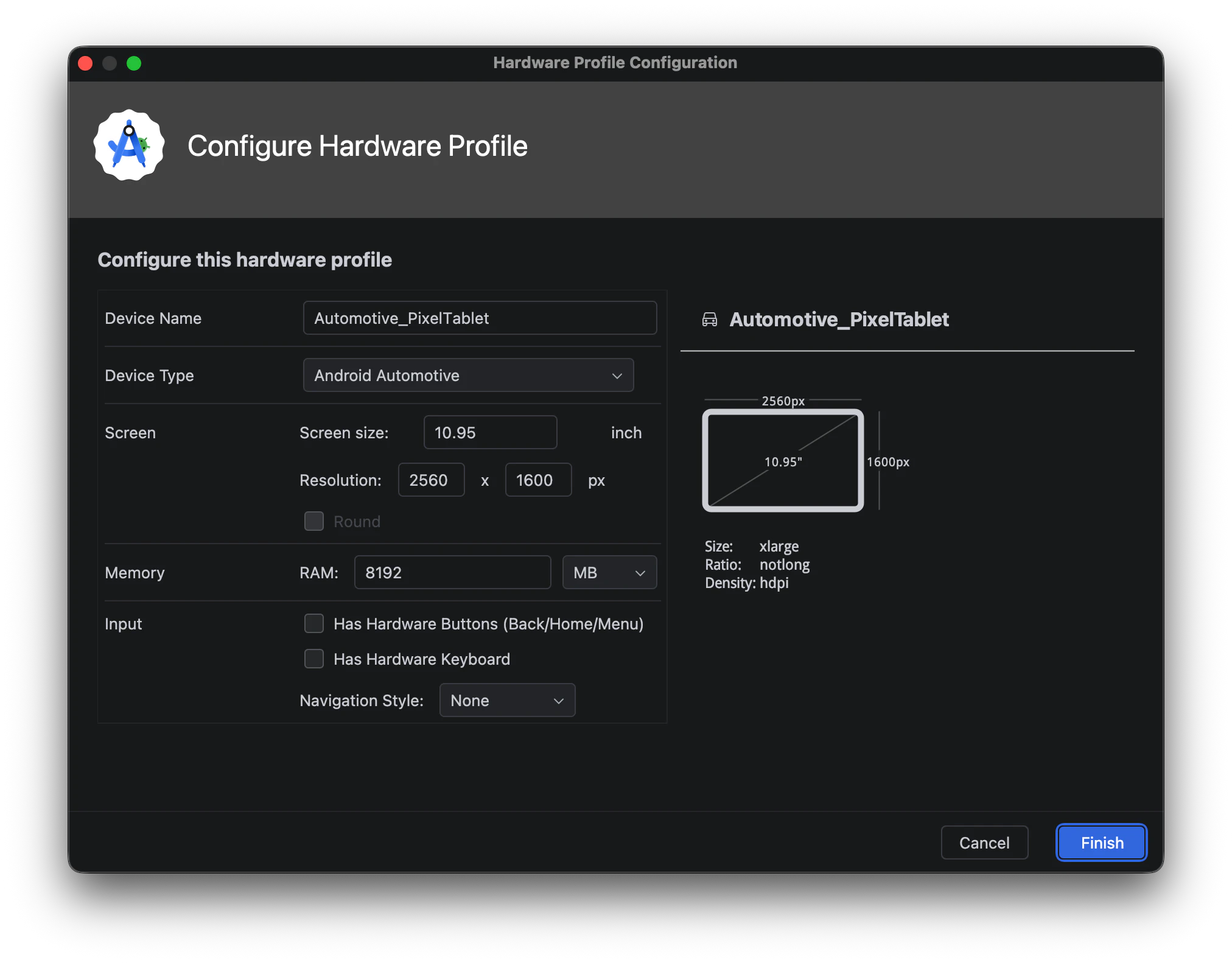
  • Device Name: Automotive_PixelTablet
  • Screen size: 10.95 inch
  • Resolution: 2560 x 1600 px
  • RAM: 8192MB (8GB)

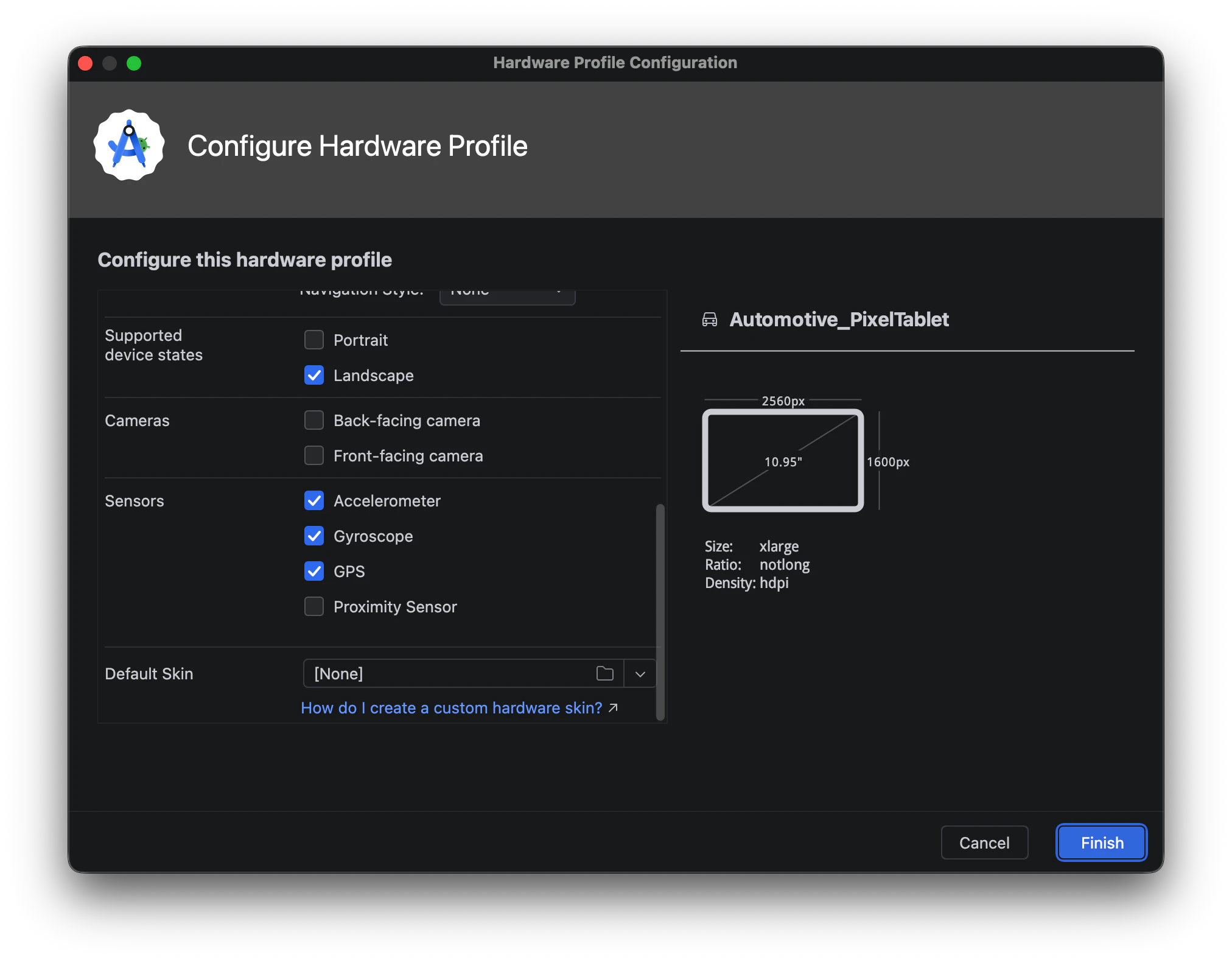
スクリーンショット 2026-08-16 9.27.12.png
スクリーンショット 2026-08-16 9.29.51.png

4.エミュレータの作成

作成した Automotive_PixelTablet を選択して Next を選択する
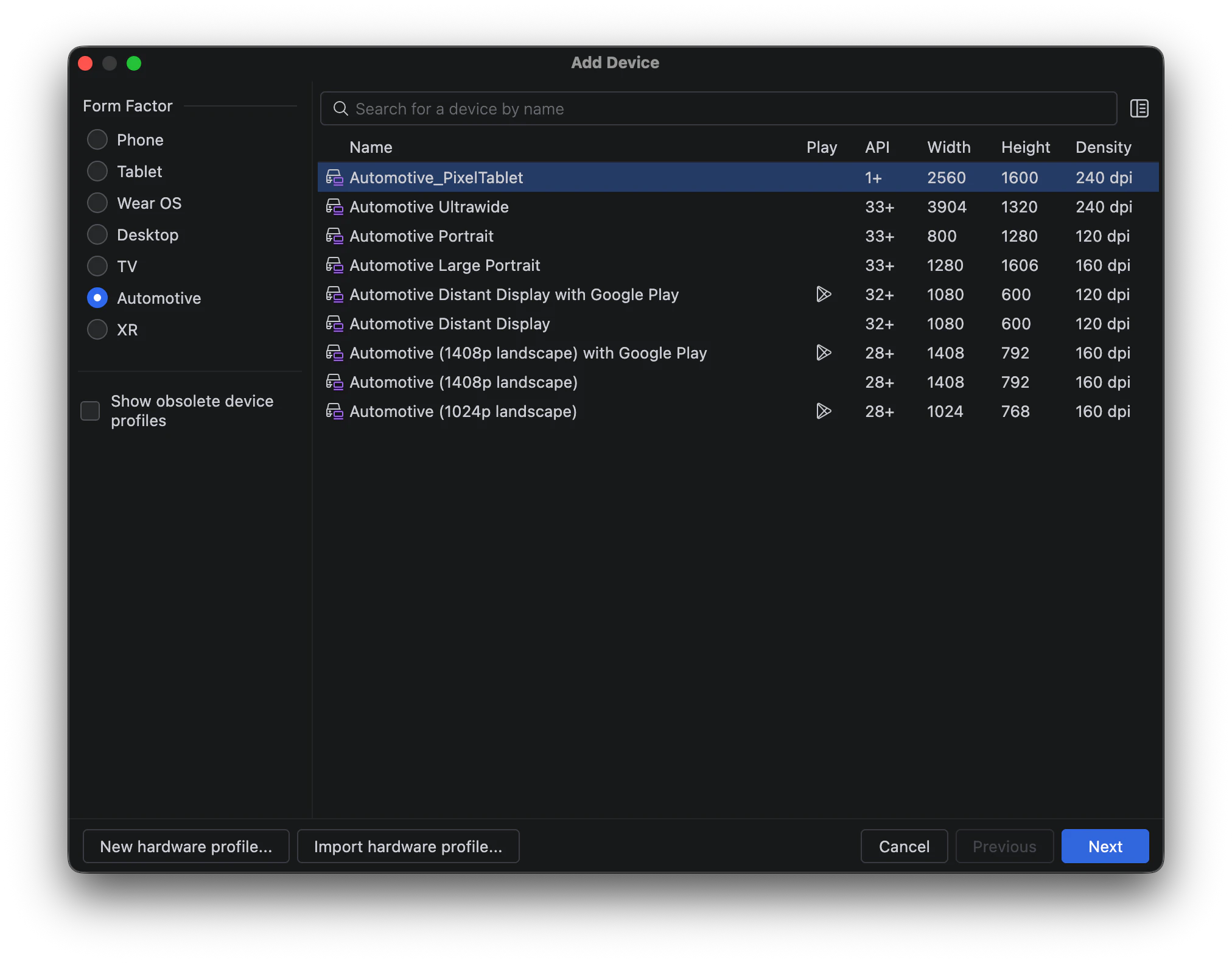
スクリーンショット 2026-08-16 9.38.55.png

5.OSの選択

好きなOS(例:Android 15.0) を選択して Finish を選択する
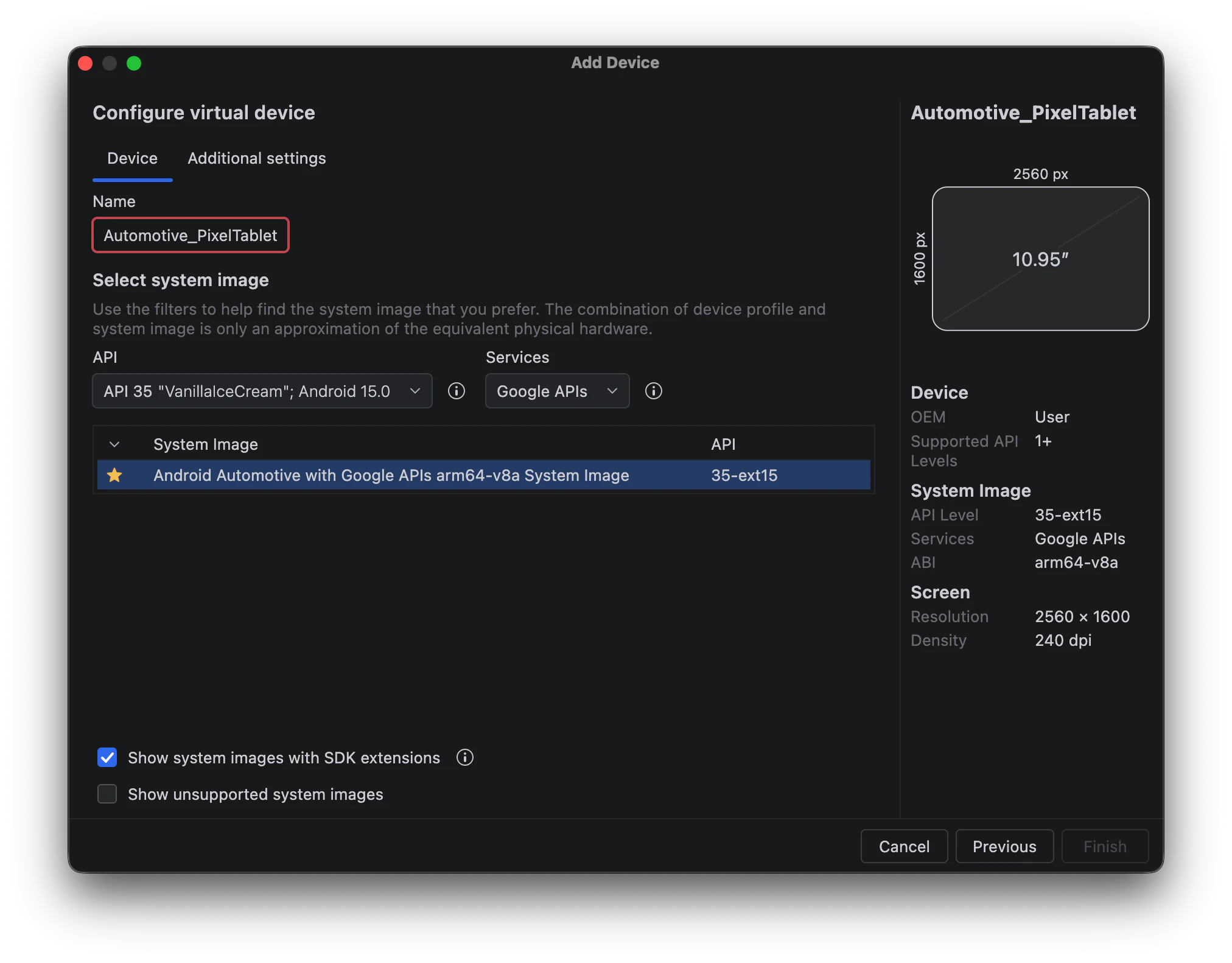
スクリーンショット 2026-08-16 9.39.56.png

6.エミュレータの起動

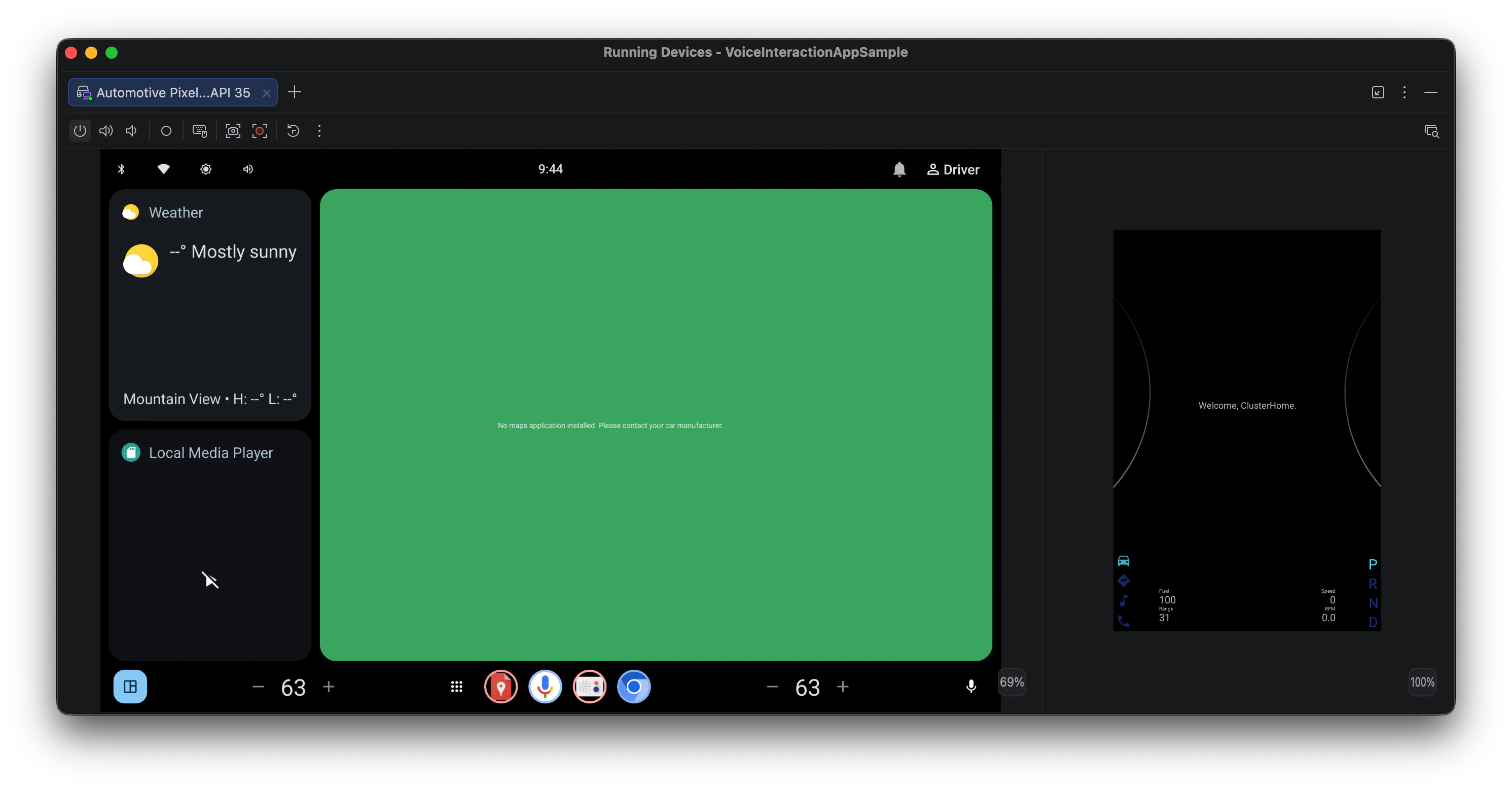
Device Manager から作成したエミュレータを ▶️ ボタンで起動する
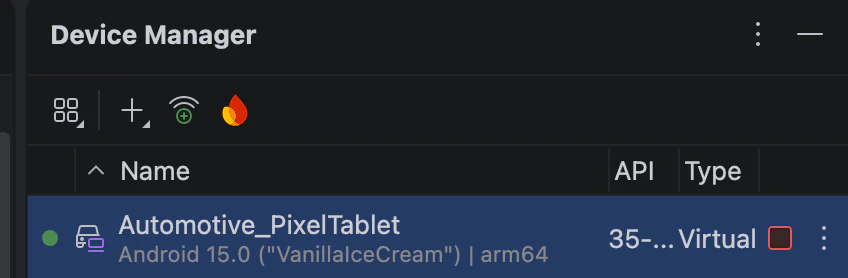
スクリーンショット 2026-08-16 9.42.59.png

スクリーンショット 2026-08-16 9.44.14.png

7.Microphoneの設定

エミュレータで音声入力をサポートするために、 Microphoneの設定 を行う
Microphone
Enable Host Microphone Access: Enable

Virtual Headset
Simulate insert Headset: Enable
Configuration: Enable
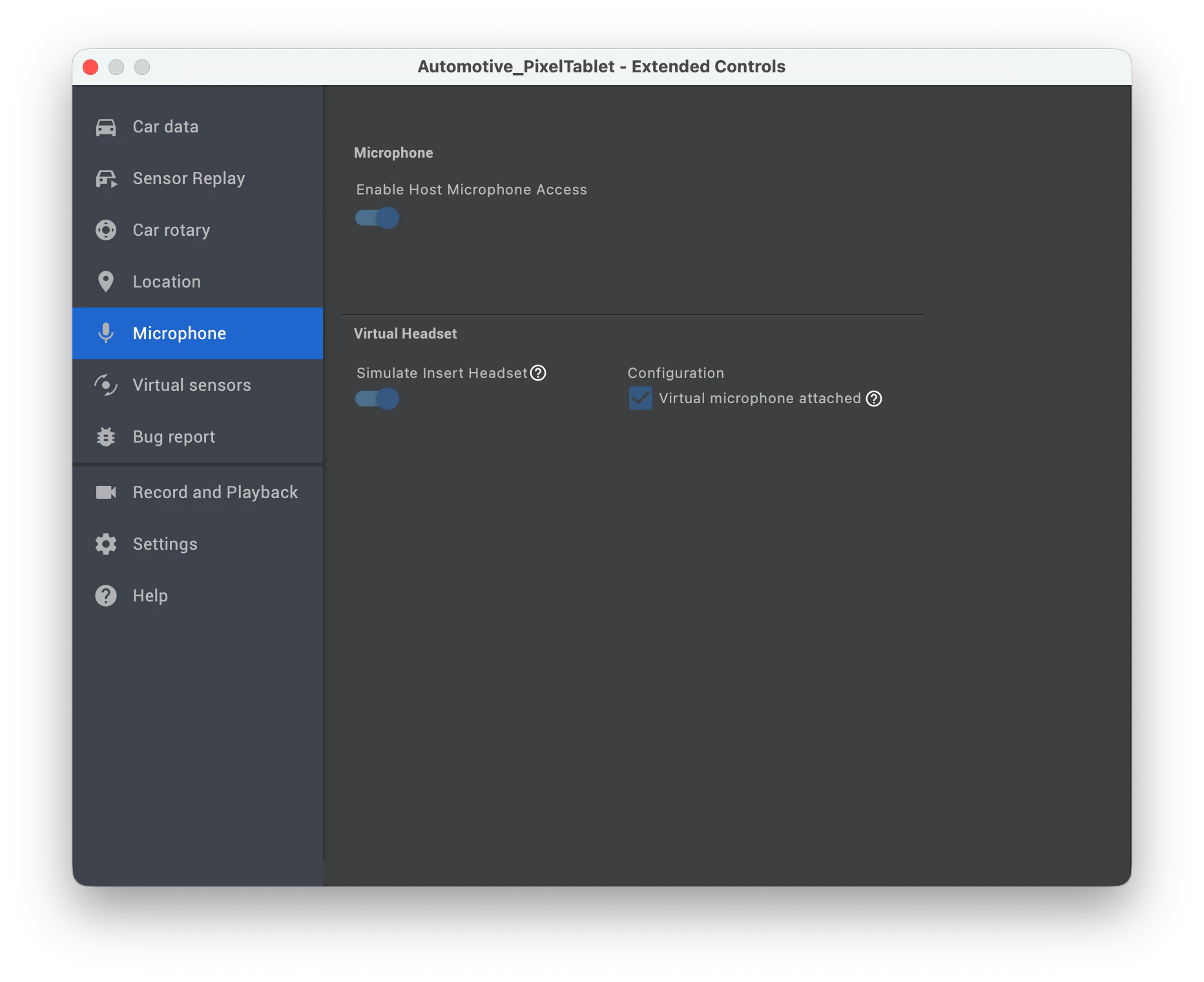
スクリーンショット 2026-08-16 9.44.48.png

0
0
0

Register as a new user and use Qiita more conveniently

  1. You get articles that match your needs
  2. You can efficiently read back useful information
  3. You can use dark theme
What you can do with signing up
0
0

Delete article

Deleted articles cannot be recovered.

Draft of this article would be also deleted.

Are you sure you want to delete this article?