
はじめに
こんにちは。
ポートフォリオとしてSpringBootでWebアプリを開発し、現在改善を行っています。
今回は、SpringSecurityでログイン中のユーザーIDを取得できるようにする方法をまとめます。
背景
既存の実装
このアプリの認証にはSpringSecurityを使用しています。
基本的な機能のみの使用のため、UserDetailsの拡張はしていませんでした。
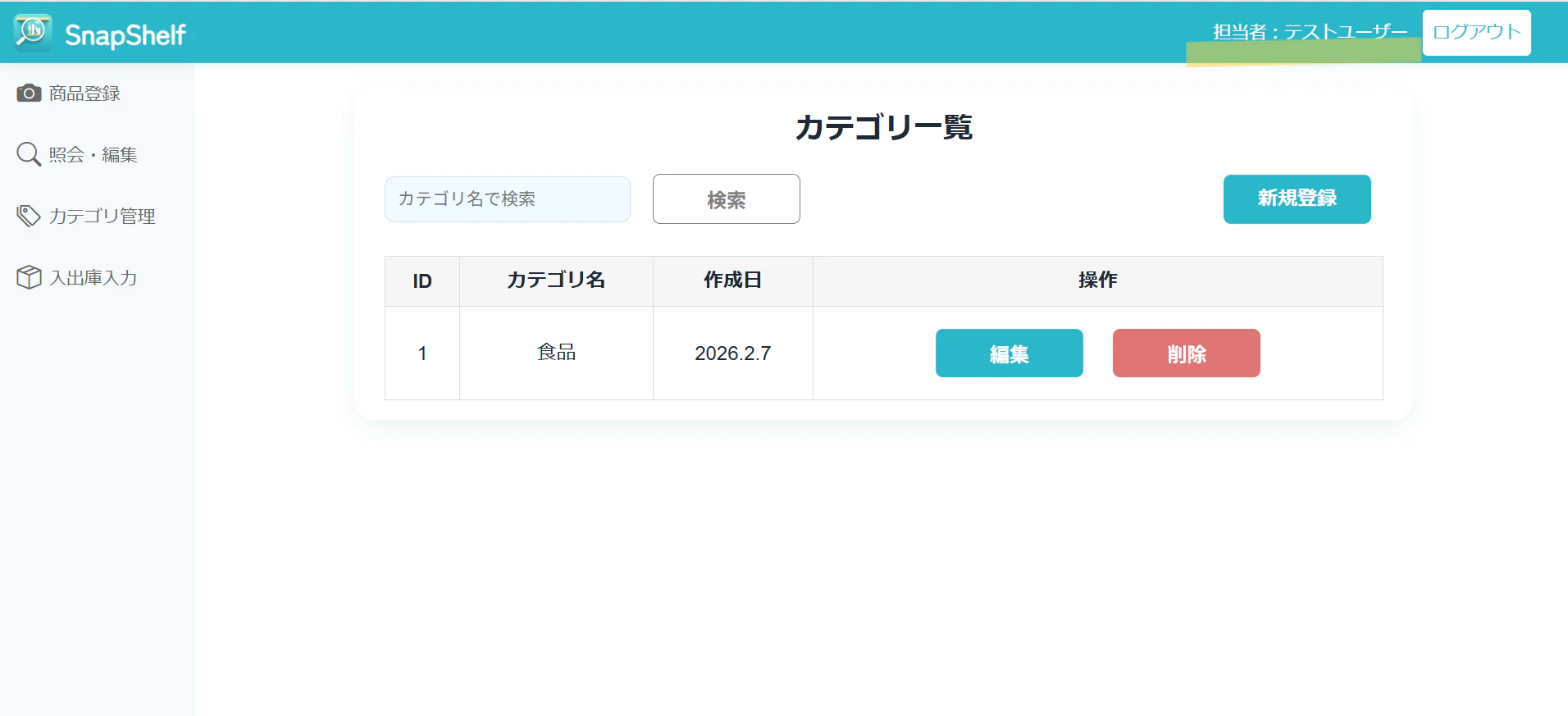
アプリのヘッダー上にログインユーザー名を表示する機能を実装しているのですが、開発中にはSpringSecurityの機能を深堀できず、セッション情報から直接ユーザー情報を取得して表示しています。
今回の要件
今回、カテゴリ機能を追加するにあたって、カテゴリ作成時に「誰が作ったか」を記録するため、created_byカラムにログイン中のユーザーIDを保存する必要がありました。
ログイン時のユーザーを取得→カテゴリテーブルに保存
カテゴリ作成時のバックエンドの処理を作成をしたのですが、問題がありました。
CategoryService.java
	public Category saveCategory(CategoryCreateDTO dto) {

		// ユーザー情報の取得
		Long userId = getCurrentUserId();

		Category category = new Category();
		category.setCategoryName(dto.getCategoryName());
		category.setCreatedBy(userId); // ←ユーザーIDを保存

		return categoryRepository.save(category);
	}
問題点
Spring Securityの標準実装では、ユーザーIDを取得できませんでした。
UserDetailsService.java
// 既存のCustomUserDetailsService(変更前)
@Override
public UserDetails loadUserByUsername(String email) throws UsernameNotFoundException {
    Users user = userRepository.findByEmail(email)
        .orElseThrow(() -> new UsernameNotFoundException("User not found:" + email));

    // Spring標準のUserクラスを返していた
    UserBuilder builder = org.springframework.security.core.userdetails.User.withUsername(email);
    builder.password(user.getPassword_hash());
    builder.roles("USER");

    return builder.build();  // ← getId()メソッドがない
}
既存のコードではUserBuilderを使い、Springが標準で準備してくれているUserクラスを返しています。
しかしこのUserクラスは、ユーザーIDを保持する機能がありません。
解決方法:CustomUserDetailsクラスを作成
UserDetailsインターフェースを実装したカスタムクラスを作成し、getId()メソッドを追加します。
1.CustomUserDetailsクラスの作成
CustomUserDetails.java
public class CustomUserDetails implements UserDetails {

    private final Users user;

    public CustomUserDetails(Users user) {
        this.user = user;
    }

    // カスタムメソッド:ユーザーIDを取得
    public Long getId() {
        return user.getId();
    }

    @Override
    public String getUsername() {
        return user.getEmail();
    }

    @Override
    public String getPassword() {
        return user.getPassword_hash();
    }

    @Override
    public Collection<? extends GrantedAuthority> getAuthorities() {
        return Collections.singletonList(new SimpleGrantedAuthority("ROLE_USER"));
    }

    @Override
    public boolean isAccountNonExpired() {
        return true;
    }

    @Override
    public boolean isAccountNonLocked() {
        return true;
    }

    @Override
    public boolean isCredentialsNonExpired() {
        return true;
    }

    @Override
    public boolean isEnabled() {
        return true;
    }
}
ポイント
-
UserDetailsインターフェースを実装することで、SpringSecurityの認証機能はそのまま使える -
getId()メソッドを追加することで、ユーザーIDが取得可能に - 残りの
@Overrideメソッドは、UserDetailsインターフェースの必須実装
CustomUserDetailsServiceの修正
CustomUserDetailsService
@Service
public class CustomUserDetailsService implements UserDetailsService {

	private final UserRepository userRepository;

	public CustomUserDetailsService(UserRepository userRepository) {
		this.userRepository = userRepository;
	}

	@Override
	public UserDetails loadUserByUsername(String email) throws UsernameNotFoundException {
		Users user = userRepository.findByEmail(email)
			.orElseThrow(() -> new UsernameNotFoundException("User not found:" + email));

		// Spring標準のUserではなく、CustomUserDetailsを返す
		return new CustomUserDetails(user);
	}
}
変更点
-
UserBuilderを使った実装から、new CustomUserDetails(user)に変更 - 既存のログイン機能は問題なく動作し、さらに
getId()が使えるようになる
3.CategoryServiceでユーザーIDを取得
CategoryService.java
	public Category saveCategory(CategoryCreateDTO dto) {
		// ユーザー情報の取得
		Long userId = getCurrentUserId();

		Category category = new Category();
		category.setCategoryName(dto.getCategoryName());
		category.setCreatedBy(userId);

		return categoryRepository.save(category);
	}

	private Long getCurrentUserId() {
		// SpringSecurityから取得
		Authentication auth = SecurityContextHolder.getContext().getAuthentication();
		UserDetails userDetails = (UserDetails) auth.getPrincipal();
	    return ((CustomUserDetails) userDetails).getId(); // getId()が使える
	}
カテゴリ作成時にログインしているユーザーIDを保存できるようになりました。
まとめ
- Spring標準の
UserクラスではユーザーIDを保持できない -
UserDetailsを実装した独自クラスCustomUserDetailsを作成 -
getId()メソッドを追加することで、ログイン中のユーザーIDを取得可能に - 既存のログイン機能は変更なく動作する