

表題の通り OCI Object Storage の Private Endpoint を使ってみますやで。
彡(゚)(゚)
1. 参考ドキュメント
以下のマニュアルを参考にしています。
オブジェクト・ストレージ・プライベート・エンドポイントの作成
https://docs.oracle.com/ja-jp/iaas/Content/Object/Tasks/create-private-endpoint.htm
2. Object Storage の Private Endpoint の作成
ハンバーガーメニュー → Storage → Object Storage&Archive Storage → Private Endpoint で下記画面に遷移します。
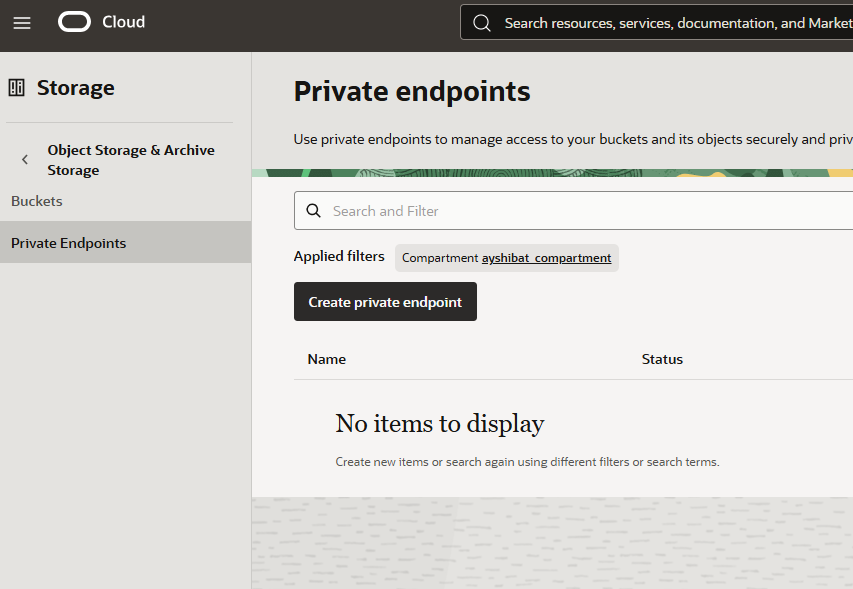
Create private endpoint をクリックします。
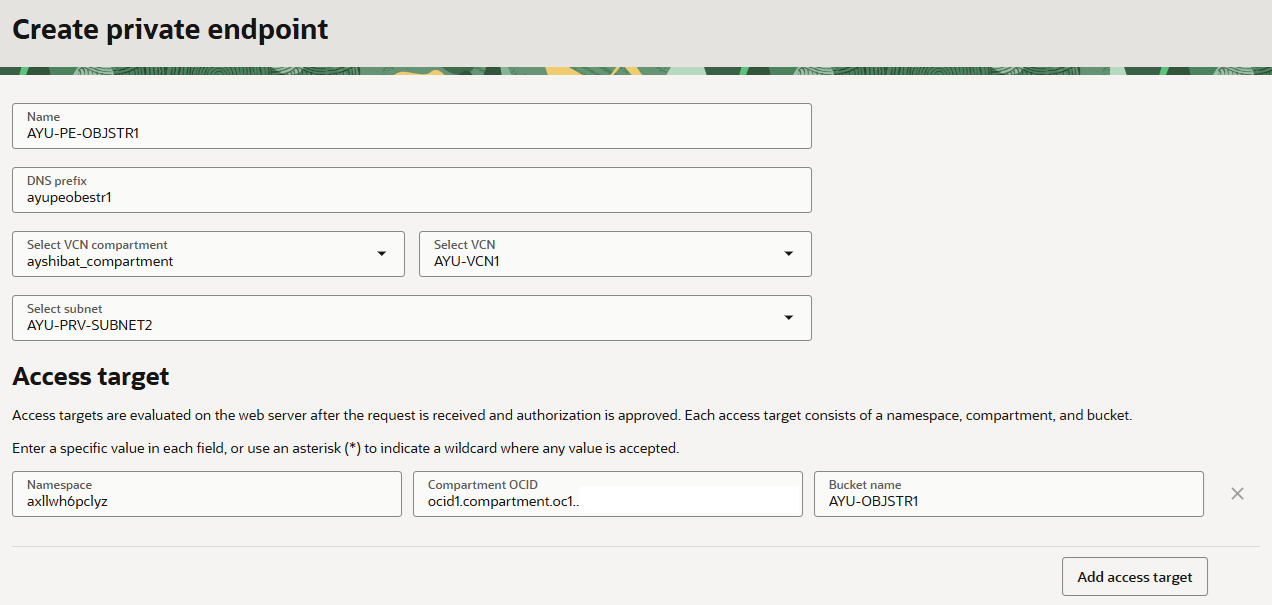
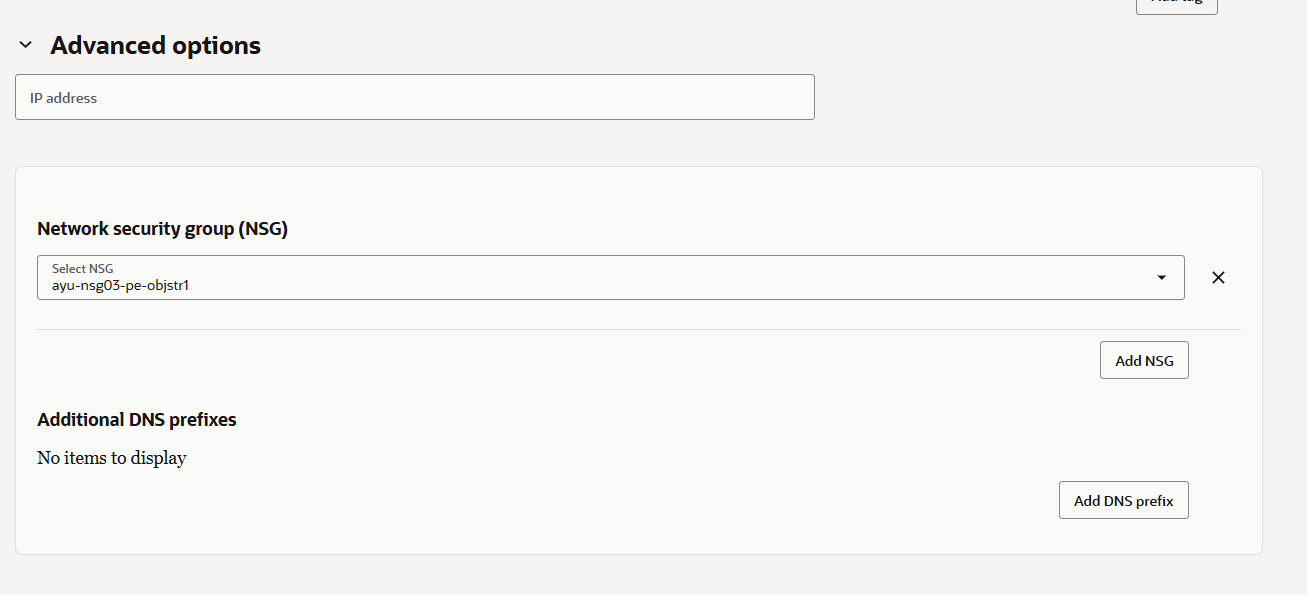
名前/エンドポイントを作成するVCN, Subnet/NSG(※予め作成しておく)などを入力して、Create private endpointボタンをクリックします。
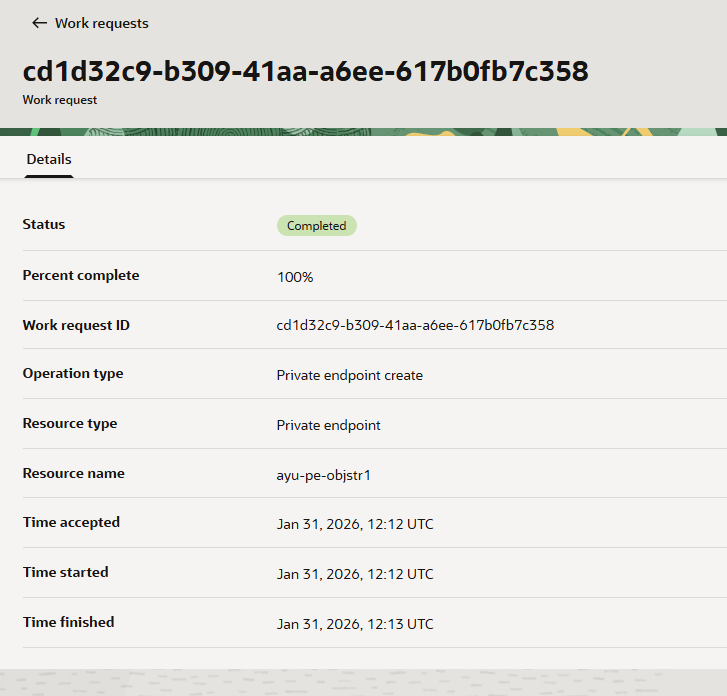
作成が完了すると Private IP でアクセスできるようになります。
3. Private Endpoint の詳細確認
作成が完了した Private Endpoint のリンクをクリックして詳細を確認します。
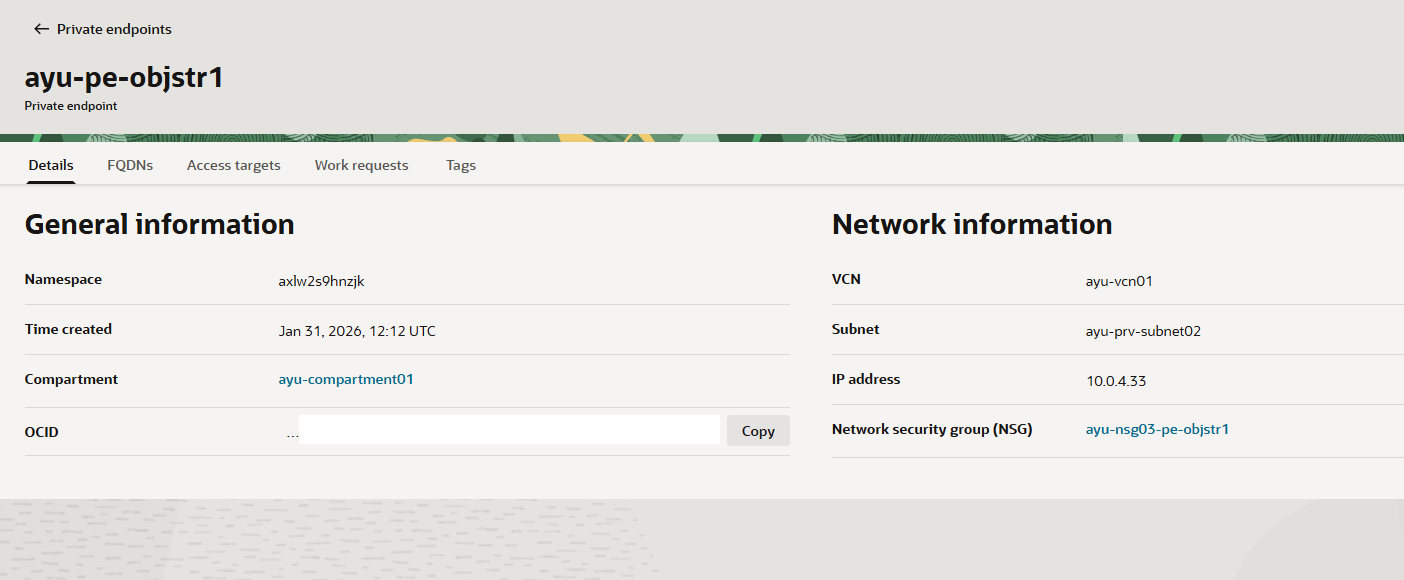
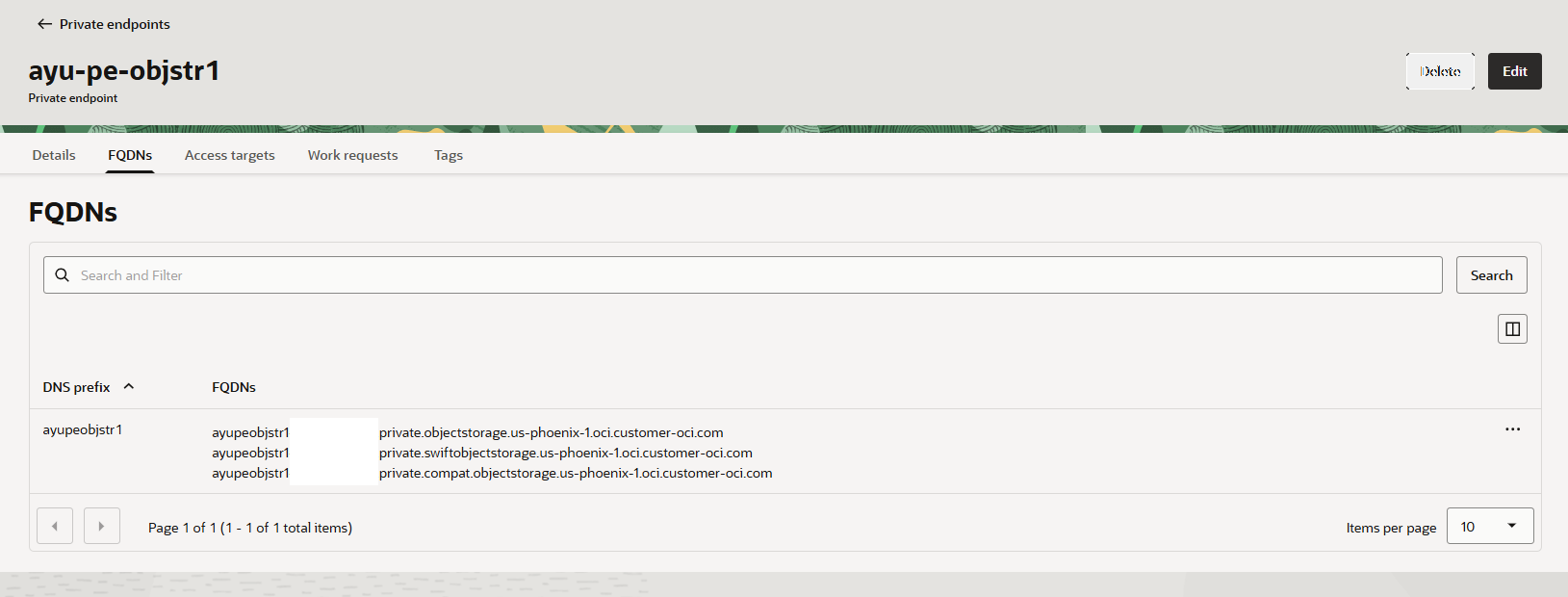
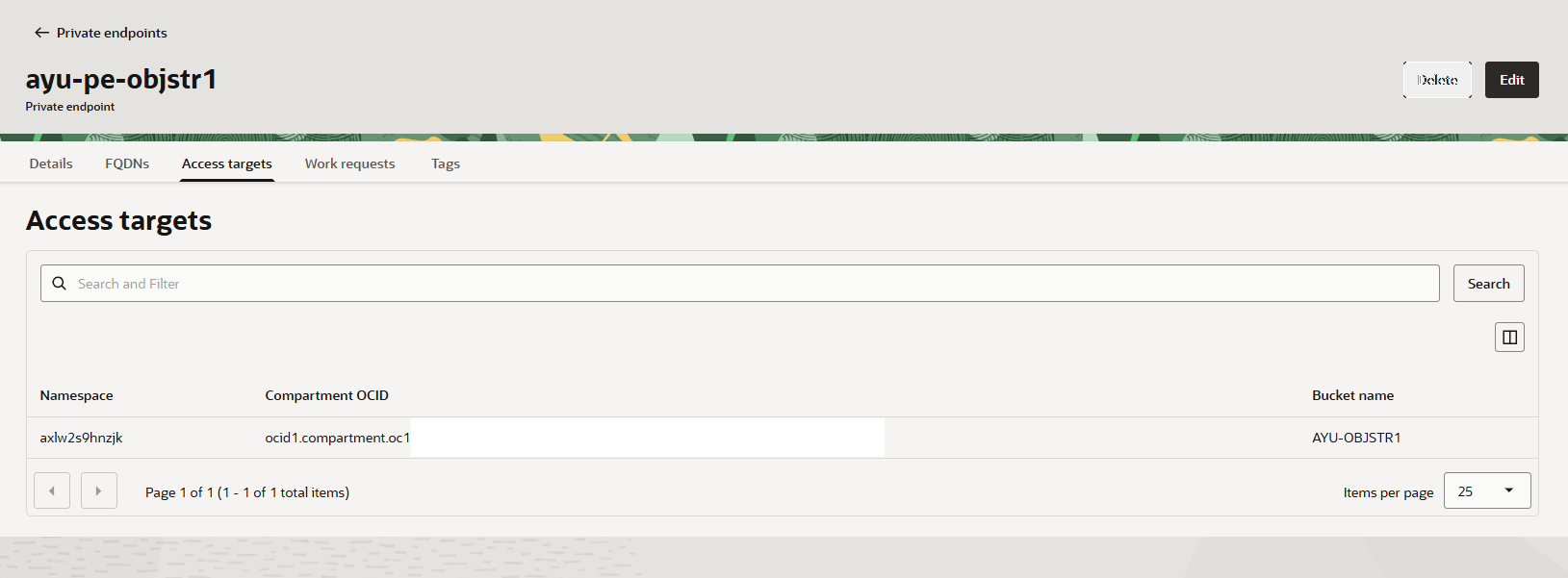
IPアドレス、FQDN、アクセスターゲットが確認できます。
[opc@ays-prvcomp1 work]$ nslookup ayupeobjstr1-xxxxxxxxxxxx.private.objectstorage.us-phoenix-1.oci.customer-oci.com
Server:         169.254.169.254
Address:        169.254.169.254#53

Non-authoritative answer:
Name:   ayupeobjstr1-xxxxxxxxxxxx.private.objectstorage.us-phoenix-1.oci.customer-oci.com
Address: 10.0.4.33

[opc@ays-prvcomp1 work]$ nslookup ayupeobjstr1-xxxxxxxxxxxx.private.swiftobjectstorage.us-phoenix-1.oci.customer-oci.com
Server:         169.254.169.254
Address:        169.254.169.254#53

Non-authoritative answer:
Name:   ayupeobjstr1-xxxxxxxxxxxx.private.swiftobjectstorage.us-phoenix-1.oci.customer-oci.com
Address: 10.0.4.33

[opc@ays-prvcomp1 work]$ nslookup ayupeobjstr1-xxxxxxxxxxxx.private.compat.objectstorage.us-phoenix-1.oci.customer-oci.com
Server:         169.254.169.254
Address:        169.254.169.254#53

Non-authoritative answer:
Name:   ayupeobjstr1-xxxxxxxxxxxx.private.compat.objectstorage.us-phoenix-1.oci.customer-oci.com
Address: 10.0.4.33

[opc@ays-prvcomp1 work]$
Private Subnet の Compute で名前解決すると、FQDN が Private IP にアドレスに解決できていることが確認できます。
4. OCI CLI で Object Storage を Private Endpoint経由で操作
Private Subnet の Compute でファイルを Private Endpoint経由 でアップロードしてみます。以下の OCI CLIコマンドを実行します。
oci os object put --namespace <ネームスペース名> --bucket-name <バケット名> --file <ファイル名> --endpoint https://<Private Endpoint の FQDN>
結果は以下の通りです。
[opc@ays-prvcomp1 work]$ oci os object put --namespace xxxxxxxxxxx --bucket-name AYU-OBJSTR1 --file aaa.txt --endpoint https://ayupeobjstr1-xxxxxxxxxxxx.private.objectstorage.us-phoenix-1.oci.customer-oci.com
Uploading object  [####################################]  100%
{
  "etag": "5a9fef2e-f7d1-4fd8-8000-423cb0f31dd8",
  "last-modified": "Sat, 31 Jan 2026 12:41:47 GMT",
  "opc-content-md5": "C+6JsHokjifIP8PVlRITwQ=="
}
[opc@ays-prvcomp1 work]$
ファイルがアップロードできました。コンソールでも確認してみます。
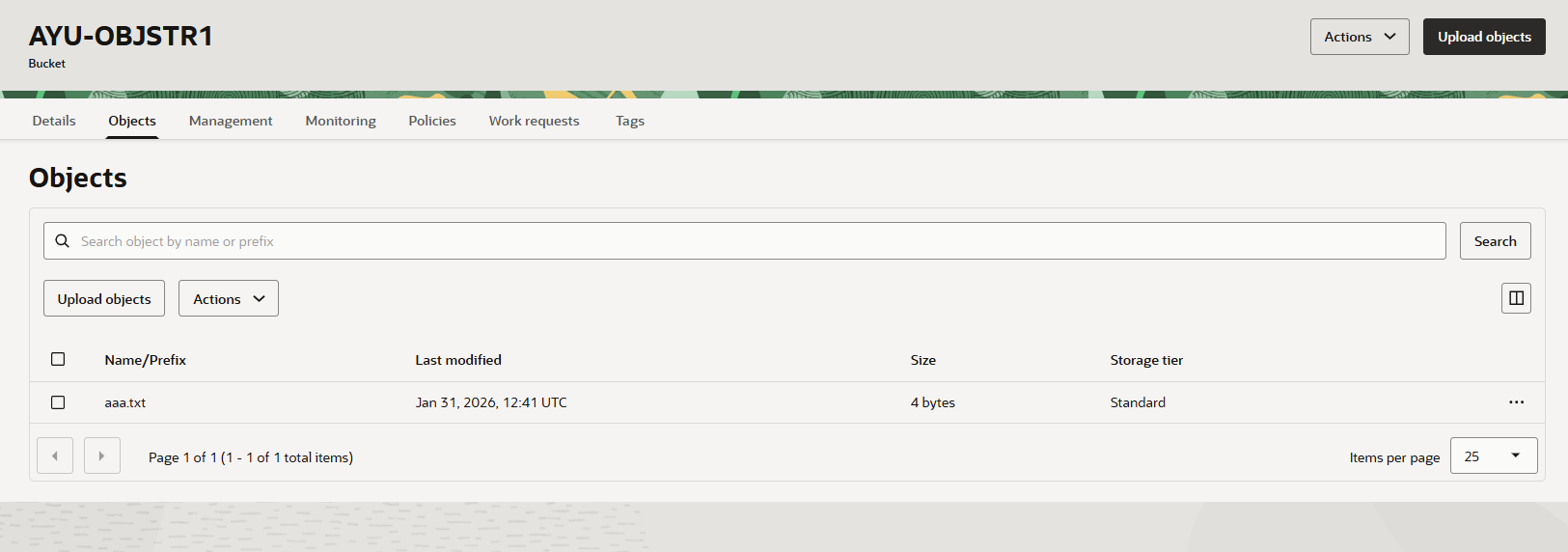
ファイルがアップロードされていることが確認できました。
彡(^)(^)
5. まとめ
Private Endpoint で Object Storage をアップロードできることを確認できました。今回は Object Storage でしたが、PSA(Private Service Access) という機能で様々なOCIサービスが Private IP で利用できるようになっています。
機会を見てこれらのサービスについても検証してみようと思います。
ご活用くださいませ彡(^)(^)