
概要
enebularでnode-redやってみる。
enebular-cliのチュートリアルを見つけたのでやってみる。
node.jsやってみる。
手順
npm init -y
index.jsを書く。
exports.handler = async (event) => {
	const response = {
		statusCode: 200,
		body: JSON.stringify('Hello from enebular Node.js!'),
	};
	return response;
};
zipファイルを作る
Compress-Archive -Path ./* -DestinationPath ../deploy-package.zip -Force
zipファイルを登録する。
>enebular add file --project-id **** --file ./deploy-package.zip --deploy-type cloud --handler index.handler --name "node-hello" --detail "node Hello World"

  プロジェクト: test1(***)
  ファイル: ./deploy-package.zip
  デプロイ先: クラウド実行環境
  handler関数名: index.handler
  アセット名: node-hello
  詳細: node Hello World
上記のファイルアセットを登録します。実行してもよろしいですか? [y/N]
> y
成功しました
登録先:
  プロジェクト: test1(***)
  アセット: node-hello(***)
zipファイルをデプロイする
>enebular add file --project-id *** --file ./deploy-package.zip --deploy-type cloud --handler index.handler --name "node-hello" --detail "node Hello World"

  プロジェクト: test1(***)
  ファイル: ./deploy-package.zip
  デプロイ先: クラウド実行環境
  handler関数名: index.handler
  アセット名: node-hello
  詳細: node Hello World
上記のファイルアセットを登録します。実行してもよろしいですか? [y/N]
> y
成功しました
登録先:
  プロジェクト: test1(***)
  アセット: node-hello(***)
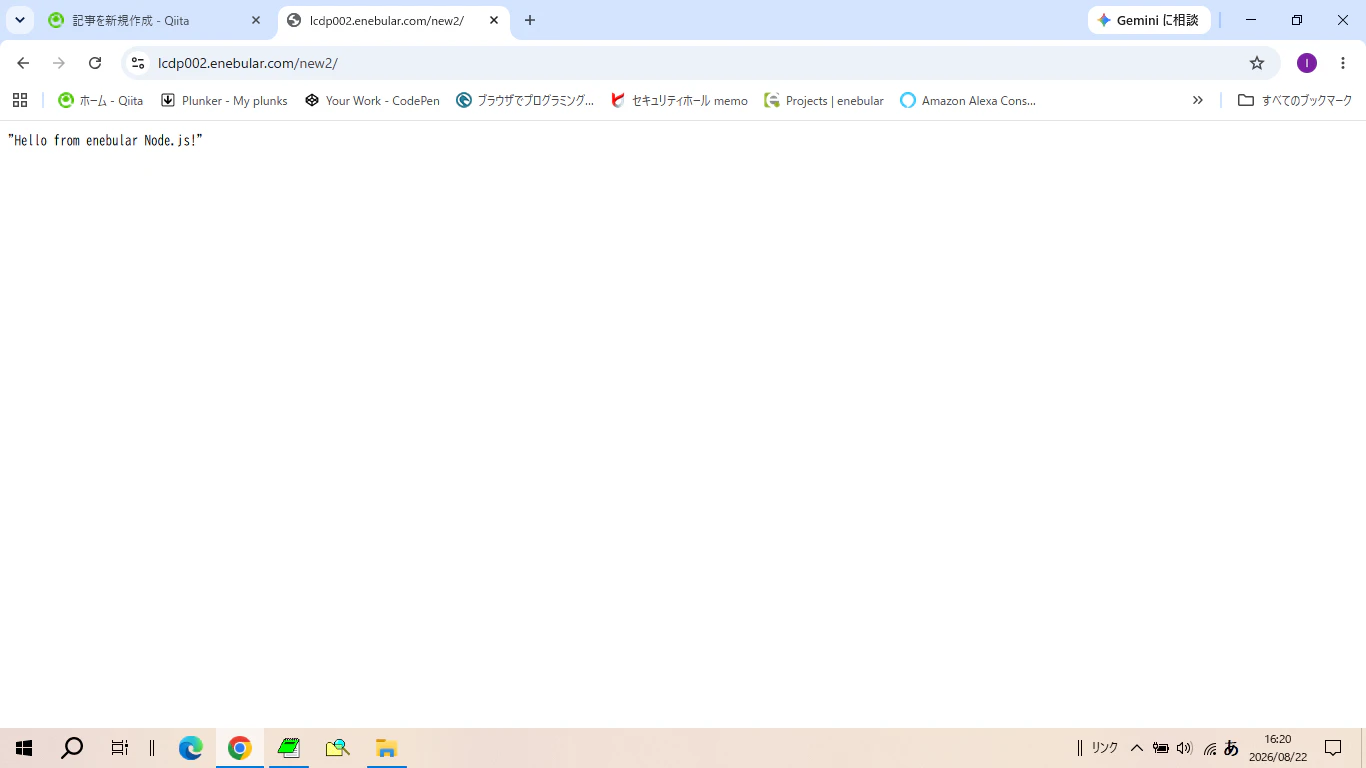
実行結果
"Hello from enebular Node.js!"
以上。