
概要
plunkerでcesiumやってみた。
kml、やってみた。
写真
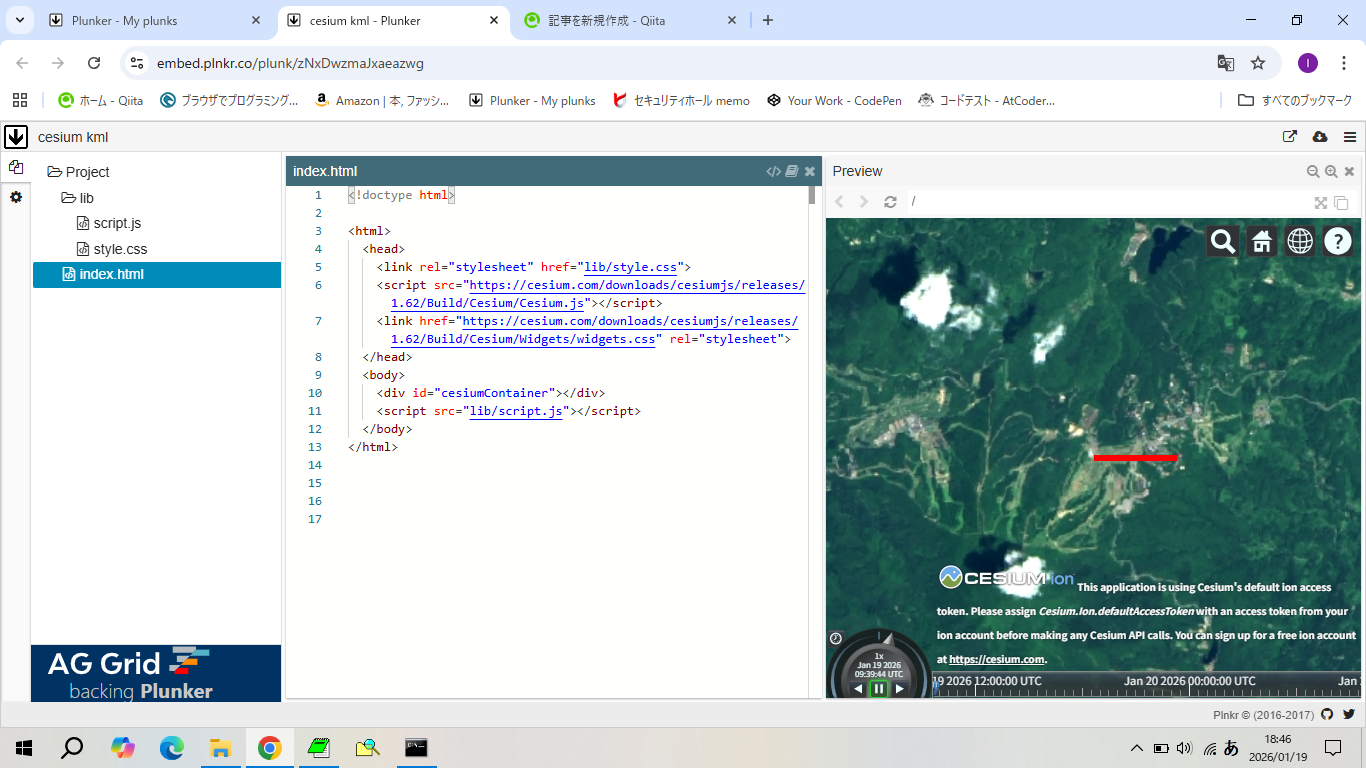
サンプルコード
var kml = `<?xml version="1.0" encoding="UTF-8"?>
<kml xmlns="http://www.opengis.net/kml/2.2">
  <Document>
    <Style id="L1">
      <LineStyle>
        <color>ff0000ff</color>
        <width>5</width>
      </LineStyle>
    </Style>
    <Placemark>
      <name>信越五岳トレイルラン2024【110km】</name>
      <styleUrl>#L1</styleUrl>
      <LineString>
        <altitudeMode>clampToGround</altitudeMode>
        <coordinates>
          138.284091,36.850918,917.42
          138.294095,36.850919,917.42
        </coordinates>
      </LineString>
    </Placemark>
  </Document>
</kml>`;
var url = URL.createObjectURL(new Blob([kml]));

var viewer = new Cesium.Viewer('cesiumContainer', {
  imageryProvider: new Cesium.UrlTemplateImageryProvider({
    url: "https://cyberjapandata.gsi.go.jp/xyz/seamlessphoto/{z}/{x}/{y}.jpg",
  }),
  baseLayerPicker: false
});

viewer.dataSources.add(Cesium.KmlDataSource.load(url));
viewer.camera.flyTo({
  destination: Cesium.Cartesian3.fromDegrees(138.284091, 36.850918, 5000.0),
});
成果物
以上。