
最初に
先日、「Googleカレンダーの予定を一括置換したいけど、わかりやすい記事が見つからなくて解決できない」と家族が困っていました。
その際に調べたGoogleカレンダーの予定をGASで一括置換する手順をまとめました。
手順
1. 置換する条件を決める
2. カレンダーIDを調べる
3. Google Apps Script(作成)
4. Google Apps Script(実行)
置換する条件を決める
-
対象期間
※1年前~1か月後(実行日を基準)で指定 -
対象タイトル
※「10時」を「出勤」に置換

カレンダーIDを調べる
①Google Calenderを開く。
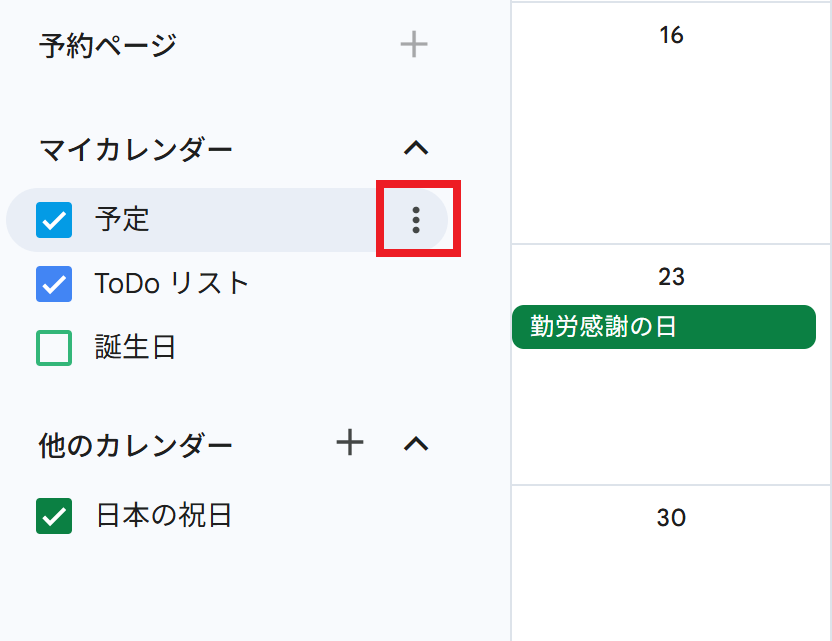
②対象カレンダーにホバーすると表示される「︙」をクリックする。
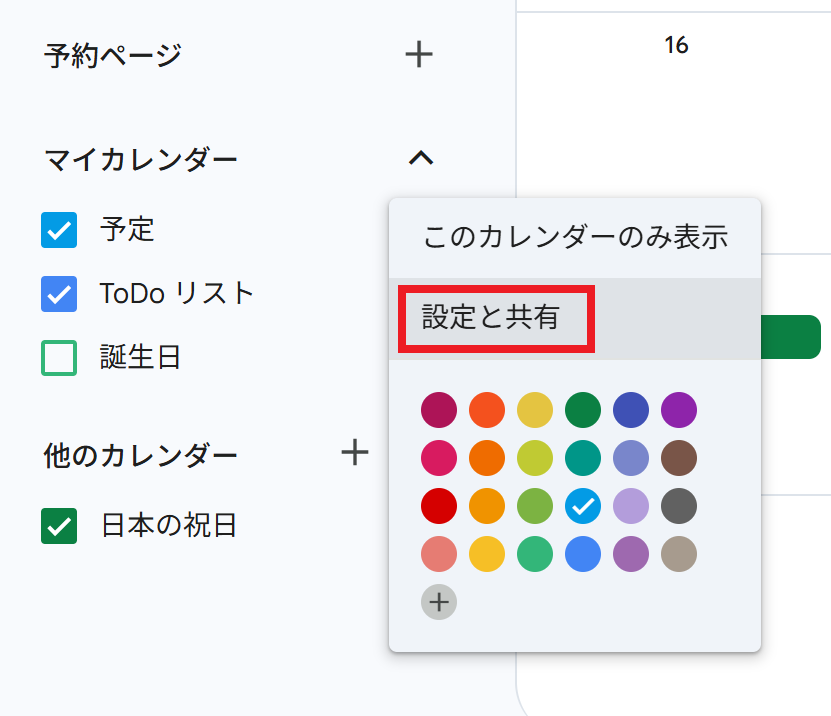
③「設定と共有」をクリックする。
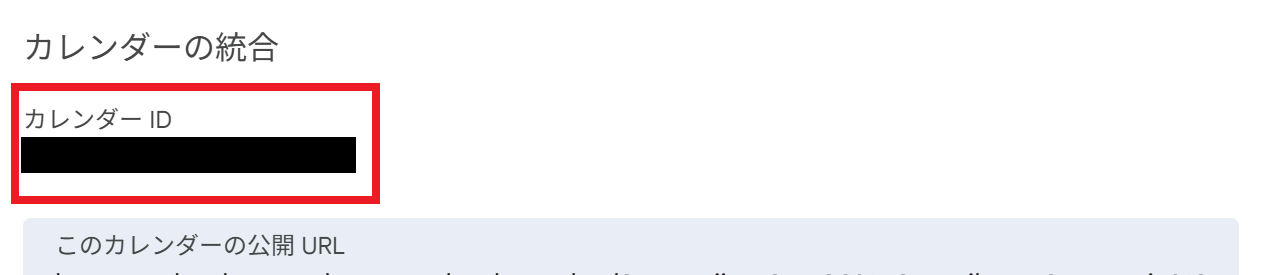
④下にスクロールし、カレンダーIDを確認する。
Google Apps Script(作成)
①Google Apps Scriptを開く。
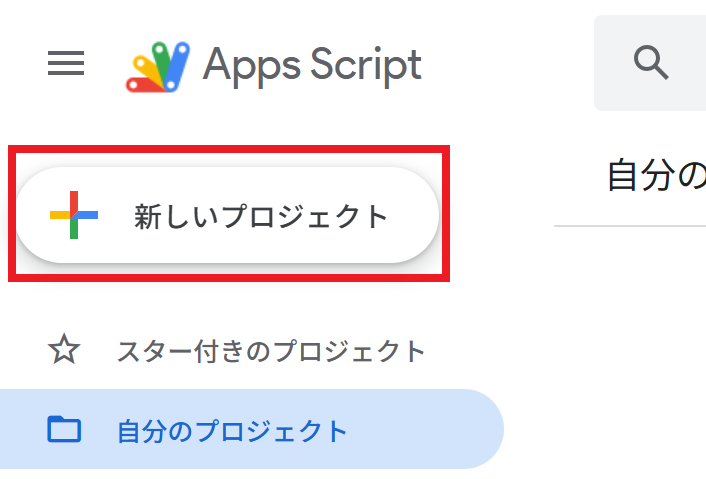
②「新しいプロジェクト」をクリック。
③スクリプトを貼り付け、プロジェクトを保存する。
以下を任意の値に変更する
- カレンダーID
- 「10時」(置換前の文字)
- 「出勤」(置換後の文字)

スクリプト
.gs
function replacePlan() {
  const calendarId = 'カレンダーID'; //確認したカレンダーIDを指定
  const calendar = CalendarApp.getCalendarById(calendarId);

  //期間(start~end)を指定
  const start = new Date();
  start.setFullYear(start.getFullYear() - 1); //1年前

  const end = new Date();
  end.setMonth(end.getMonth() + 1); //1か月後

  //指定した期間のイベントを取得
  const events = calendar.getEvents(start, end);

  events.forEach(event => {
    const title = event.getTitle();

    //タイトルが"10時"のイベントだけ"出勤"に置換する
    if (title === "10時") {
      event.setTitle("出勤");
    }
  });
}
Google Apps Script(実行)
①実行をクリック。

初回実行時、権限の承認をする必要がある。
②カレンダーを確認する。

反映に時間がかかることもある。ブラウザの再読み込みをする。
最後に
上記内容を家族に伝えたら、とても喜んでくれました。
この記事が誰かの役に立てば嬉しいです。