0
0

Delete article

Deleted articles cannot be recovered.

Draft of this article would be also deleted.

Are you sure you want to delete this article?

More than 1 year has passed since last update.

カメラのセンサーを自分で掃除した話

0
Last updated at Posted at 2023-07-27

NIKON-D750を新品で購入してから7年が経過。
月に1度くらいの頻度で使用してきたが、
最近画像の汚れが目立ってきた。

なんでも自分でやらないと気が済まない性分なので、
クリーニングキットを購入して自分で掃除してみることに。

まずは、汚れ具合を確認。先人たちの記事を参考に、
適当なレンズを取り付けて以下の条件で白壁をパシャリ。

 ・ISO感度低め(250くらい)
 ・絞り値高め(F22くらい)
 ・手振れ補正:OFF

こうすることで、真っ白な写真が撮れるわけだが、
センサ表面に付着したゴミだけが像として現れる。

image.png
図1. クリーニング前のカメラで撮影した画像
(LightRoomの画像加工により汚れを強調している)

クリーニングキットとしては以下のものを用いた。

image.png

20本くらい入っていたスワブのほぼすべてを使用して
センサを清掃。「1本のスワブは1往復まで」が原則らしいが、
なかなかゴミが取り切れないので、ゴシゴシ...
image.png
図2. 使い終わったスワブたち

清掃後、白壁を撮影してもゴミの像が出ていないことがわかる。

image.png
図3. クリーニング後のカメラで撮影した画像
(図1と同じように画像を加工している)
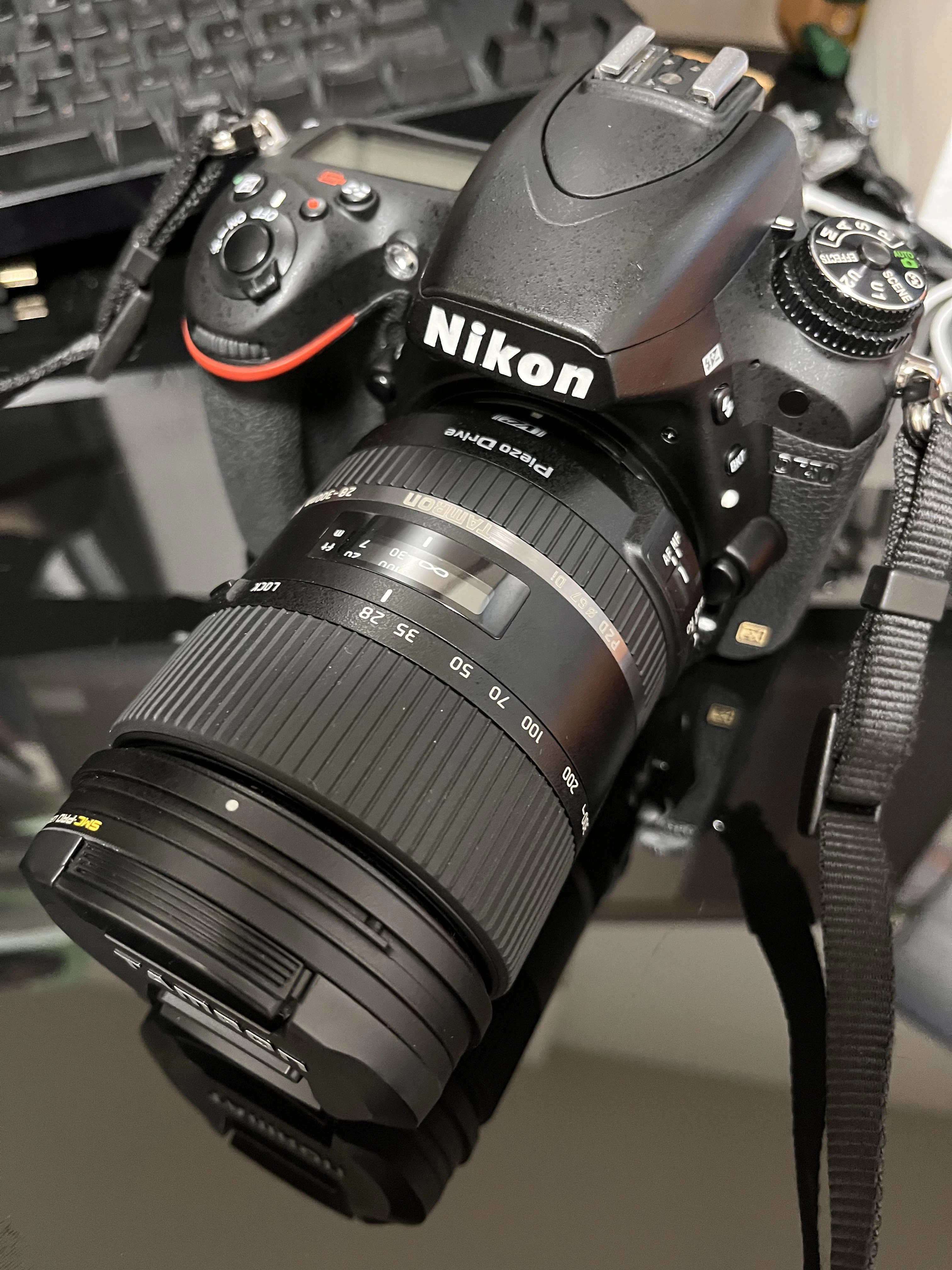
image.png
図4. 清掃後のカメラ

適当な写真を撮って、きれいに映っていることを確認できたので、
一応成功かな。

(おわり)

0
0
0

Register as a new user and use Qiita more conveniently

  1. You get articles that match your needs
  2. You can efficiently read back useful information
  3. You can use dark theme
What you can do with signing up
0
0

Delete article

Deleted articles cannot be recovered.

Draft of this article would be also deleted.

Are you sure you want to delete this article?