
はじめに
Azure Kubernetes Service (AKS) のクイックスタートを試してみた記録です。
基本的には手順書をなぞっていますが、リソースグループは作成済みの物を利用しました。
手順書url:https://learn.microsoft.com/ja-jp/azure/aks/learn/quick-kubernetes-deploy-cli#before-you-begin
1. AKSクラスターの作成
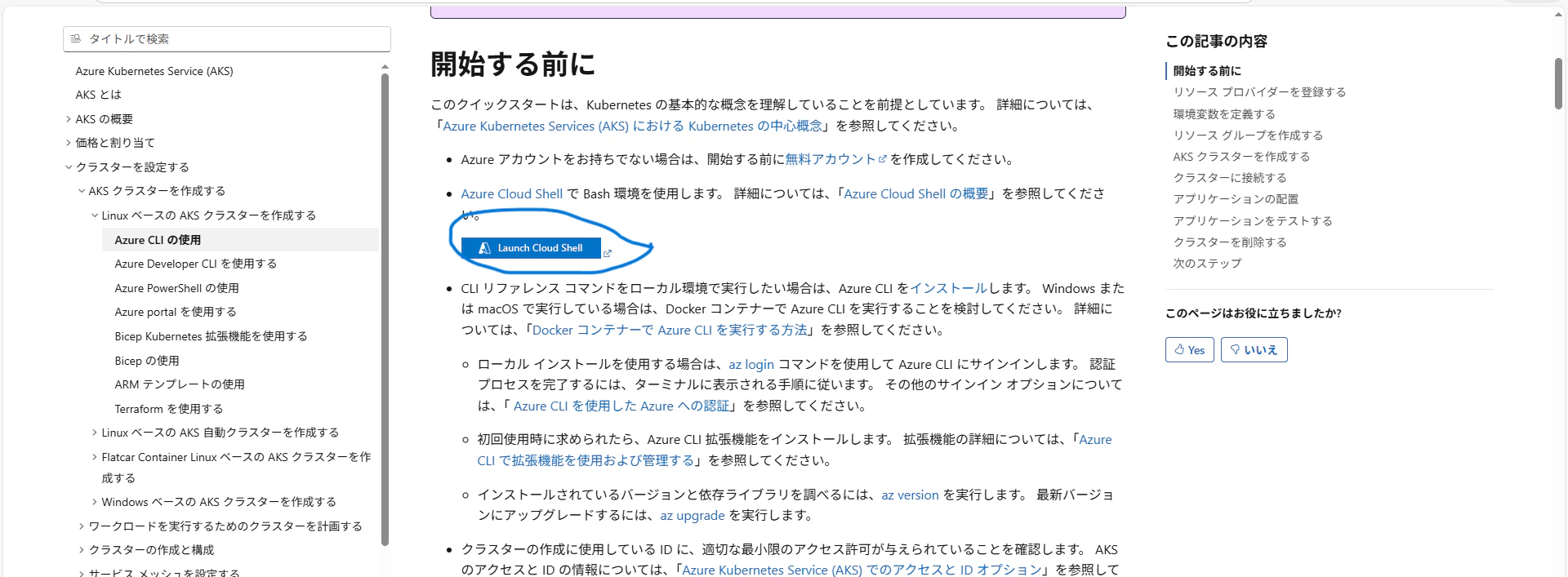
まずは手順書にあるLaunch Cloud Shellを押下します。
#リソースプロバイダの確認
az provider show --namespace Microsoft.ContainerService --query registrationState
#リソースプロバイダが無ければ登録
az provider register --namespace Microsoft.ContainerService

#リソースグループがない場合は作成
az group create --name リソースグループ名 --location リージョン名

# AKSクラスターの作成(ノード数1の最小構成)
az aks create --resource-group リソースグループ名 --name クラスター名 --node-count 1 --generate-ssh-keys

# 接続情報の取得
az aks get-credentials --resource-group リソースグループ名 --name クラスター名
2. アプリケーションのデプロイ
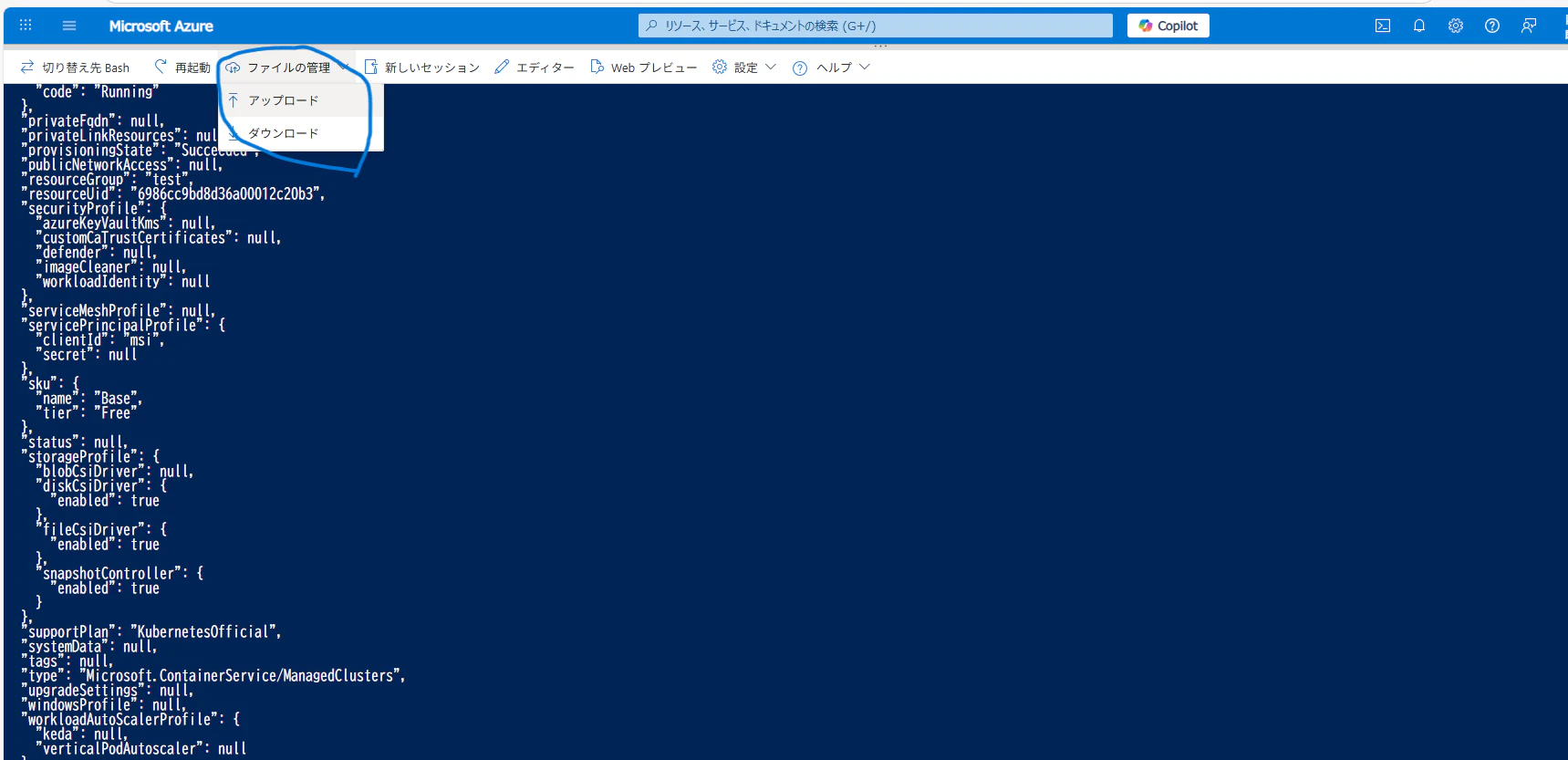
ローカルでファイルを作成し、ファイルの管理→アップロードを押下します。
#アップロードされたか確認
ls
#アプリをデプロイする
kubectl applay -f 作成したyaml
公式のgithubから直接行う事もできそうです。
kubectl apply -f https://raw.githubusercontent.com/Azure-Samples/aks-store-demo/main/aks-store-all-in-one.yaml
3. IP取得
(bashの場合)
runtime="5 minutes"
endtime=$(date -ud "$runtime" +%s)
while [[ $(date -u +%s) -le $endtime ]]
do
   STATUS=$(kubectl get pods -l app=store-front -o 'jsonpath={..status.conditions[?(@.type=="Ready")].status}')
   echo $STATUS
   if [ "$STATUS" == 'True' ]
   then
      export IP_ADDRESS=$(kubectl get service store-front --output 'jsonpath={..status.loadBalancer.ingress[0].ip}')
      echo "Service IP Address: $IP_ADDRESS"
      break
   else
      sleep 10
   fi
done
(powershellの場合)
$timeout = (Get-Date).AddMinutes(5)
while ((Get-Date) -le $timeout) {
    $IP_ADDRESS = kubectl get service store-front --output jsonpath='{..status.loadBalancer.ingress[0].ip}'
    if ($IP_ADDRESS) {
        Write-Host "Service IP Address: $IP_ADDRESS" -ForegroundColor Green
        break
    }
    Write-Host "Waiting for External IP..."
    Start-Sleep -Seconds 10
}
実行結果

htmlが返ってくるか確認
curl $IP_ADDRESS
4. 動作確認
IPアドレスが表示されたら、ブラウザでアクセスします。
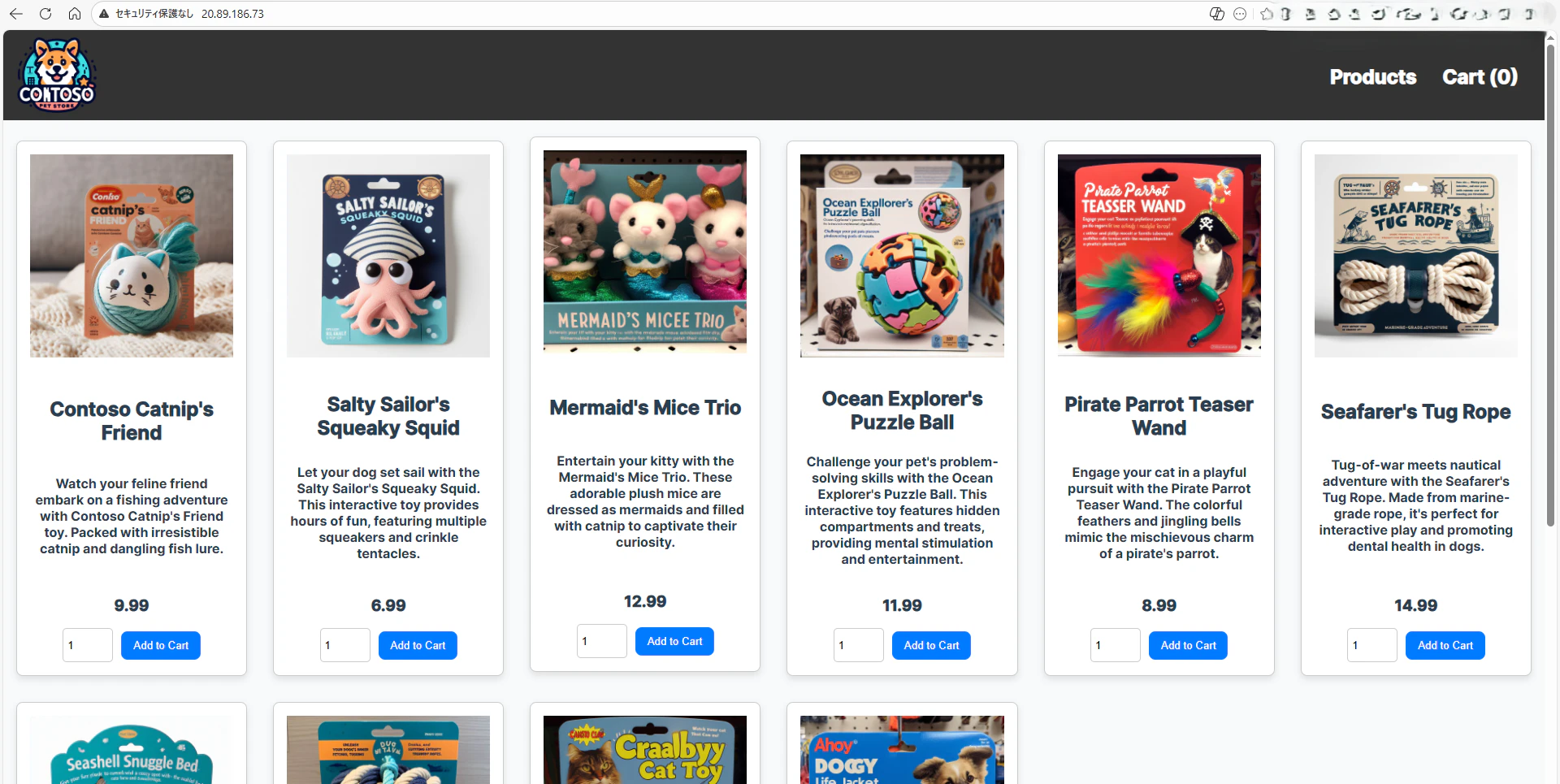
無事にストアアプリの画面が表示されれば成功です
5. 後片付け
課金が発生しないよう、作成したリソースグループを削除します。
az group delete --name リソースグループ名