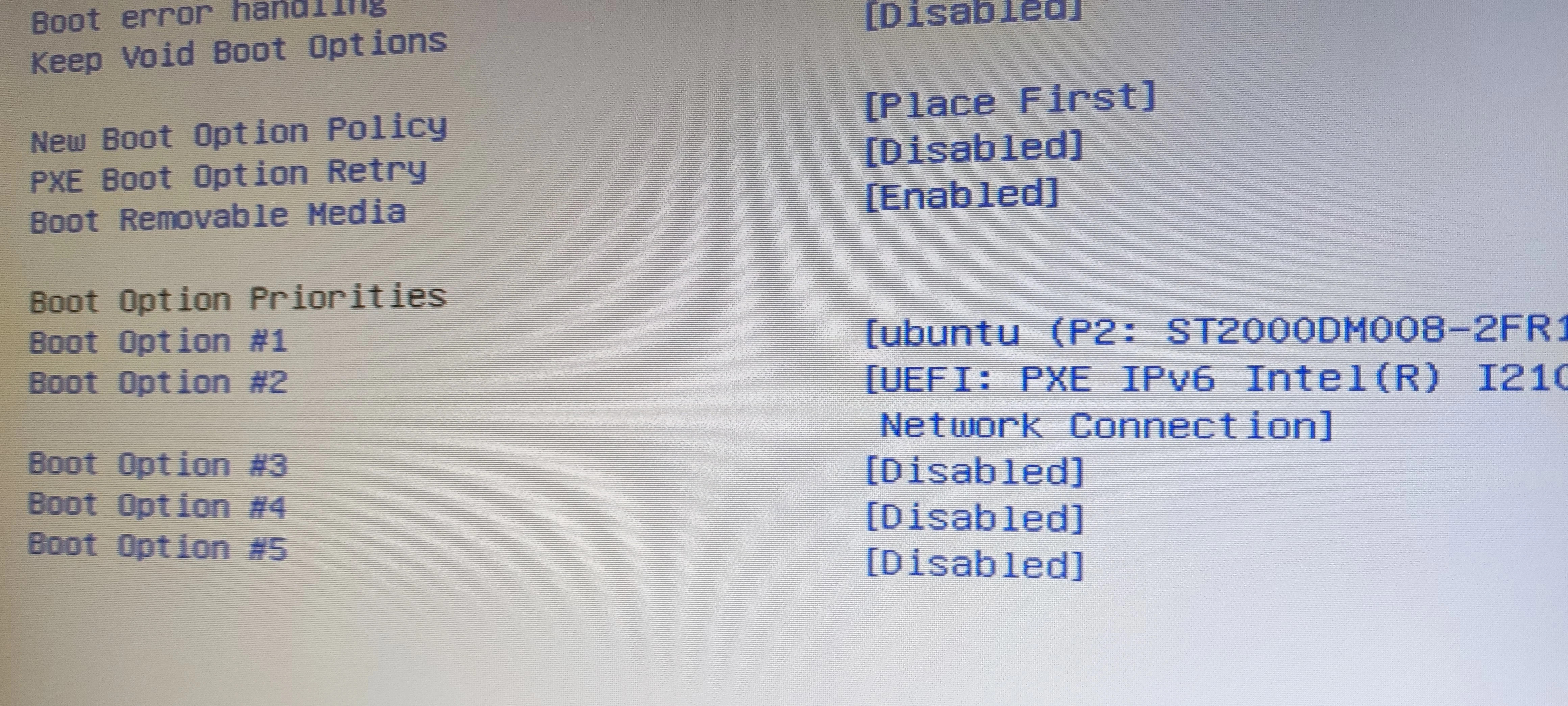
外観
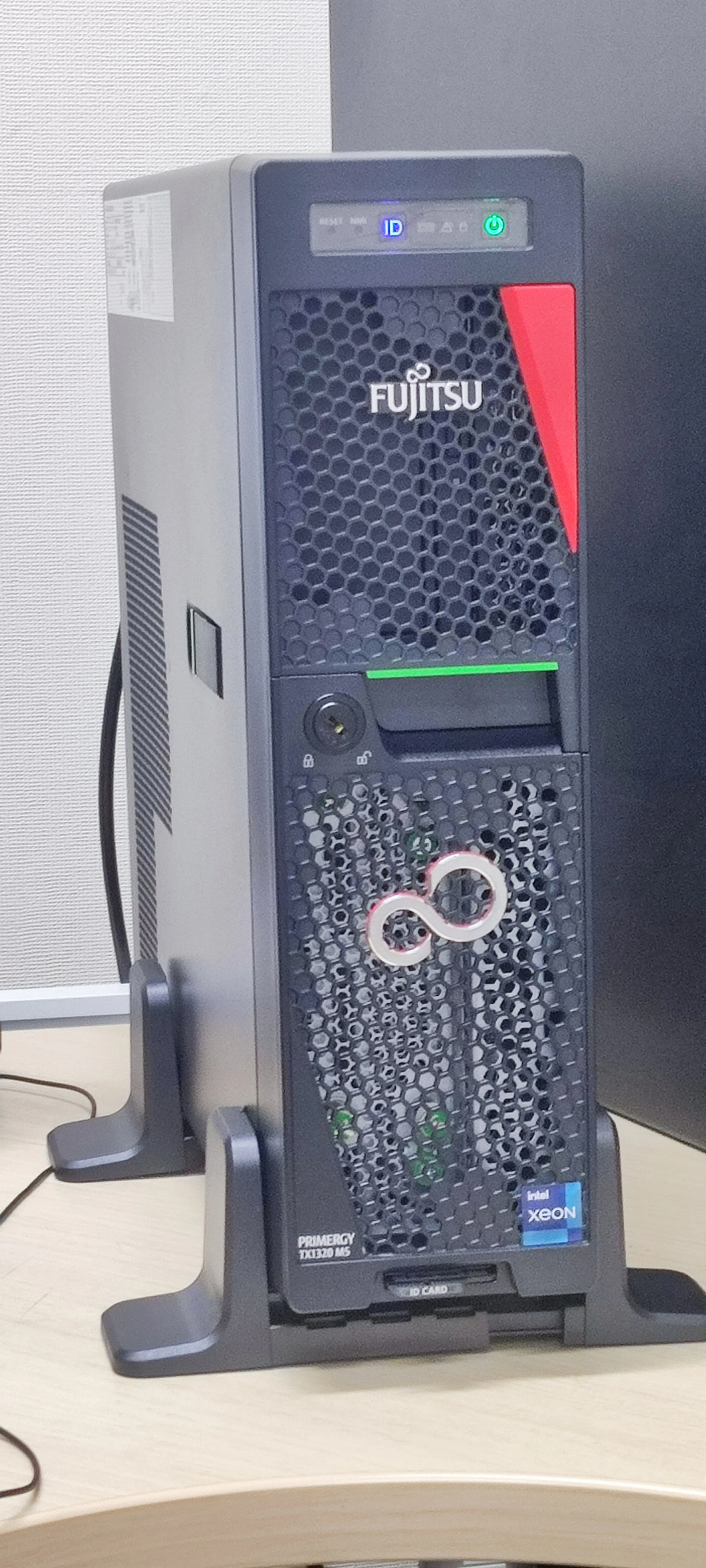
中身
Ubuntu での動作
HDD を移植した場合
TX1330M2 で動かしていた Ubuntu22.04 の入った HDD を移植したらそのまま動作した。
Ethernet も 画面も そのまま動作。
$ lspci
00:00.0 Host bridge: Intel Corporation Device 4c63 (rev 01)
00:14.0 USB controller: Intel Corporation Tiger Lake-H USB 3.2 Gen 2x1 xHCI Host Controller (rev 11)
00:14.2 RAM memory: Intel Corporation Tiger Lake-H Shared SRAM (rev 11)
00:15.0 Serial bus controller: Intel Corporation Tiger Lake-H Serial IO I2C Controller #0 (rev 11)
00:15.1 Serial bus controller: Intel Corporation Device 43e9 (rev 11)
00:16.0 Communication controller: Intel Corporation Tiger Lake-H Management Engine Interface (rev 11)
00:16.1 Communication controller: Intel Corporation Device 43e1 (rev 11)
00:16.4 Communication controller: Intel Corporation Device 43e4 (rev 11)
00:17.0 SATA controller: Intel Corporation Device 43d2 (rev 11)
00:1c.0 PCI bridge: Intel Corporation Device 43b8 (rev 11)
00:1c.1 PCI bridge: Intel Corporation Device 43b9 (rev 11)
00:1c.2 PCI bridge: Intel Corporation Device 43ba (rev 11)
00:1d.0 PCI bridge: Intel Corporation Tiger Lake-H PCI Express Root Port #9 (rev 11)
00:1d.5 PCI bridge: Intel Corporation Device 43b5 (rev 11)
00:1f.0 ISA bridge: Intel Corporation Device 438d (rev 11)
00:1f.4 SMBus: Intel Corporation Tiger Lake-H SMBus Controller (rev 11)
00:1f.5 Serial bus controller: Intel Corporation Tiger Lake-H SPI Controller (rev 11)
02:00.0 Ethernet controller: Intel Corporation I210 Gigabit Network Connection (rev 03)
03:00.0 Ethernet controller: Intel Corporation I210 Gigabit Network Connection (rev 03)
05:00.0 PCI bridge: ASPEED Technology, Inc. AST1150 PCI-to-PCI Bridge (rev 06)
06:00.0 VGA compatible controller: ASPEED Technology, Inc. ASPEED Graphics Family (rev 52)
06:01.0 Co-processor: ASPEED Technology, Inc. Device 2402
Ubuntu 24.04 LTS インストールの場合
ディスプレイアダプターはVGAとDP。VGAにつなげてインストールしたときに問題が発生。

Ubuntu24.04LTSをUSBメディアに入れてインストール。

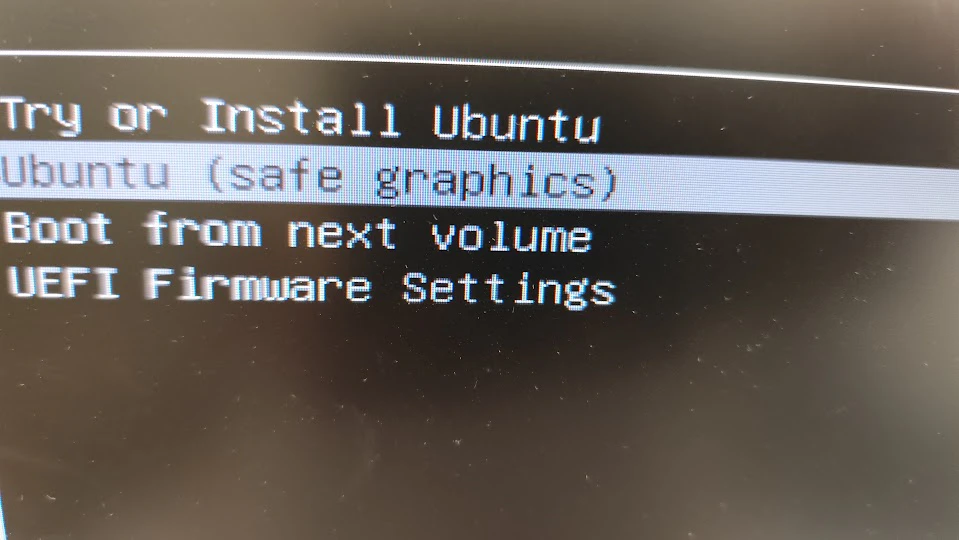
HD程度のディスプレイだとインストーラ画面が表示されない。

インストーラのGRUBメニューで safe graphics を選択すると OK。
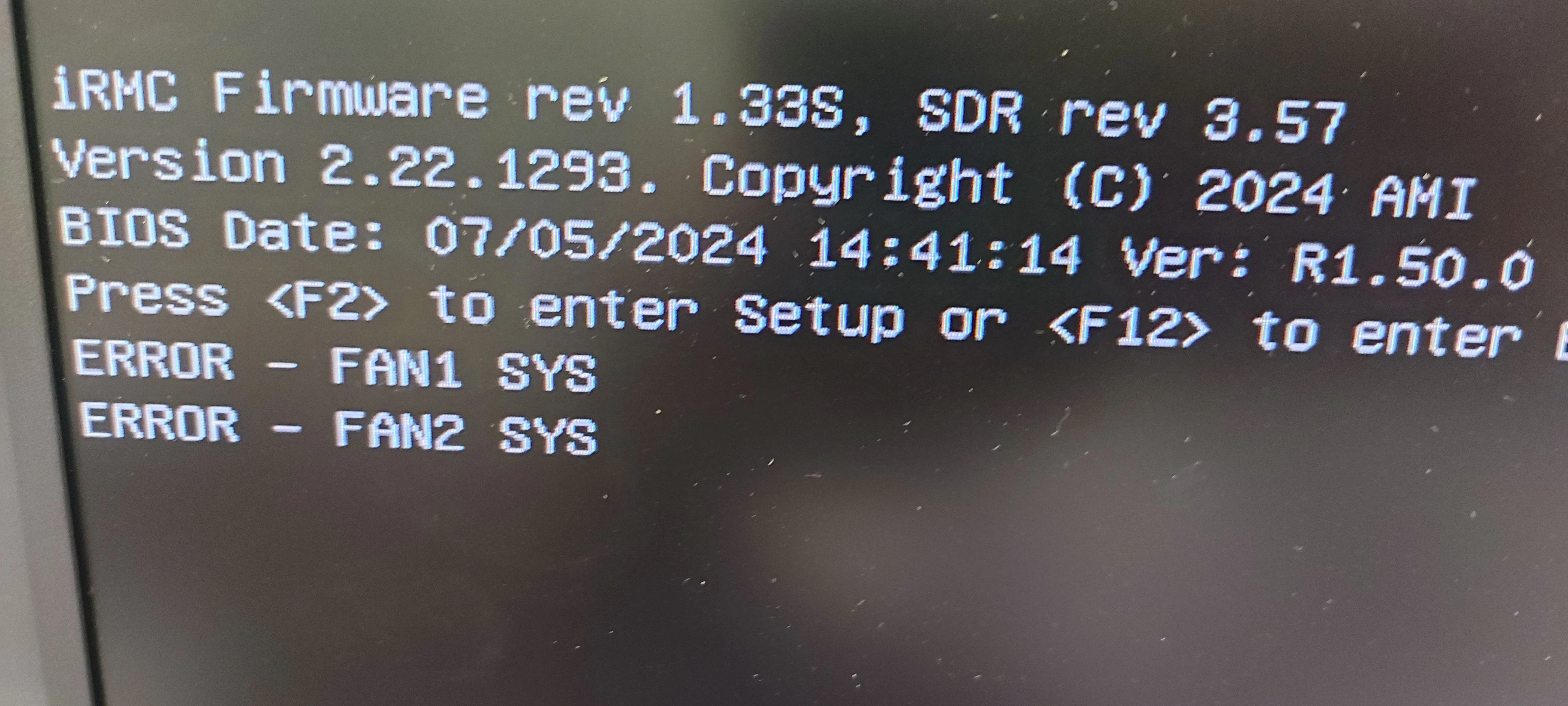
CSS コンポーネントのエラー表示の解除
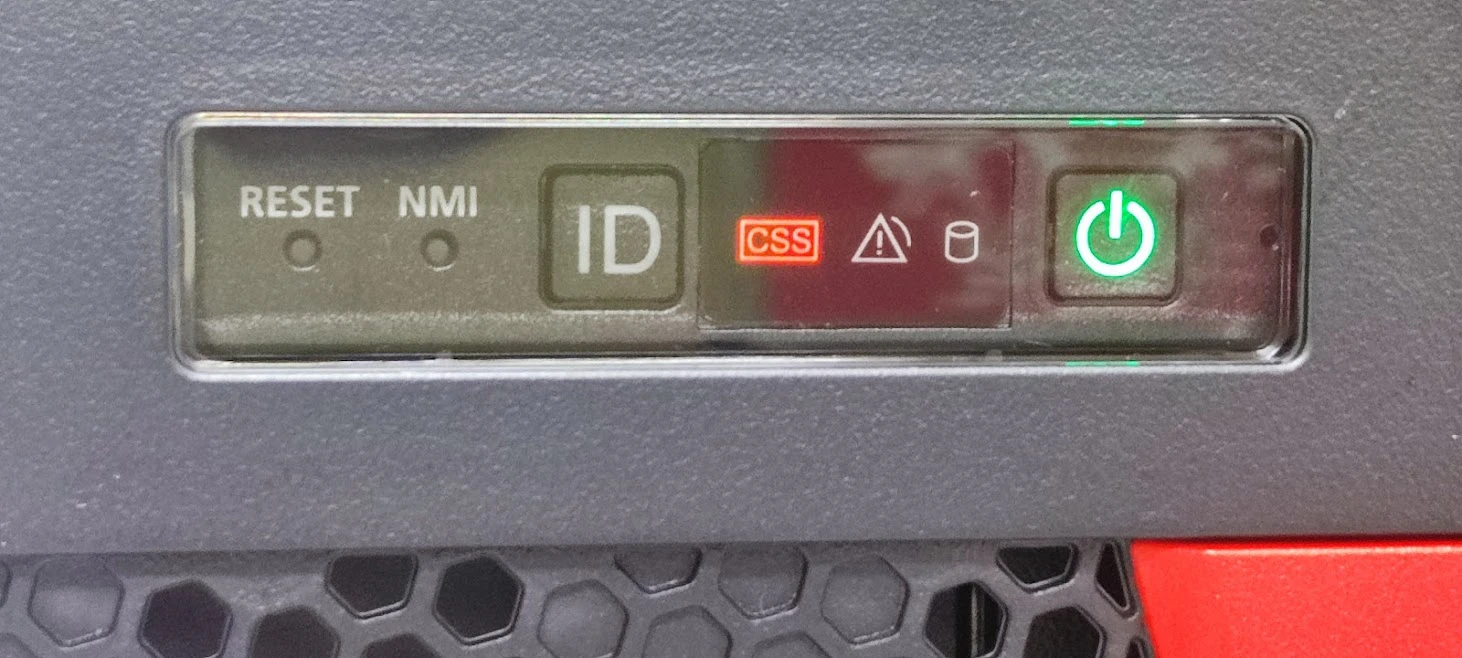
今回はファンコネクタ外れ。
IDボタンを長押しして解除。
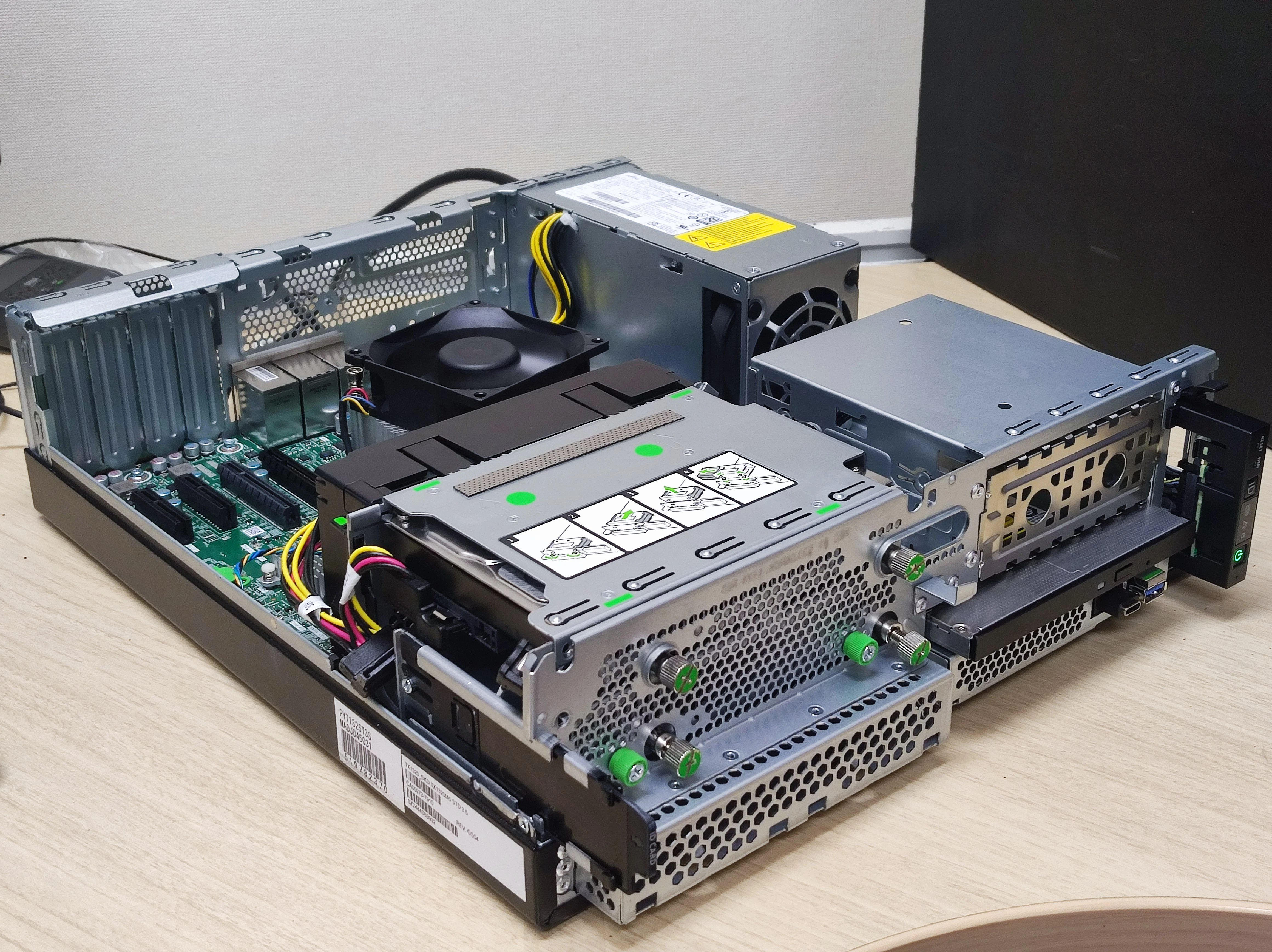
ストレージブート
UEFI デバイスでないとブートオプションに現れない