0
0

Delete article

Deleted articles cannot be recovered.

Draft of this article would be also deleted.

Are you sure you want to delete this article?

Vysor を使ってAndroidの画面をMS-Windowsに映す

0
Posted at

今回は USB 接続で試す。

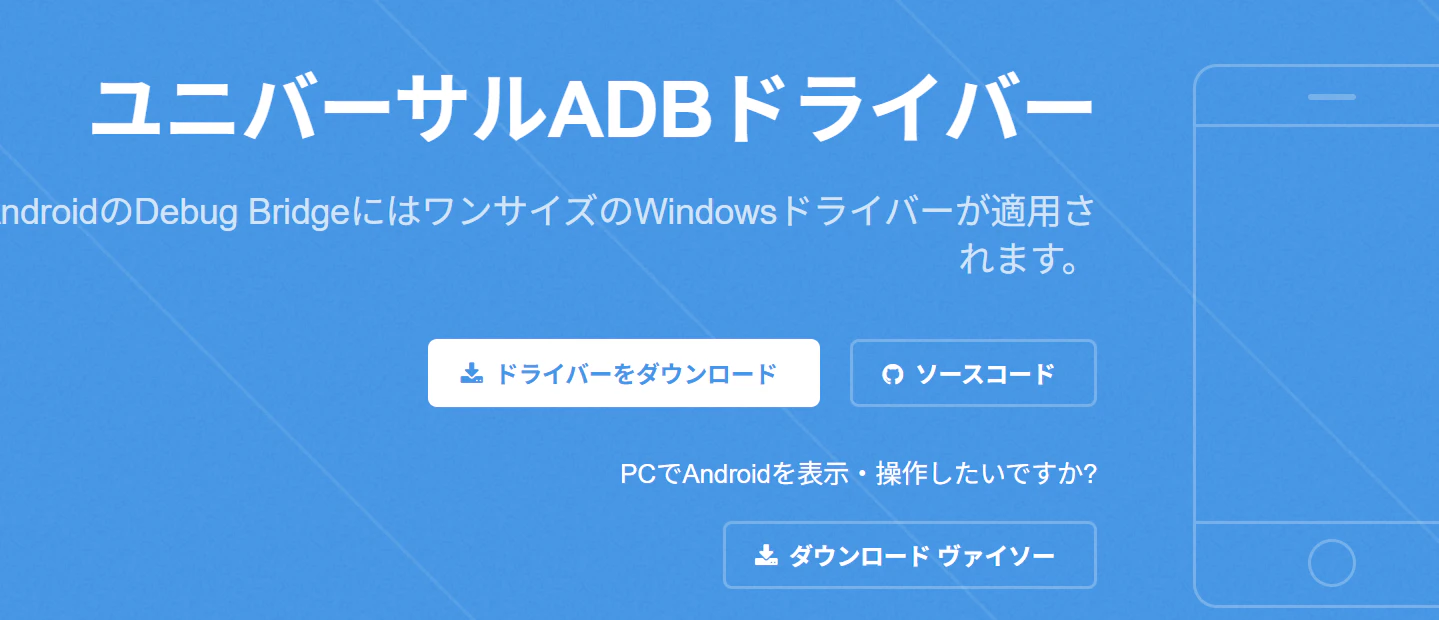
https://www.vysor.io/ から Vysor-win-5.0.7.exe をダウンロード
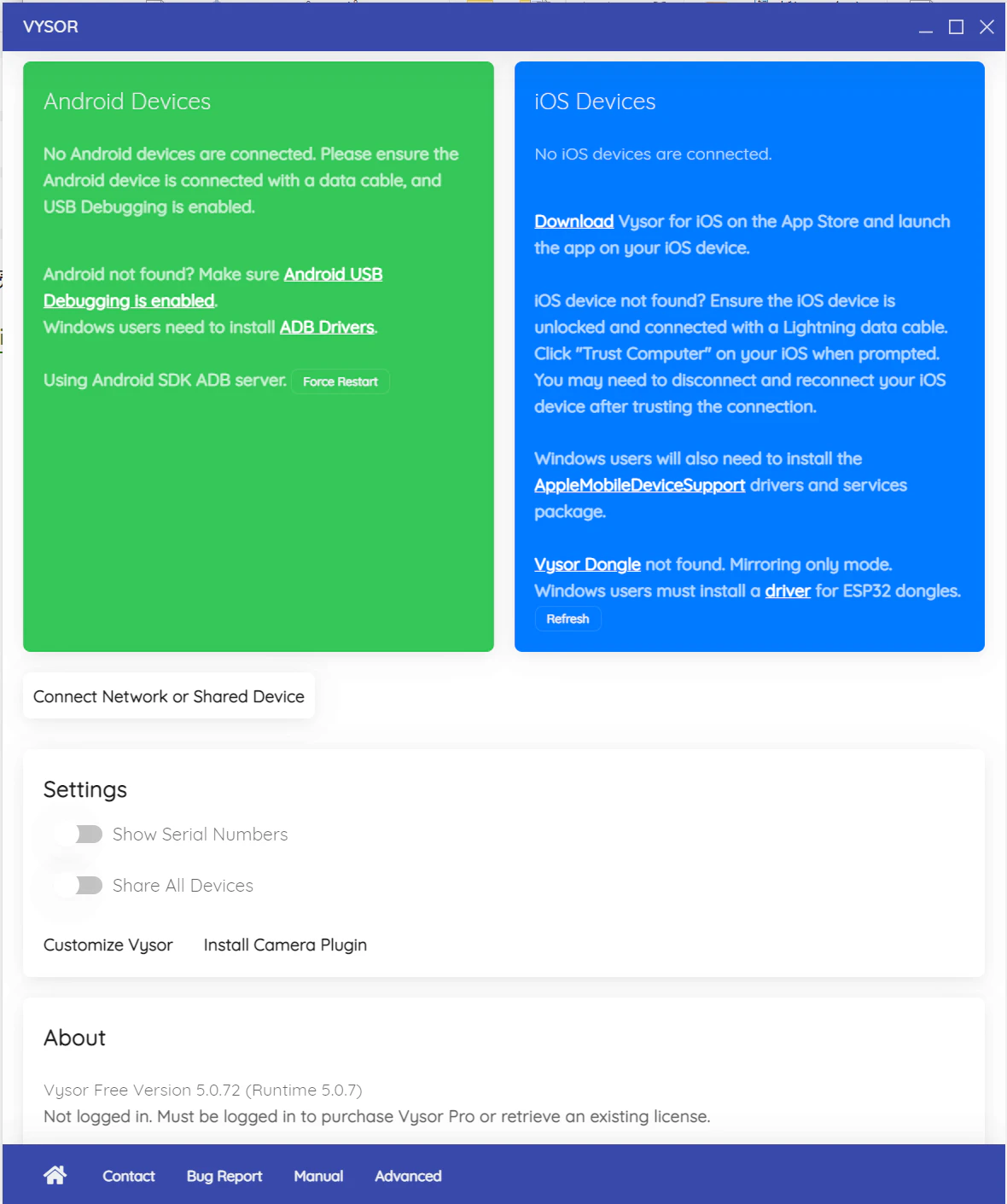
image.png

WindowsにはADBドライバをインストール。
image.png

USBケーブルで接続して、Android側をデバッグモードを有効にする。今回は Galaxy S26G なので、「設定」「端末情報」「ソフトウェア情報」「ビルド番号」を7回連続タップしてデベロッパーモードを有効にし、「設定」「開発者向けオプション」から「USBデバッグ」を有効にする。

今回はGalaxyの端末なので「自動ブロッカーによりブロック」となり、USBデバッグの変更がグレーアウトしているので、「設定」「セキュリティおよびプライバシー」「自動ブロッカー」をOFFにする。これだけだと30分後に自動ブロッカーがONになるので、要調整。

接続出来たら画面に表示されるのでPlayボタンで接続。
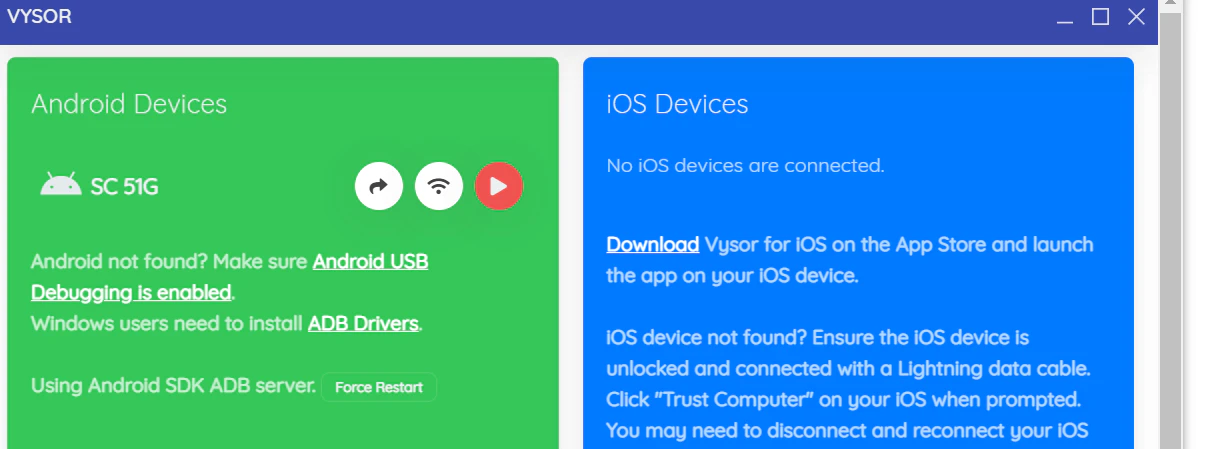
image.png

0
0
0

Register as a new user and use Qiita more conveniently

  1. You get articles that match your needs
  2. You can efficiently read back useful information
  3. You can use dark theme
What you can do with signing up
0
0

Delete article

Deleted articles cannot be recovered.

Draft of this article would be also deleted.

Are you sure you want to delete this article?