Raspberry Pi Picoの C/C++ SDK では、タイマー割込みを利用する次のAPIが用意されています。
static bool add_repeating_timer_ms (int32_t delay_ms, repeating_timer_callback_t callback, void *user_data, repeating_timer_t *out)
このうち3番めの user_data は、割り込みハンドラーの引数である repeating_timer_t 構造体のメンバーとしてハンドラー内で参照出来るようです。
実装例
使いみちは様々ですが、例えば C++ のクラス内部でタイマー割り込みを使用する場合、クラスのインスタンスのポインターを this を使って設定すると、ハンドラー内でクラス内の関数や変数の利用が可能になります。
main.cpp
#include <stdio.h>
#include "pico/stdlib.h"

class CLocalTimer
{
public:
	CLocalTimer();
	virtual ~CLocalTimer();
	int GetCount(void);
	void IncCount(void);
private:
	static bool CallbackFunc(repeating_timer_t *rt);
	int nCounter;
};


CLocalTimer::CLocalTimer()
{
	nCounter = 0;
    static repeating_timer_t timer;
	add_repeating_timer_ms(-100, &CLocalTimer::CallbackFunc, this, &timer);
}


CLocalTimer::~CLocalTimer()
{
}


bool CLocalTimer::CallbackFunc(repeating_timer_t *rt)
{
	CLocalTimer *ltp = (CLocalTimer *)(rt->user_data);
	(ltp->IncCount)();
	return(true);
}


int CLocalTimer::GetCount(void)
{
	return(nCounter);
}


void CLocalTimer::IncCount(void)
{
	nCounter ++;
}


int main() {
    stdio_init_all();
	CLocalTimer *LT = new CLocalTimer;

    while (true) {
		int nCnt = (LT->GetCount)();
        printf("Hello, world! %d\n", nCnt);
        sleep_ms(1000);
    }

	delete LT;
    return(0);
}
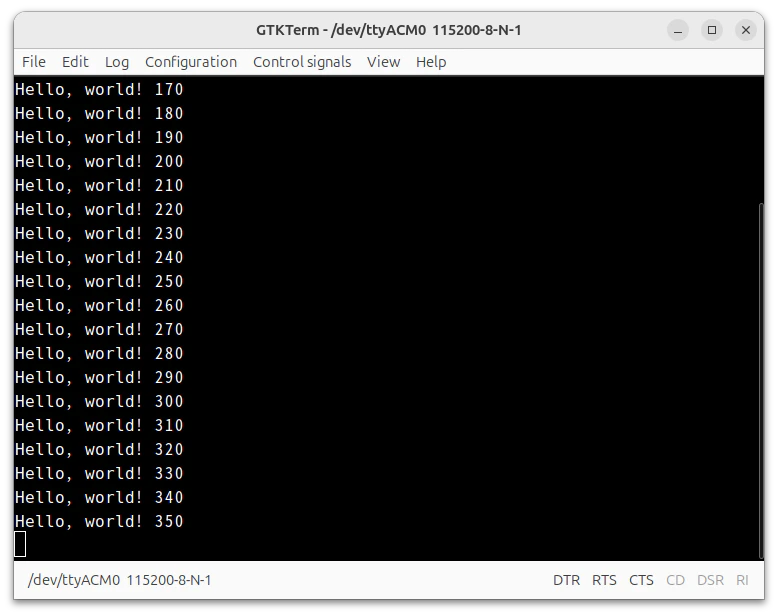
実行例