
例えば develop ブランチのパイプラインが全て通ったら main ブランチにプルリクを出す運用ルールだったとします。手動でプルリクを出しているくらいなら、自動化しても良いんじゃないかと思い、develop ブランチのパイプラインの一番最後に Azure CLI でプルリクを作成するタスクを組み込んでみました。
パイプライン例
Azure CLI でプルリクを行う前提として Service Connection にサービスプリンシパルを登録済みで、そのサービスプリンシパルがプロジェクトのメンバーになっている必要があります。
azure-pipelines.yml
trigger:
- develop

pool:
  vmImage: ubuntu-latest

steps:
- script: echo $(Build.BuildNumber)
- task: AzureCLI@2
  inputs:
    azureSubscription: 'mnrpoc'
    scriptType: 'bash'
    scriptLocation: 'inlineScript'
    inlineScript: |
      az repos pr create \
        --organization https://dev.azure.com/mnrsdev \
        --project mnrpoc \
        --repository mnrpoc \
        --source-branch develop \
        --target-branch main \
        --title "Pipeline Completed $(Build.BuildNumber)"
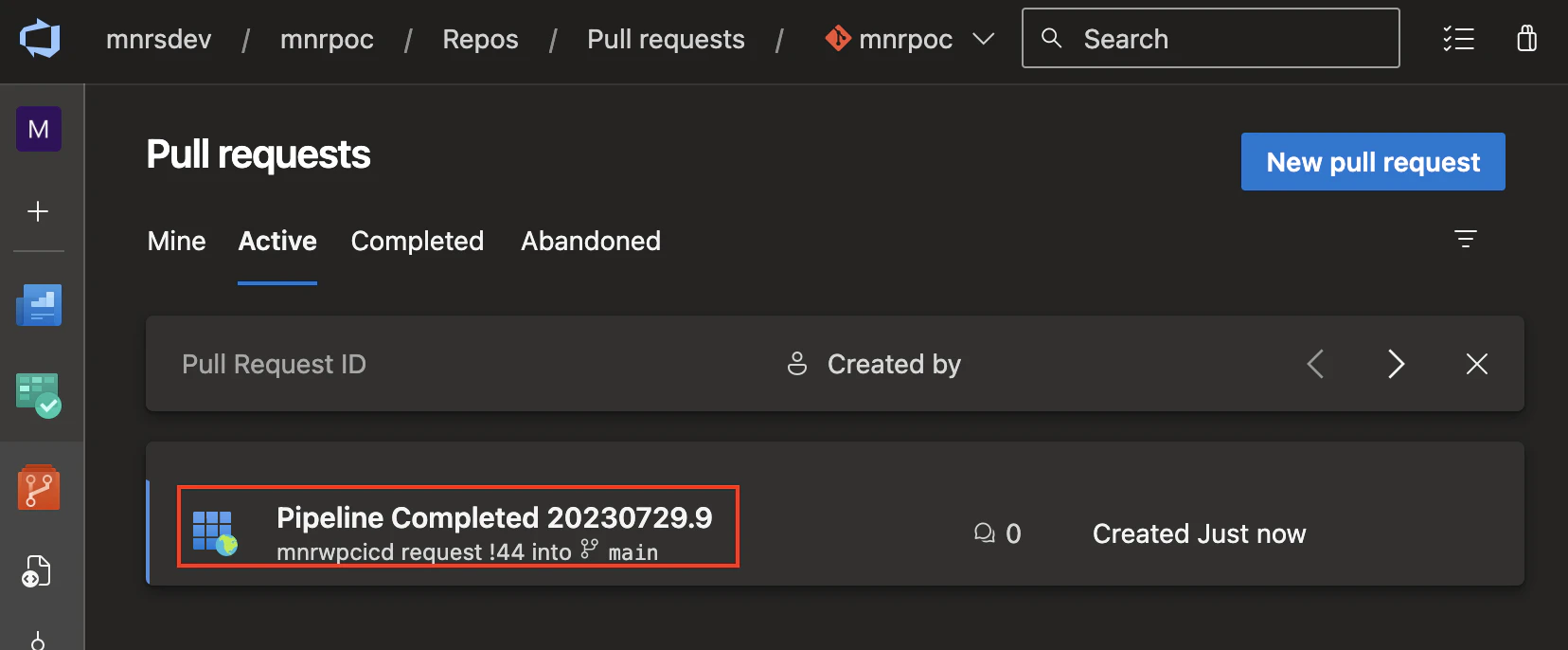
実行結果のプルリク
参考