3
4

Delete article

Deleted articles cannot be recovered.

Draft of this article would be also deleted.

Are you sure you want to delete this article?

Gemini CLIでGemini3を有効にする

3
Last updated at Posted at 2025-11-24

Gemini 3が2025年11月18日に公開されましたね。

Gemini CLIで3を有効化する方法です。
※Gemini CLIが既にインストールされている前提です。

Gemini CLIでセッティングする

①Gemini CLIを起動する
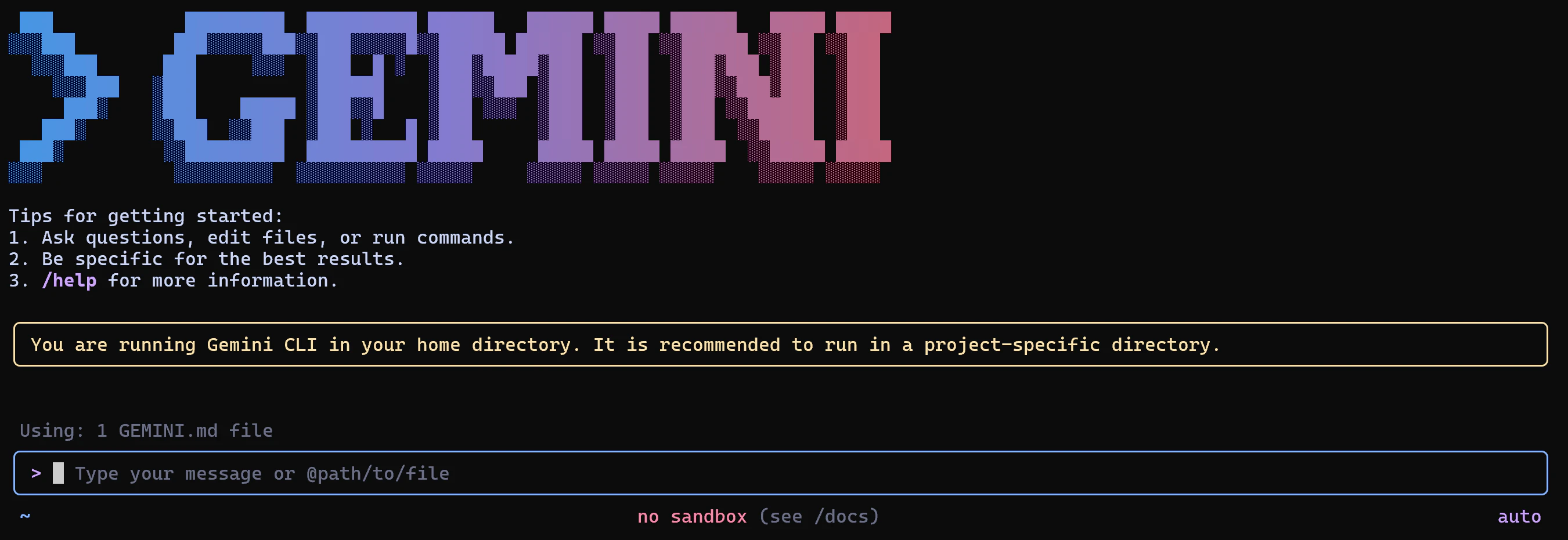
image.png

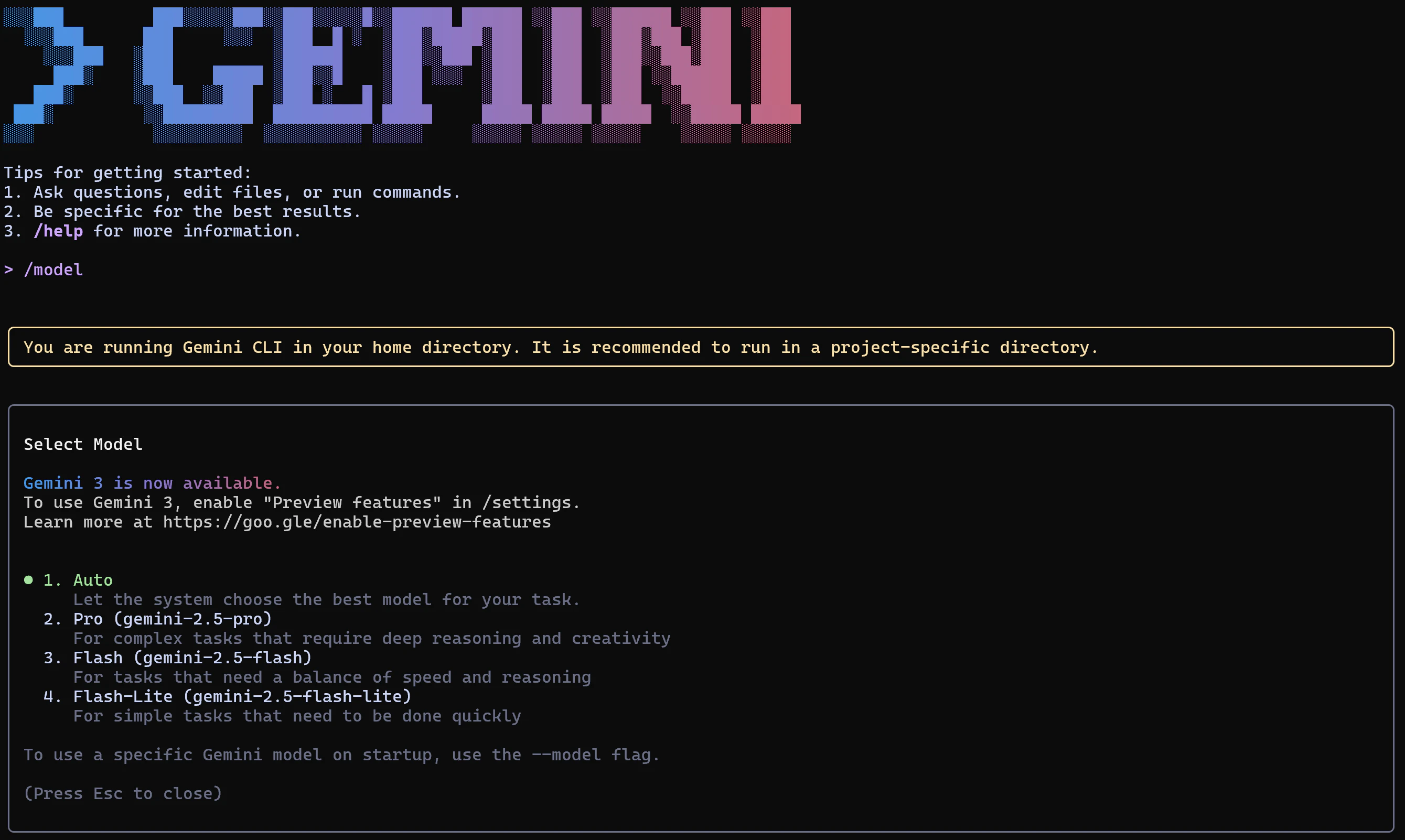
現状利用可能なモデルを確認する。

> /model

で利用可能なモデルが見れます。

image.png

image.png

※キーボードのEscで戻れます。

②Gemini CLIをセッティングする

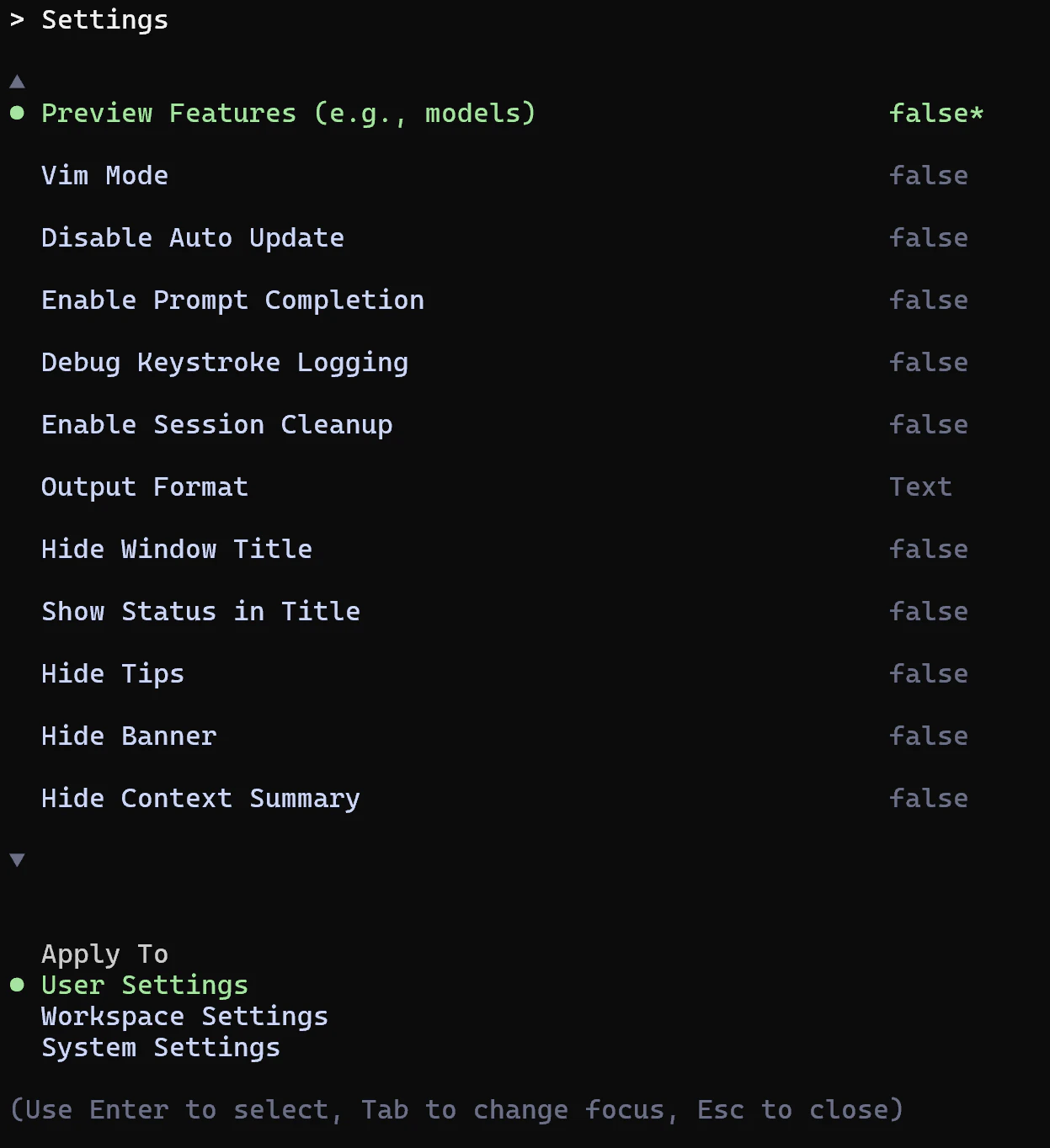
/setting

でGemini CLIで3が選べるようにします。

image.png

image.png

一番上のPreview Features (e.g., models) をクリックしてtrueにします。(Enter押すとFalse/Trueが切り替わります。)
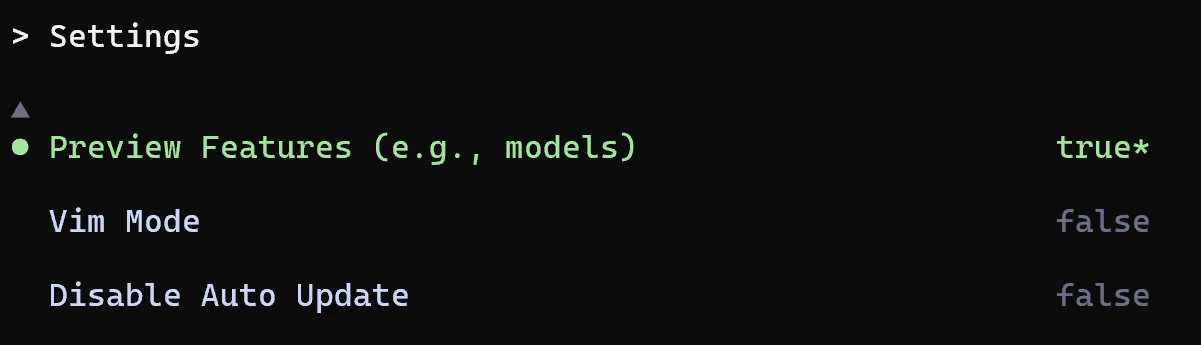
image.png

trueになったらキーボードでEscを押して抜けます。

もう一度/modeを押すと選択可能になっています。
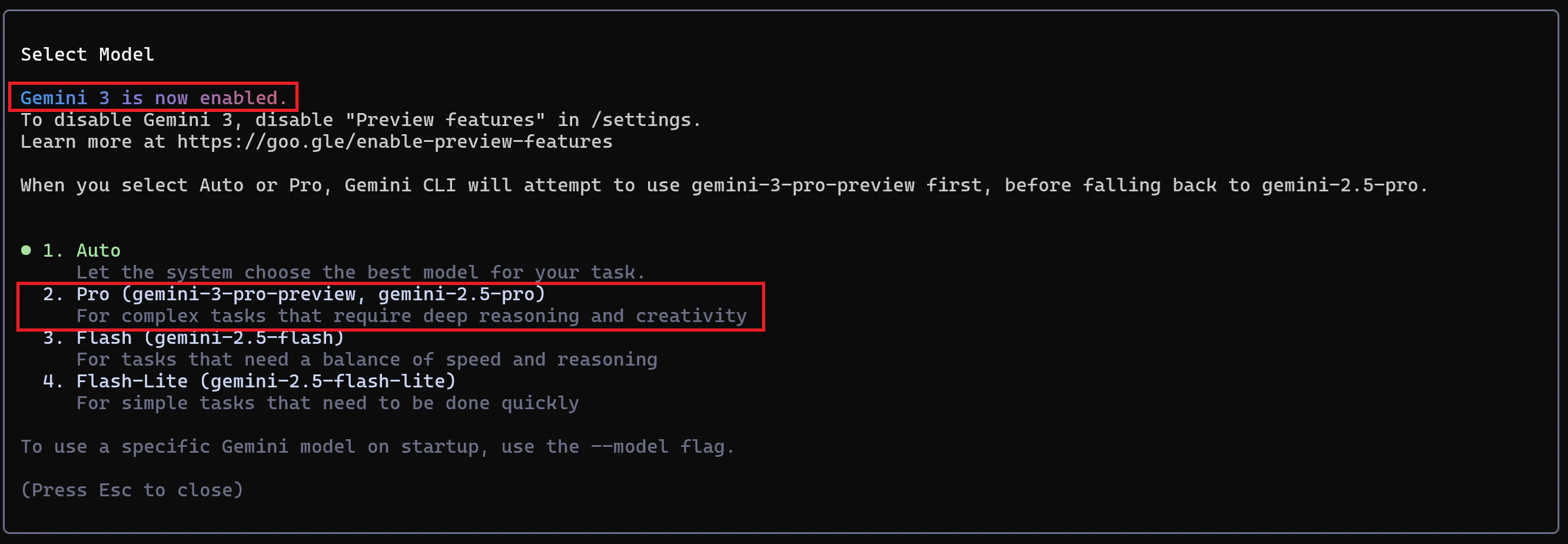
image.png

明示的に選んでもいいですし、固定にしちゃうとリクエスト集中したら反応しなくなる(APIエラー)場合もあるので、Autoでもいいと思います。

操作は以上です。

3
4
0

Register as a new user and use Qiita more conveniently

  1. You get articles that match your needs
  2. You can efficiently read back useful information
  3. You can use dark theme
What you can do with signing up
3
4

Delete article

Deleted articles cannot be recovered.

Draft of this article would be also deleted.

Are you sure you want to delete this article?