はじめに
中古のゲーミングPCを購入して色々セットアップがひと段落したら画像生成をしたくなったのでインストールした手順を整理します。
マシンスペック
| 項目 | 内容 |
|---|---|
| Manufacturer | MouseComputer |
| Model | JGA5G60W5AAC |
| CPU | AMD Ryzen 5 4500 6-Core Processor |
| RAM | 32GB |
| SSD | 1TB |
| GPU | NVIDIA GeForce RTX 4060 |
セットアップ
sudo apt install python3 python3-pip python3-venv
git clone https://github.com/comfyanonymous/ComfyUI.git
cd ComfyUI
python3 -m venv venv
source venv/bin/activate
pip install -r requirements.txt
pip install comfy-cli
実行
$ python main.py --listen 0.0.0.0
Checkpoint files will always be loaded safely.
Total VRAM 7797 MB, total RAM 31968 MB
pytorch version: 2.9.1+cu128
Set vram state to: NORMAL_VRAM
Device: cuda:0 NVIDIA GeForce RTX 4060 : cudaMallocAsync
Using async weight offloading with 2 streams
Enabled pinned memory 30369.0
working around nvidia conv3d memory bug.
Using pytorch attention
Python version: 3.12.3 (main, Nov  6 2025, 13:44:16) [GCC 13.3.0]
ComfyUI version: 0.7.0
ComfyUI frontend version: 1.35.9
[Prompt Server] web root: /home/xxx/ComfyUI/venv/lib/python3.12/site-packages/comfyui_frontend_package/static
Total VRAM 7797 MB, total RAM 31968 MB
pytorch version: 2.9.1+cu128
Set vram state to: NORMAL_VRAM
Device: cuda:0 NVIDIA GeForce RTX 4060 : cudaMallocAsync
Using async weight offloading with 2 streams
Enabled pinned memory 30369.0

Import times for custom nodes:
   0.0 seconds: /home/xxx/ComfyUI/custom_nodes/websocket_image_save.py

Context impl SQLiteImpl.
Will assume non-transactional DDL.
No target revision found.
Starting server

To see the GUI go to: http://0.0.0.0:8188
ブラウザでアクセスしてみる。
テンプレートで画像をクリックすると"NetaYume Lumina"というのが良さそうだったのでこれを使えるようにしてみる。
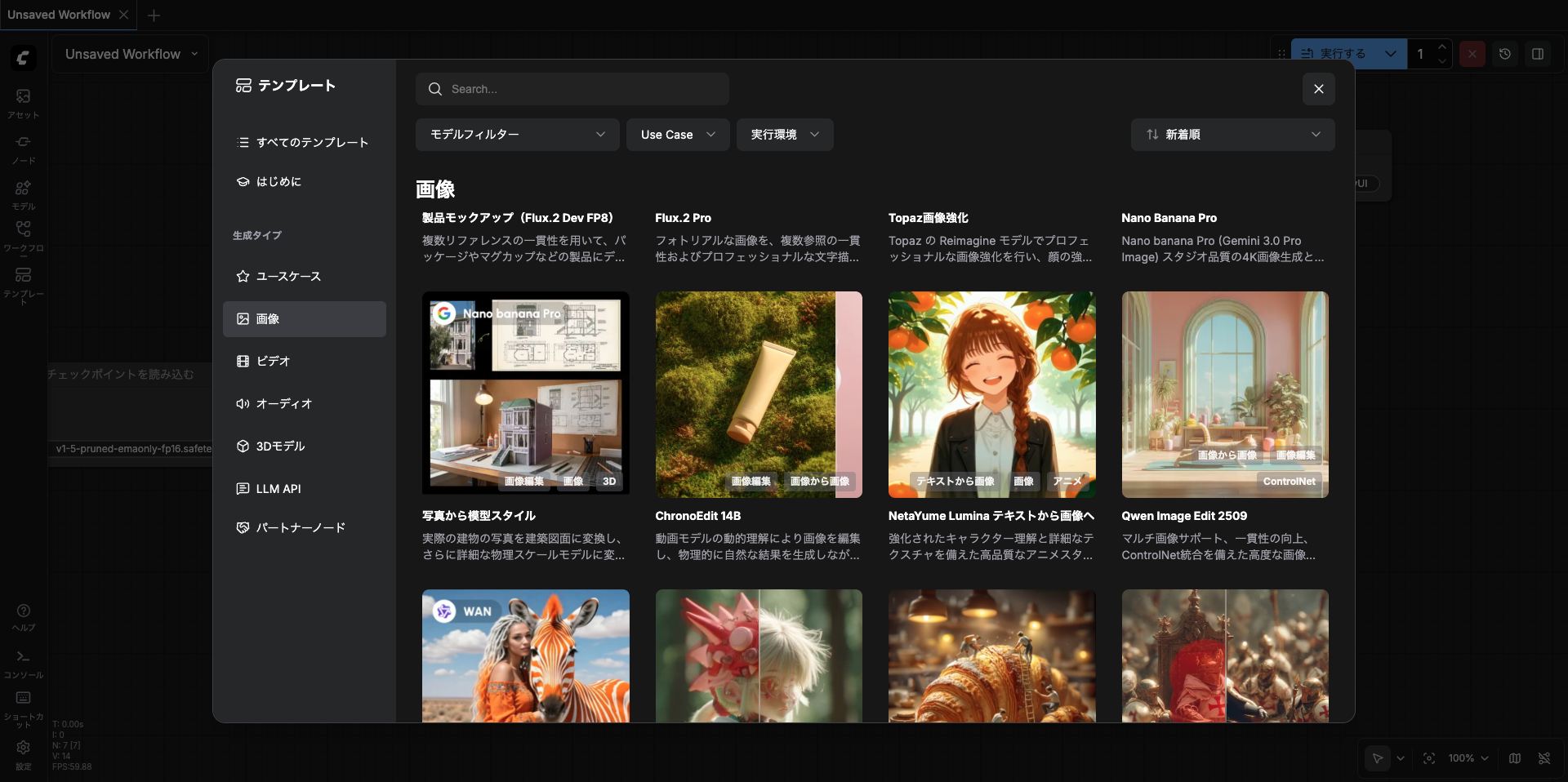
モデルのダウンロード
cd Comfy/models/checkpoints/
wget https://huggingface.co/duongve/NetaYume-Lumina-Image-2.0/resolve/main/NetaYumev35_pretrained_all_in_one.safetensors
生成
"実行する"をクリック
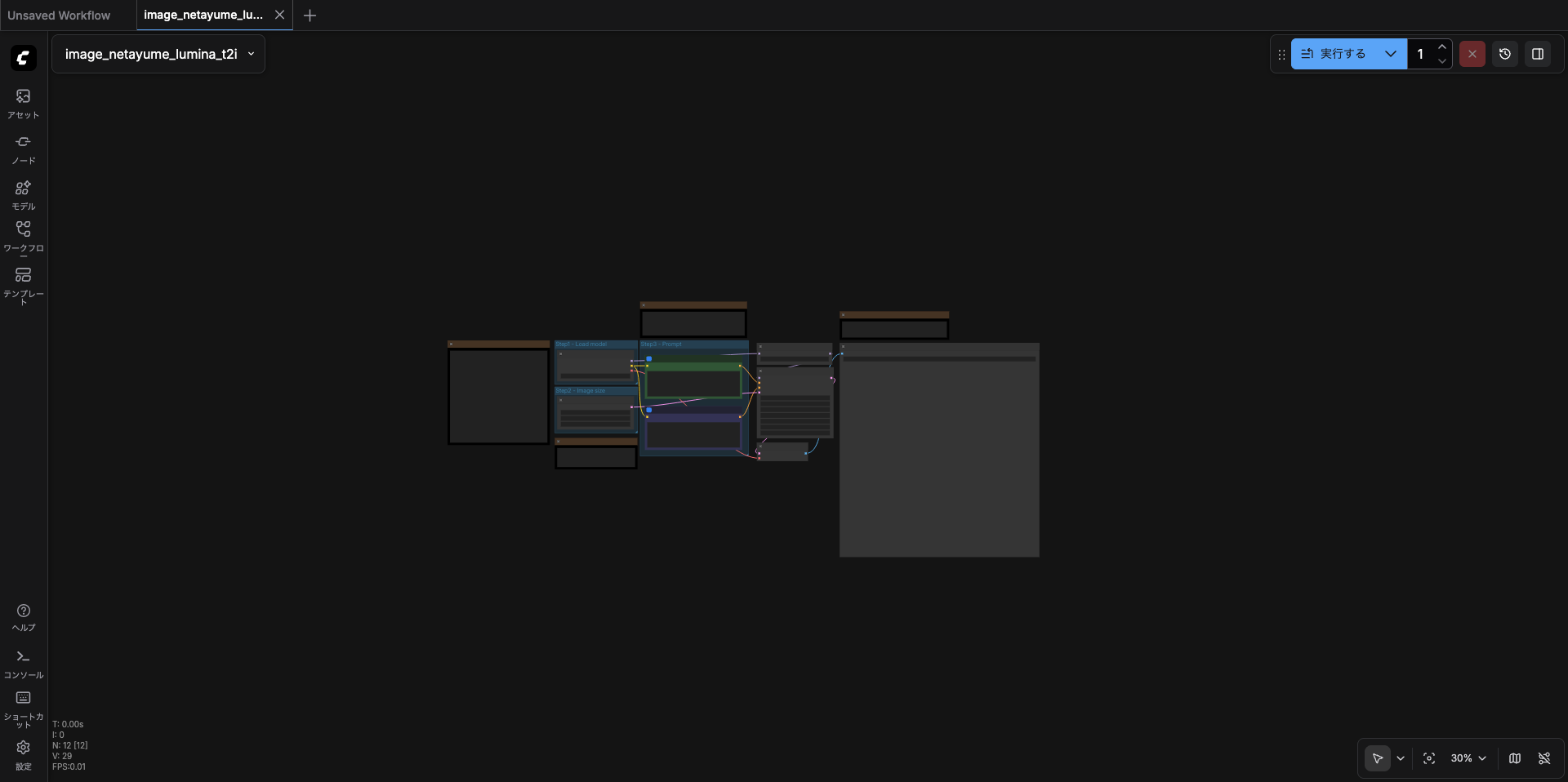
数秒待つと...
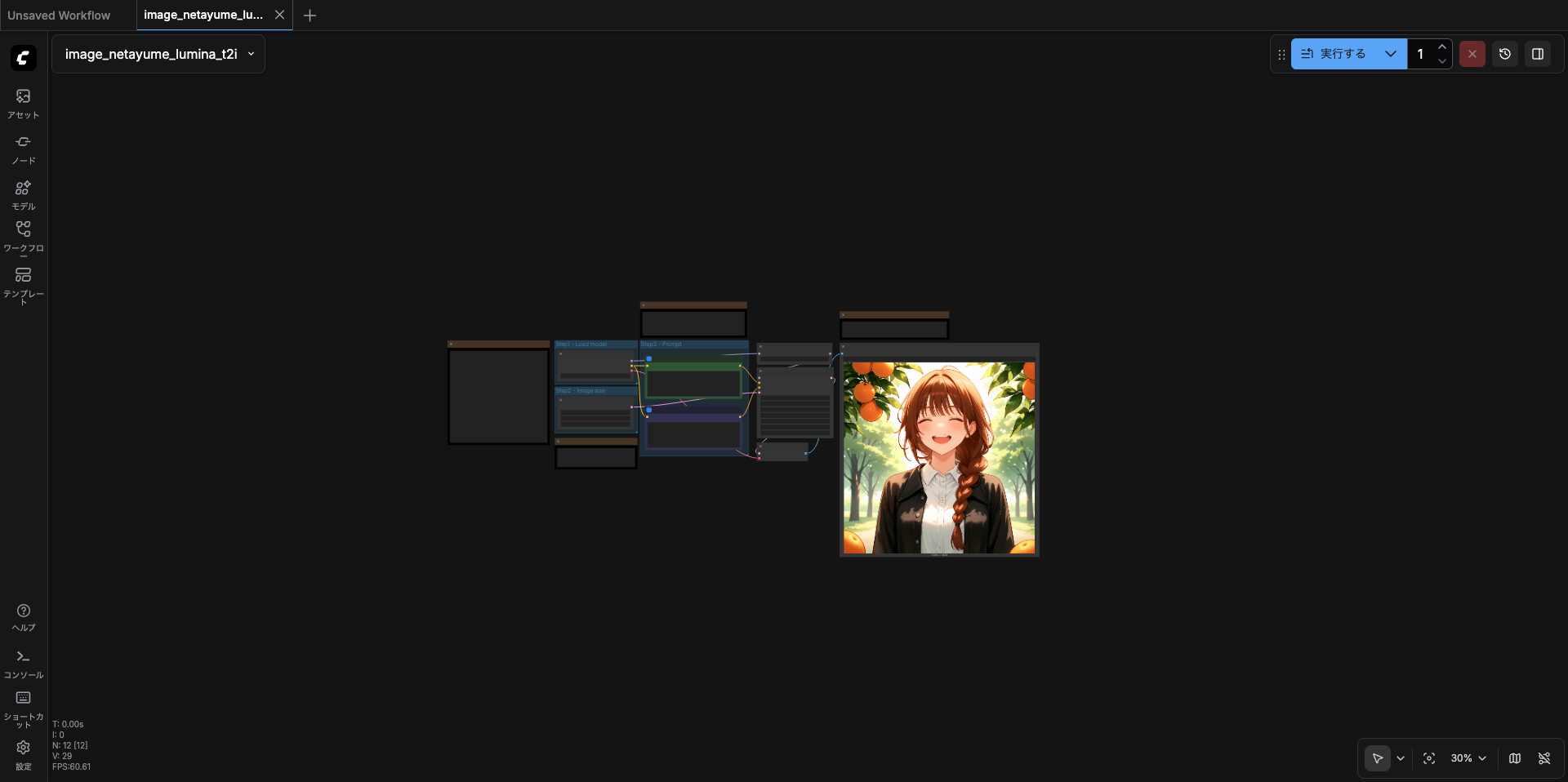
できた!!