

iTunes ConnectでiOS AppやMac Appを登録するときに"SKU Number"という文字列を登録する必要がある。
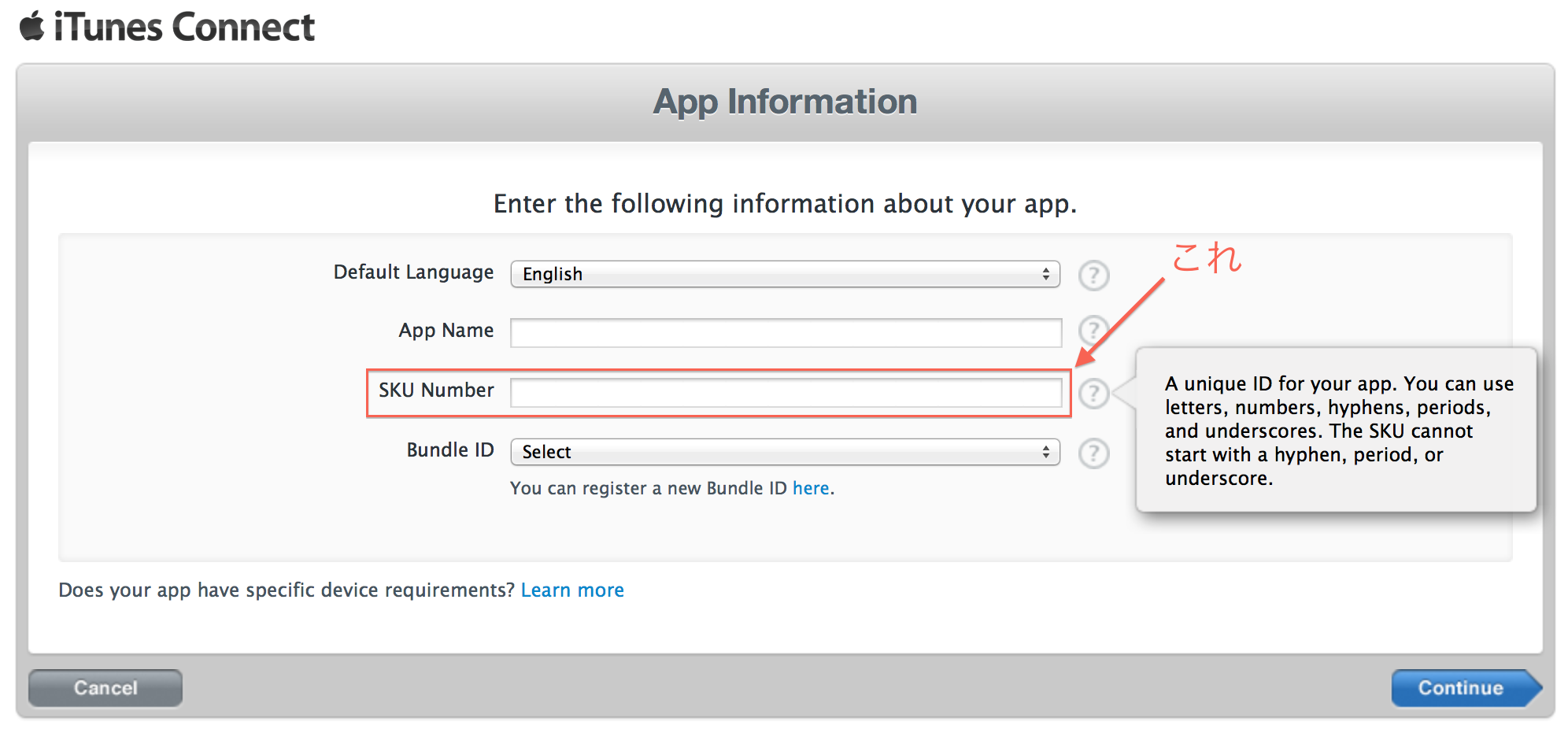
私は手っ取り早く pwgen 使って生成することにしてる。
Homebrewで pwgen をインストールして↓みたいなコマンド打つといい感じの文字列がクリップボードに入る。
$ brew install pwgen
$ pwgen -nB1 | tr '[a-z]' '[A-Z]' | pbcopy && pbpaste
KOHB3OUG
Go to list of users who liked
Share on X(Twitter)
Share on Facebook
More than 5 years have passed since last update.
iTunes ConnectでiOS AppやMac Appを登録するときに"SKU Number"という文字列を登録する必要がある。
私は手っ取り早く pwgen 使って生成することにしてる。
Homebrewで pwgen をインストールして↓みたいなコマンド打つといい感じの文字列がクリップボードに入る。
$ brew install pwgen
$ pwgen -nB1 | tr '[a-z]' '[A-Z]' | pbcopy && pbpaste
KOHB3OUG
Register as a new user and use Qiita more conveniently
Go to list of users who liked