書籍で勉強しているとgitで管理したくなることってないかな
最近は頻繁にこうなる。
「そういえば最近こんなことやったなー。。なんだっけ??
あー、、githubにあげておけばよかった。。」
githubがない世界
最初は単純に「サンプルプログラムを動かして確認したいだけ」から始まり、気がつけば色々と調べながら原型を留めないぐらい改修することもあり、そして結構得られた知識が詰まっていたりする。
そして、学習の目的が切り替わるタイミングでそのプログラムは放置されるのだが、後からその時にえた知識を思い返したい時があっても喪失していることがある。
滅多にやらないことは覚えてらんねー
それを思い出し、途中まで作っちゃったソースがある状態でgit管理したいと思い立つ。
でもその度にまた思うのである。
「それってどうやるんだっけ。。いちいち覚えてねーな。。」
ということで備忘録を記しておくが、これ自体を後で忘れてまた再投稿するかもww
「AIコーディングしていれば知らなくても良いことでも知っておきたい界隈」の人間である
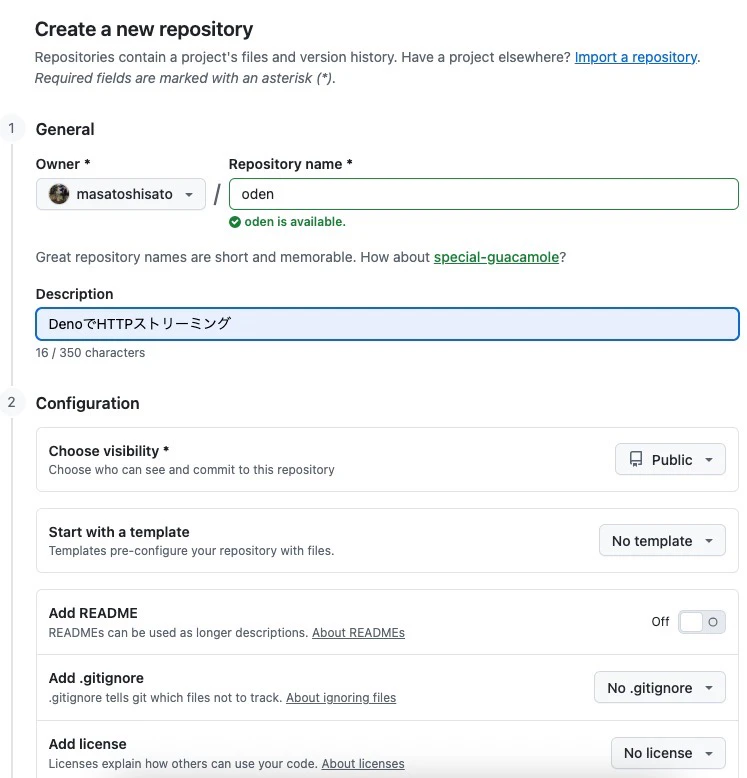
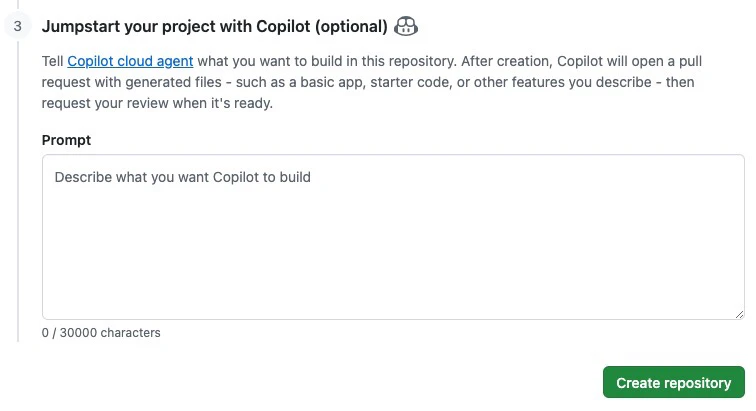
githubリポジトリの作成
conflctしないよう、readme.mdも含めない空のリポジトリを作成。

ローカルリポジトリを作ってcommitまで
対象ソース。
sato@[7:27:39]:~/proj/try/typescript/oden% ls -fal
total 40
drwxr-xr-x   8 sato  staff  256  4 25 07:17 ./
drwxr-xr-x   4 sato  staff  128  4 19 10:51 ../
-rw-r--r--@  1 sato  staff  112  4 22 07:44 index.html
-rw-r--r--@  1 sato  staff  777  4 23 07:45 main.ts
-rw-r--r--   1 sato  staff  143  4 19 10:51 main_test.ts
-rw-r--r--   1 sato  staff  118  4 19 10:51 deno.json
-rw-r--r--   1 sato  staff  514  4 19 10:52 deno.lock
sato@[7:27:41]:~/proj/try/typescript/oden%
最終的にgithubにpushするので、デフォルトブランチをmainする。
ローカルリポジトリ作成
sato@[23:01:25]:~/proj/try/typescript/oden% git init
hint: Using 'master' as the name for the initial branch. This default branch name
hint: will change to "main" in Git 3.0. To configure the initial branch name
hint: to use in all of your new repositories, which will suppress this warning,
hint: call:
hint:
hint:   git config --global init.defaultBranch <name>
hint:
hint: Names commonly chosen instead of 'master' are 'main', 'trunk' and
hint: 'development'. The just-created branch can be renamed via this command:
hint:
hint:   git branch -m <name>
hint:
hint: Disable this message with "git config set advice.defaultBranchName false"
Initialized empty Git repository in /Users/sato/proj/try/typescript/oden/.git/
sato@[7:17:38]:~/proj/try/typescript/oden%
デフォルトブランチをmainに変更
githubのデフォルトに合わせておく。
sato@[7:17:38]:~/proj/try/typescript/oden% git branch -M main
sato@[7:18:04]:~/proj/try/typescript/oden%
git管理したい全てのソースを追加・commit
sato@[7:18:04]:~/proj/try/typescript/oden% git add *
sato@[7:18:16]:~/proj/try/typescript/oden% git status
On branch main

No commits yet

Changes to be committed:
  (use "git rm --cached <file>..." to unstage)
        new file:   deno.json
        new file:   deno.lock
        new file:   index.html
        new file:   main.ts
        new file:   main_test.ts

sato@[7:18:19]:~/proj/try/typescript/oden% git commit -m "first commit."
[main (root-commit) a59e690] first commit.
 5 files changed, 77 insertions(+)
 create mode 100644 deno.json
 create mode 100644 deno.lock
 create mode 100644 index.html
 create mode 100644 main.ts
 create mode 100644 main_test.ts
sato@[7:18:33]:~/proj/try/typescript/oden%
github のリポジトリを紐付け
sato@[7:18:33]:~/proj/try/typescript/oden% git remote add origin https://github.com/masatoshisato/doen.git
sato@[7:18:56]:~/proj/try/typescript/oden%
github へプッシュ
sato@[7:18:56]:~/proj/try/typescript/oden% git push -u origin main
Enumerating objects: 7, done.
Counting objects: 100% (7/7), done.
Delta compression using up to 8 threads
Compressing objects: 100% (7/7), done.
Writing objects: 100% (7/7), 1.29 KiB | 442.00 KiB/s, done.
Total 7 (delta 0), reused 0 (delta 0), pack-reused 0 (from 0)
To https://github.com/masatoshisato/doen.git
 * [new branch]      main -> main
branch 'main' set up to track 'origin/main'.
sato@[7:19:13]:~/proj/try/typescript/oden%
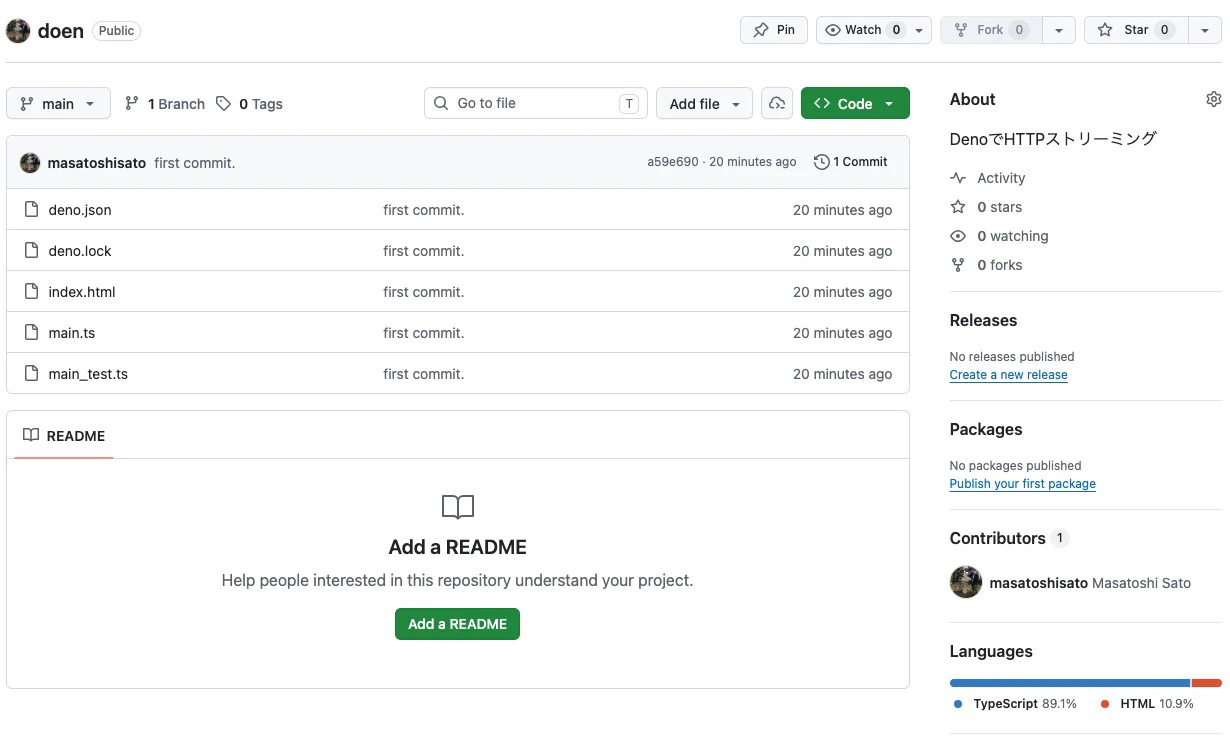
githubリポジトリの確認